
How to create a trailer using imovie

Using a storyboard as a guide, you can add a video clip from the camera roll of your iPhone or iPad to create fun, professional movie trailers.

34
STEPS
TOOLS

Create an outline for movie credits (left)

Create an outline for movie credits (left)

Add video segments the storyboard on the left (the story board includes segments labeled "close up " and "action" to help with framing each section).

Add video segments the storyboard on the left (the story board includes segments labeled "close up " and "action" to help with framing each section).

Scrub through video by swiping with your finger (bottom right) to locate scenes for your trailer.
Scrub through video by swiping with your finger (bottom right) to locate scenes for your trailer.

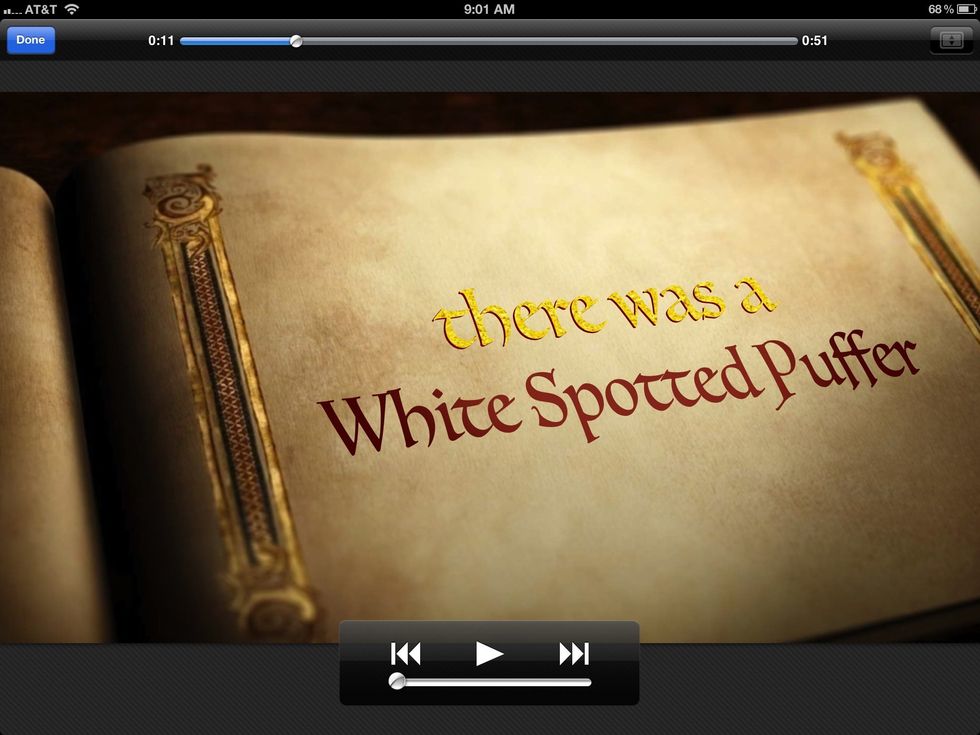
Play your finished video.

Play your finished video.

  • iMovie
  • iPhone
  • or iPad
  • Video clip