
The Conversation (0)
Sign Up
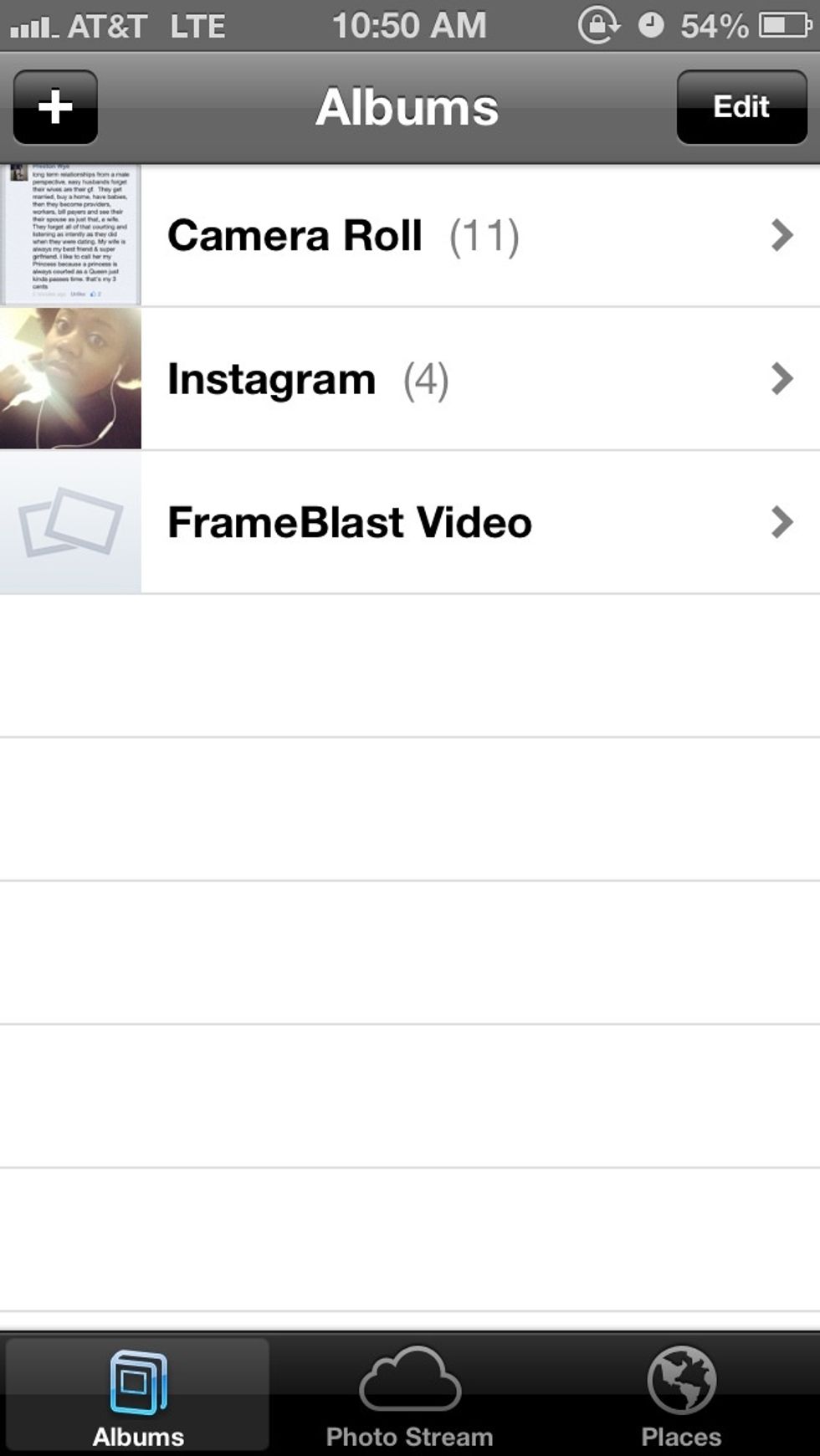
Click whichever folder you want the pics out of
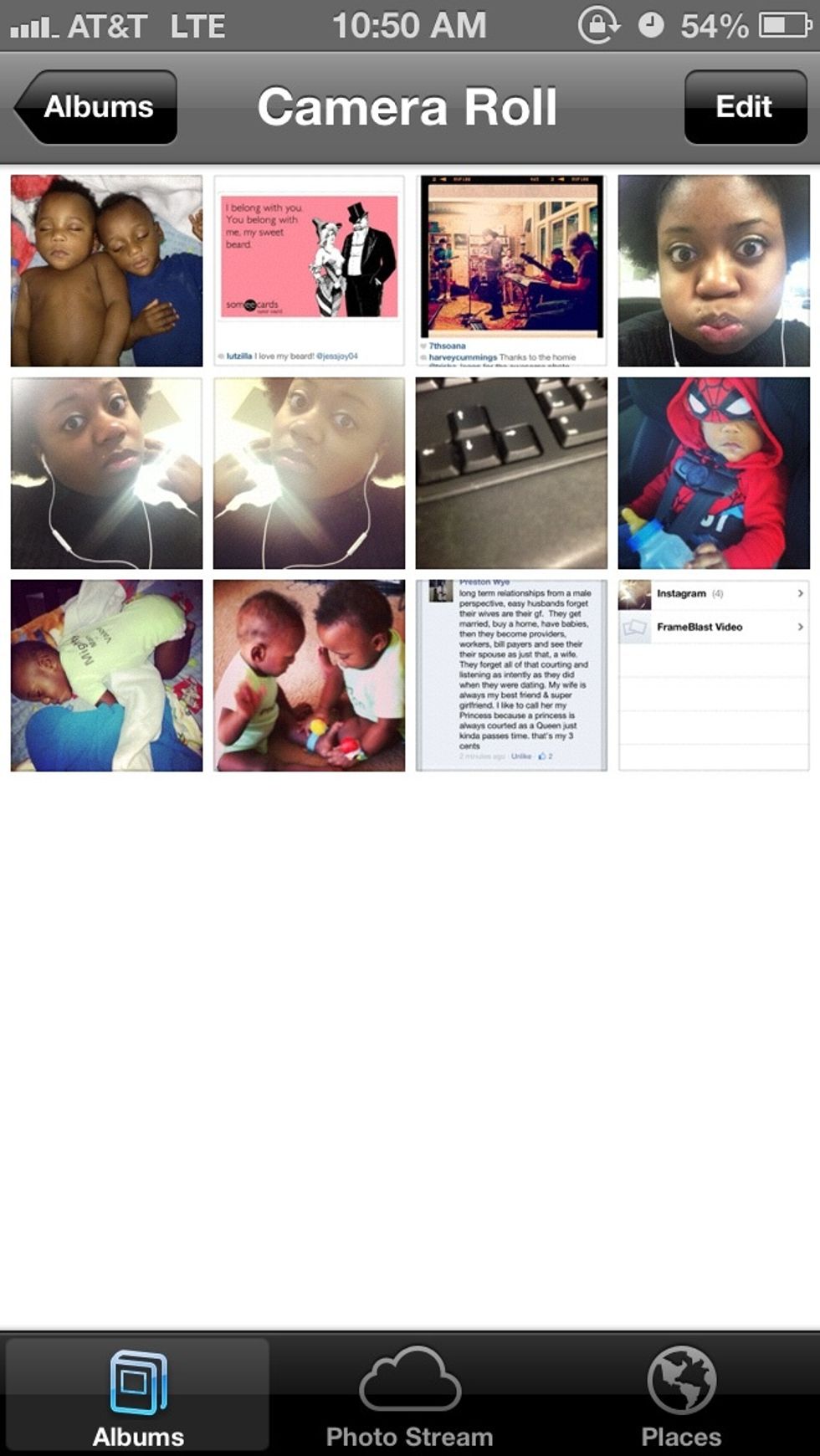
Click the edit button to choose multiple pics
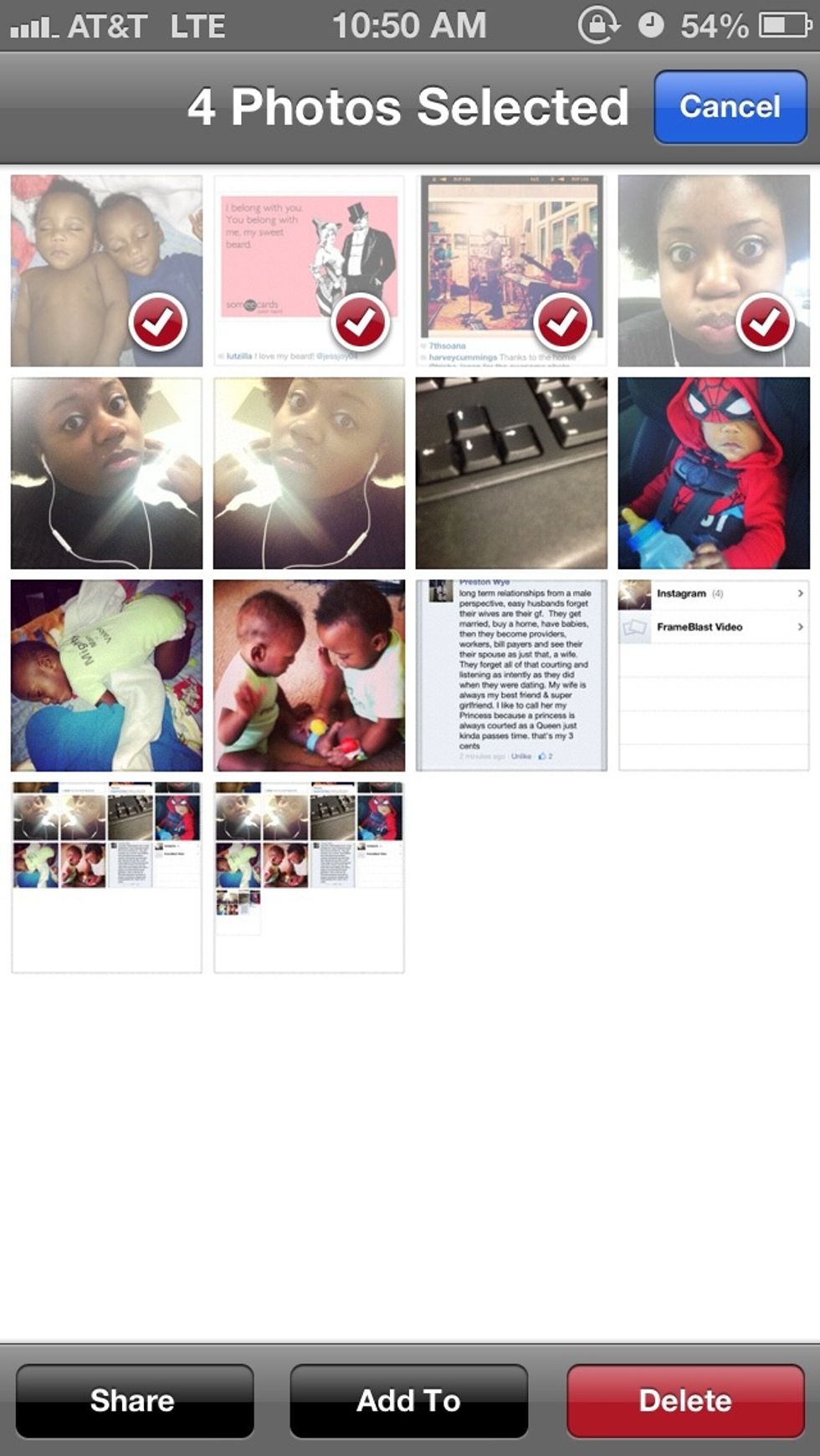
Once checked click the share option bottom left
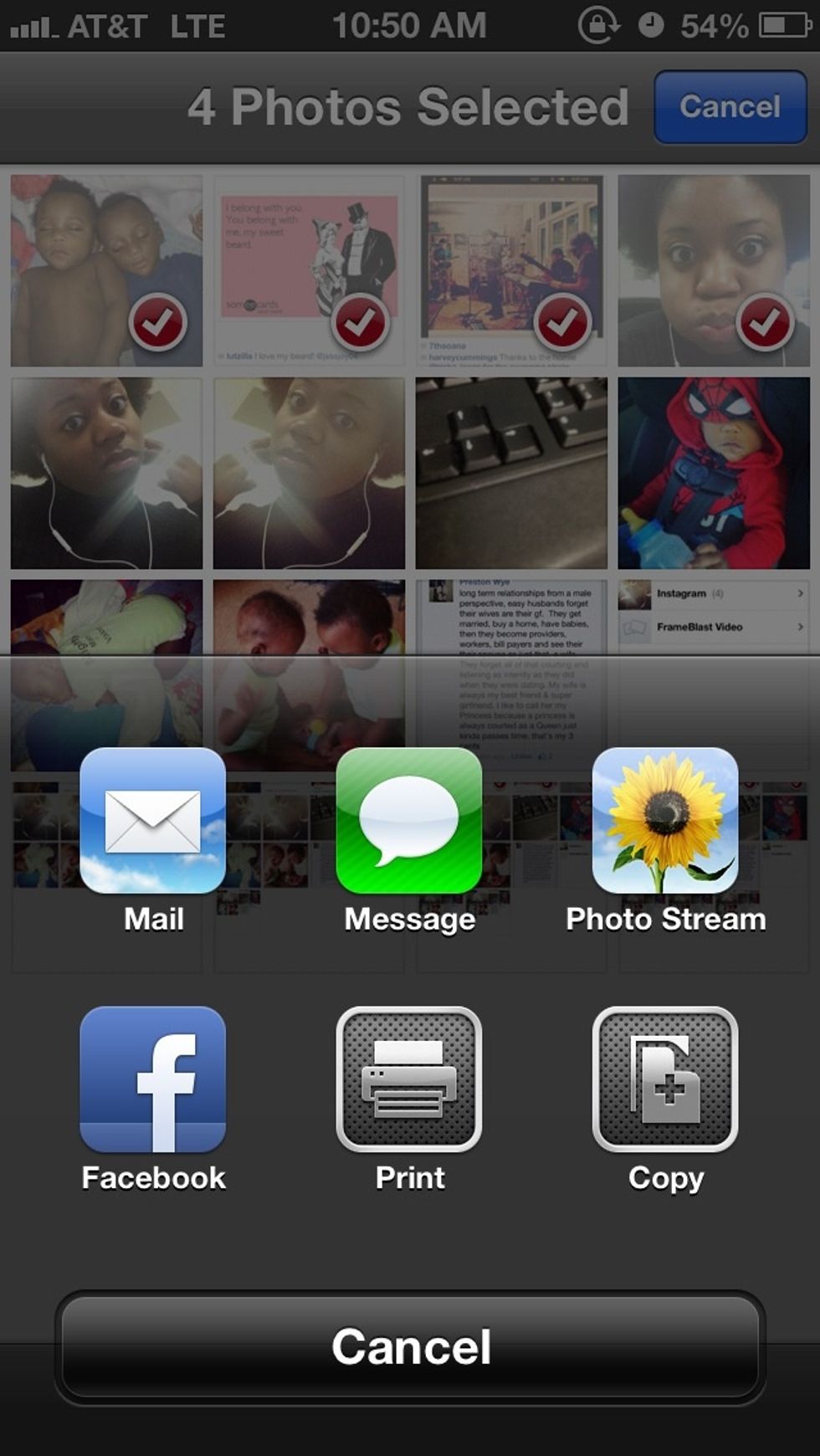
Choose Photostream
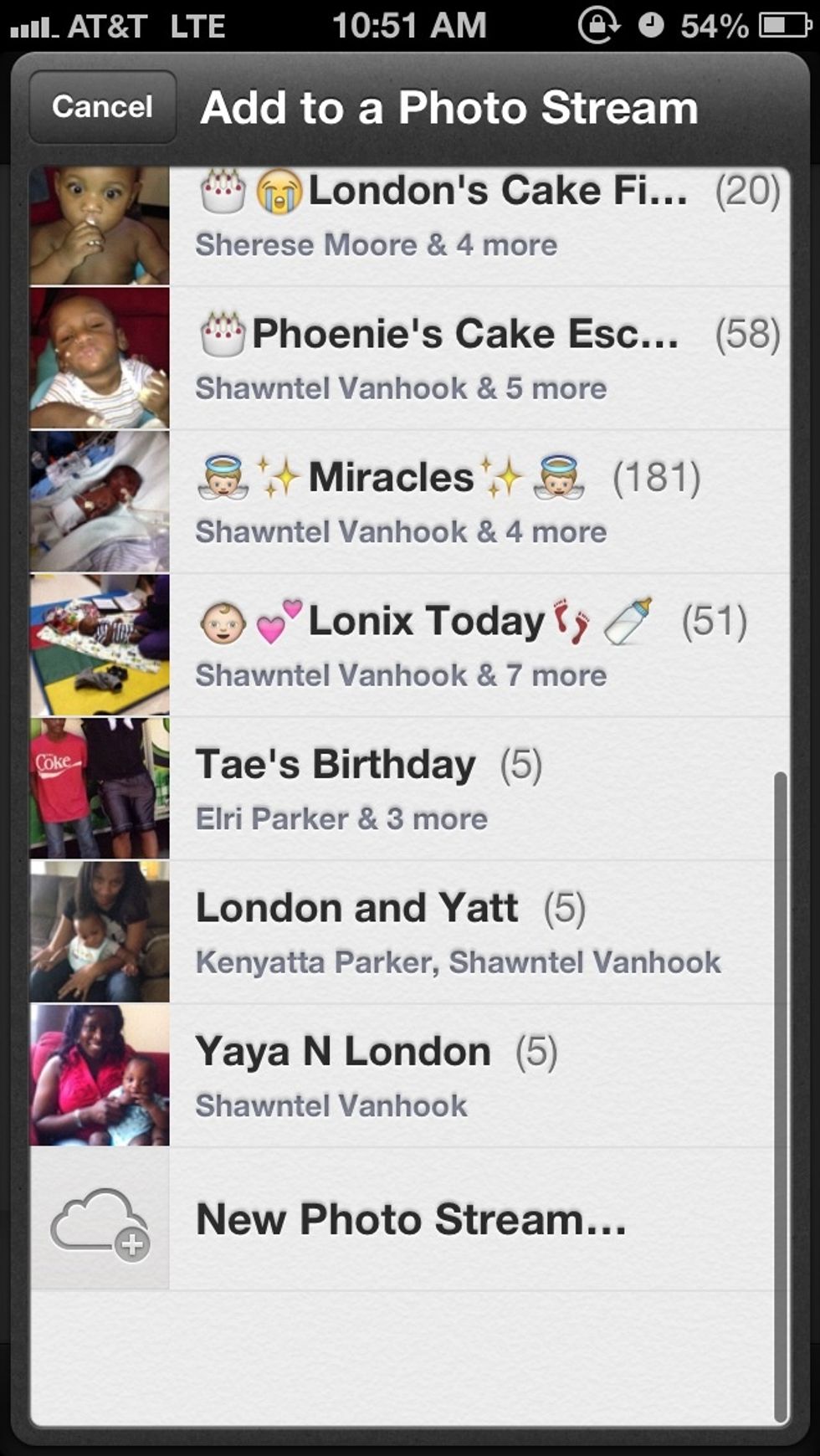
Click New Photo Stream
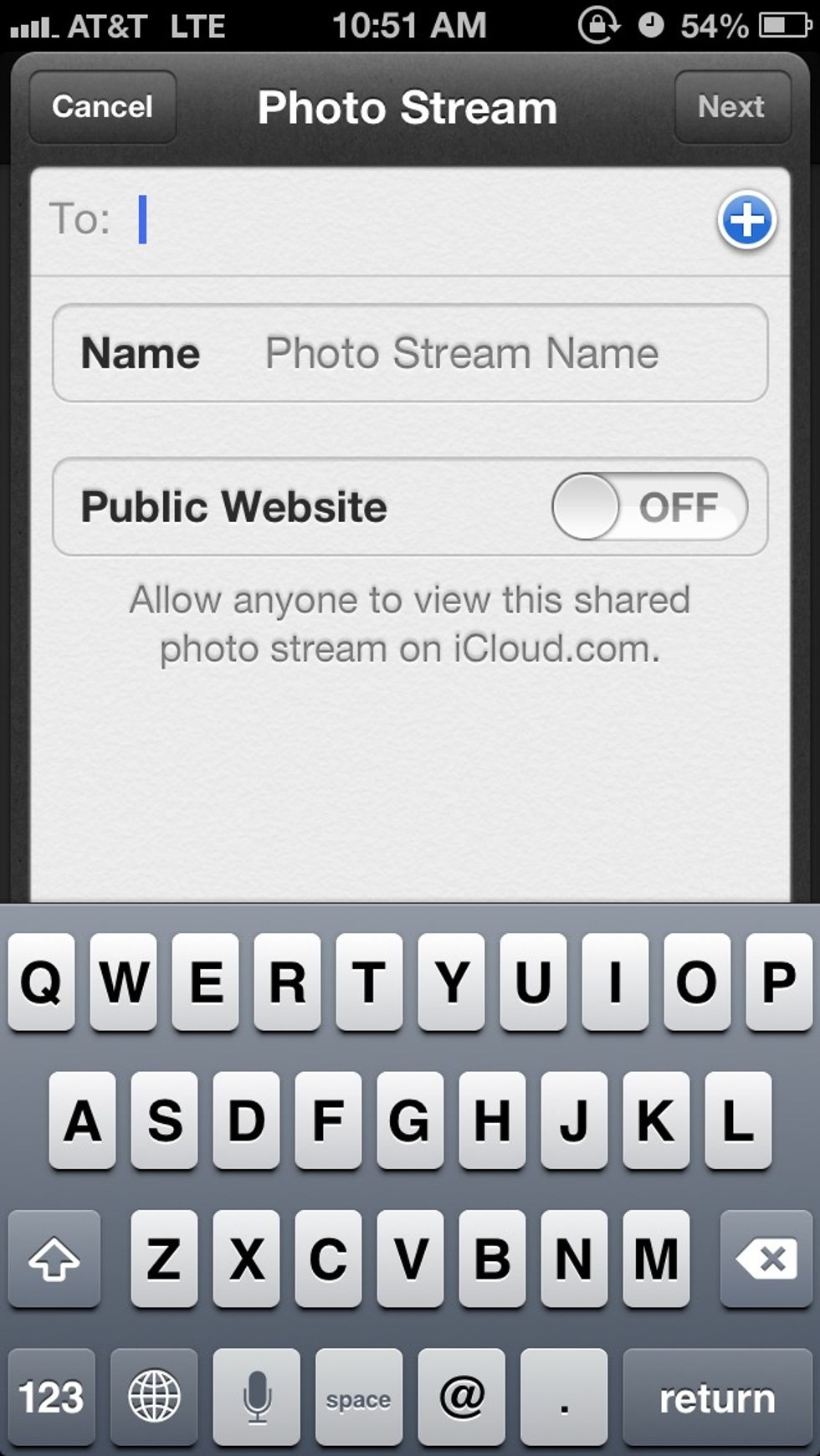
Click the + to add multiple existing contacts or just type the email address
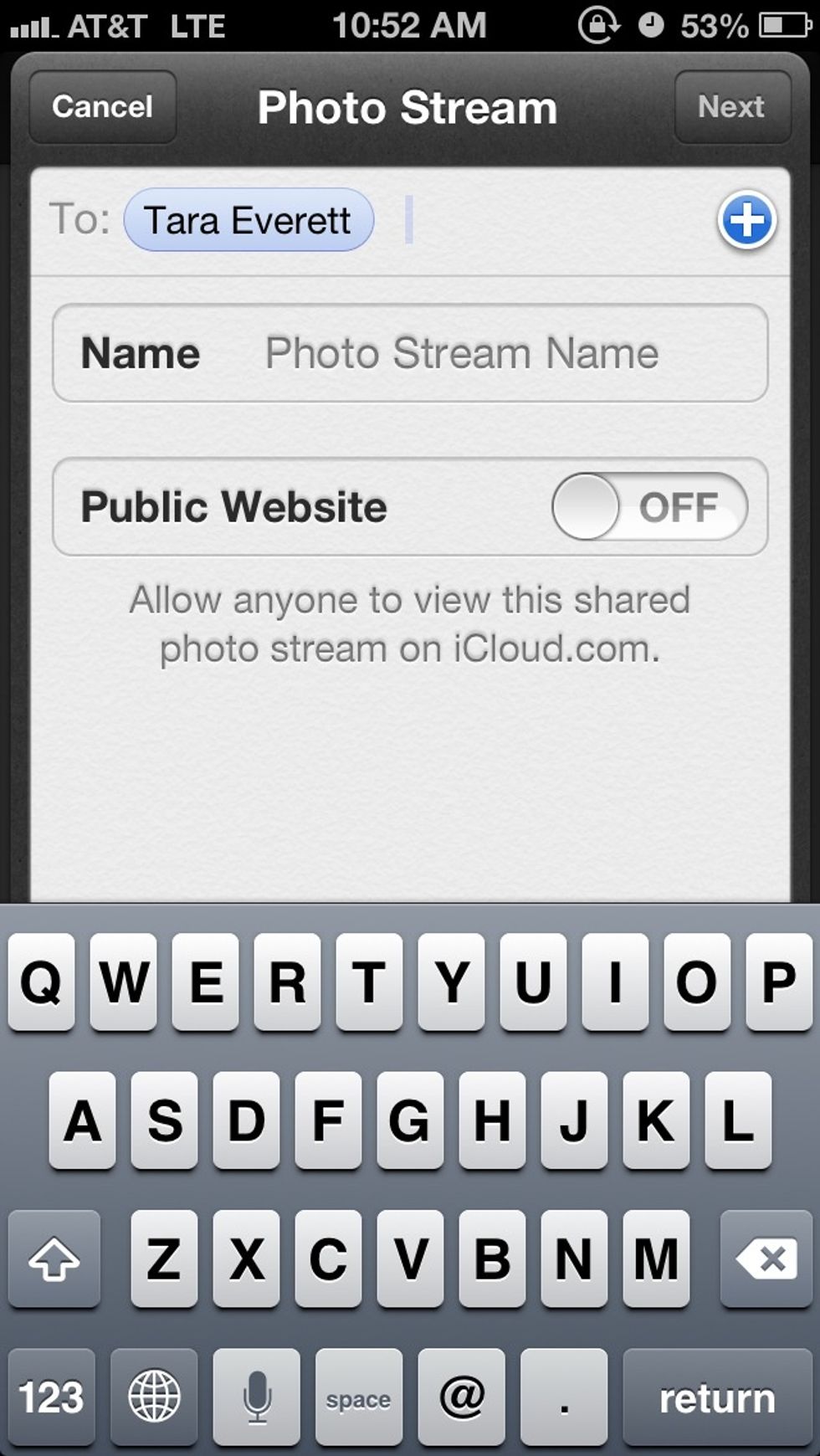
When all the contacts are added click next and that's it!