
The Conversation (0)
Sign Up
Learn how to make cool logo designs in a matter of minutes on your iPhone with a free app called Shapely.
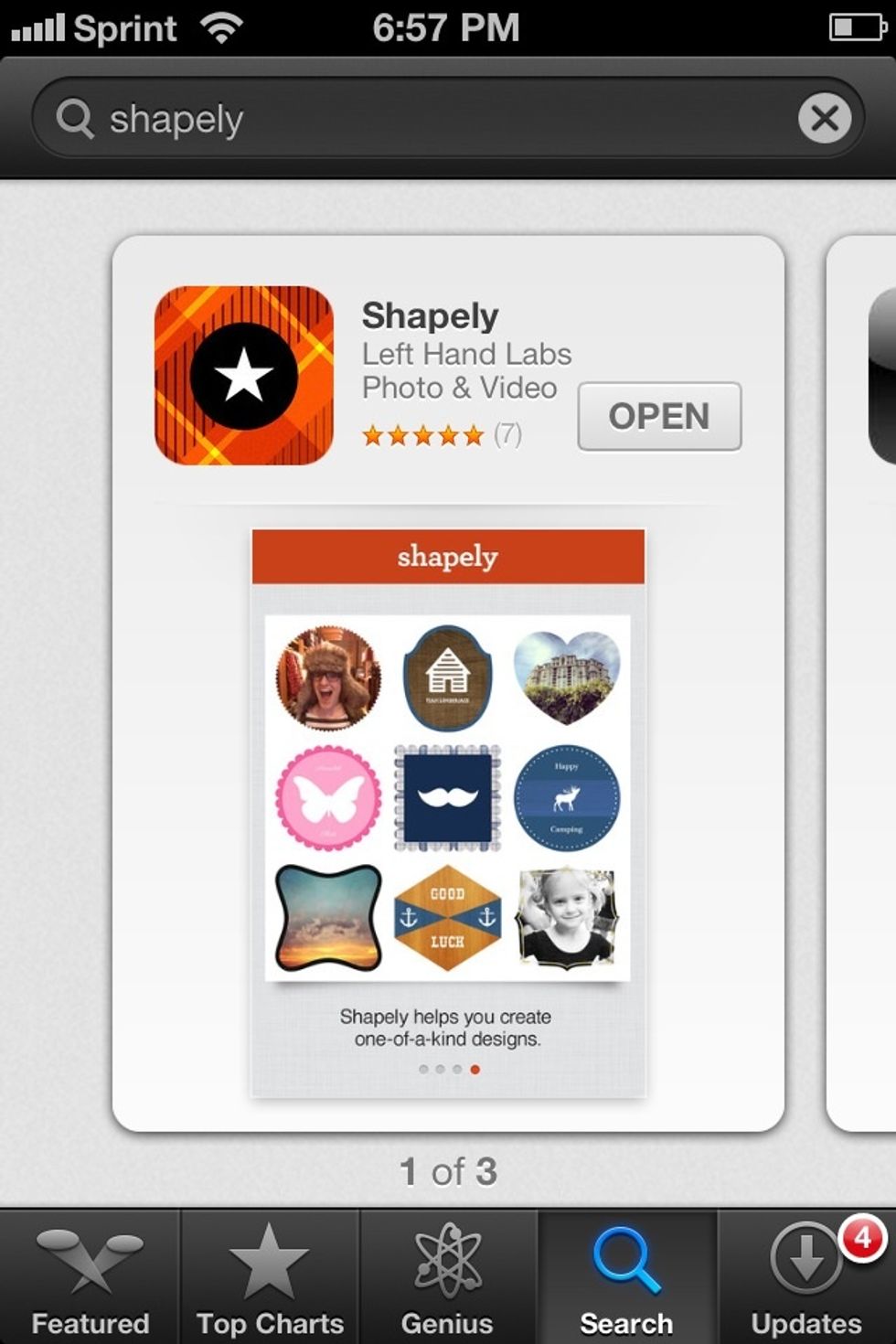
You will need an app called Shapely to make your design.
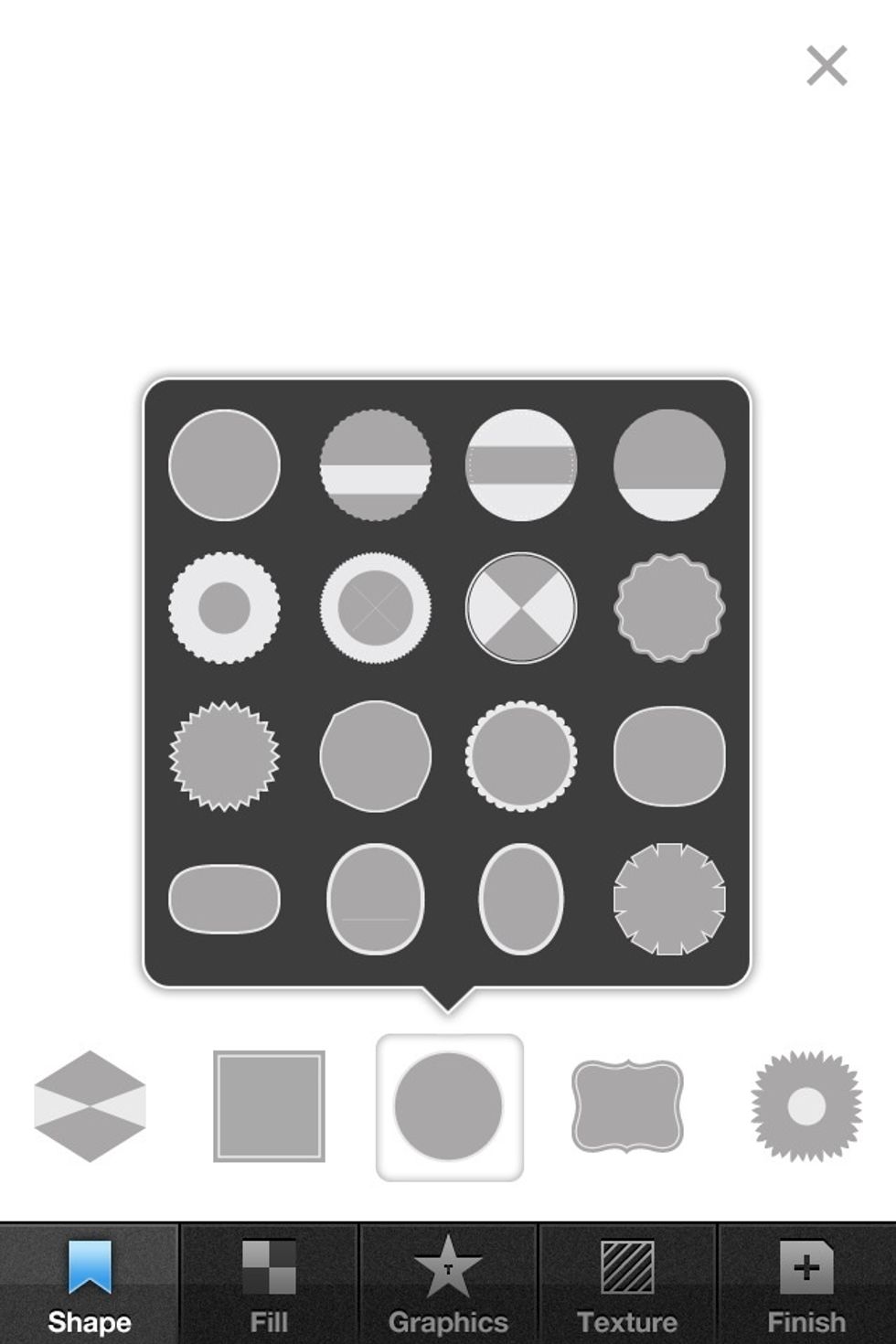
Pick a shape from the app that appeals to your personal style.
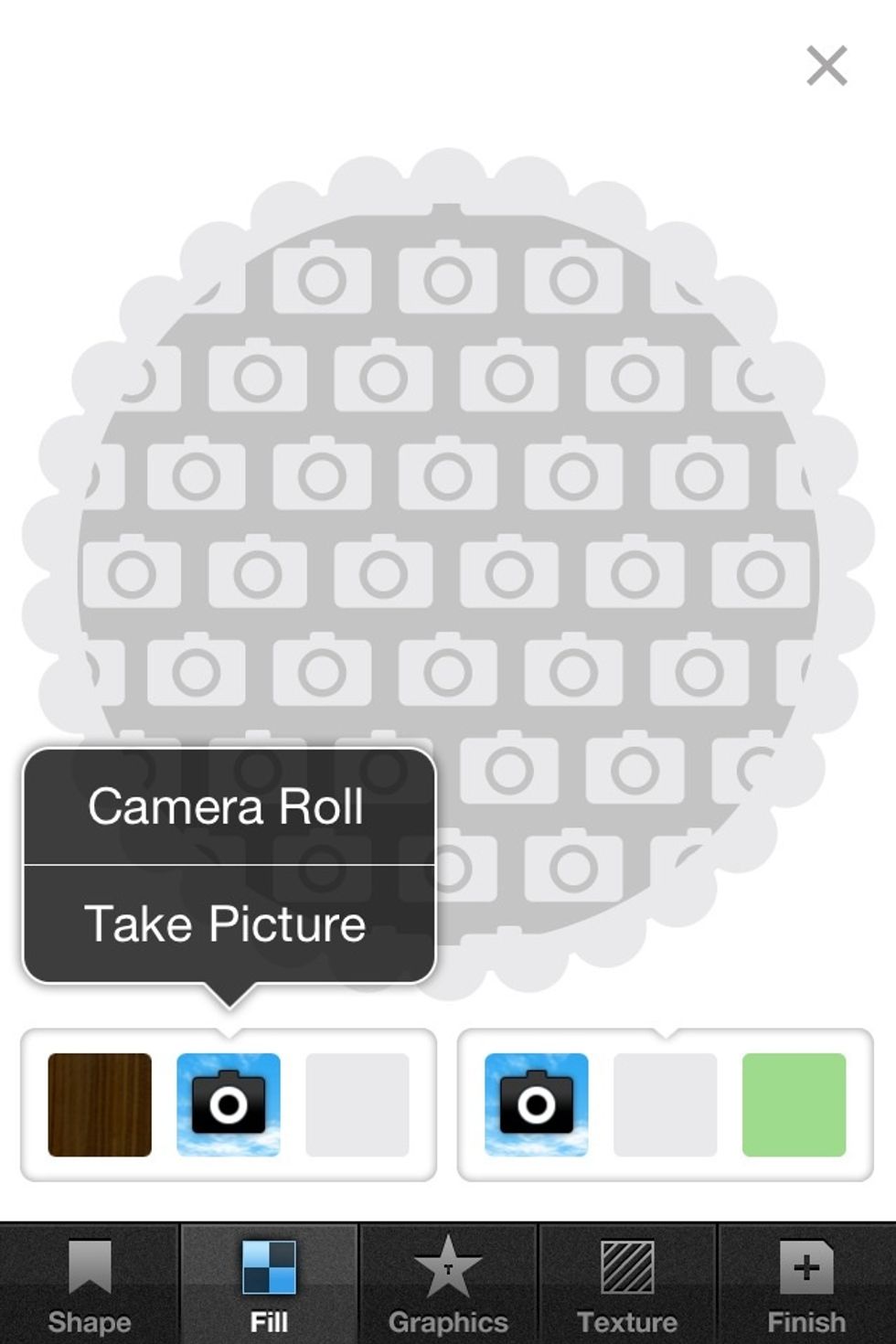
We chose a flowery circle shape.
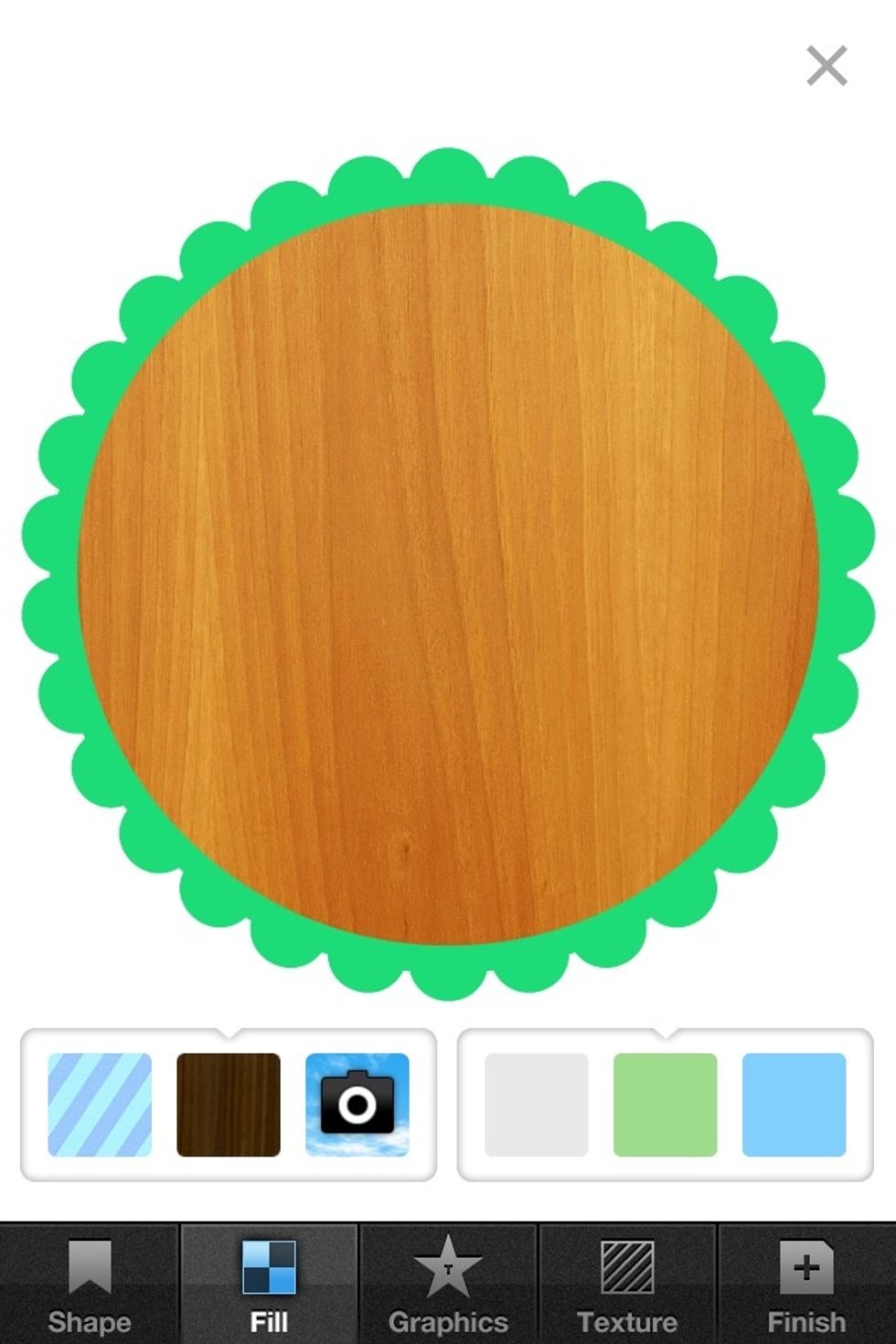
Play around with colors until you are happy with the color scheme.
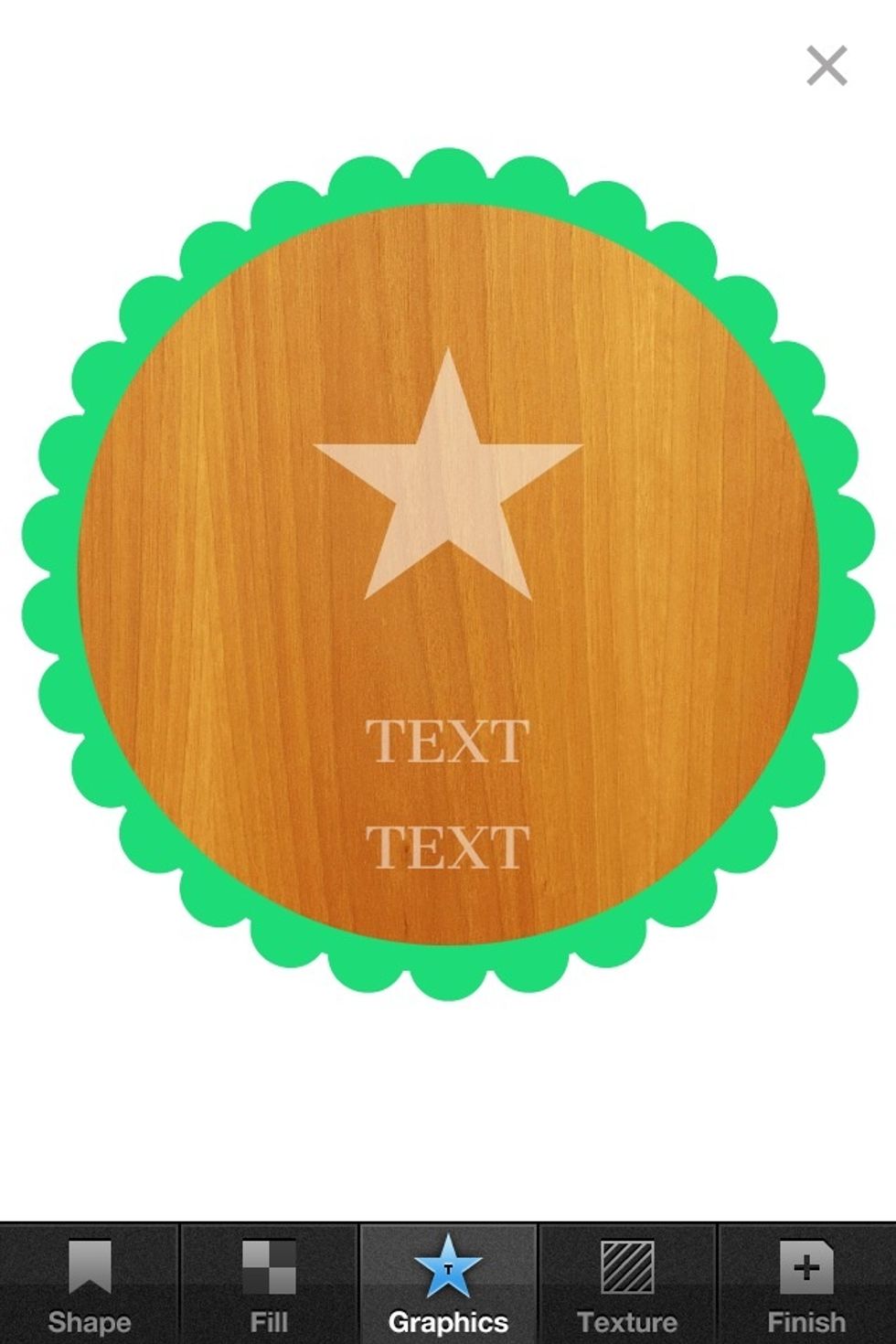
Tap on graphics tab and touch the elements you want to use.
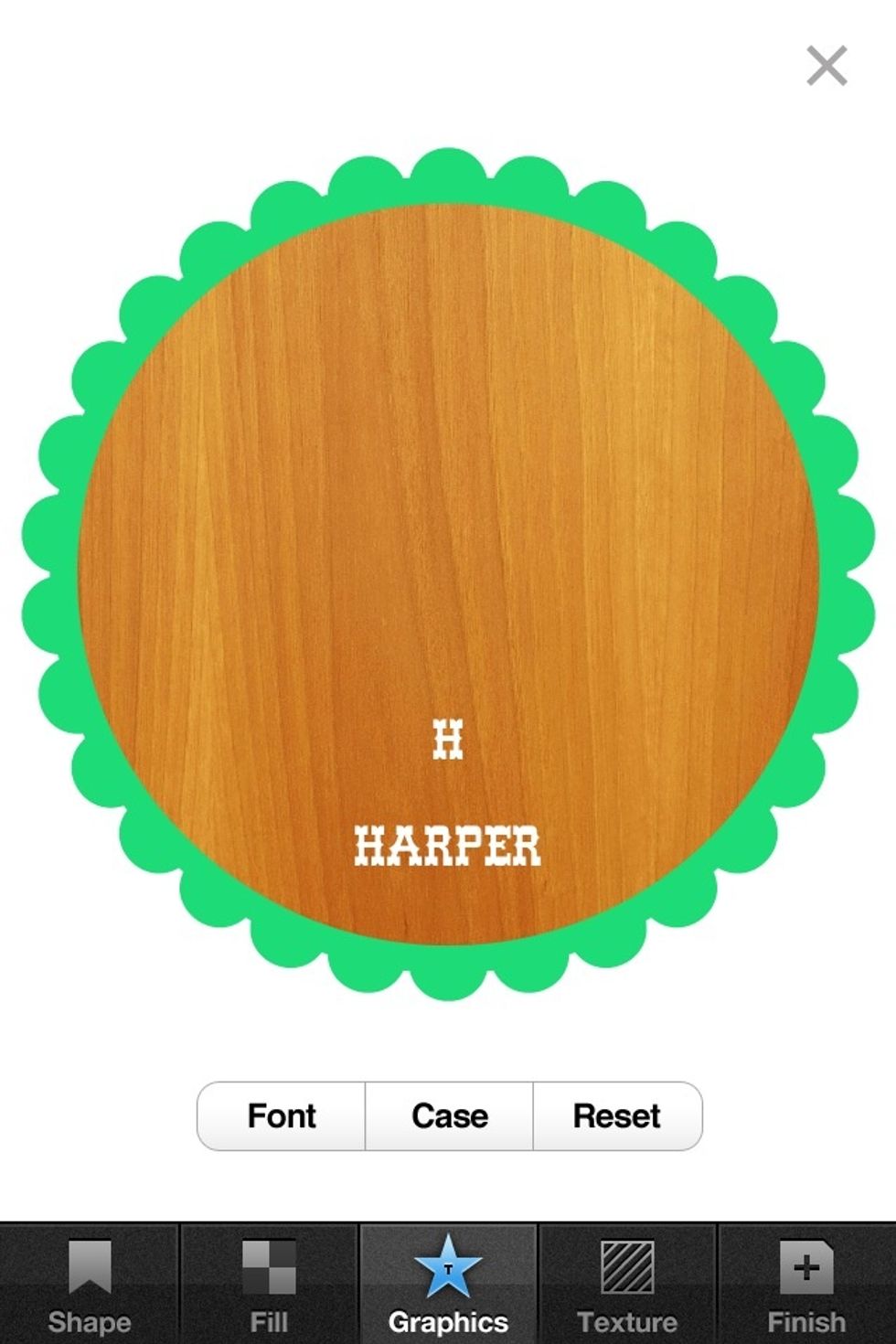
Type in the text you want, and drag any elements you don't want off to the side. Customize fonts until you are happy.
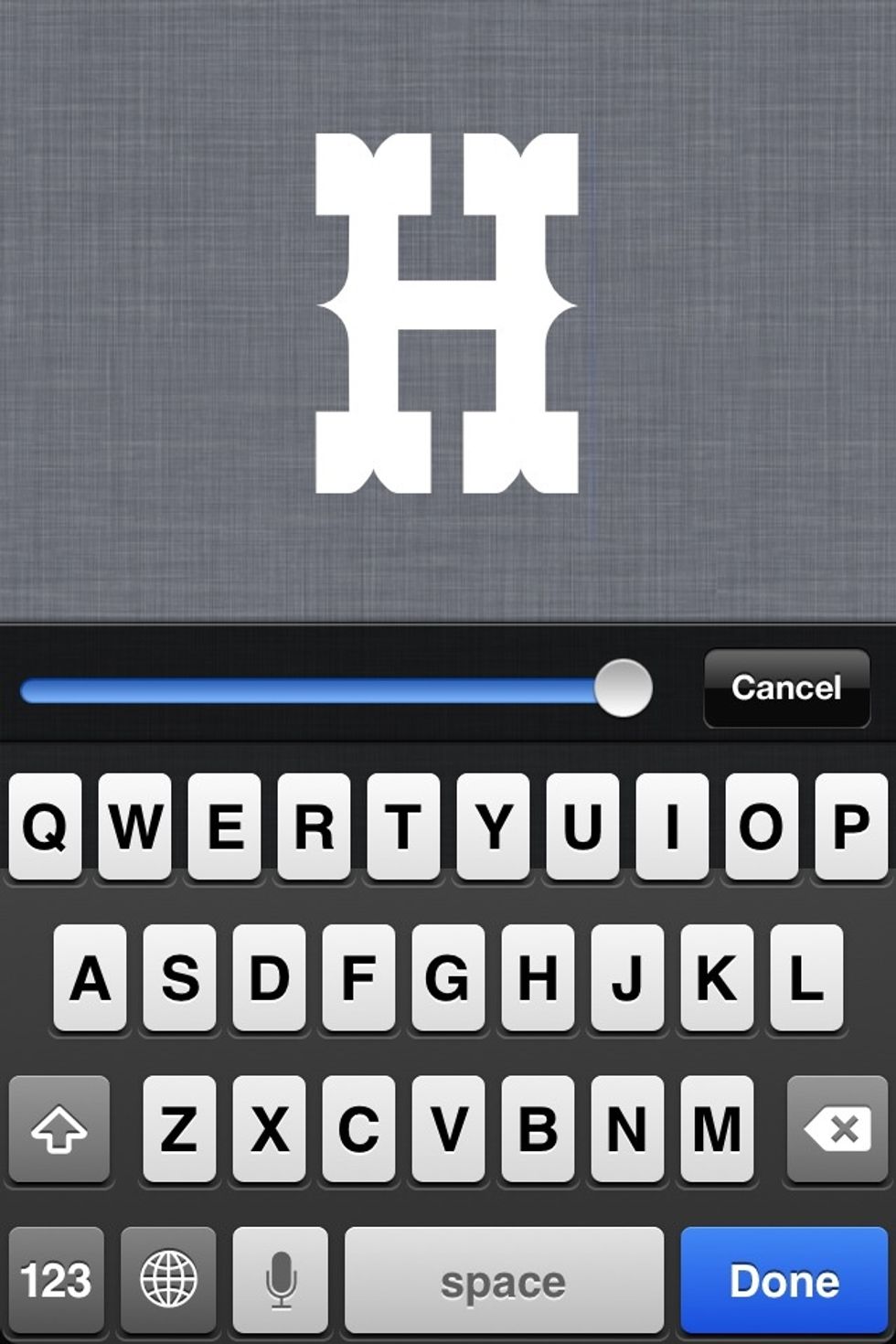
Double tap on text you want to enlarge, drag slider to make it bigger.
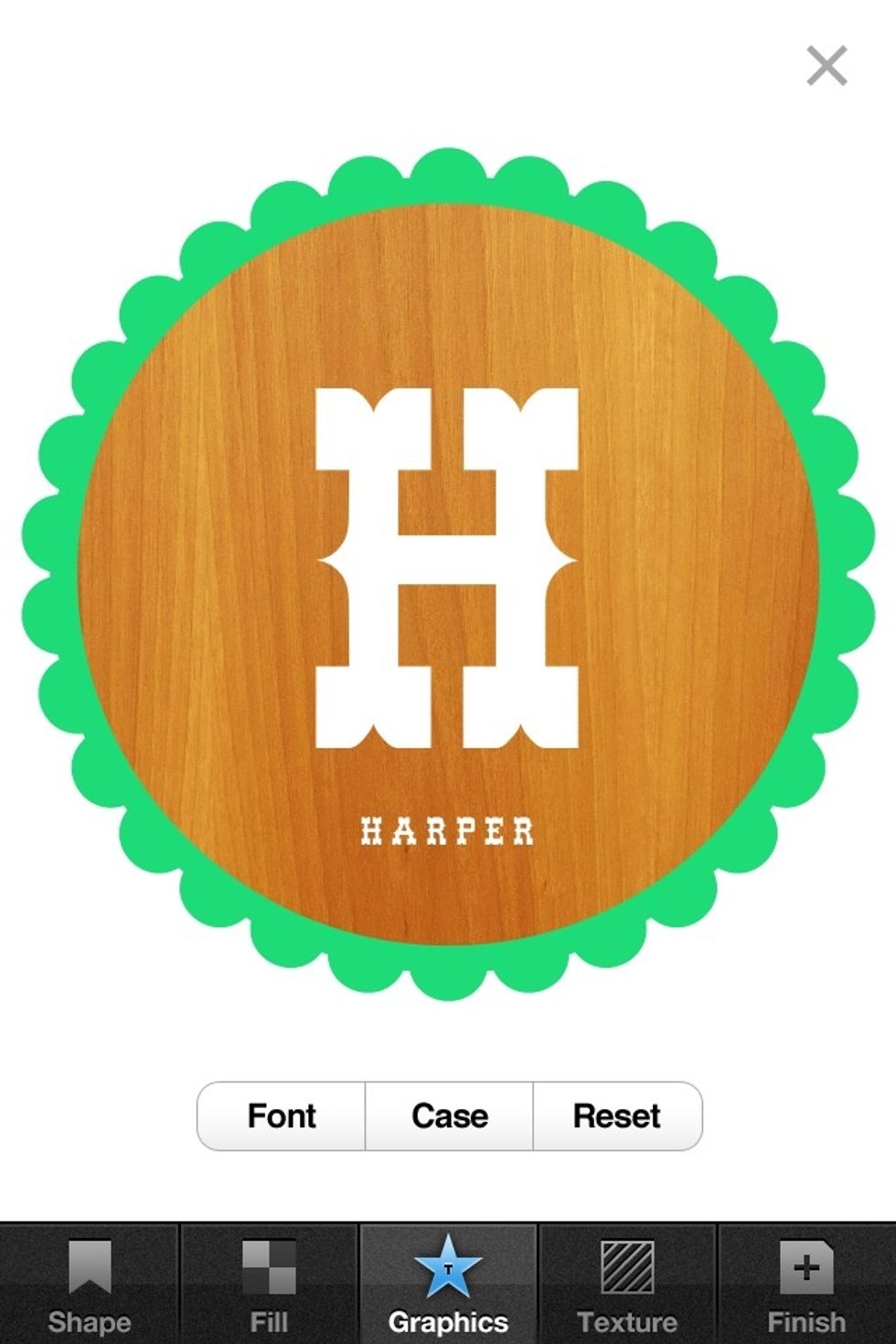
Move and scale text until it looks good.
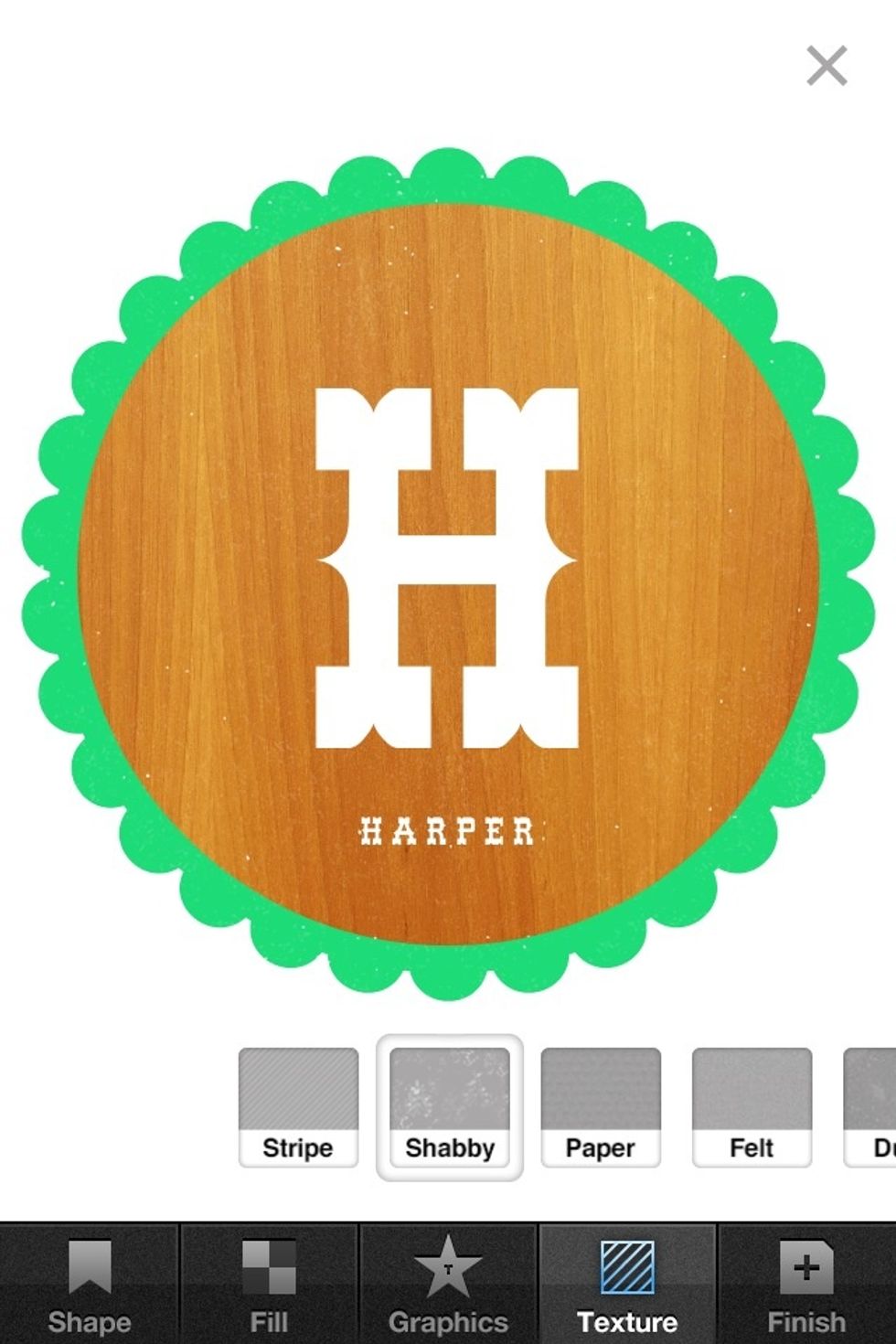
OPTIONAL: Add a texture from the texture tab if you like.
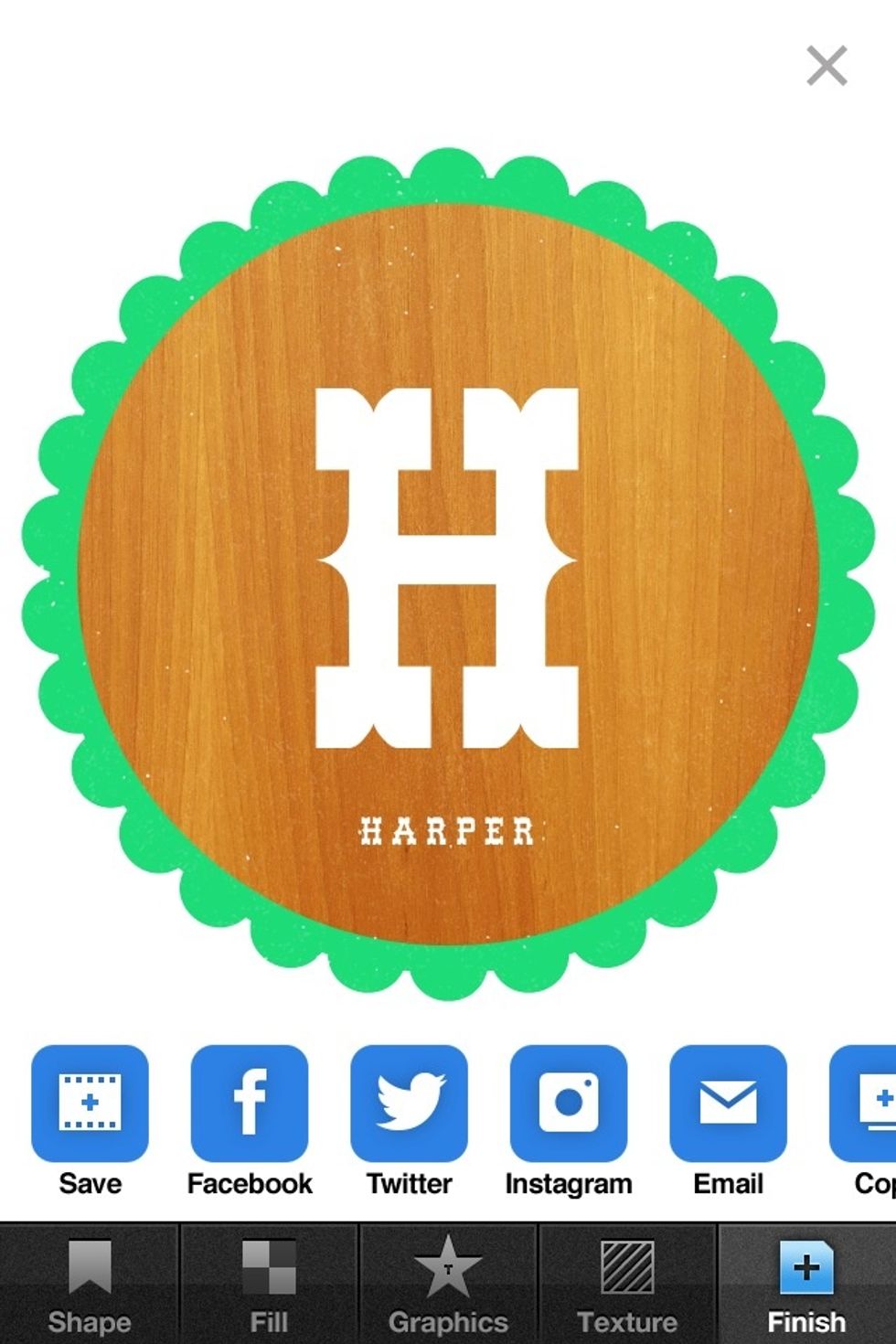
Go to finish tab, save and export wherever you want.

Hope you enjoyed the tutorial!

The possibilities are limited only by your imagination.