
The Conversation (0)
Sign Up
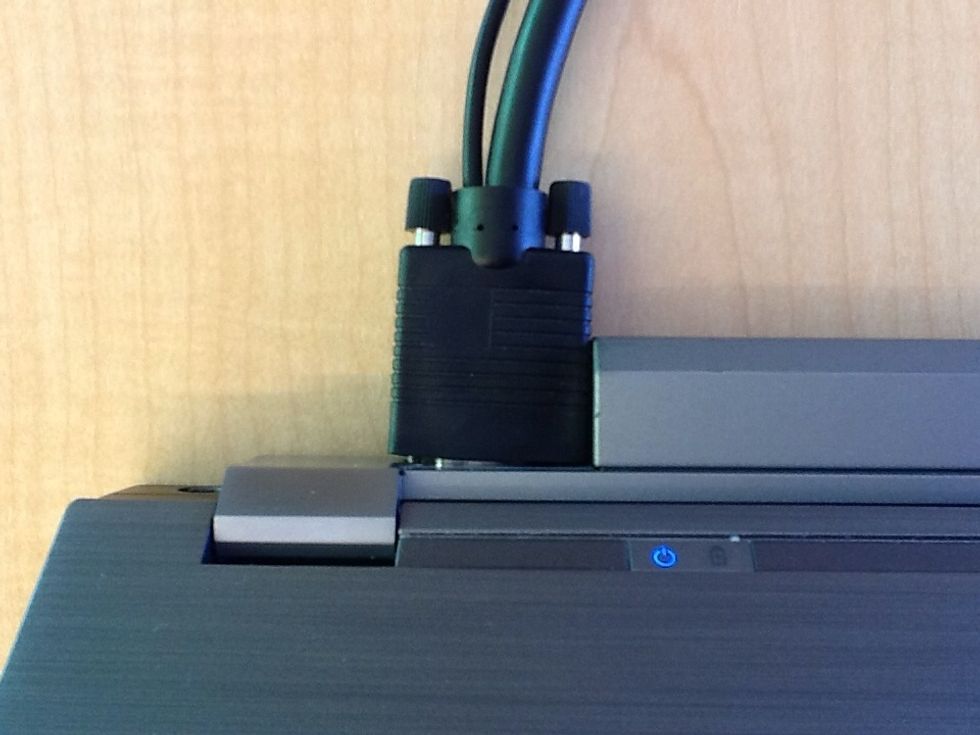
Plug the VGA cable that is provided into the port on the laptop.
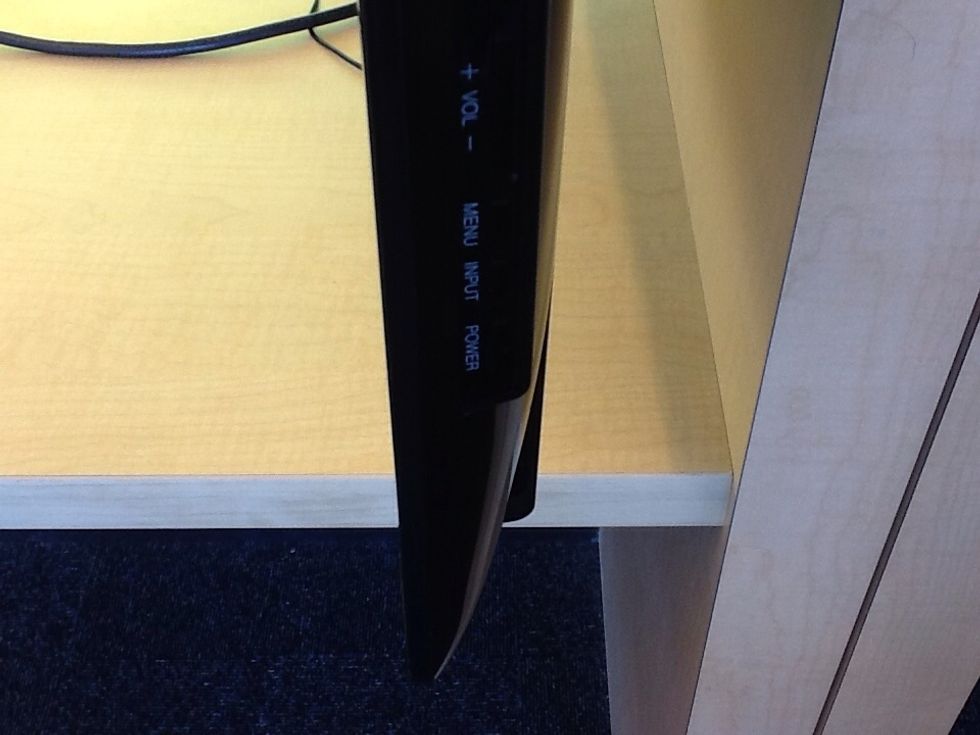
The TV should turn on automatically but sometimes it does not, press the power button on the right side of the TV if it does not turn on after a few seconds.
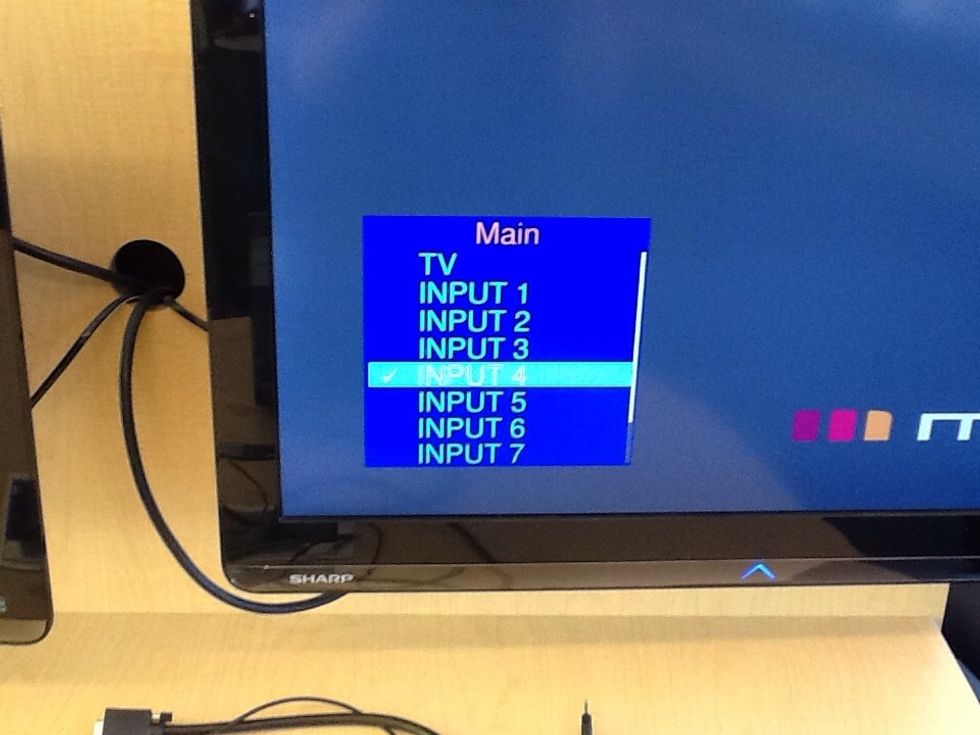
If the TV monitor is blank, ensure it is on the right input by pressing the input button on the right side of the TV until Input 4 (PC-IN) is selected.
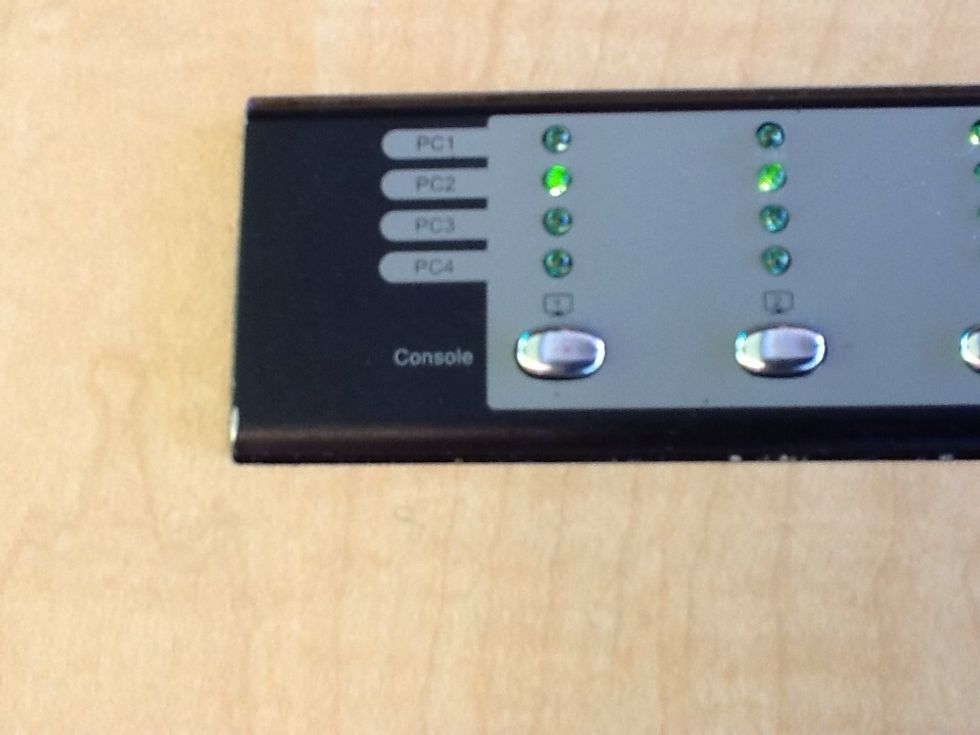
On the sandbox table use the control panel (4 buttons); press the button (only first 2 are required) until the PC light of the number the laptop is plugged into is selected.
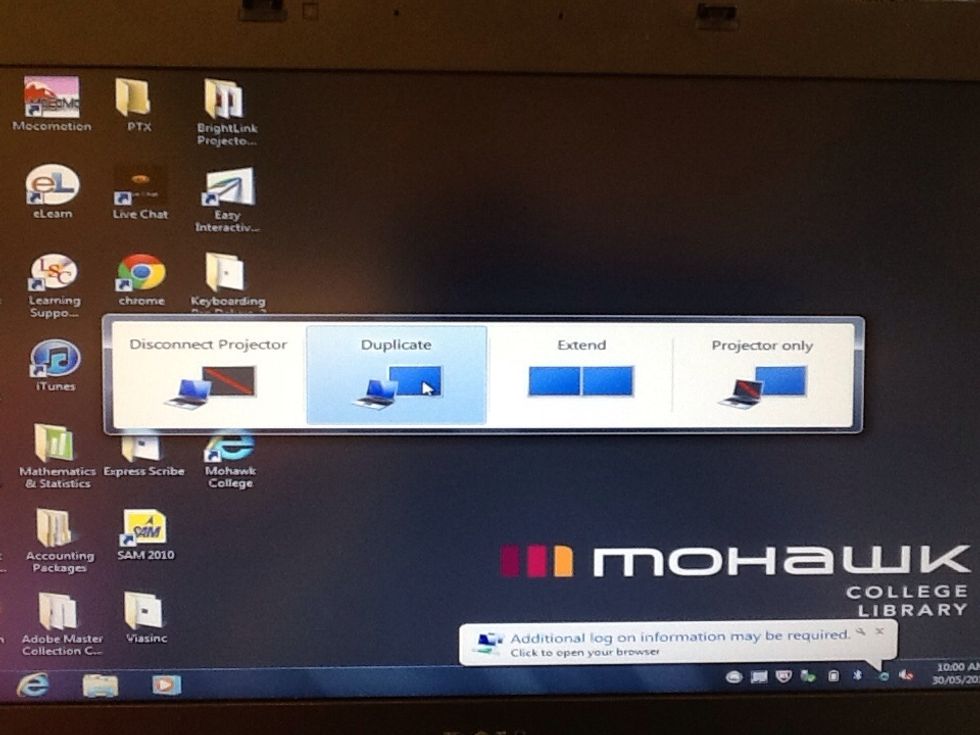
This step may be different for the different brands of laptops. Press the Windows key + P key combination, this will open the display window, select duplicate to display screen.
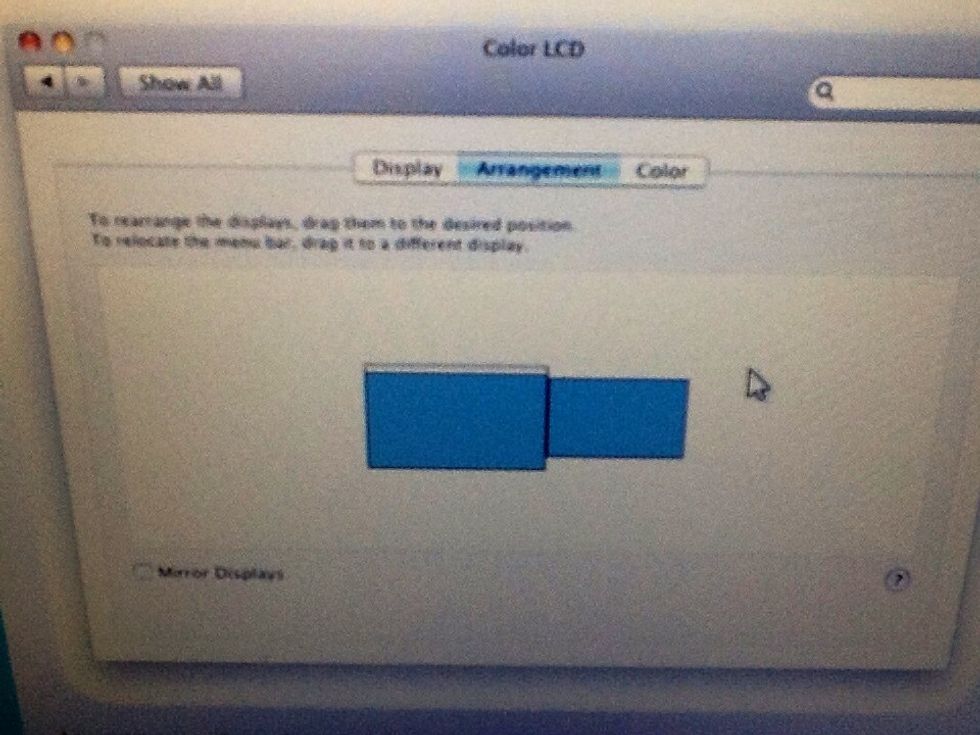
For MAC users, from the Apple menu select system preferences and open the View menu, select Displays, click the Arrangement tab, and uncheck Mirror displays.
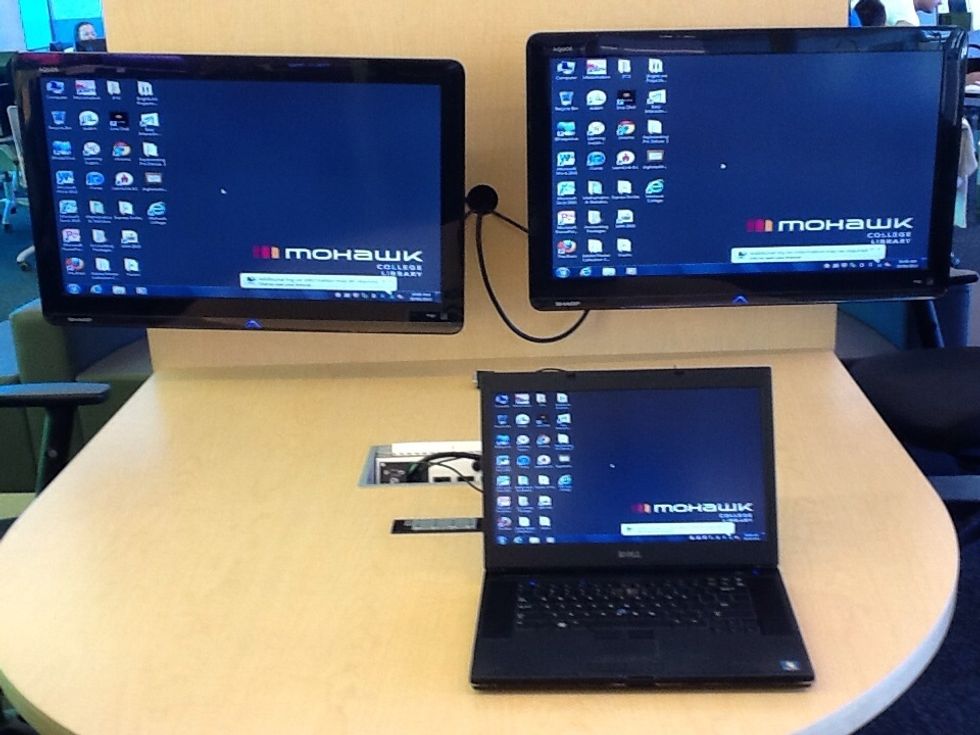
The laptop should now be displayed in the monitor.
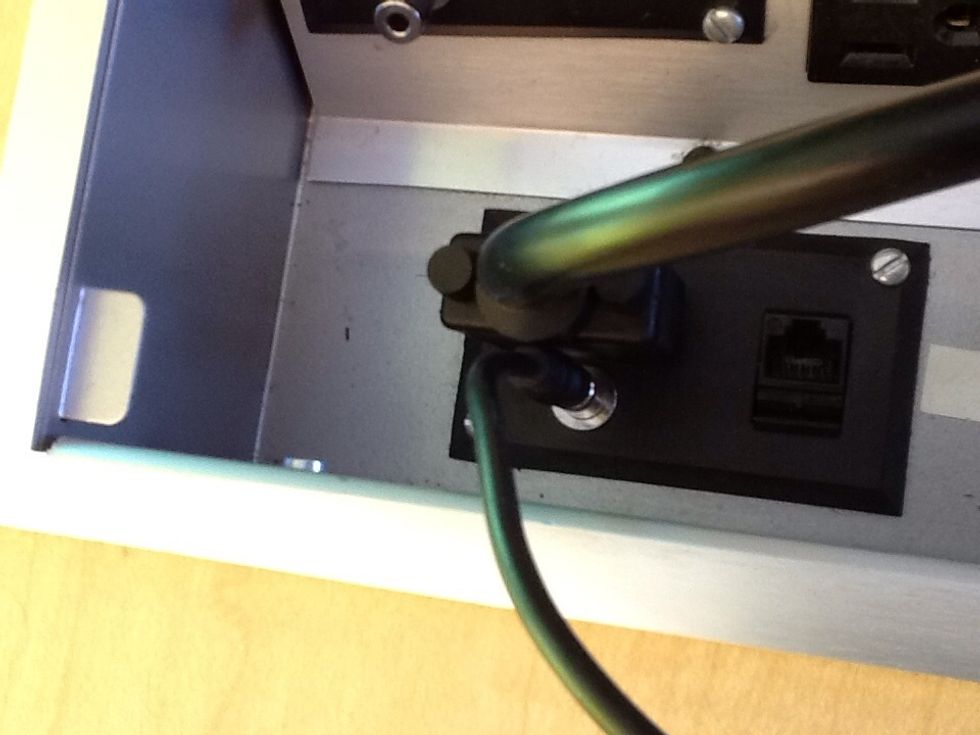
To allow sound to be played through the monitors, plug the thin black cable that is attached to the VGA cable into the audio port on the sandbox and the audio port on the laptop.