
The Conversation (0)
Sign Up
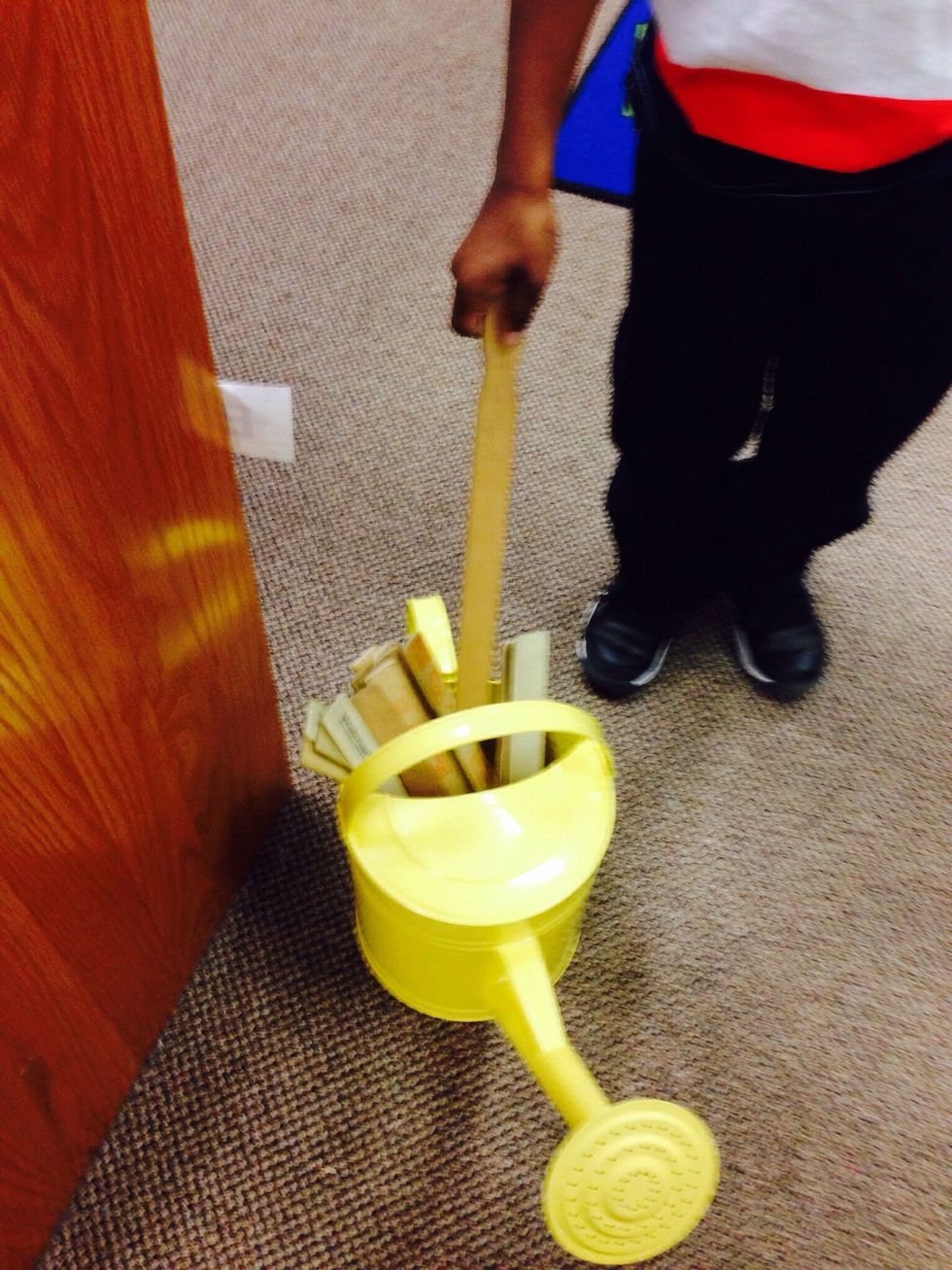
1. First you should get a shelf marker.
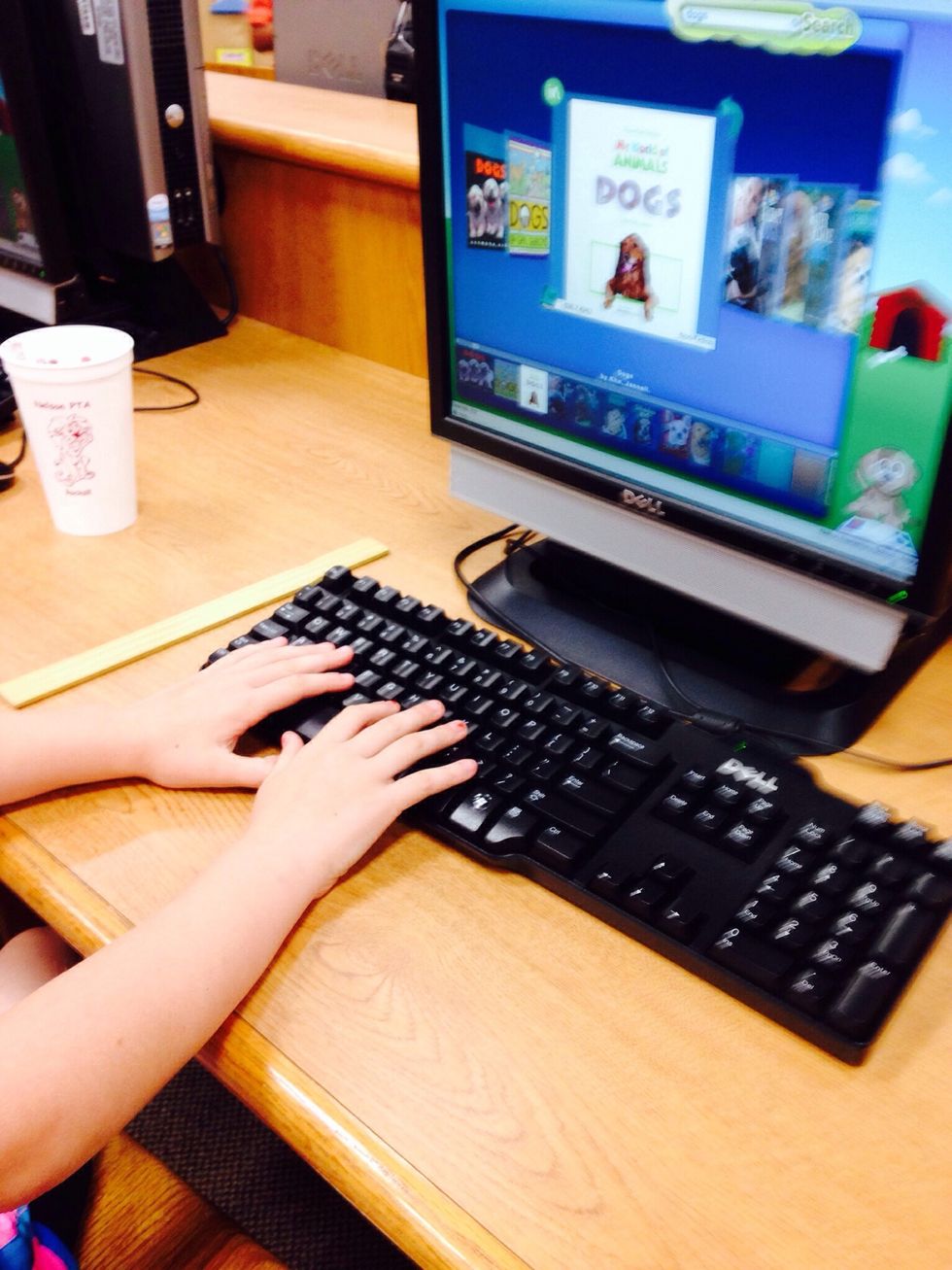
2. You can go to the computer and look for a book that you want to check out on the Kids' Catalog.
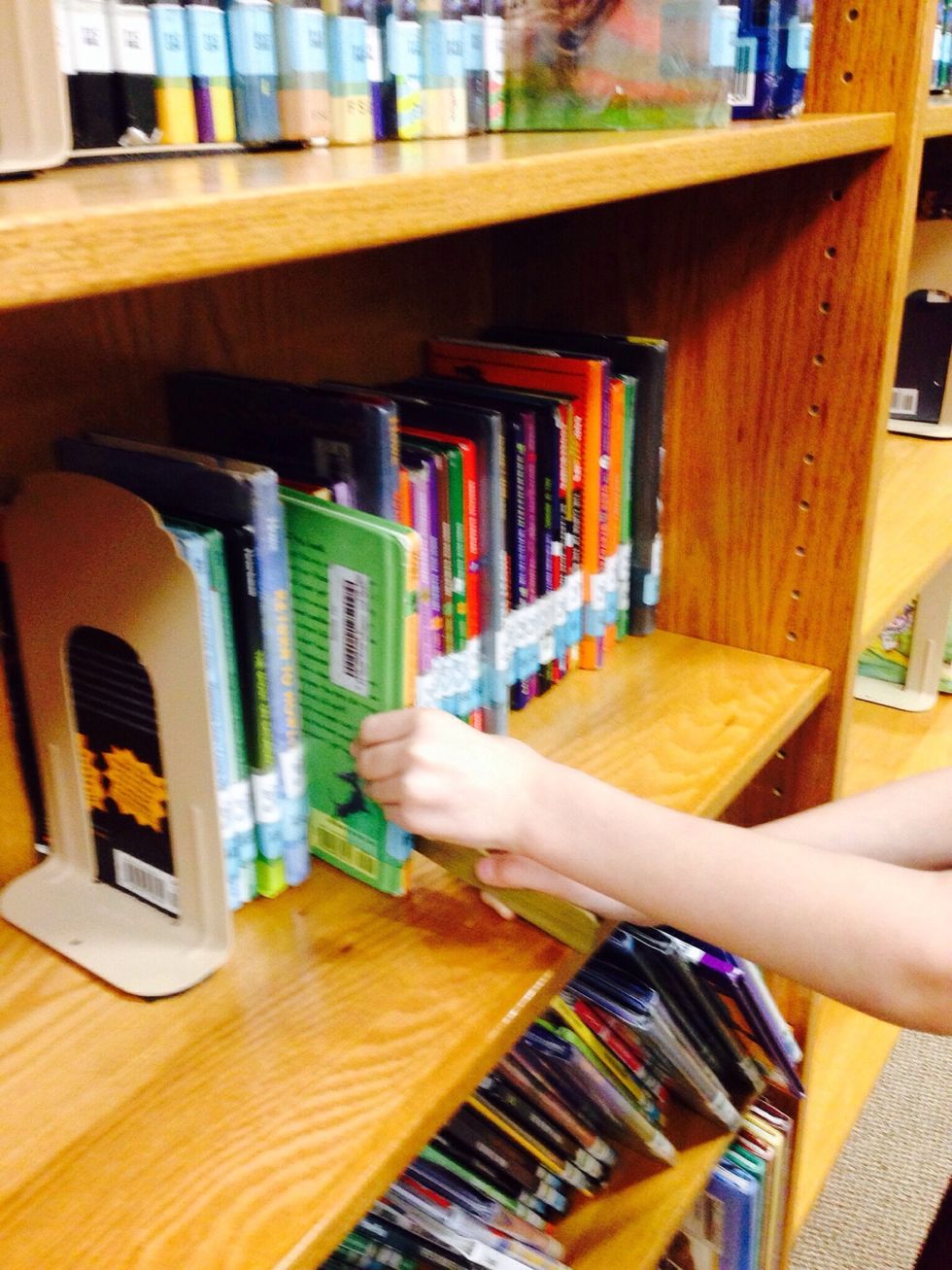
3. You can also walk around the library and browse the shelves.
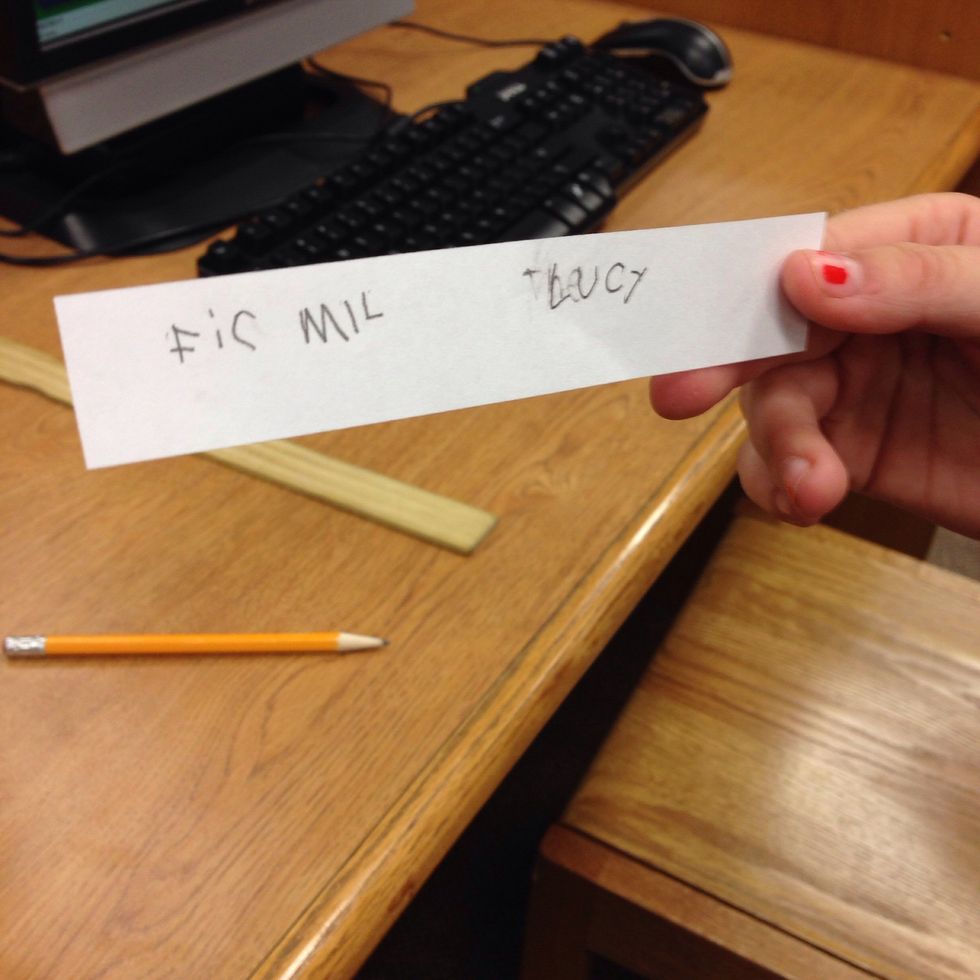
4. If you find a book in the online catalog, you will need to get a small piece of paper and write down the title and the call number.
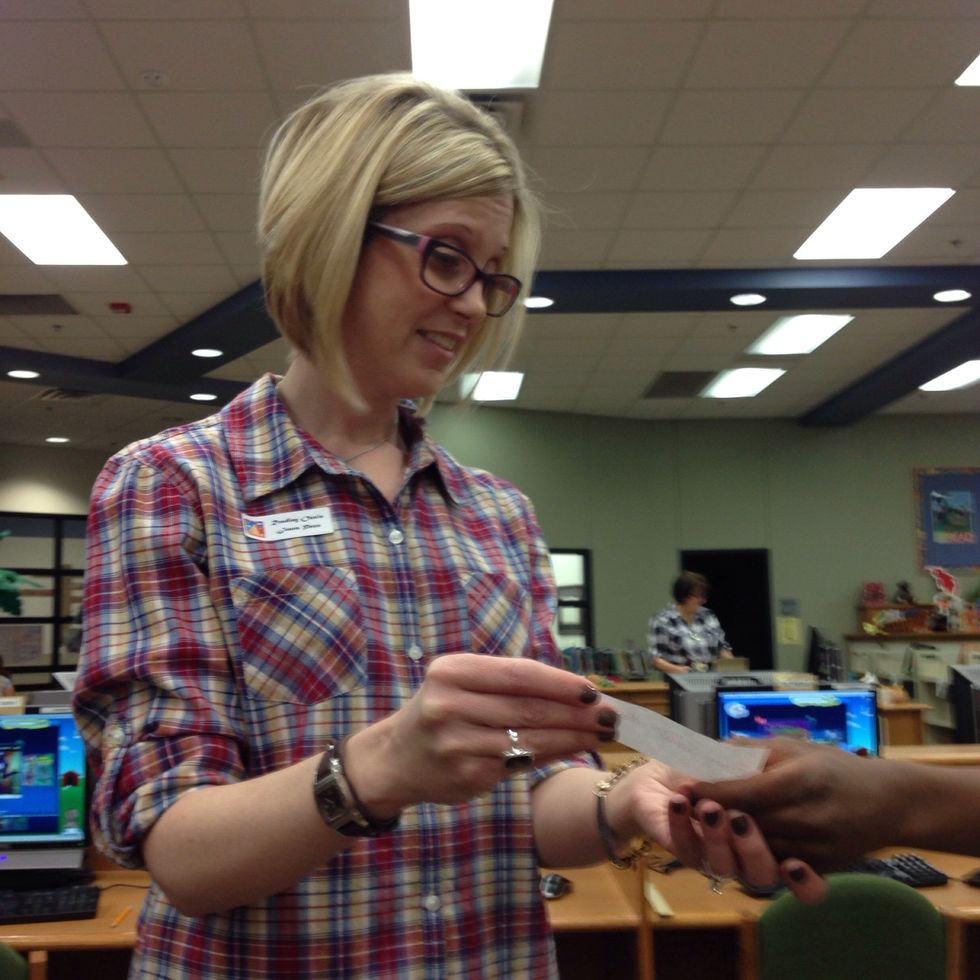
5. Once you have written down your title, you find the librarian and you ask him or her to help you locate the book.
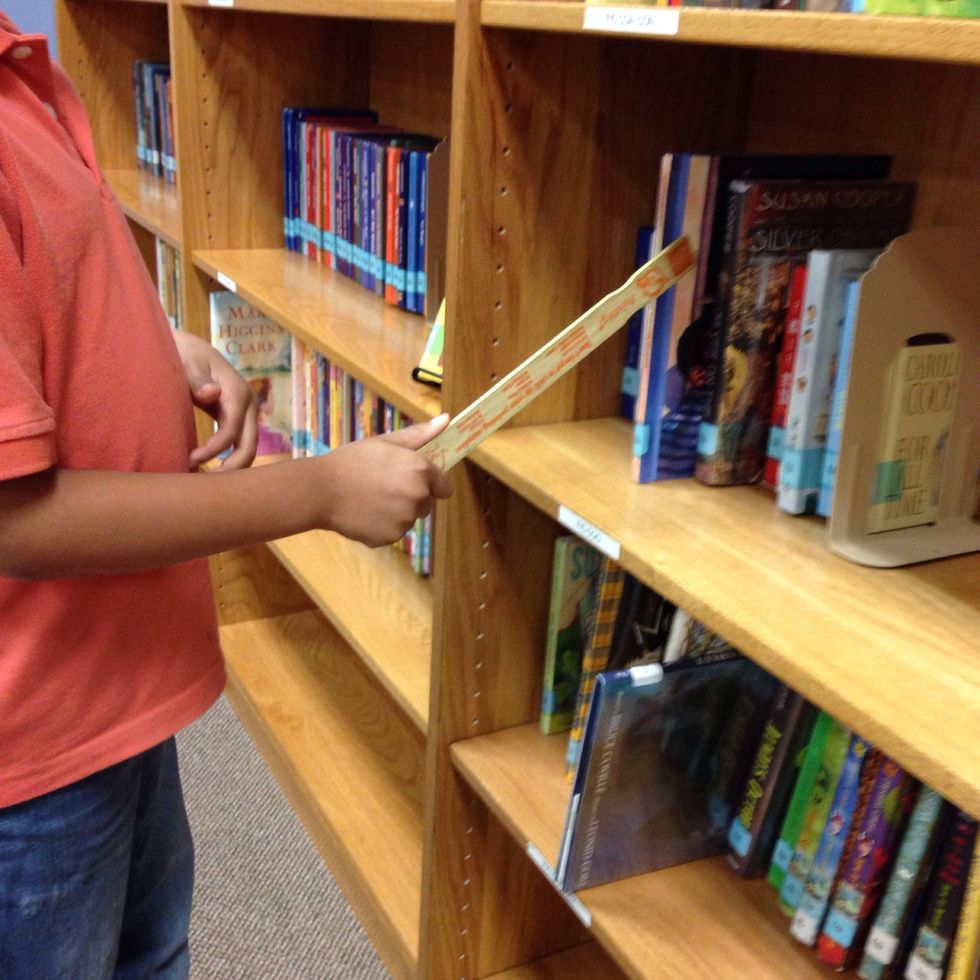
6. If you are browsing independently, you will need to place your shelf marker next to the book that you want to look at.
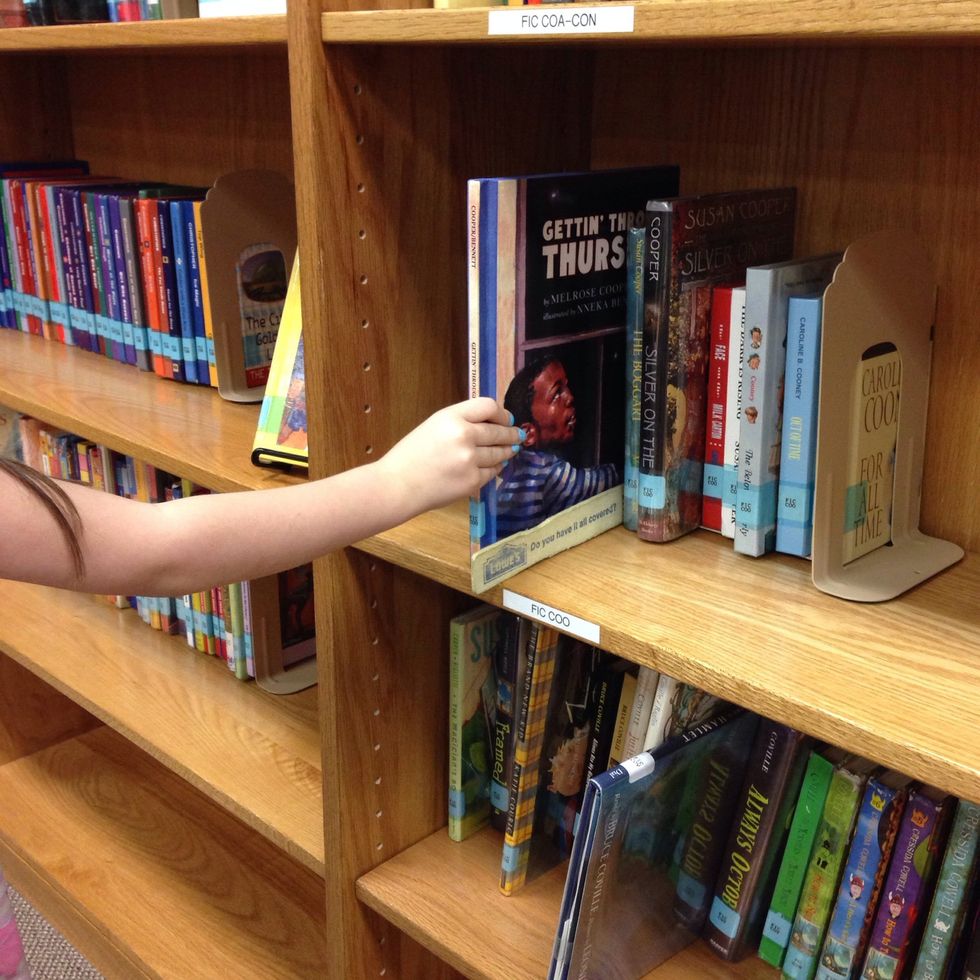
7. If you don't want the book, put it back on the shelf next to the shelf marker.
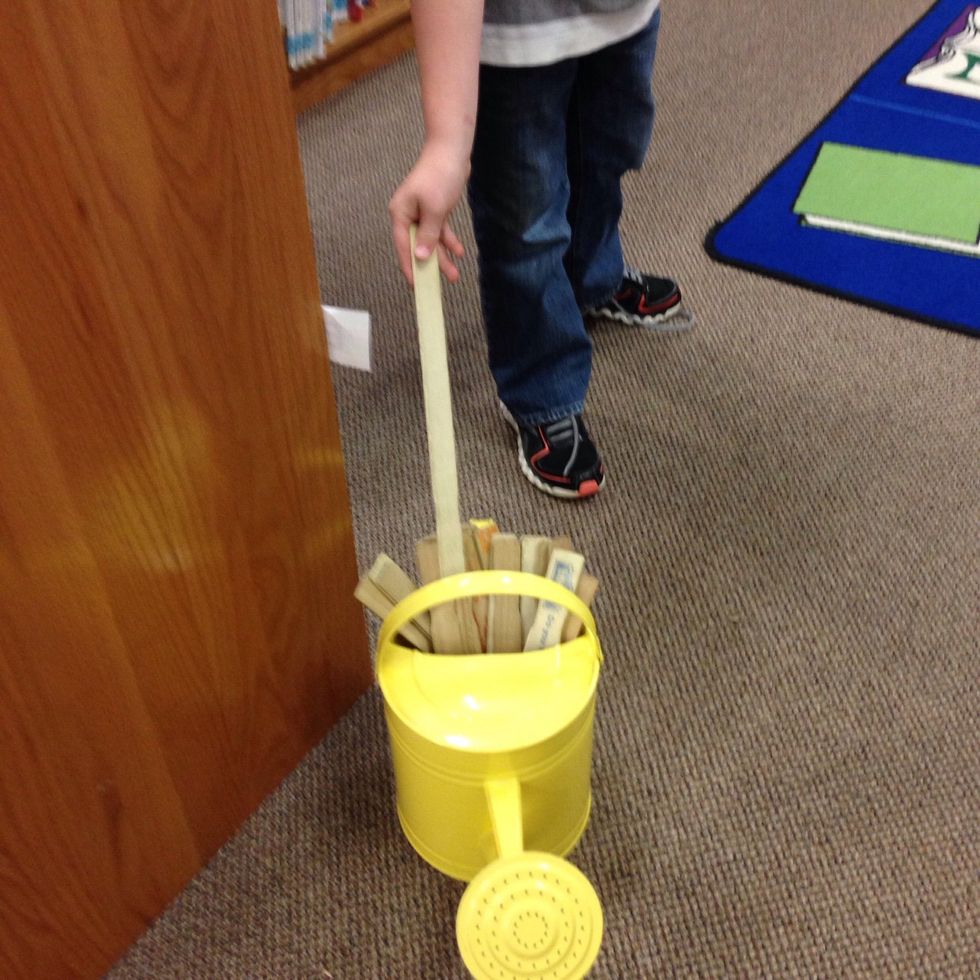
8. If you want the book, remove your shelf marker and return it to the can.
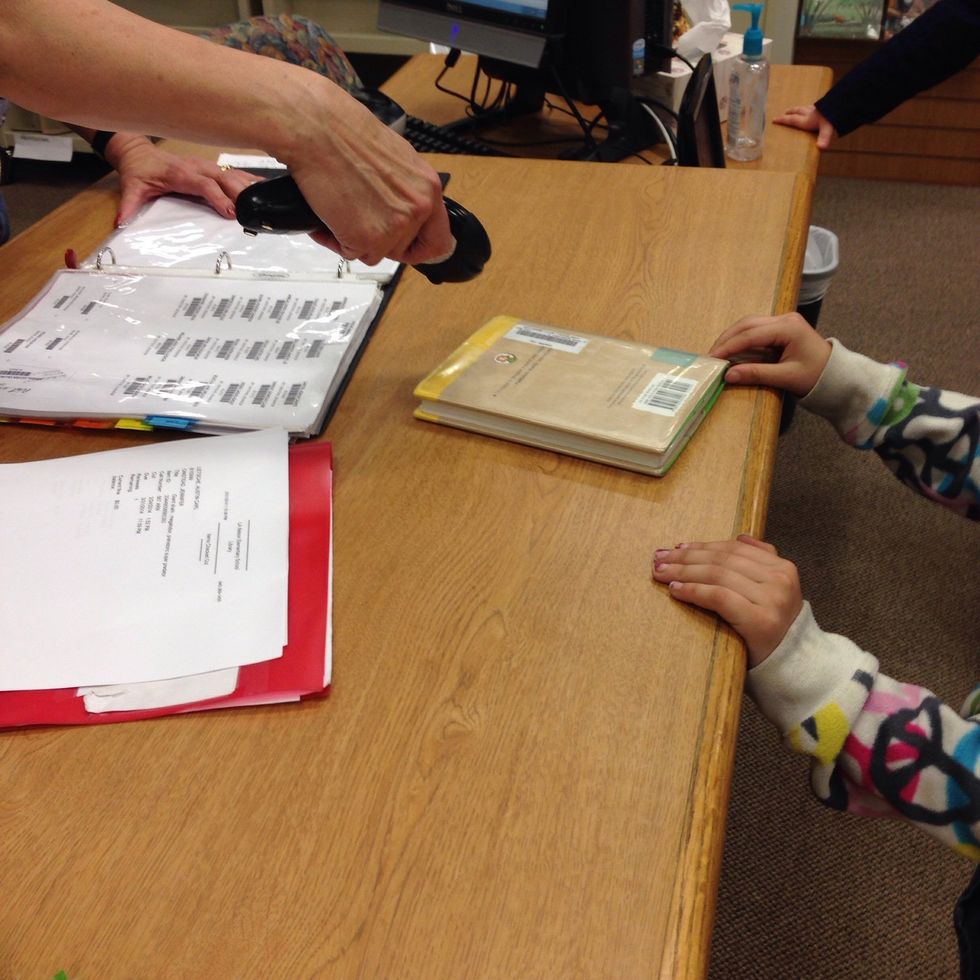
9. Once you have found a book that you like, you go to the circulation desk and wait for the librarian to scan your name and your book(s).
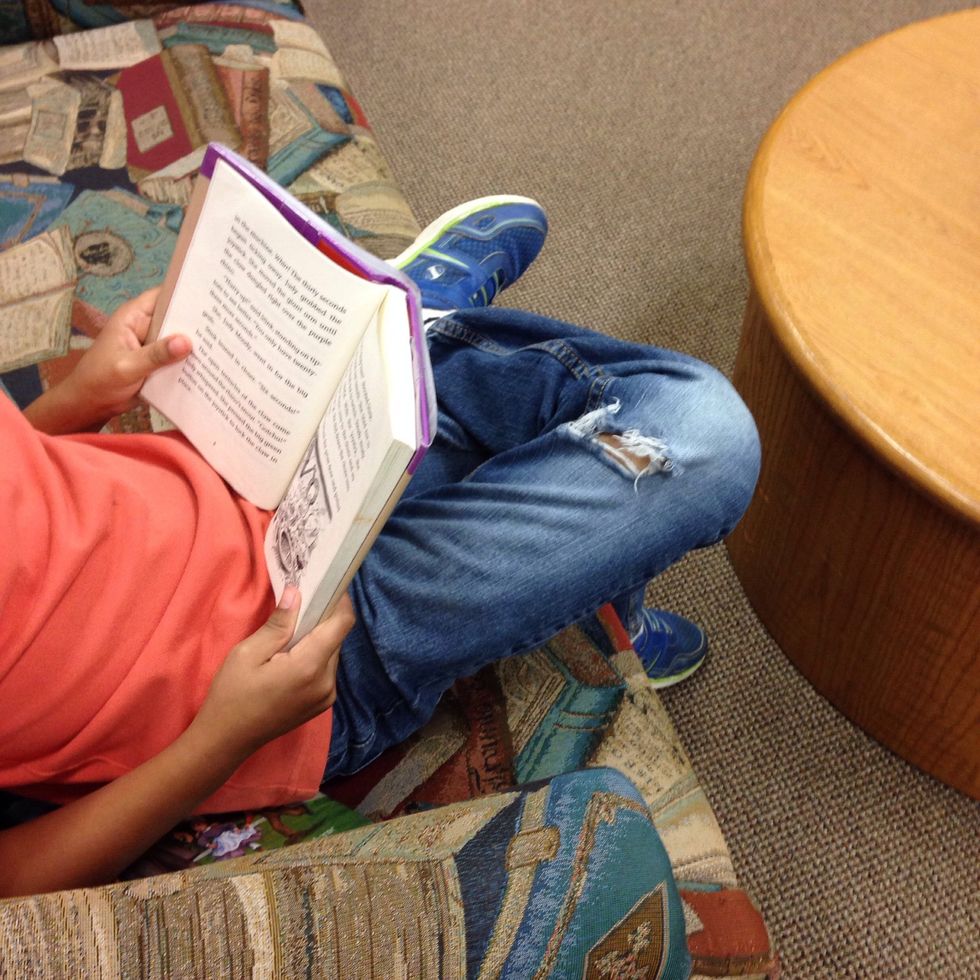
10. Finally, you get to read your books! Let's rock and read!