How to check out a book by zimmerman's and baker's class

Check Out a Book by Zimmerman's and Baker's Class

20
STEPS
TOOLS

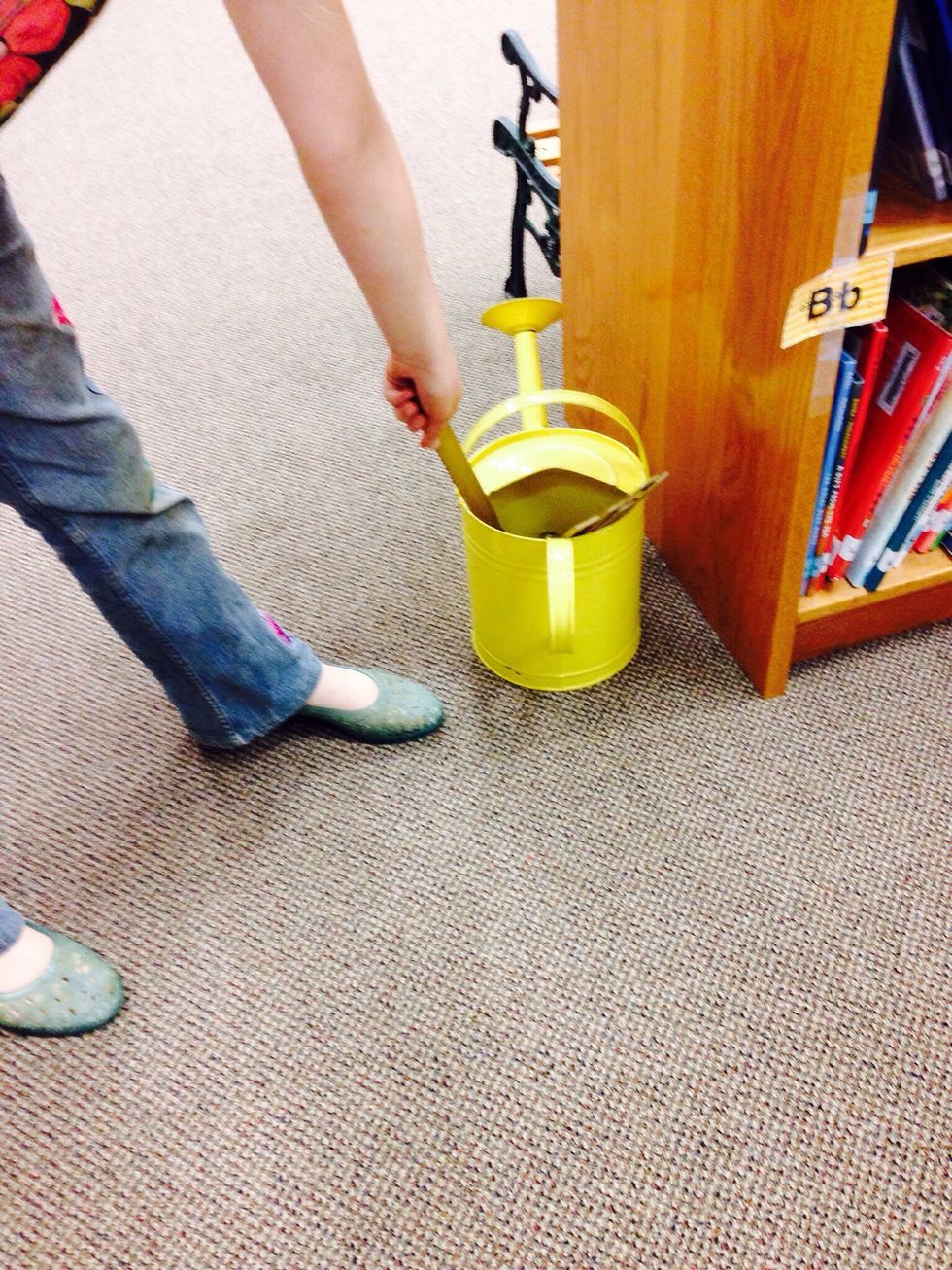
1. First you need to get a shelf marker.
1. First you need to get a shelf marker.

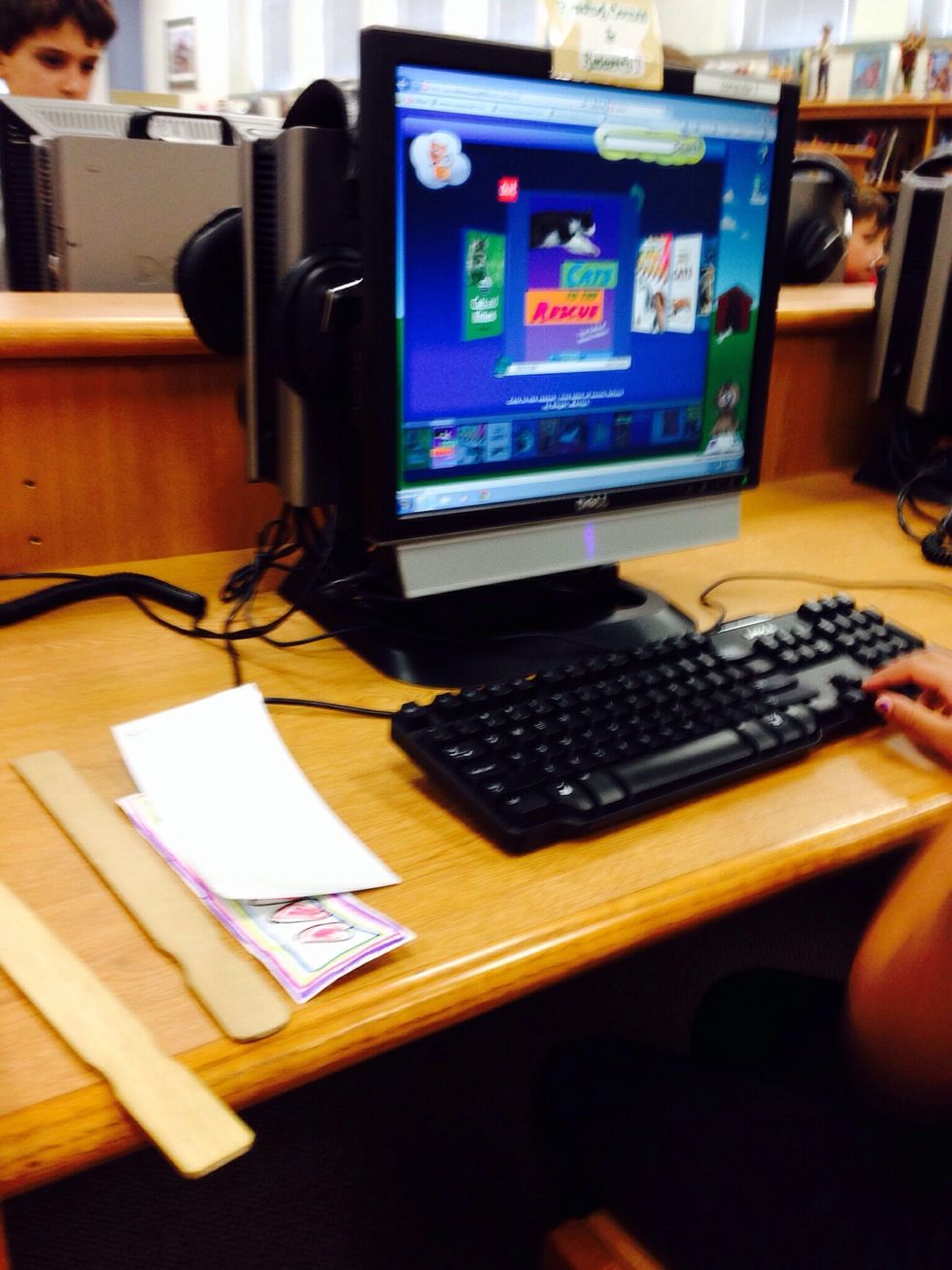
2. Next, you go to the computer or you look for a book on the shelves.
2. Next, you go to the computer or you look for a book on the shelves.

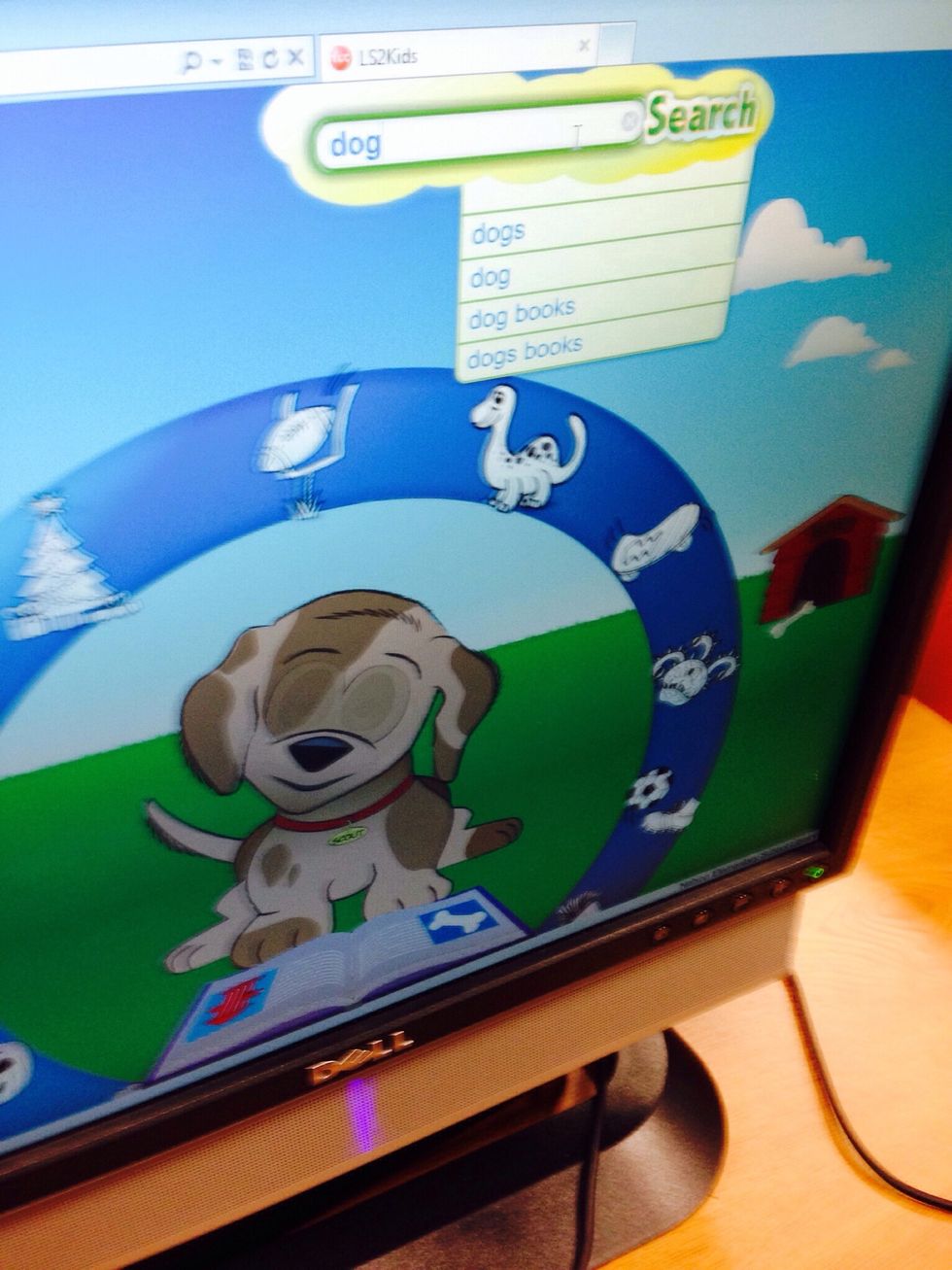
3. If you go to a computer type in the book you want to get in the OPAC or you can just look for a book that is interesting to you.
3. If you go to a computer type in the book you want to get in the OPAC or you can just look for a book that is interesting to you.

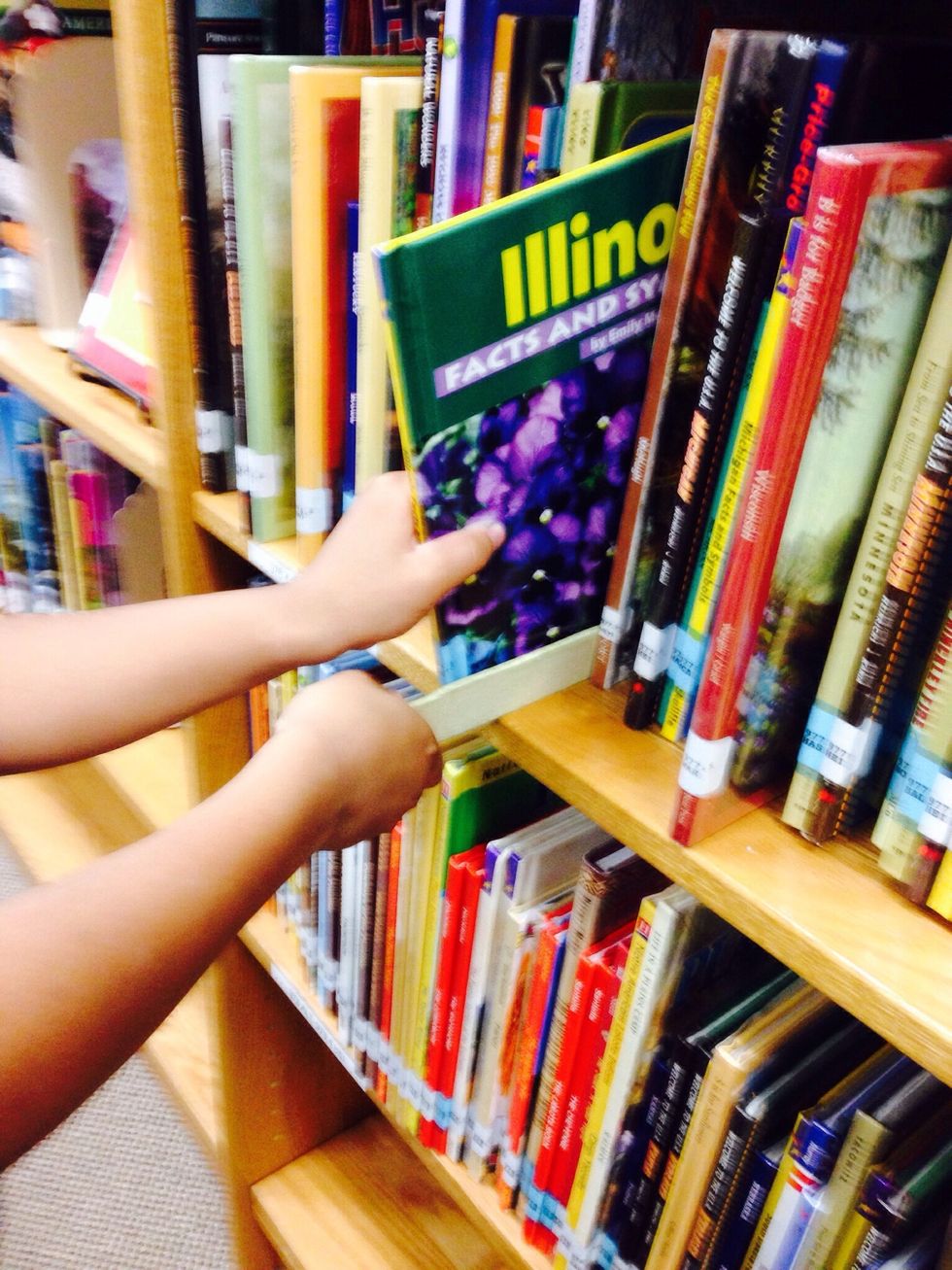
4. If you are browsing the shelves and you see a book that looks good, slide your shelf marker next to that book and pull the book out. Look through the book to make sure that it is a good fit book.
4. If you are browsing the shelves and you see a book that looks good, slide your shelf marker next to that book and pull the book out. Look through the book to make sure that it is a good fit book.

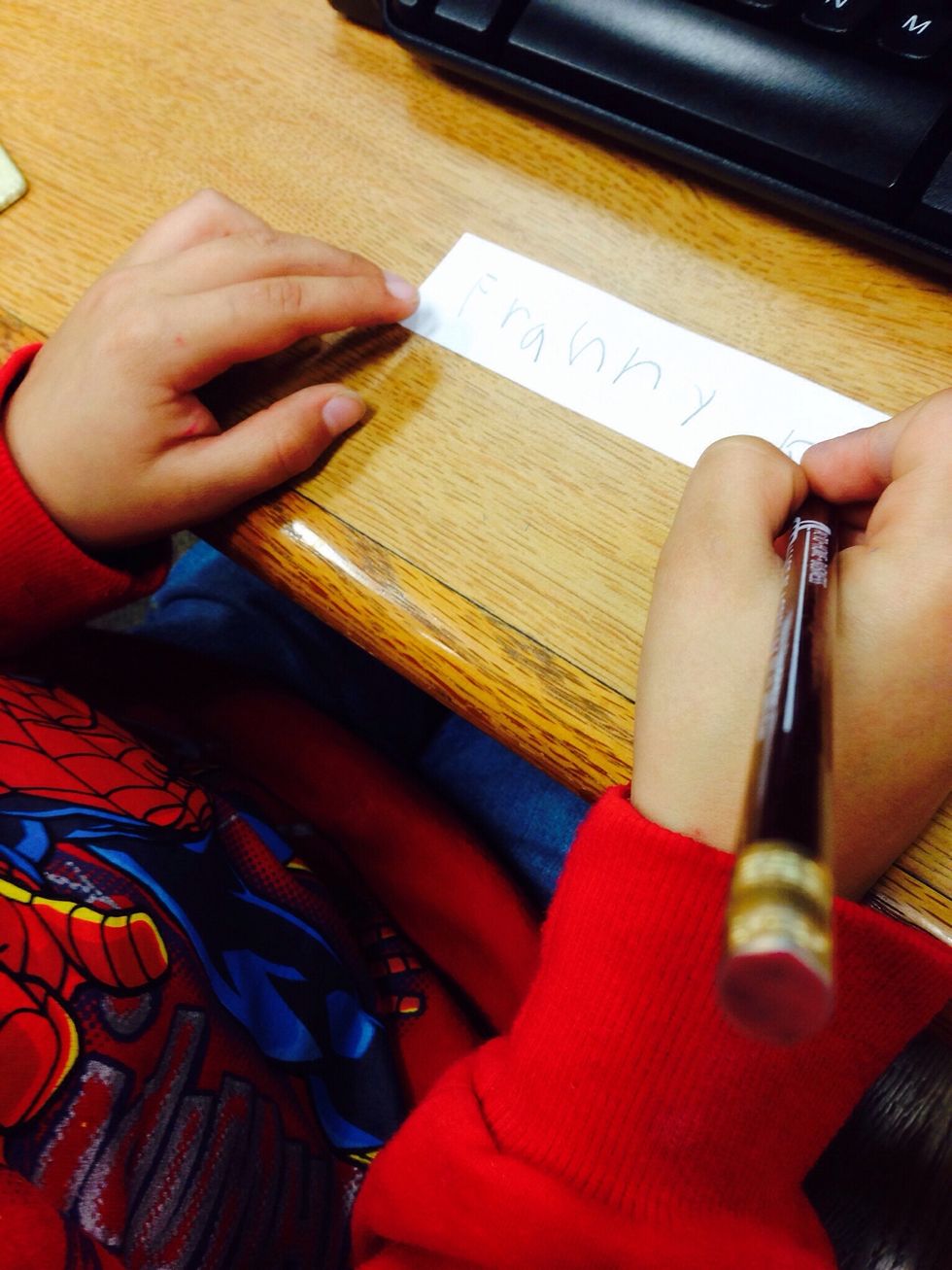
5. If you searched the OPAC and found a good book write down the title and the call number on a piece of paper. Your library should have small slips of paper and pencils for you to use.
5. If you searched the OPAC and found a good book write down the title and the call number on a piece of paper. Your library should have small slips of paper and pencils for you to use.

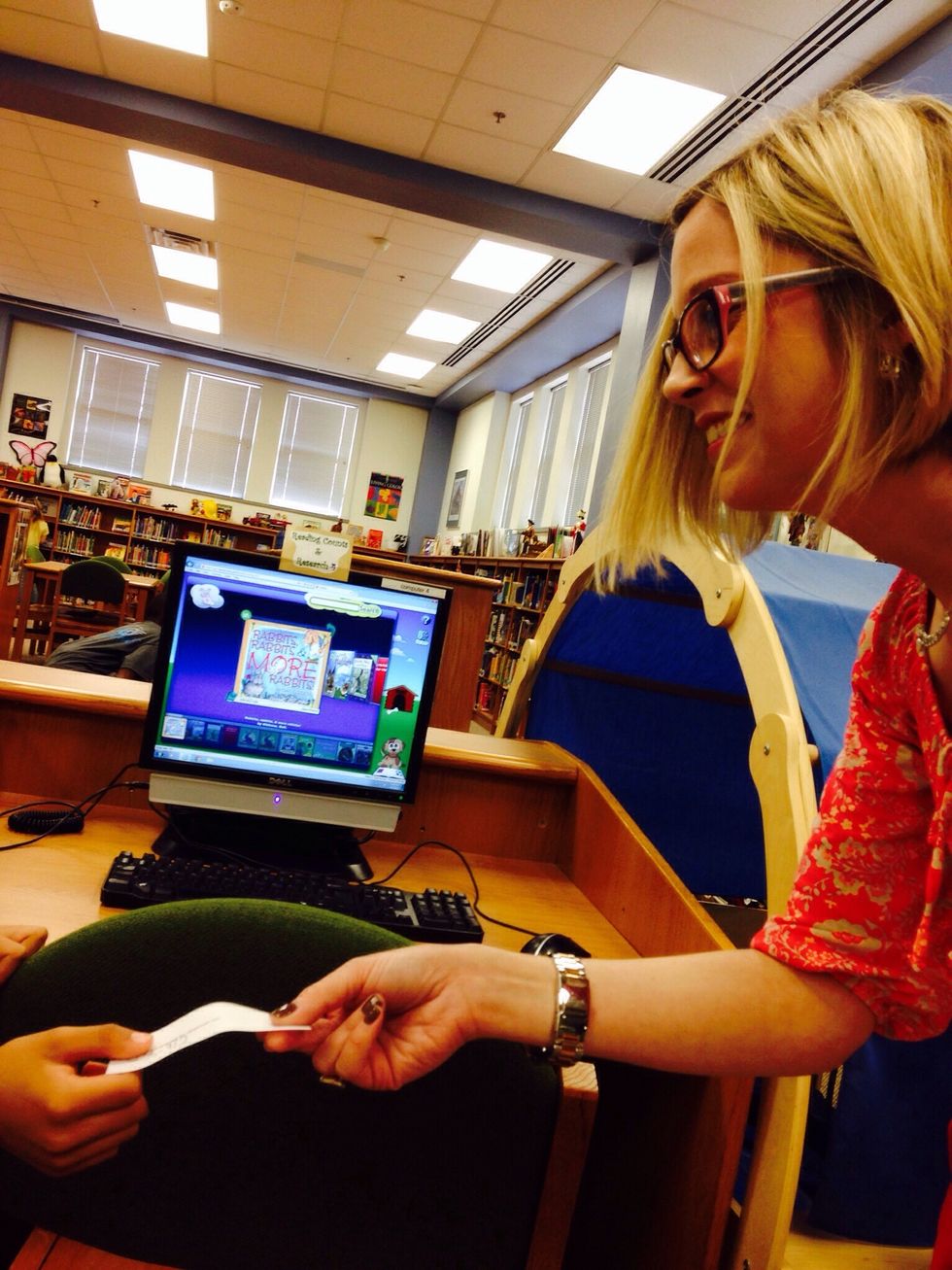
6. Show the librarian your paper and ask, "Can you please help me find this book?"
6. Show the librarian your paper and ask, "Can you please help me find this book?"

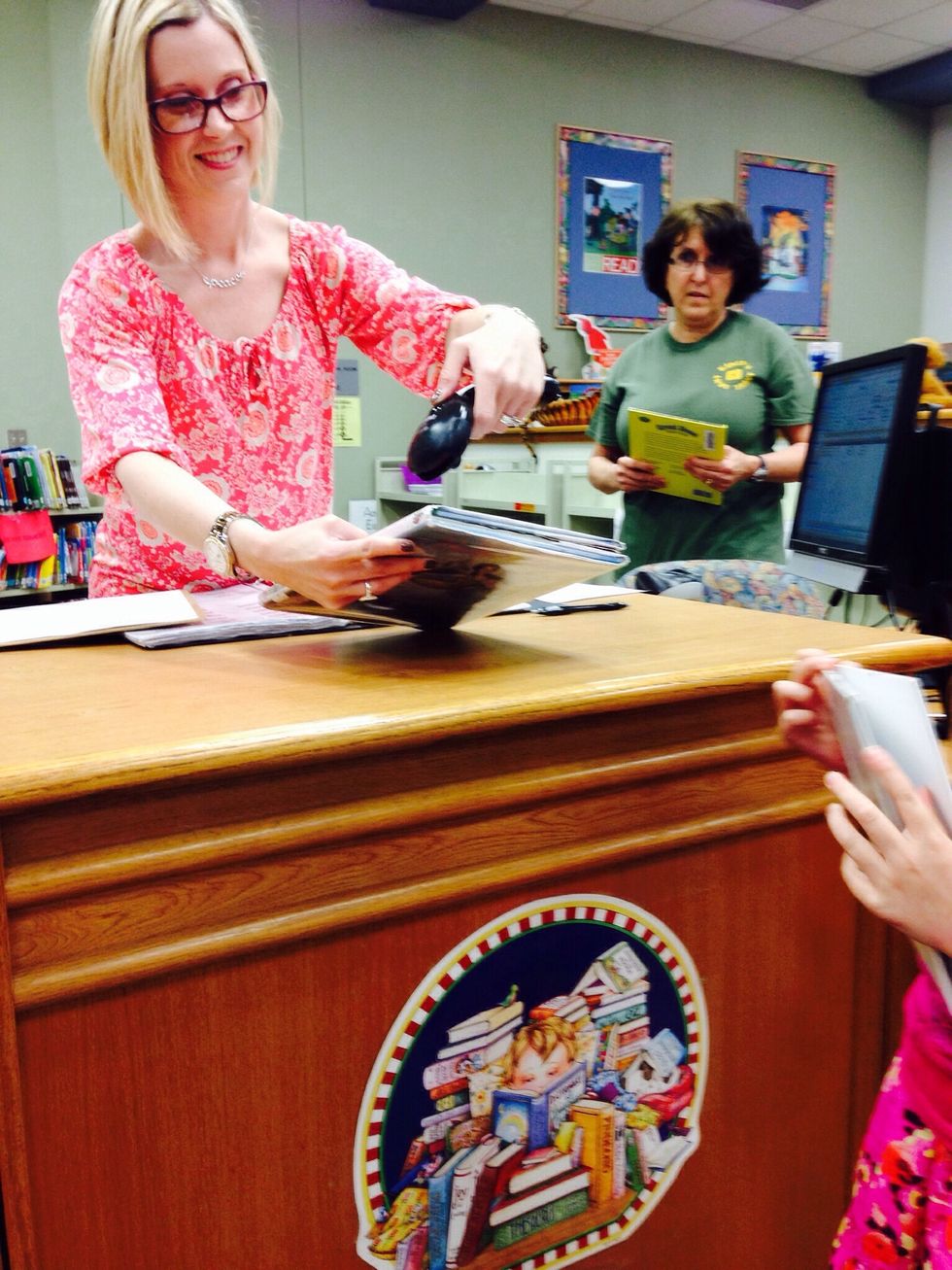
7. Once you have found some good fit books, go to the check out desk and ask the librarian to scan your books. Now the books are checked out to you.
7. Once you have found some good fit books, go to the check out desk and ask the librarian to scan your books. Now the books are checked out to you.

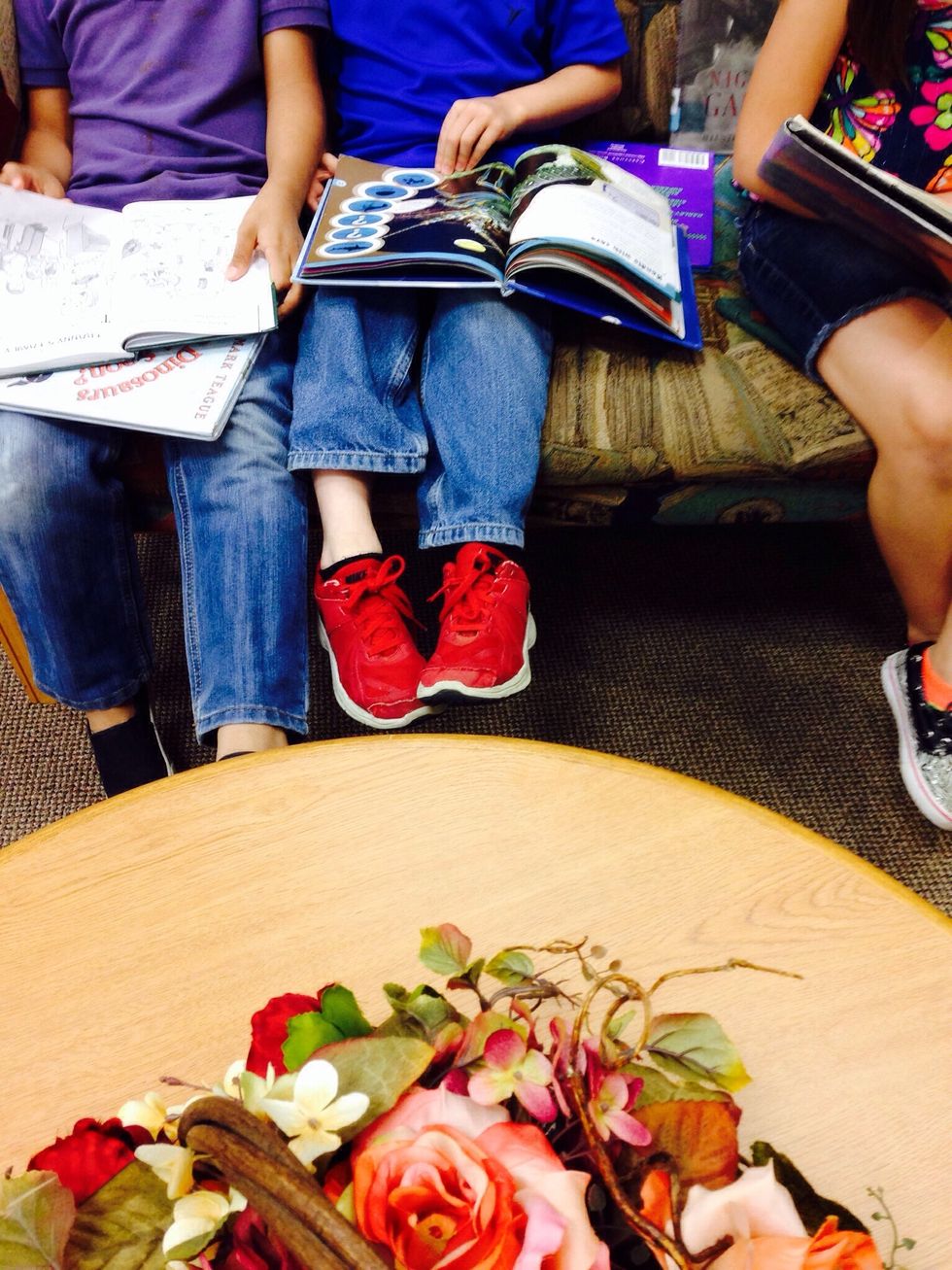
8. Finally, find a special place to read your books!

  • Shelf marker
  • Computer with an OPAC
  • Books
  • Scanner
  • Pencil
  • Paper