
The Conversation (0)
Sign Up
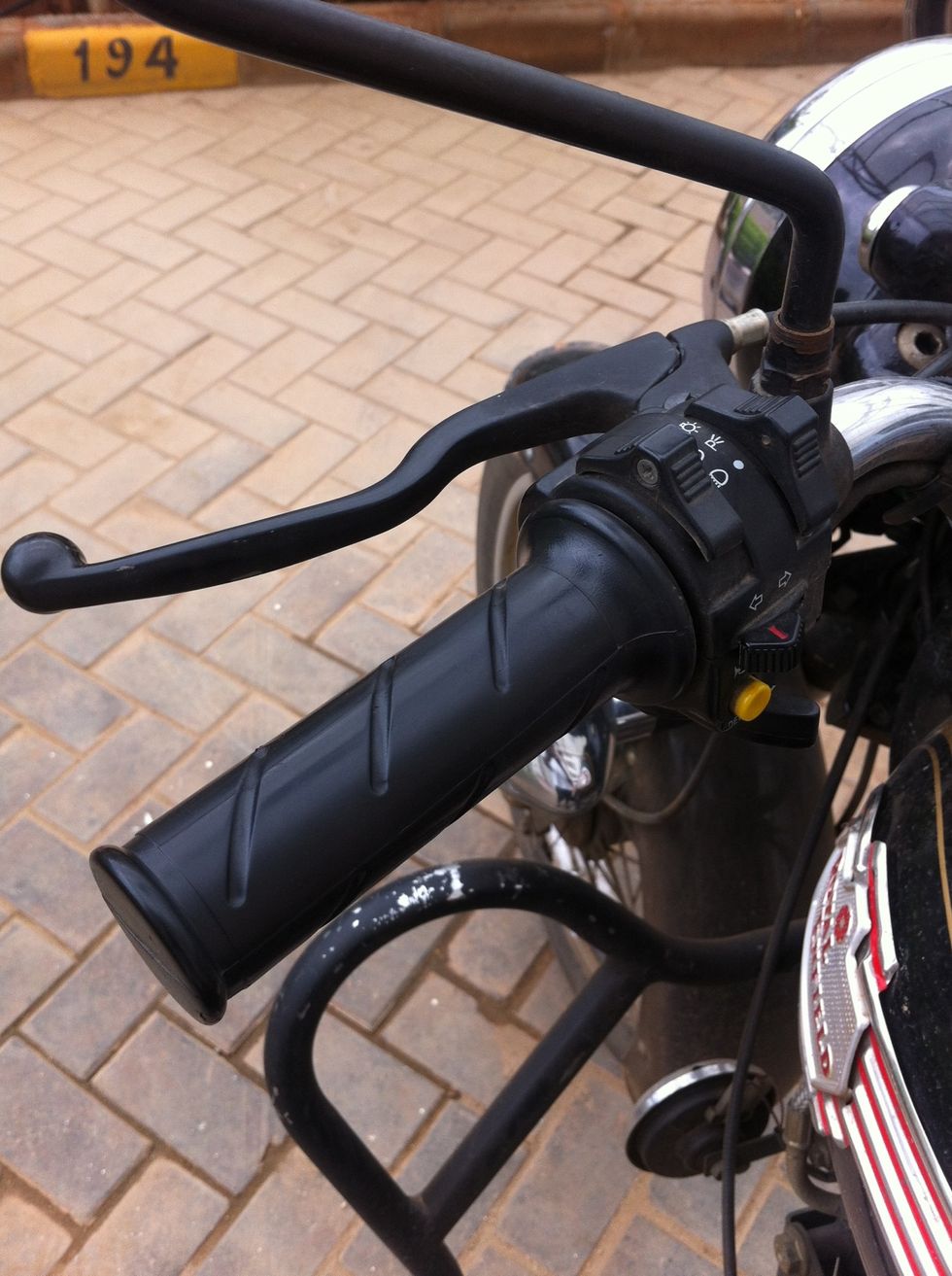
This guide will help you change the clutch cable. Remember to carry a spare on your rides.
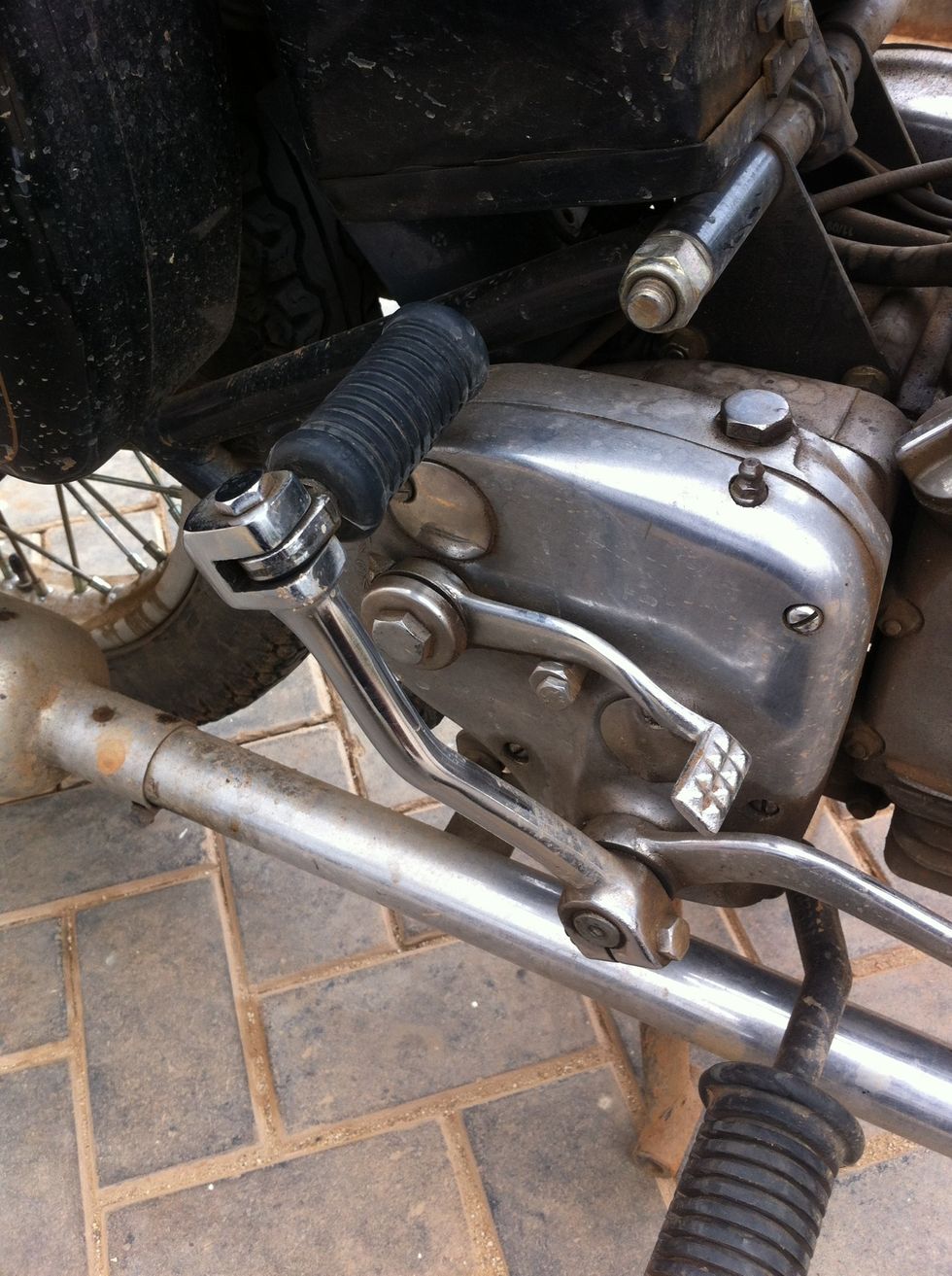
We start by moving the kicker out of the way for easy access to the clutch cable end.
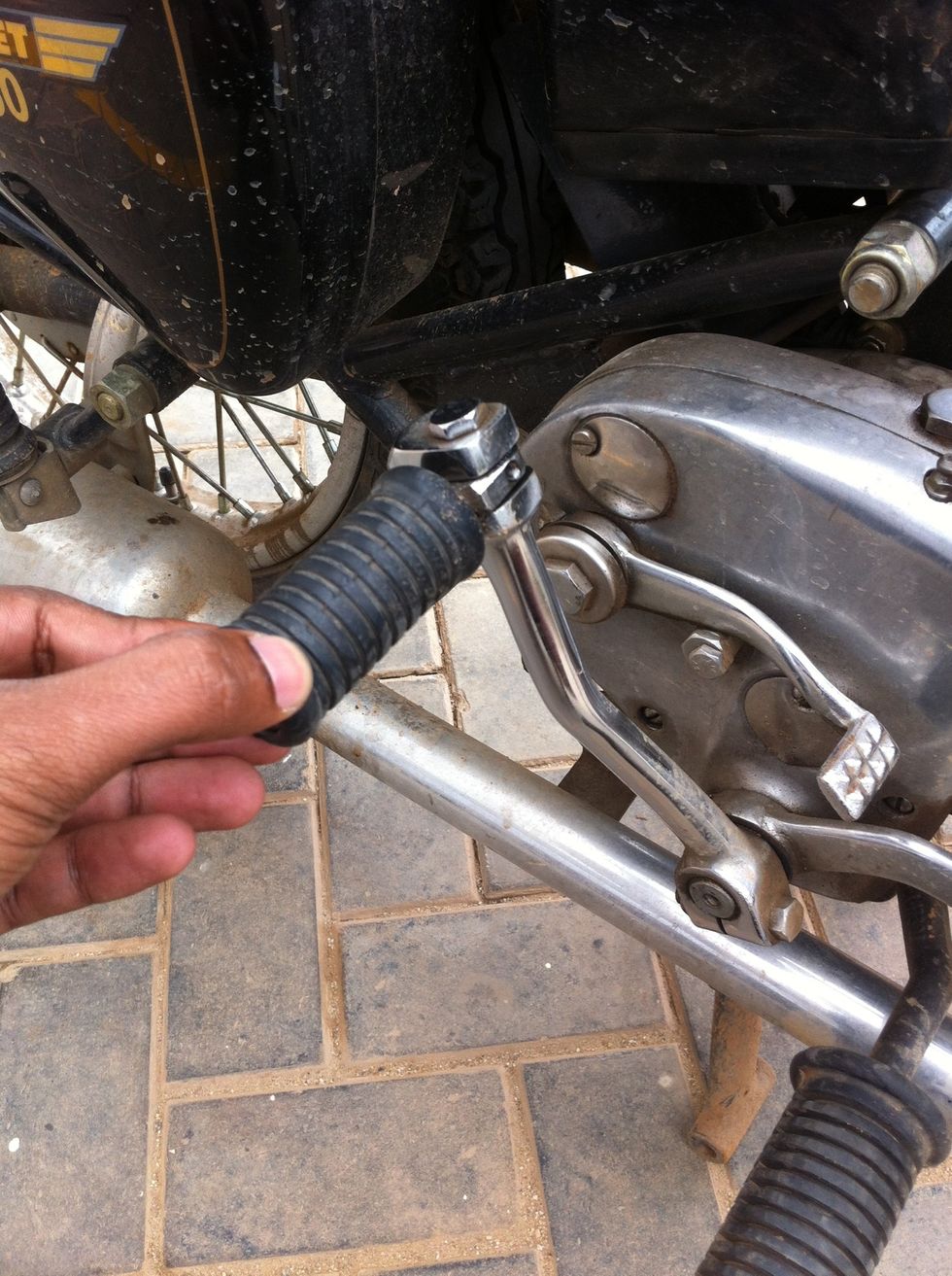
Rotate the kicker lever outwards
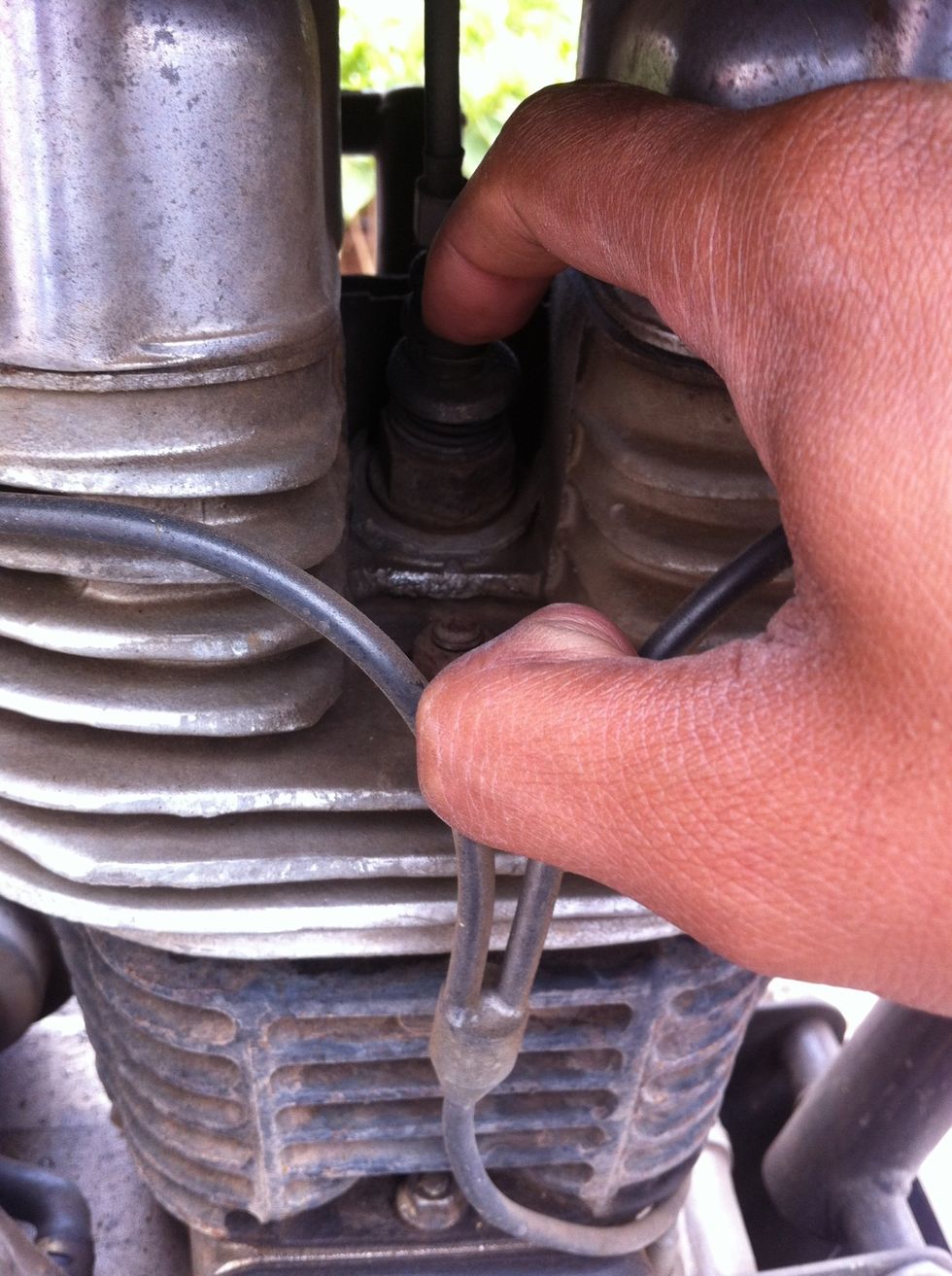
Press the decompressor
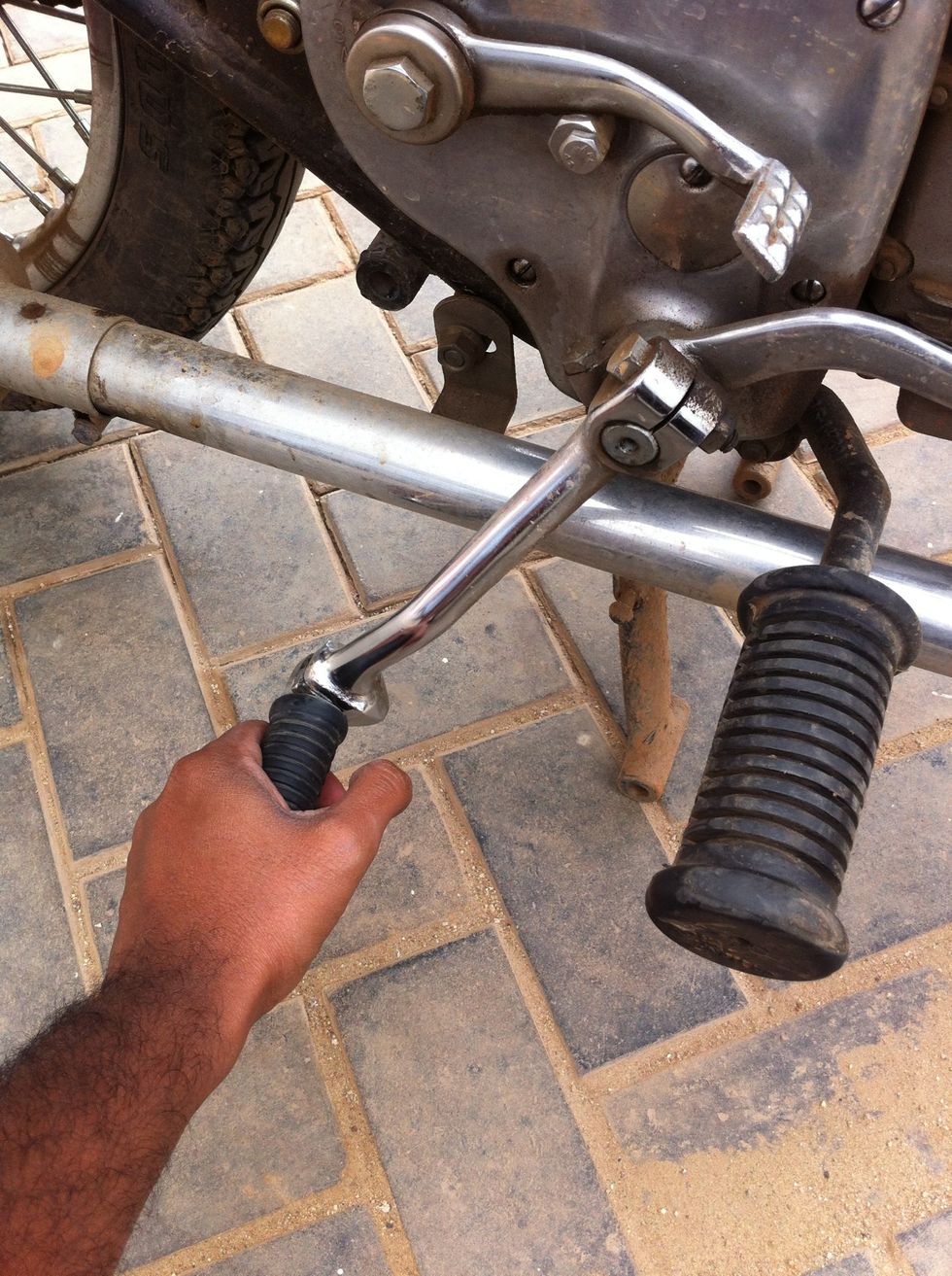
Move the kicker down
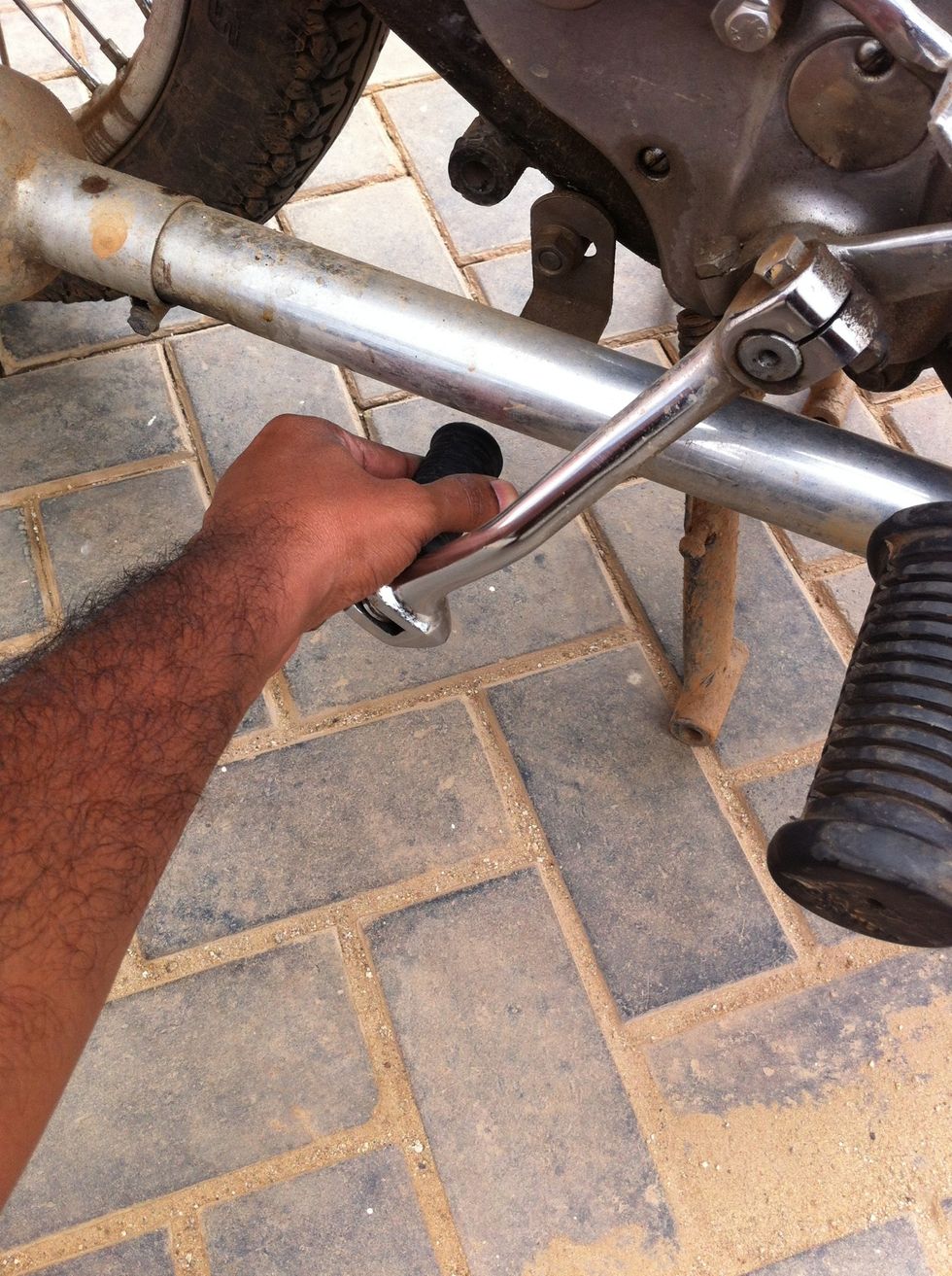
Rotate the kicker lever inwards. The exhaust pipe will stop the kicker from coming back to its normal position.
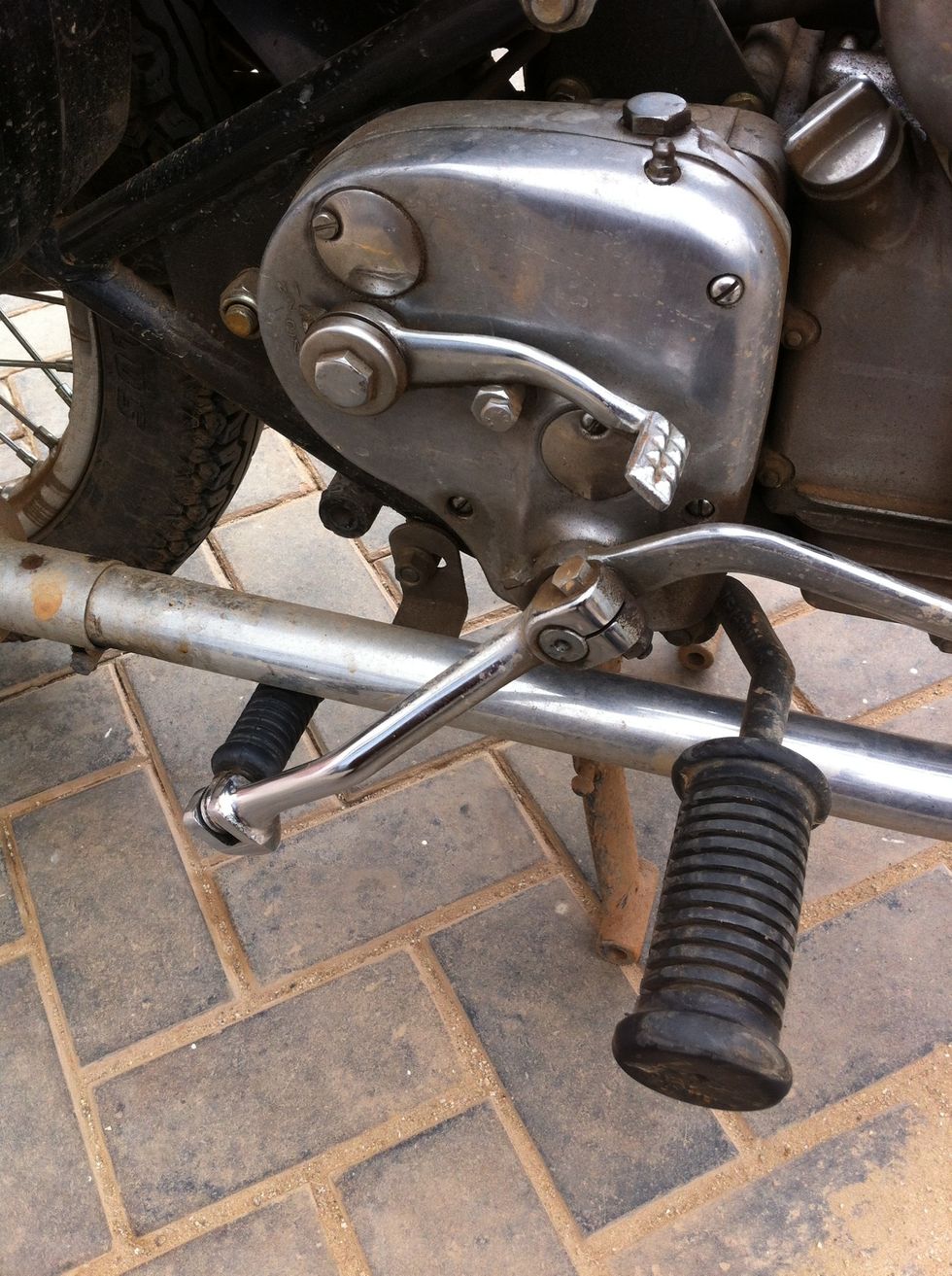
This should be the result.
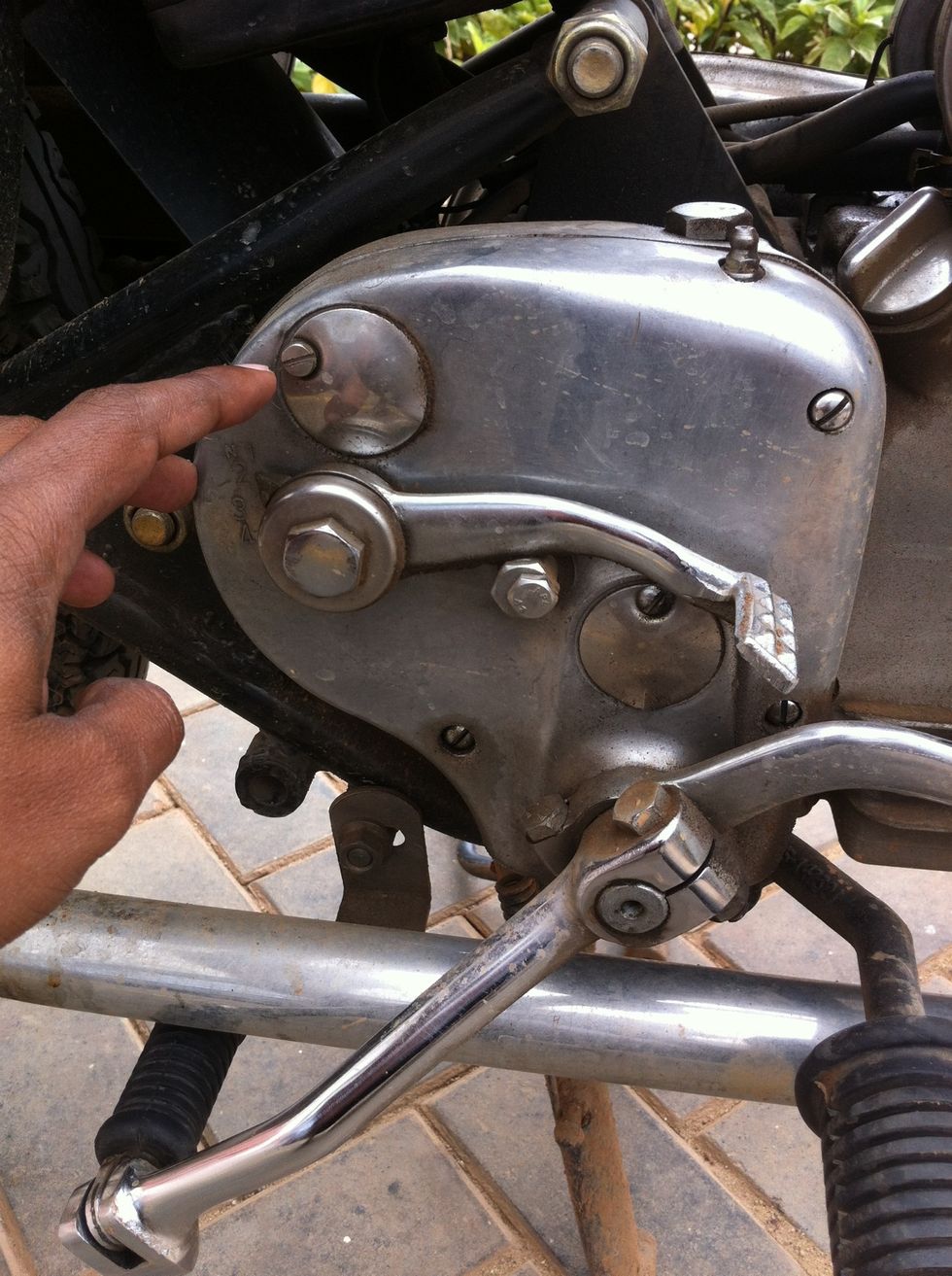
Loosen the access cover screws
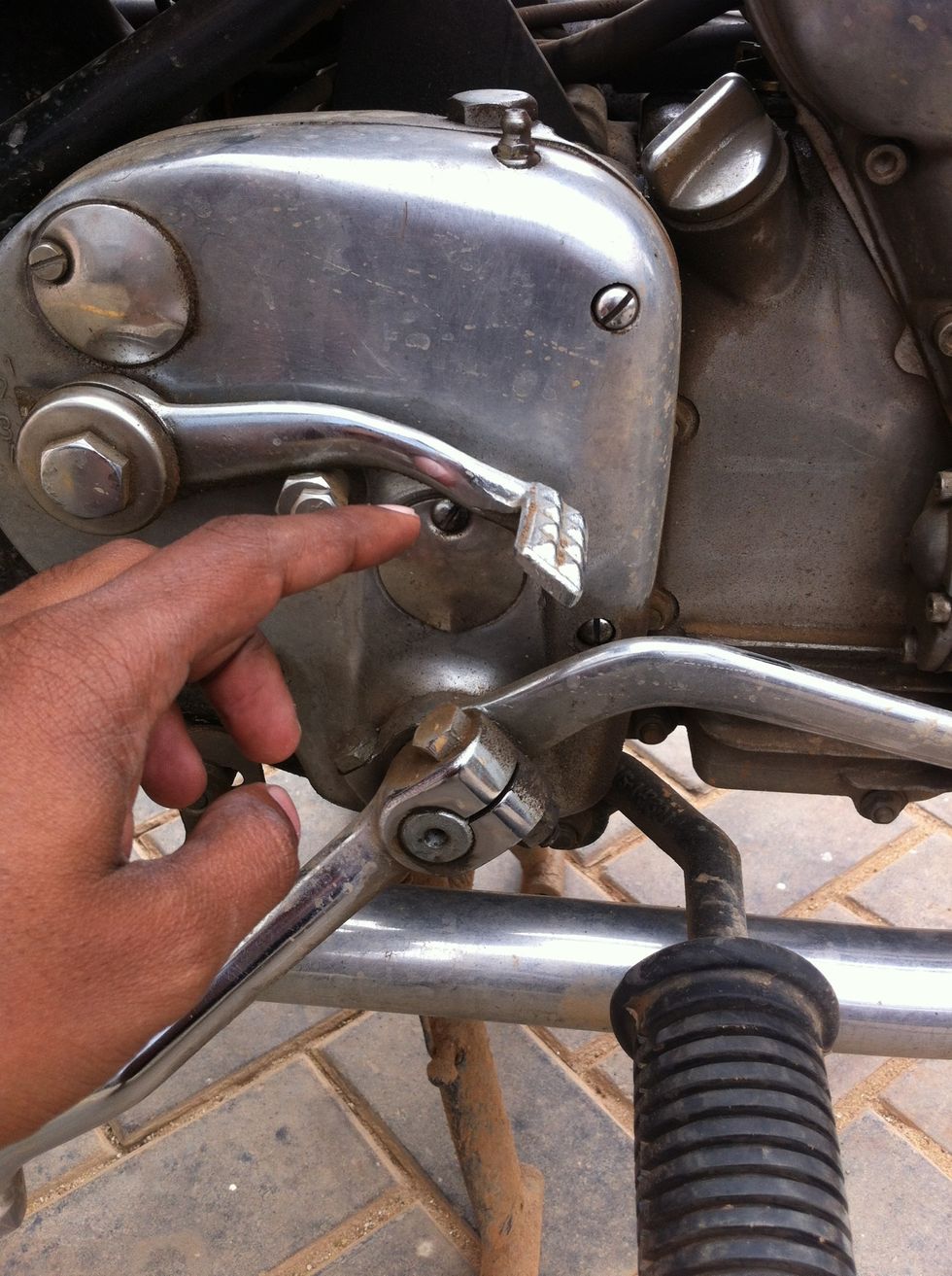
Loosen the access cover screws
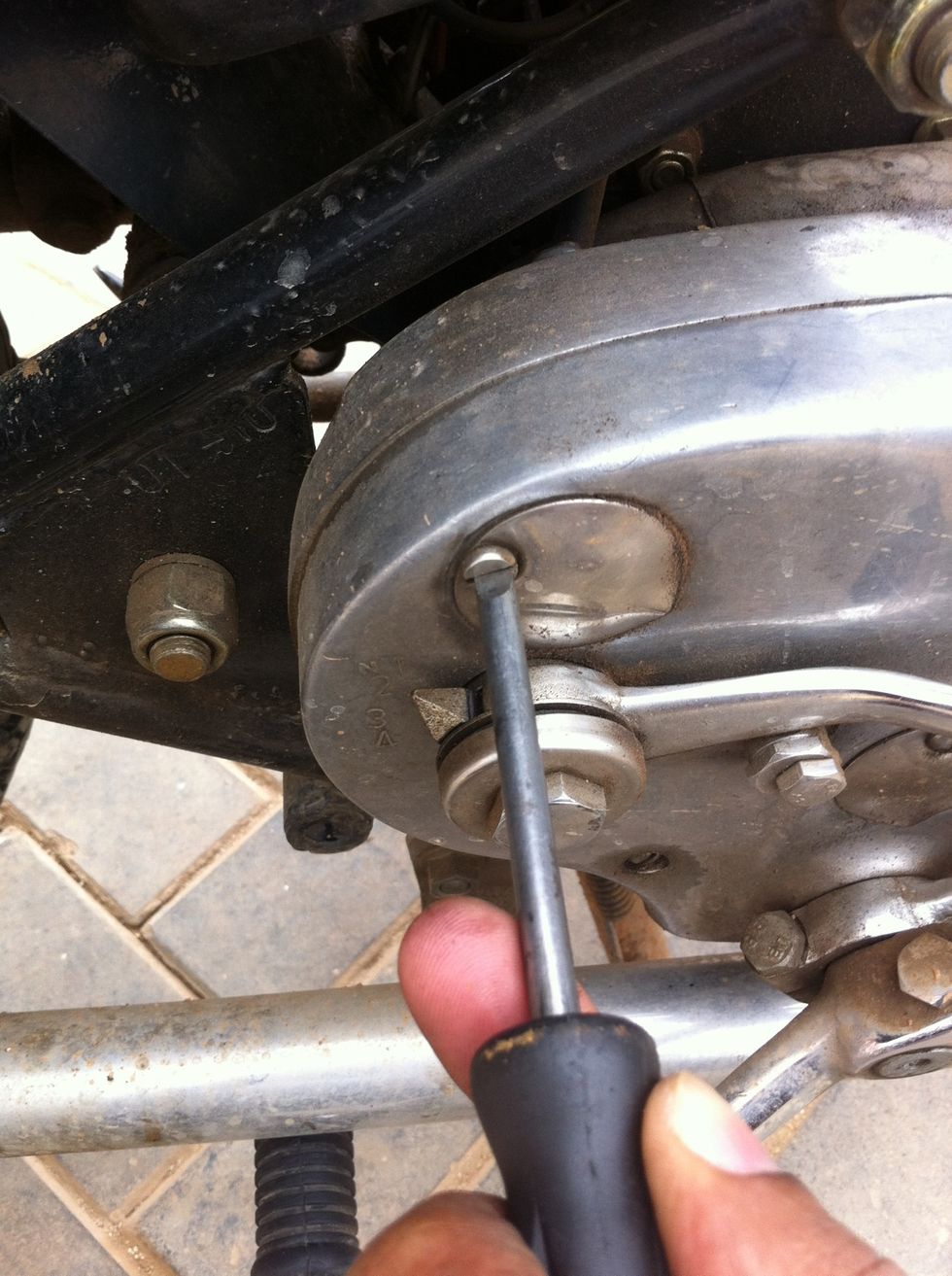
Loosen by rotating anti clockwise
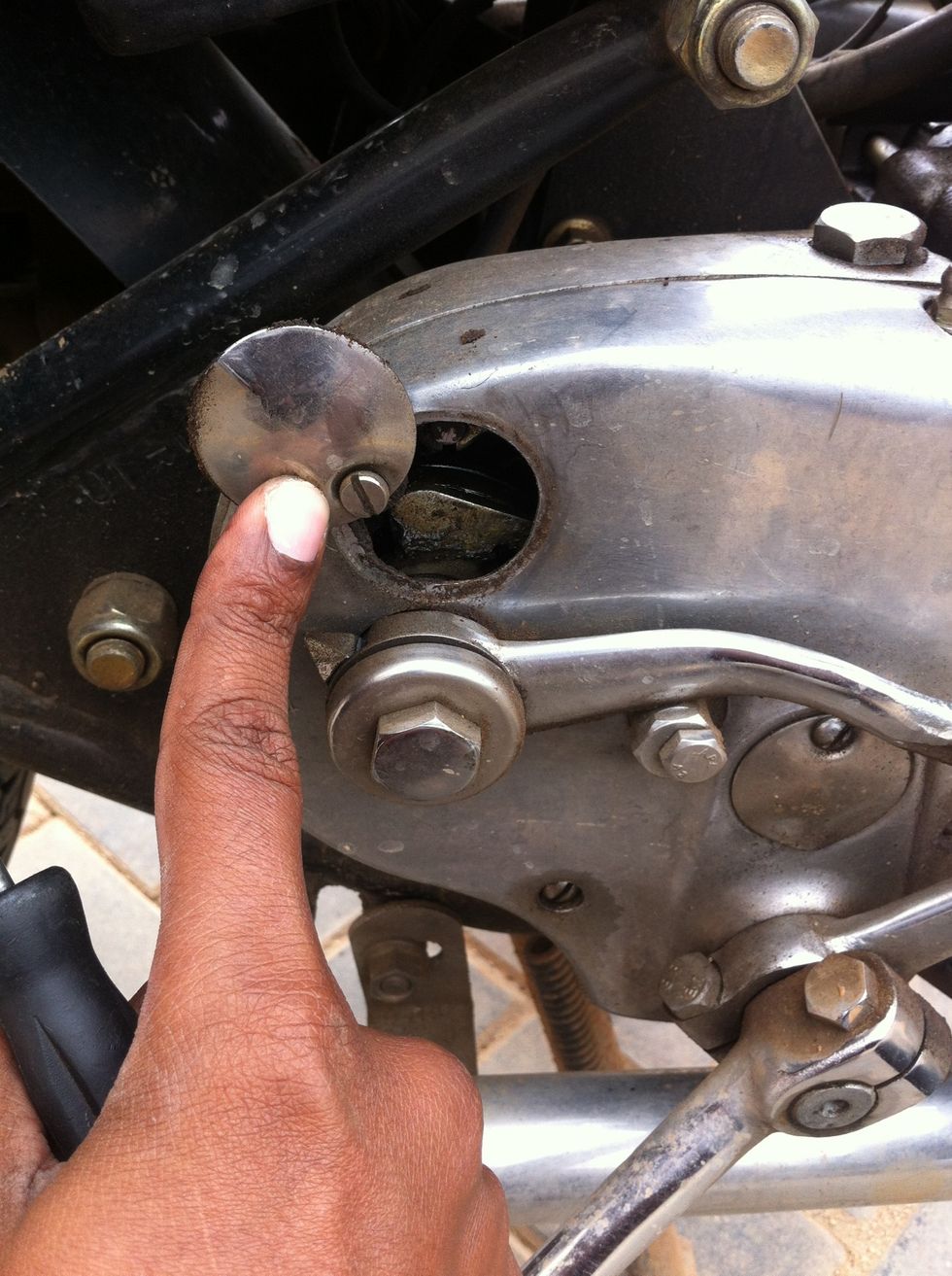
Now open the access cover and tighten in that position
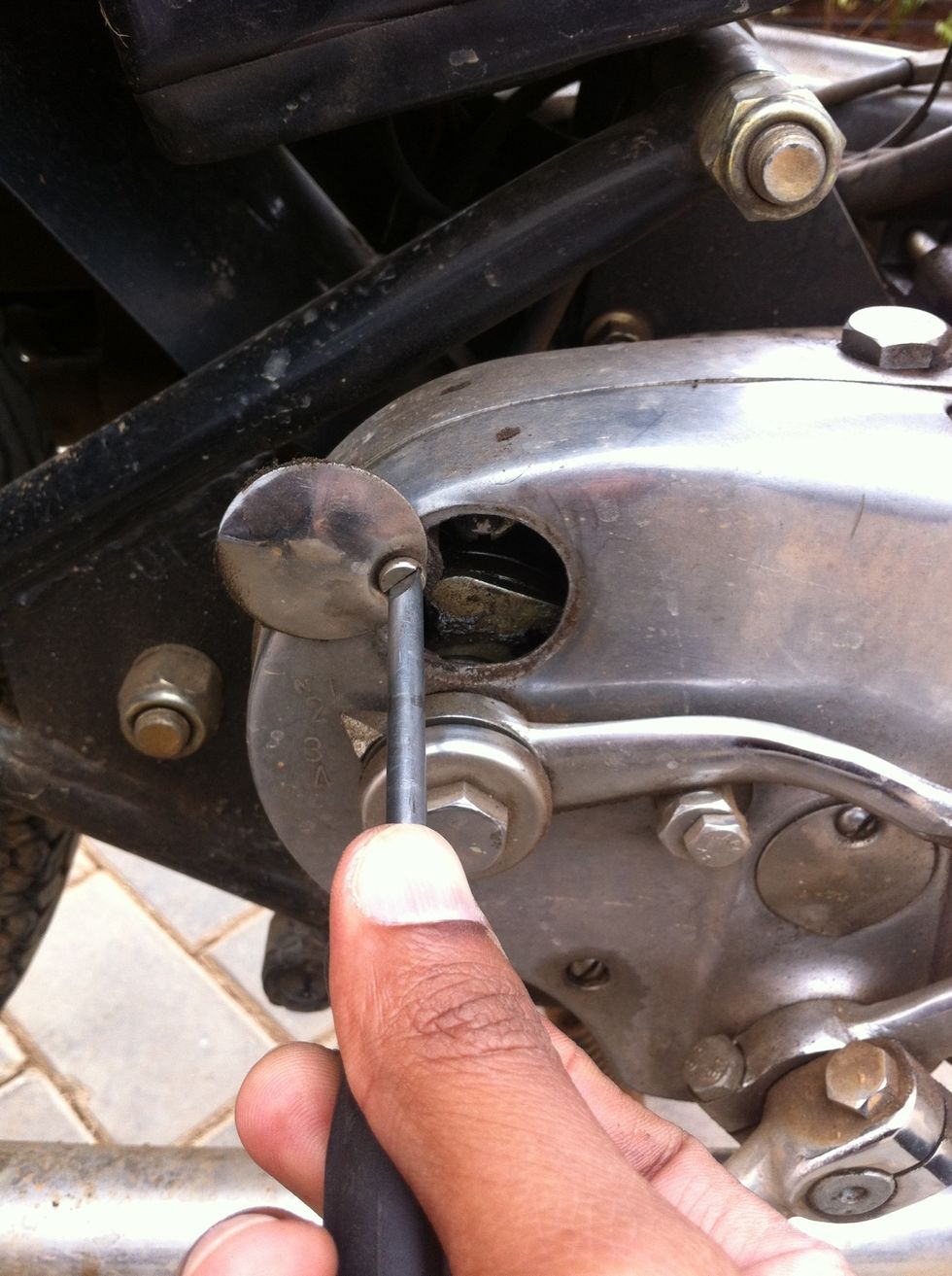
Tighten by rotating clockwise
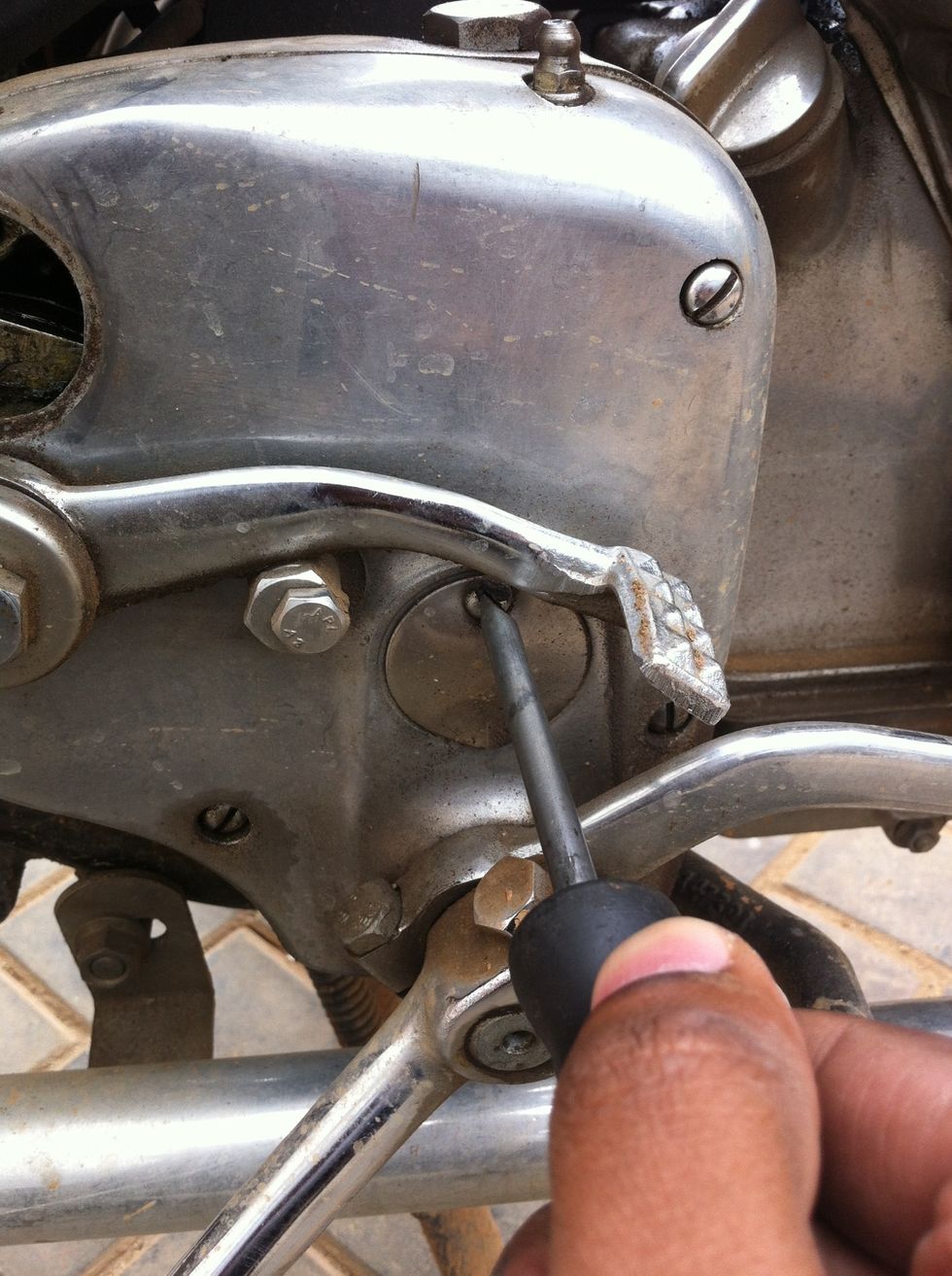
Loosen by rotating anti clockwise
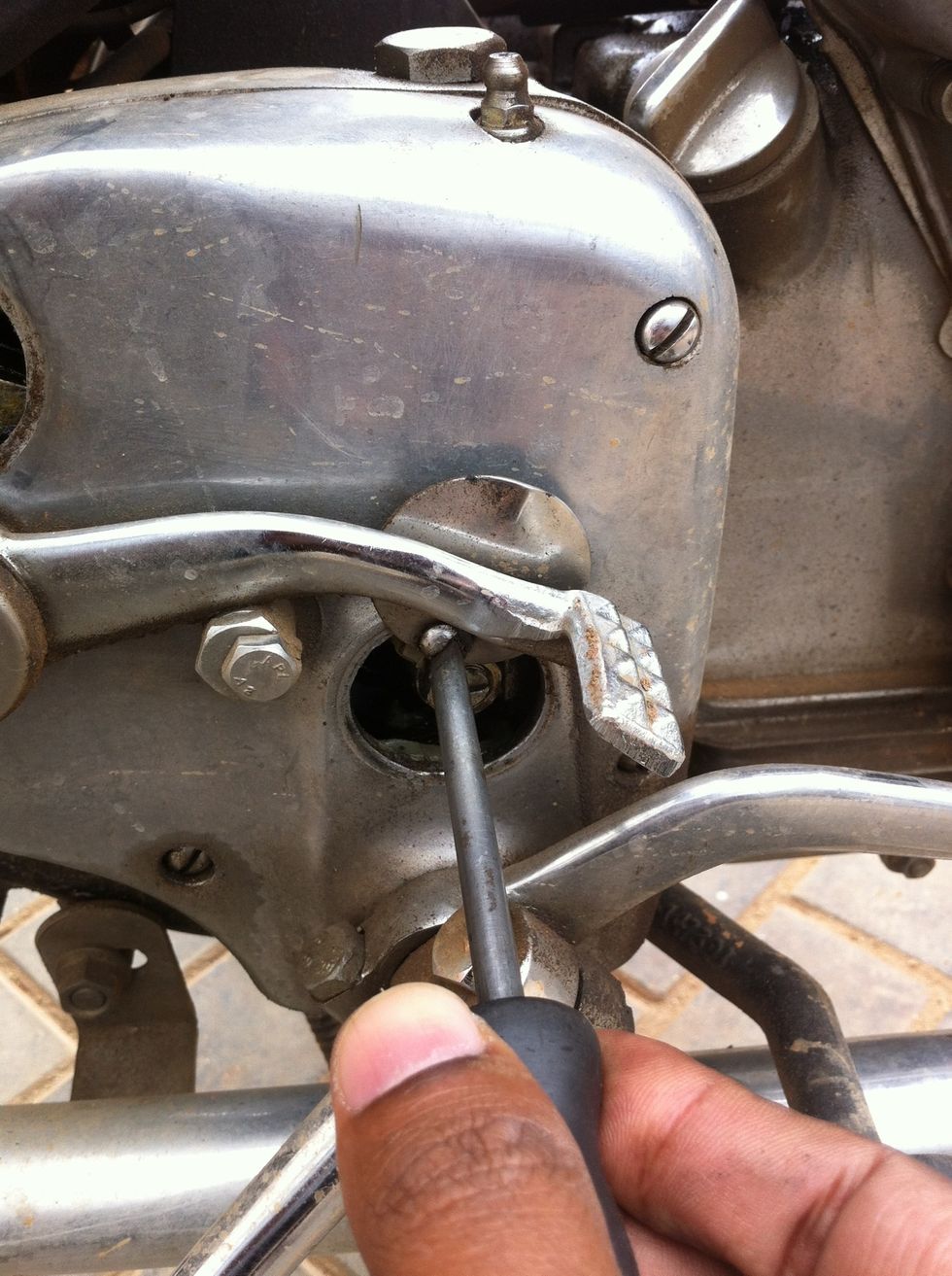
Rotate the cover and keep in open position and tighten the screw by rotating clockwise.
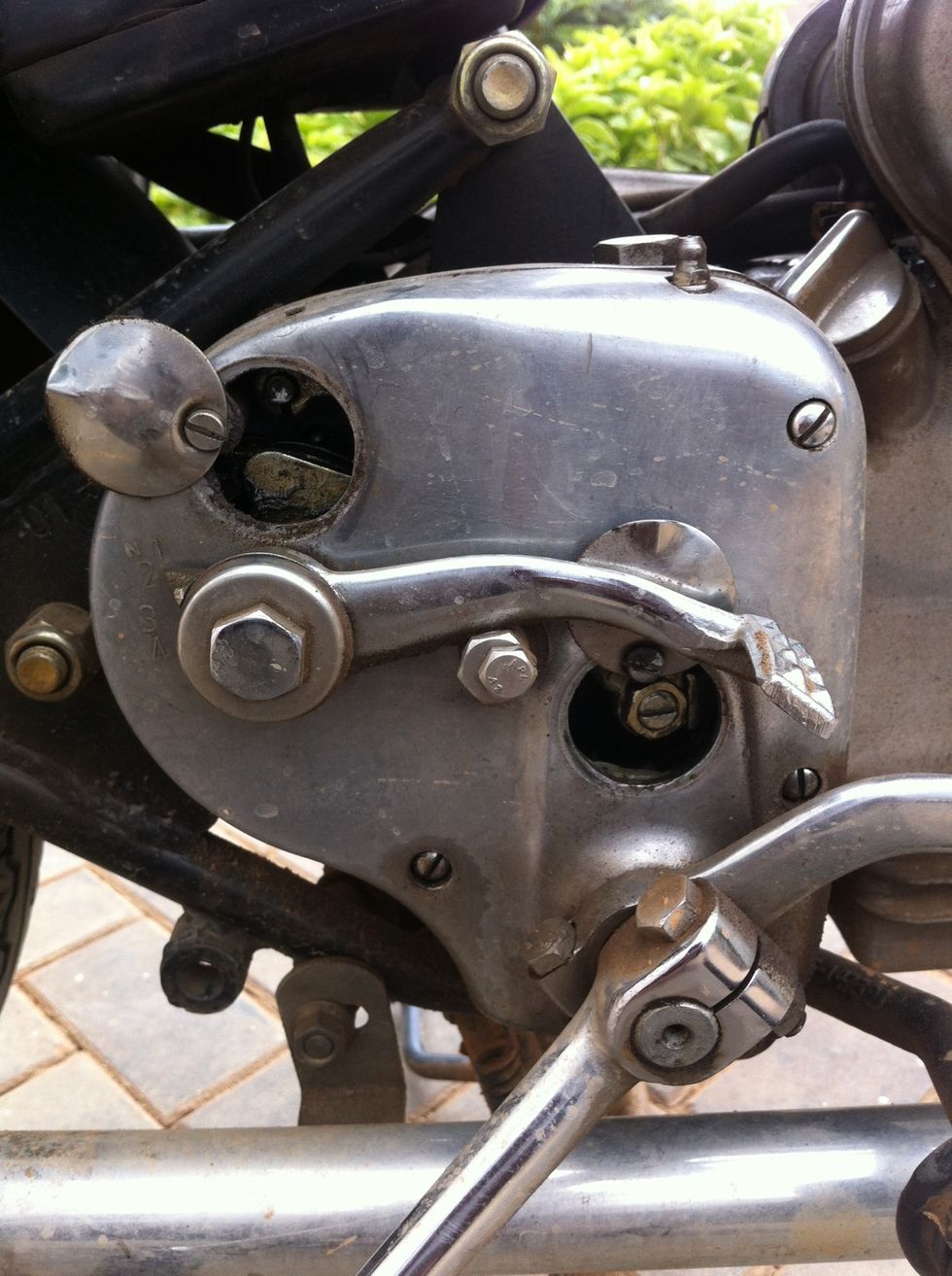
This is what you should achieve
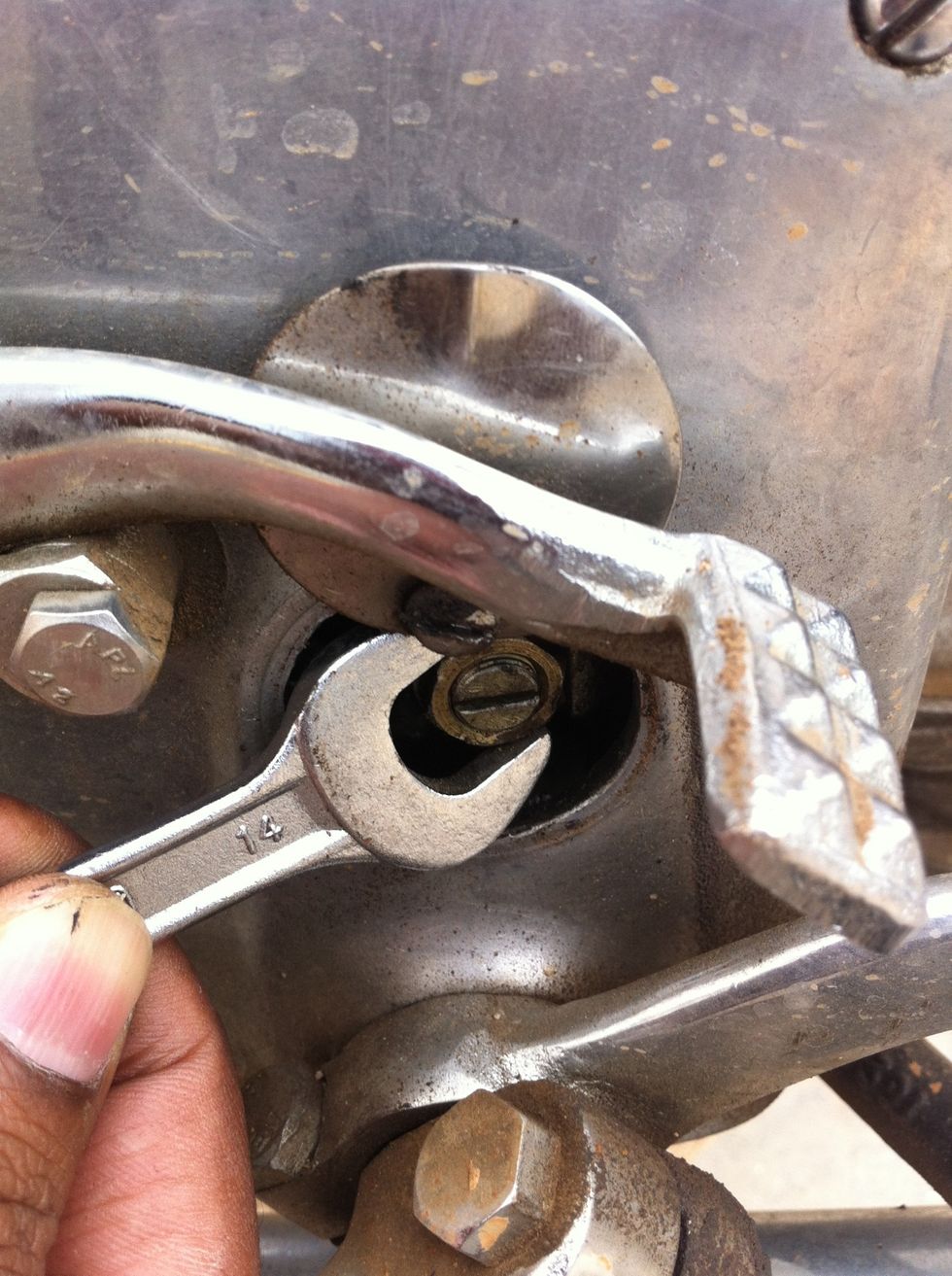
Use a 14mm spanner and loosen the lock nut.
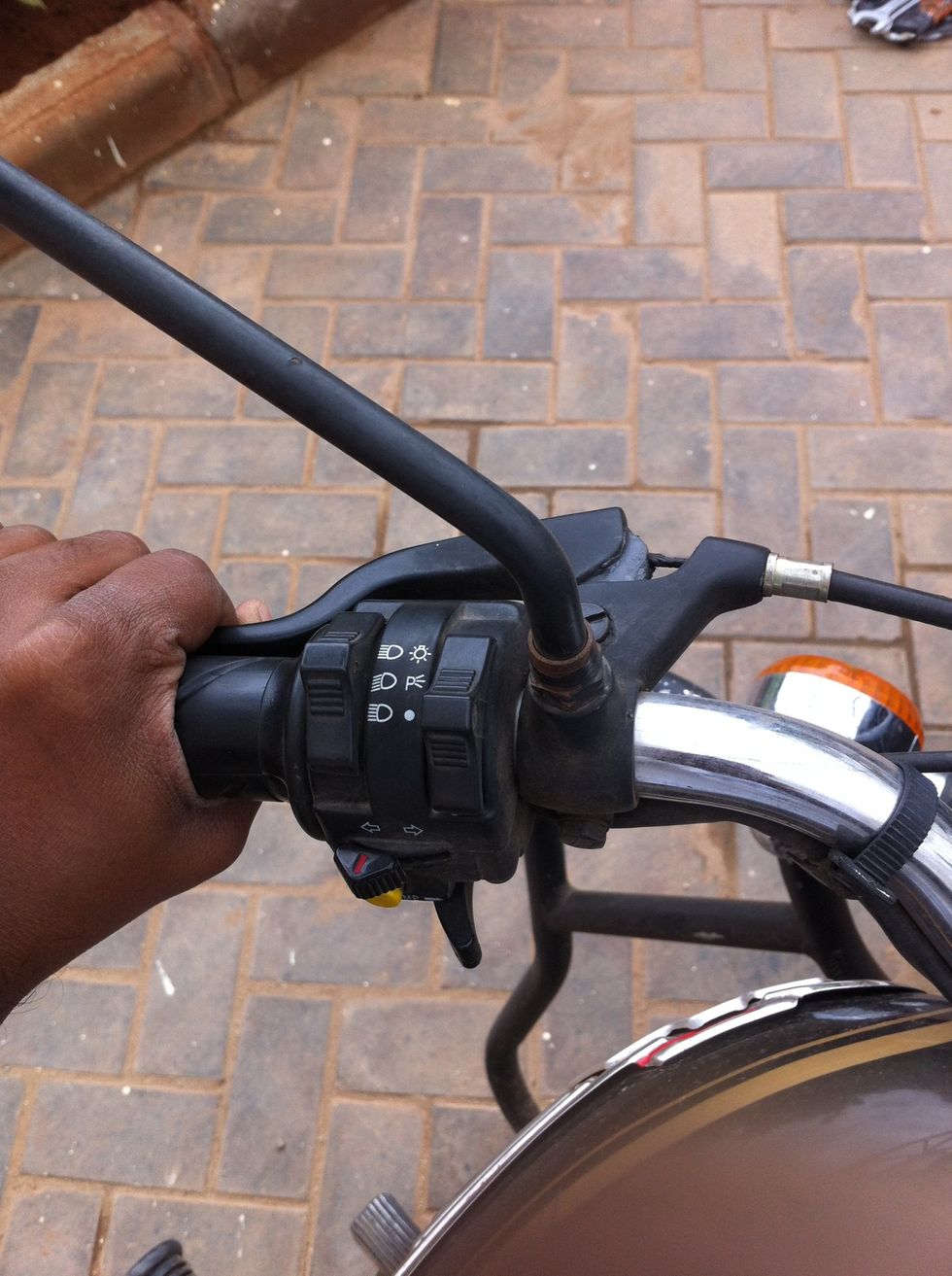
Hold the clutch lever to help you get more access to the locknut in the gearbox
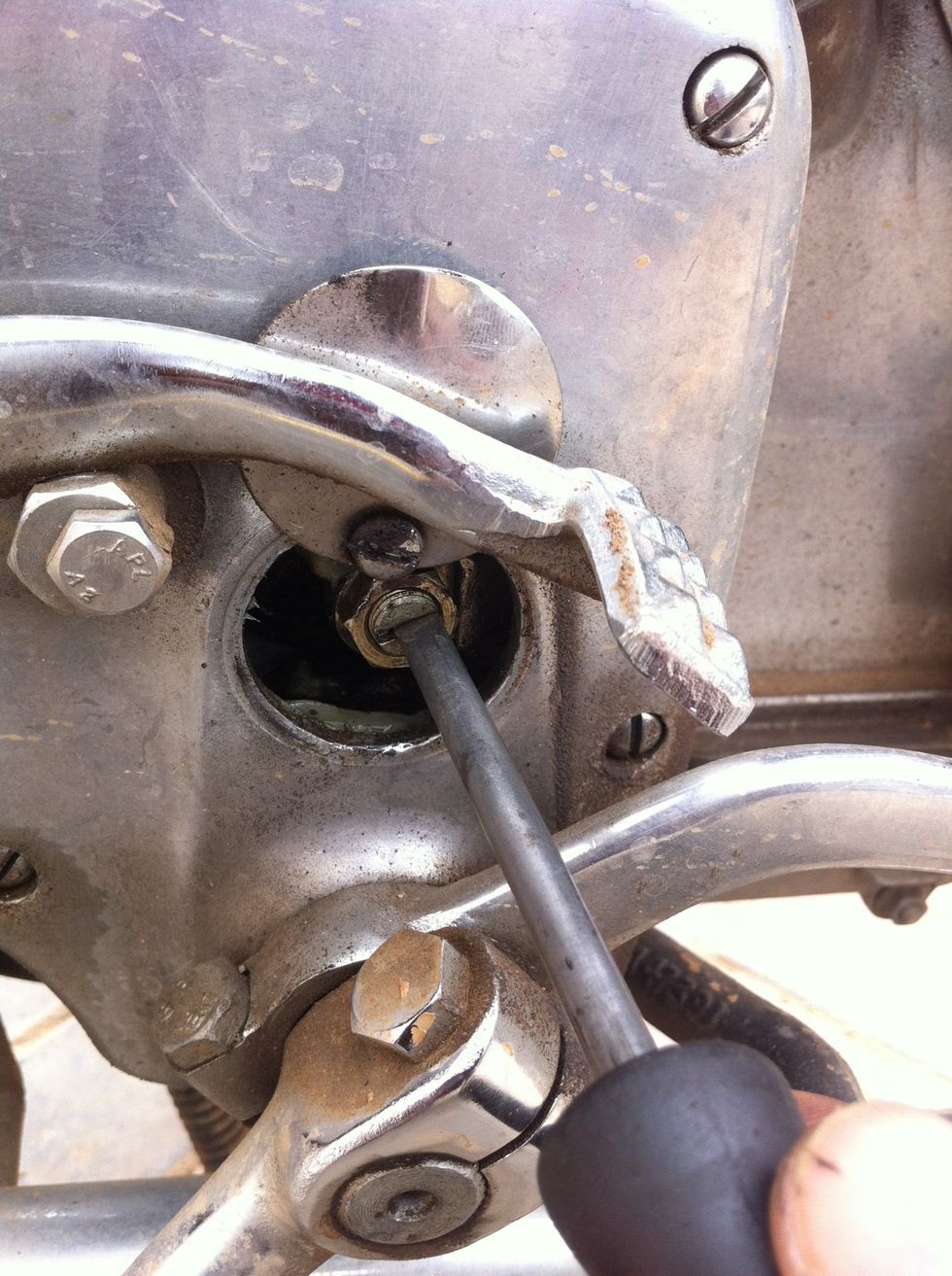
Now rotate anti clockwise to move the clutch cable hook handle backwards
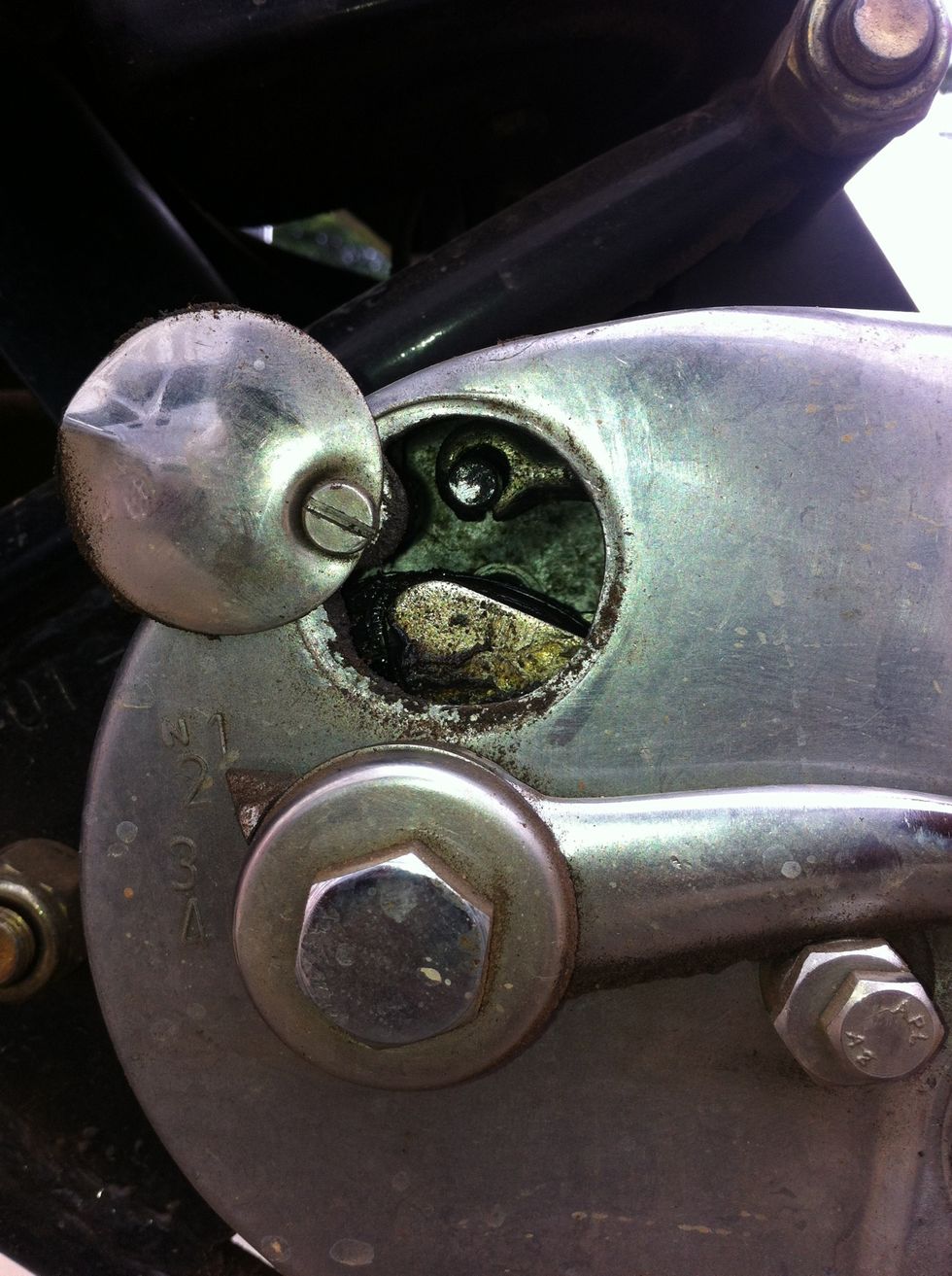
That clutch cable hook handle will move back as you loosen the screw in the previous process.
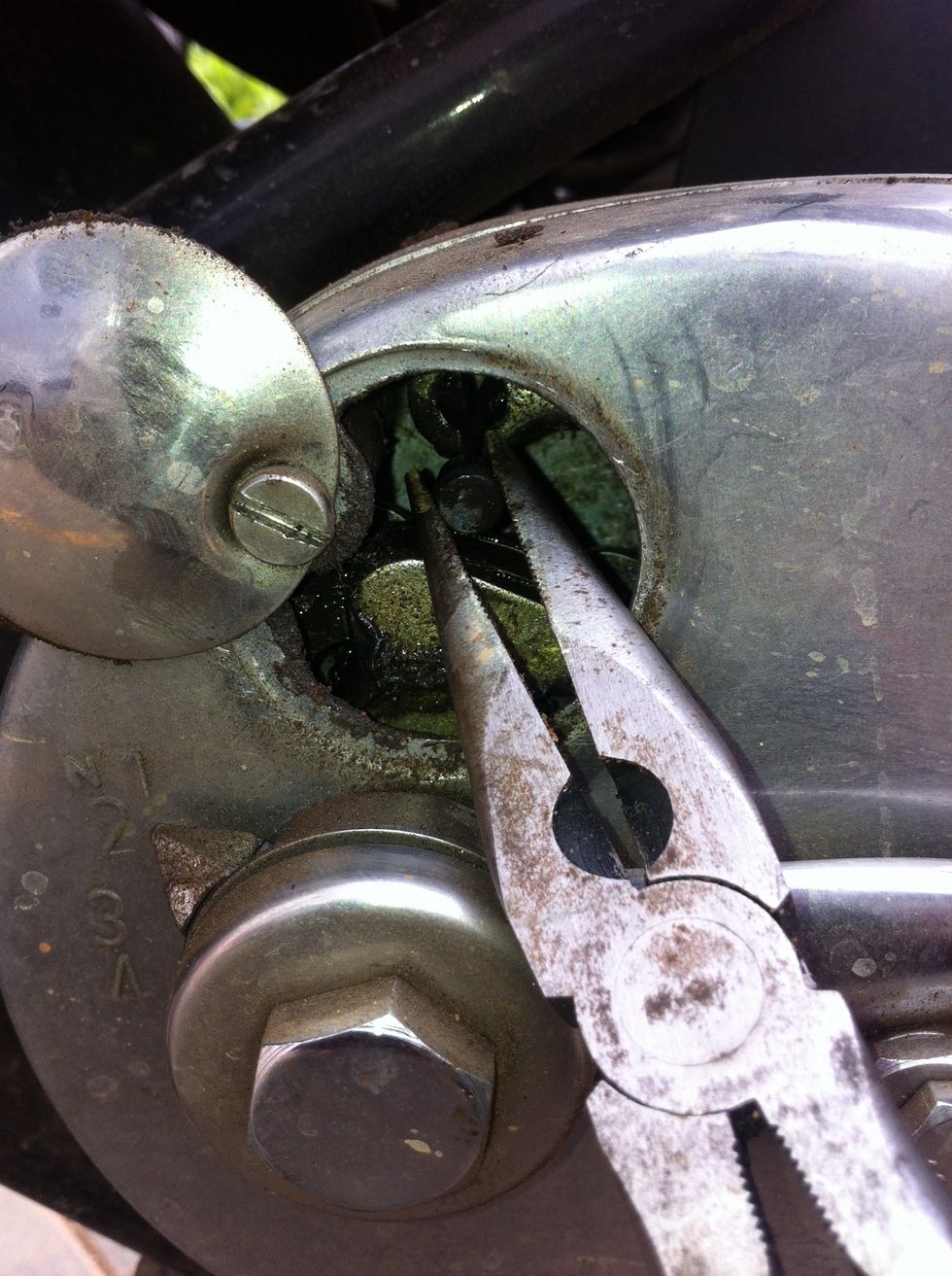
Use a nose plier and pull the cable out of the hook handle
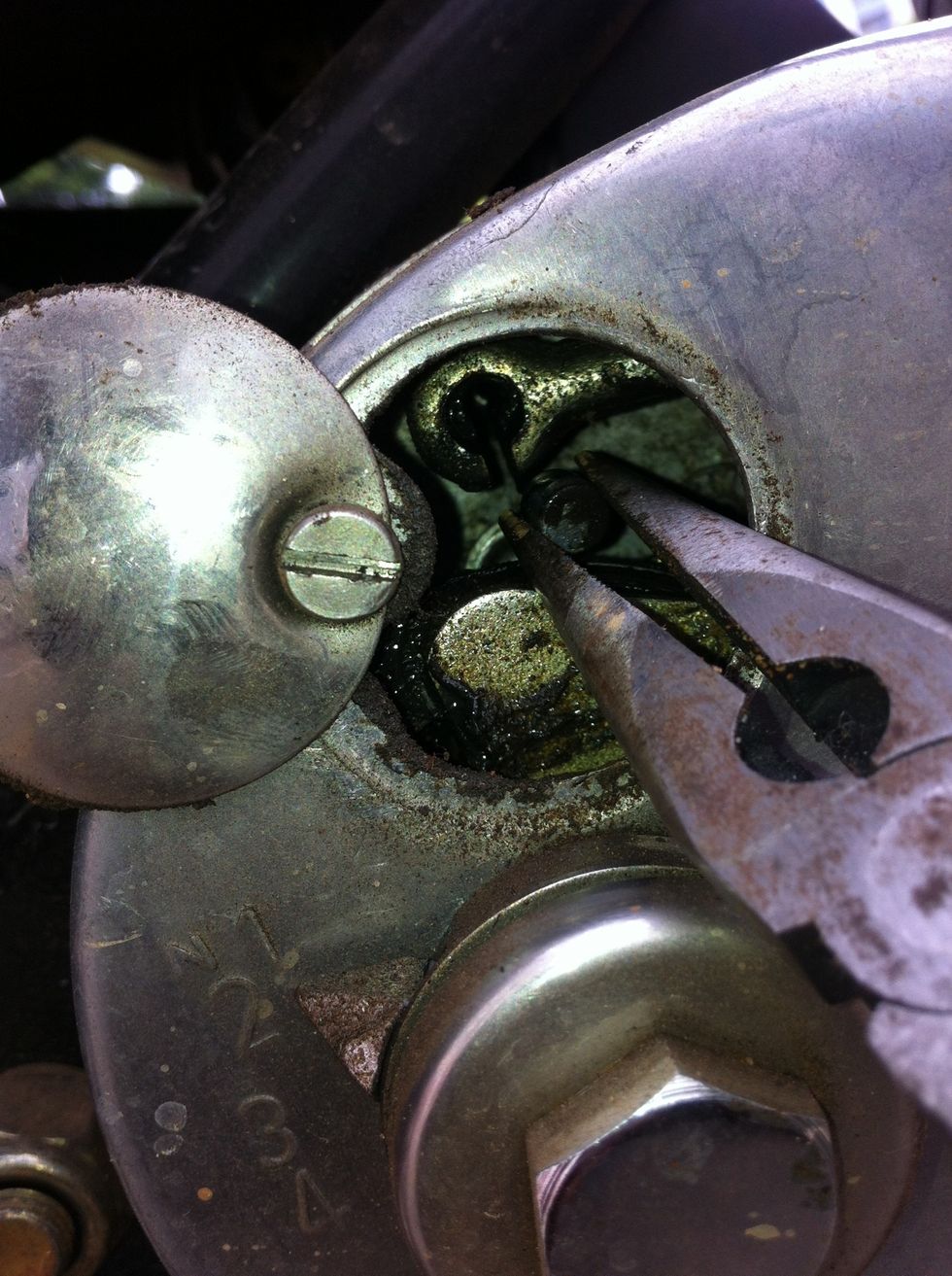
Push the cable out of the hook and move it backwards as much as you can
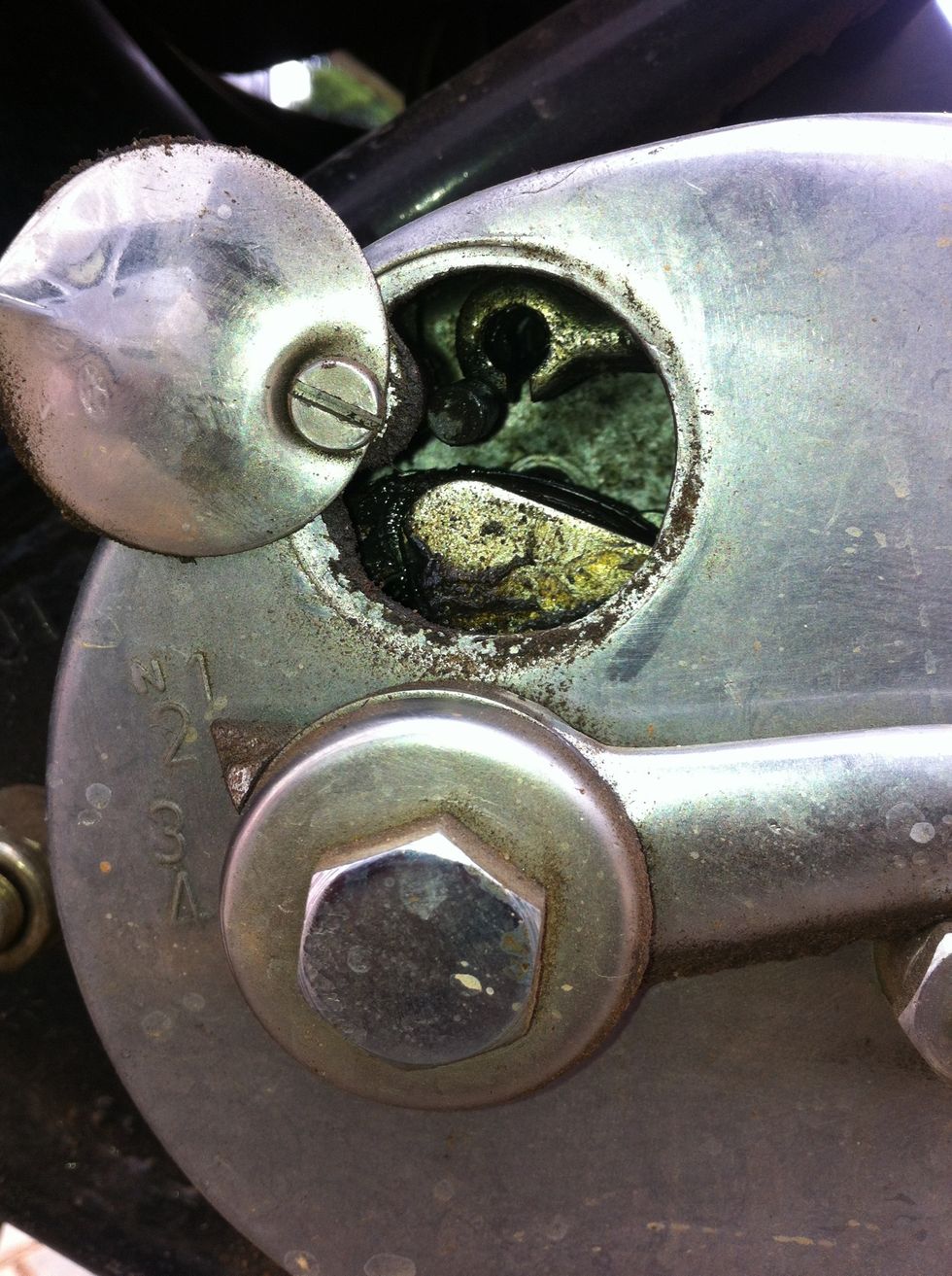
Now when you pull the cable from behind the gearbox it should pop out of the gearbox casing, but before that you should now remove the cable from the clutch hand lever
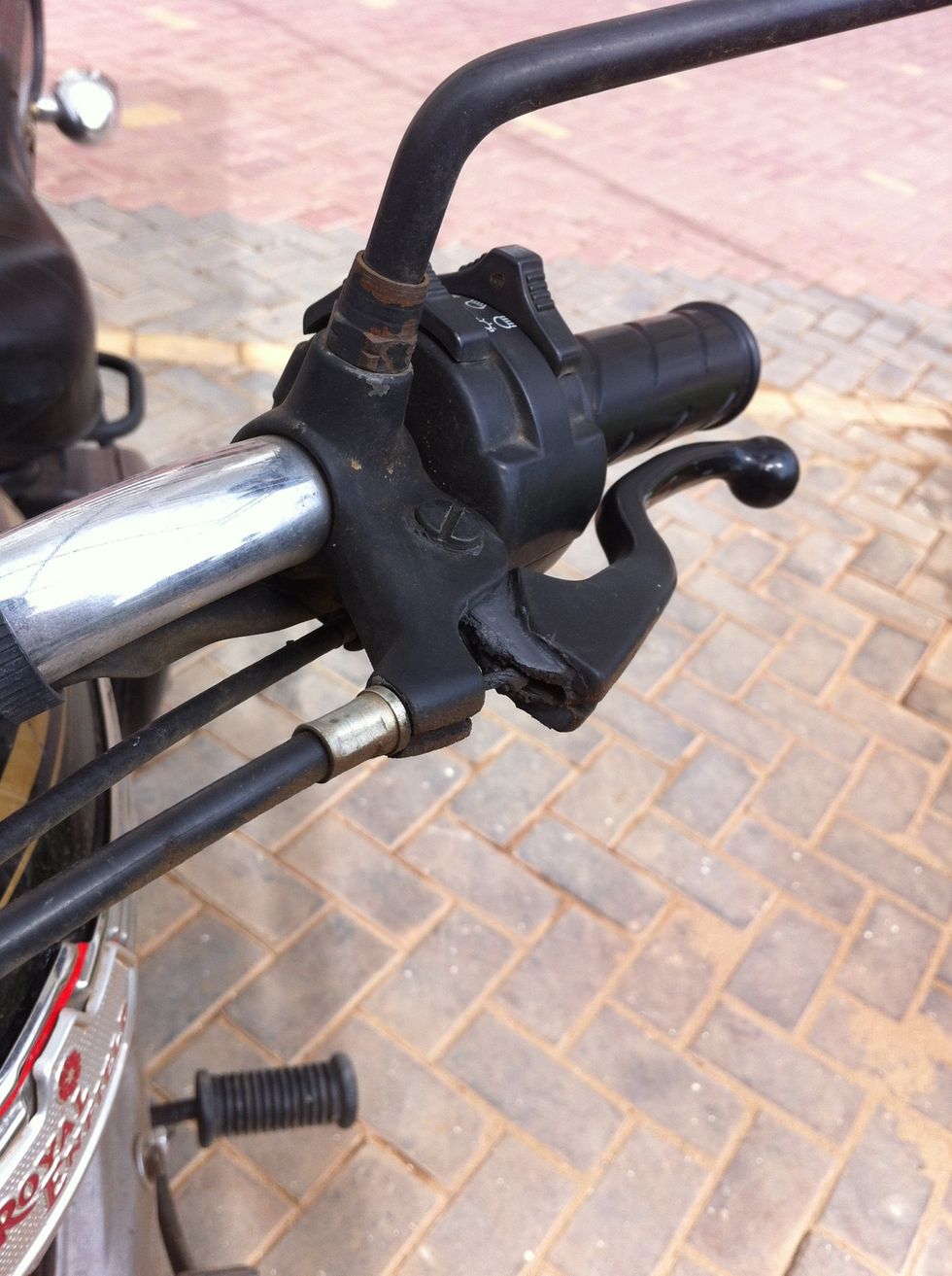
The clutch lever will be completely loose now
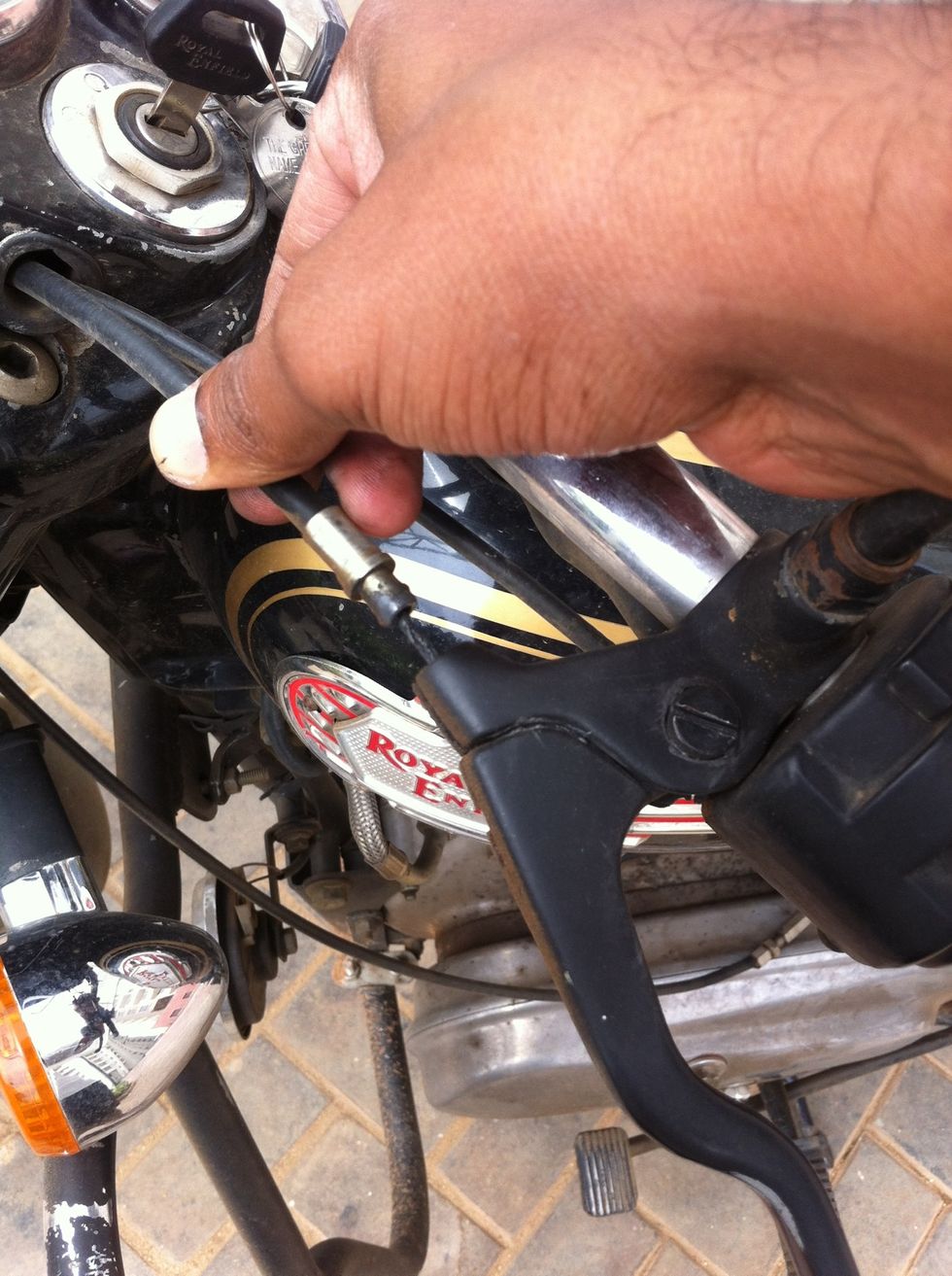
Pull the cable guide out
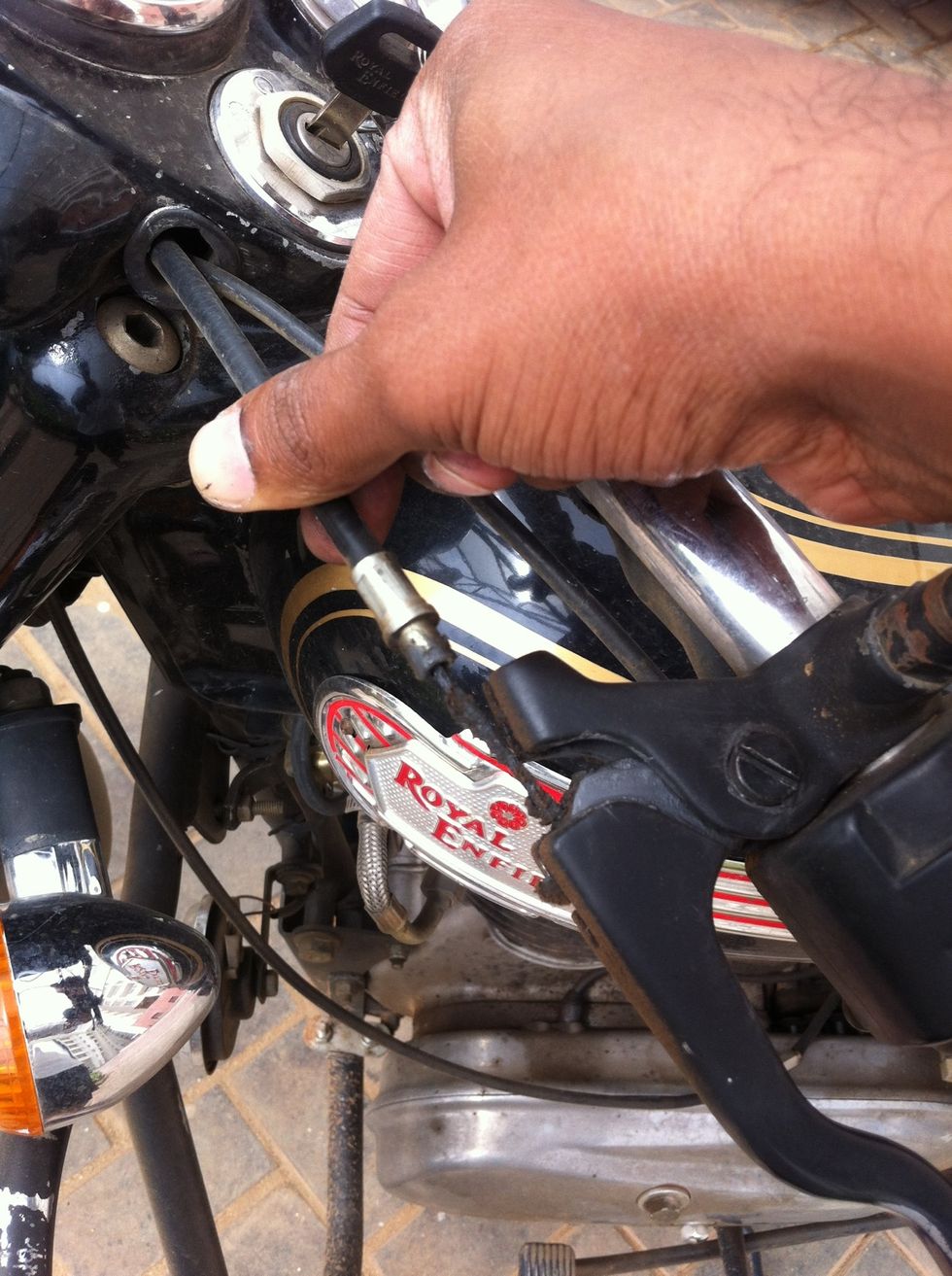
Pull the cable out of the hooks
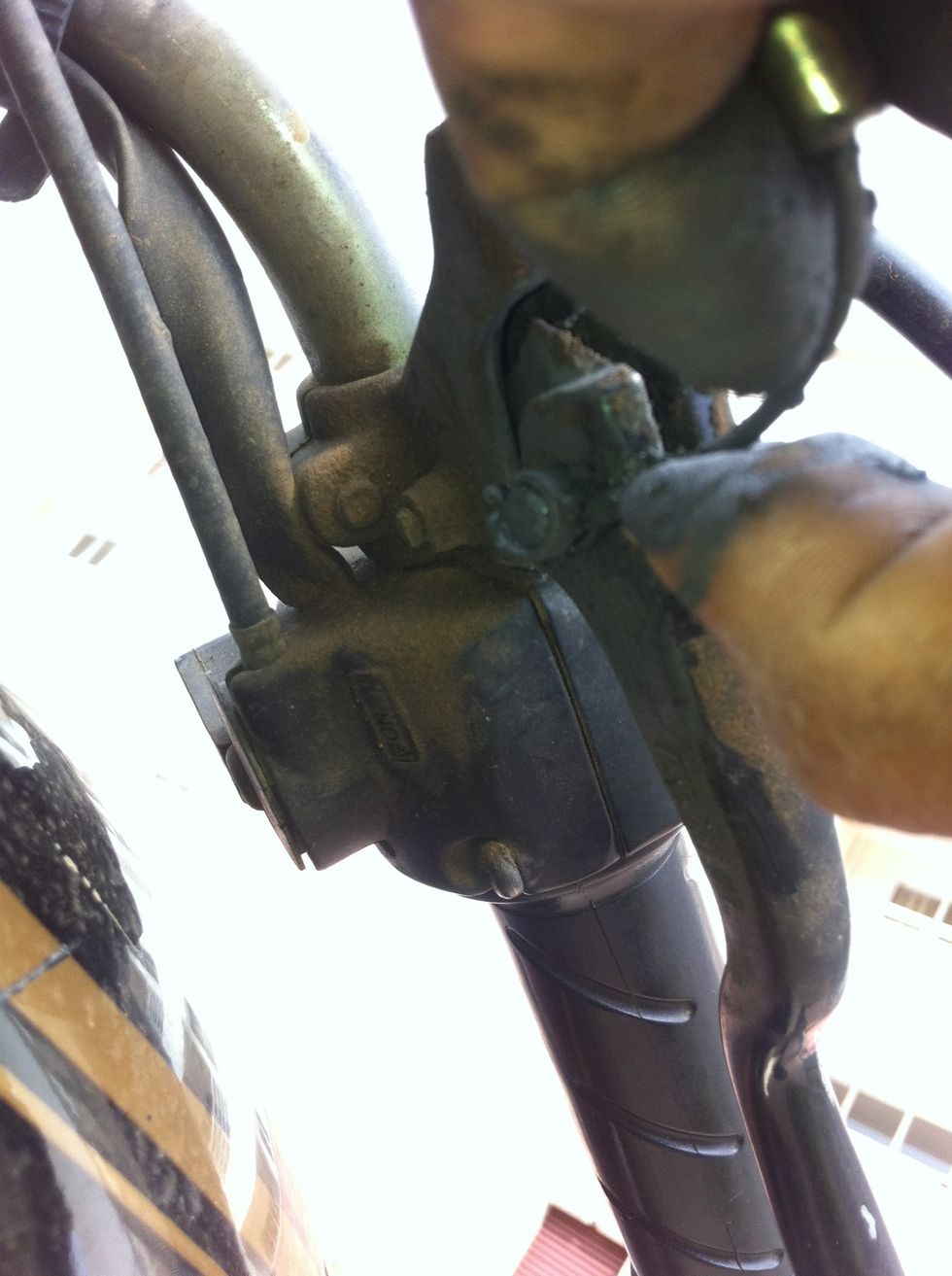
From below the lever you should be now able to pull the cable end out
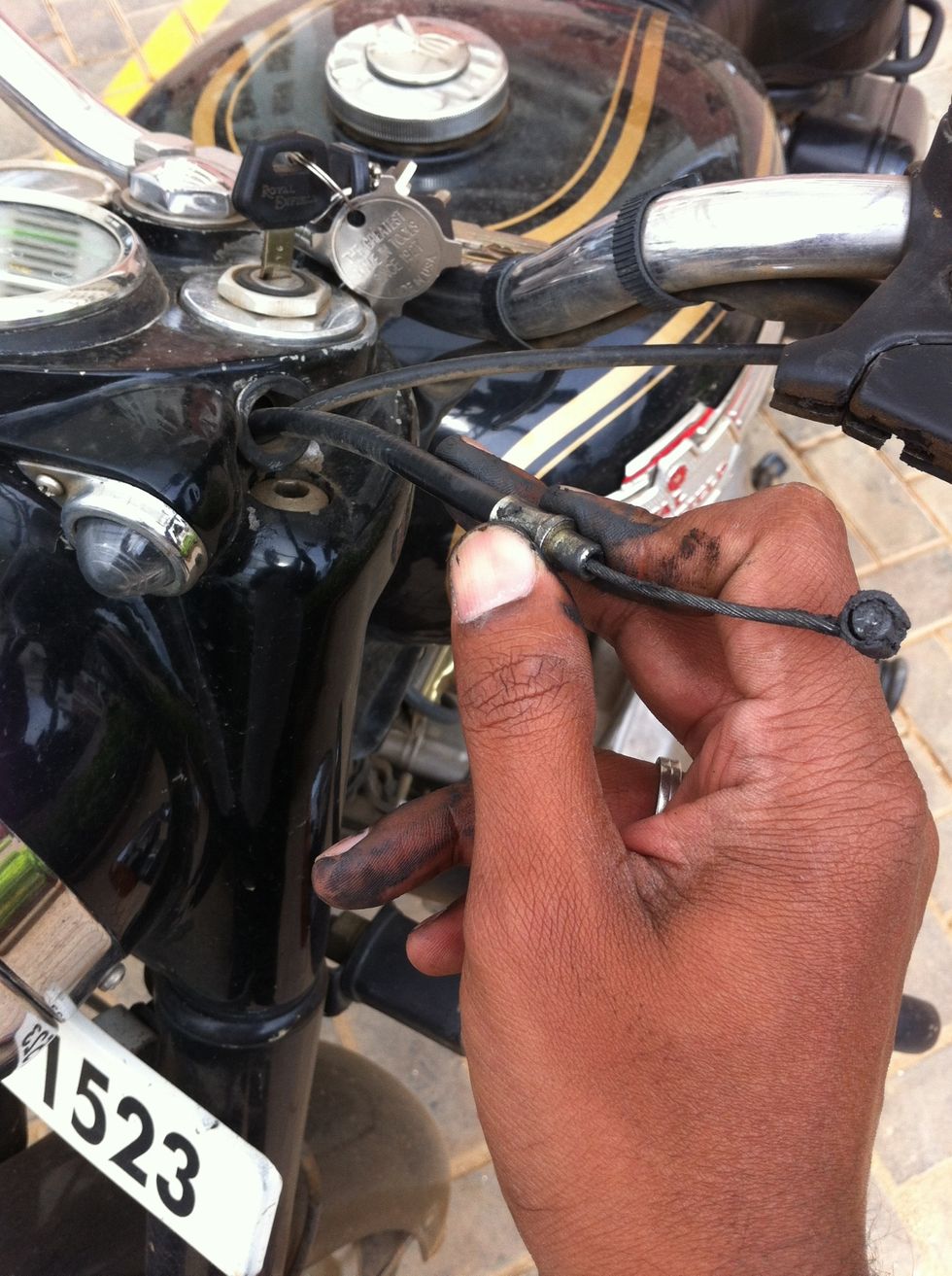
Now you will have the cable which is free at the lever end
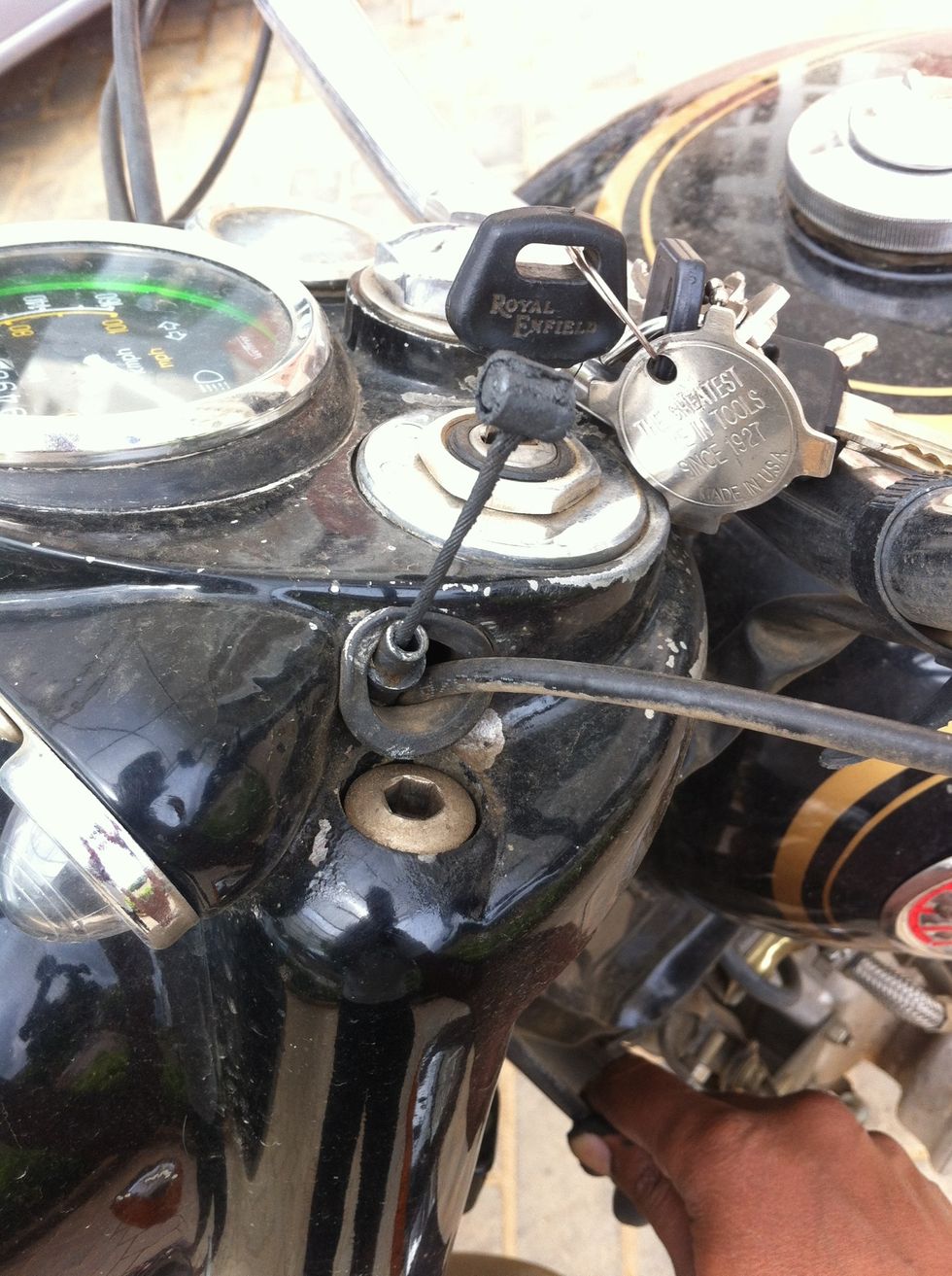
Push it out through the headlamp casing.
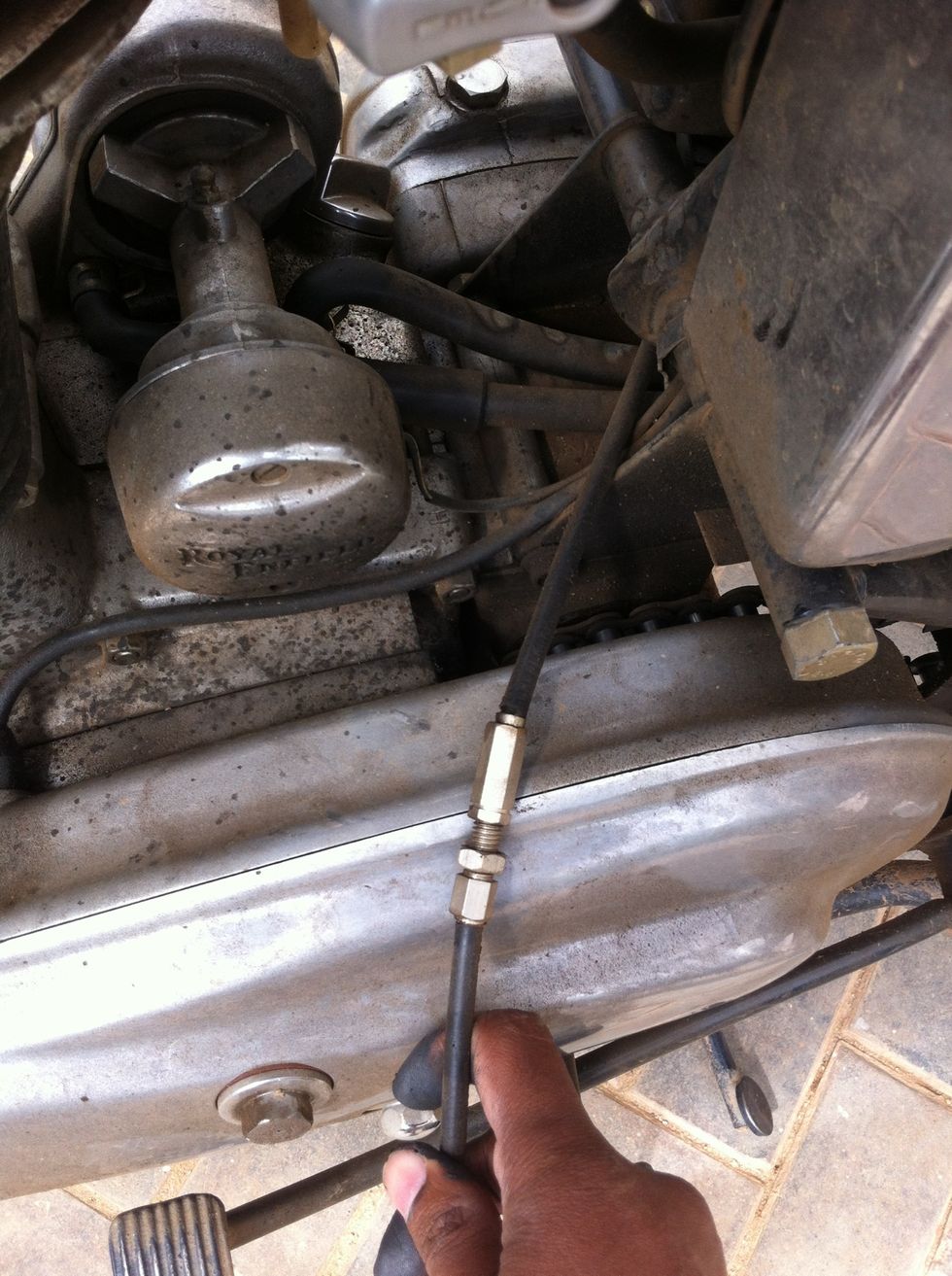
Pull the cable from behind the gear box
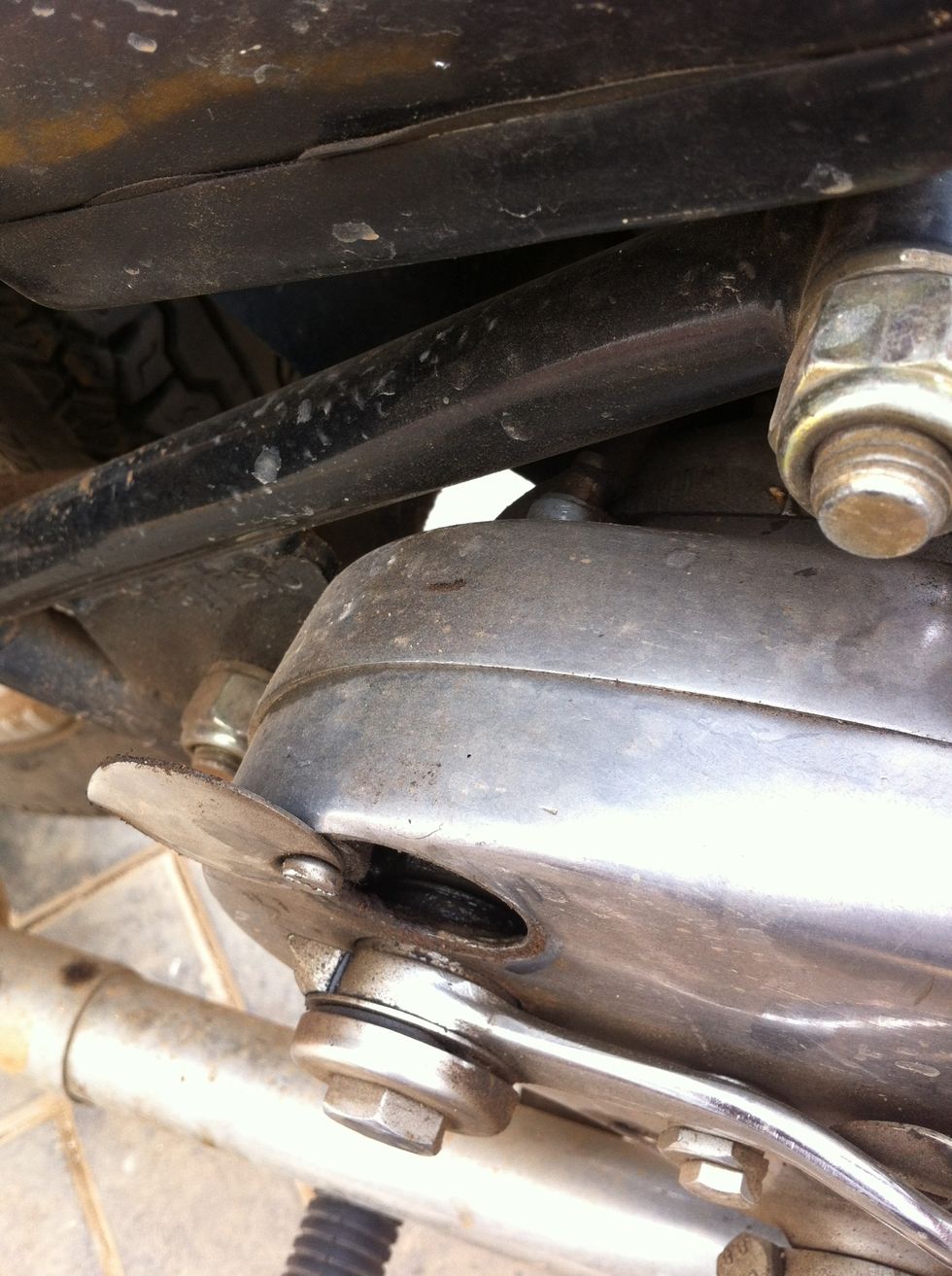
Sometimes the cable end can get so seated in that you may need to use a screwdriver to push it out from inside the gearbox through the access hole
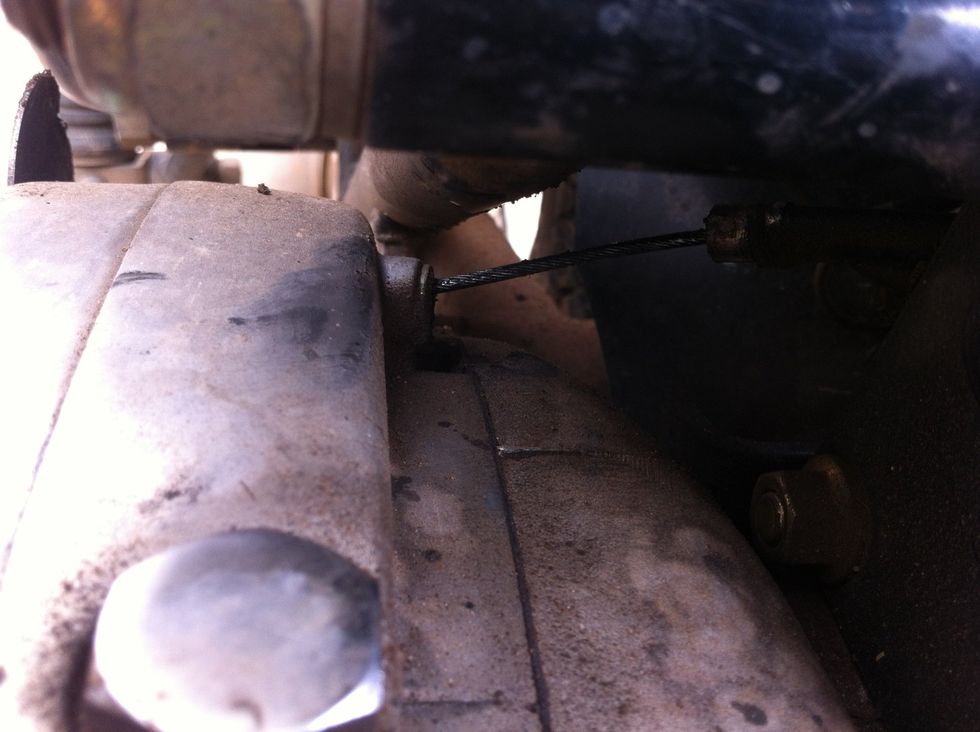
In this case the seating of the cable has got placed in very tightly, so you will have to push the seating out
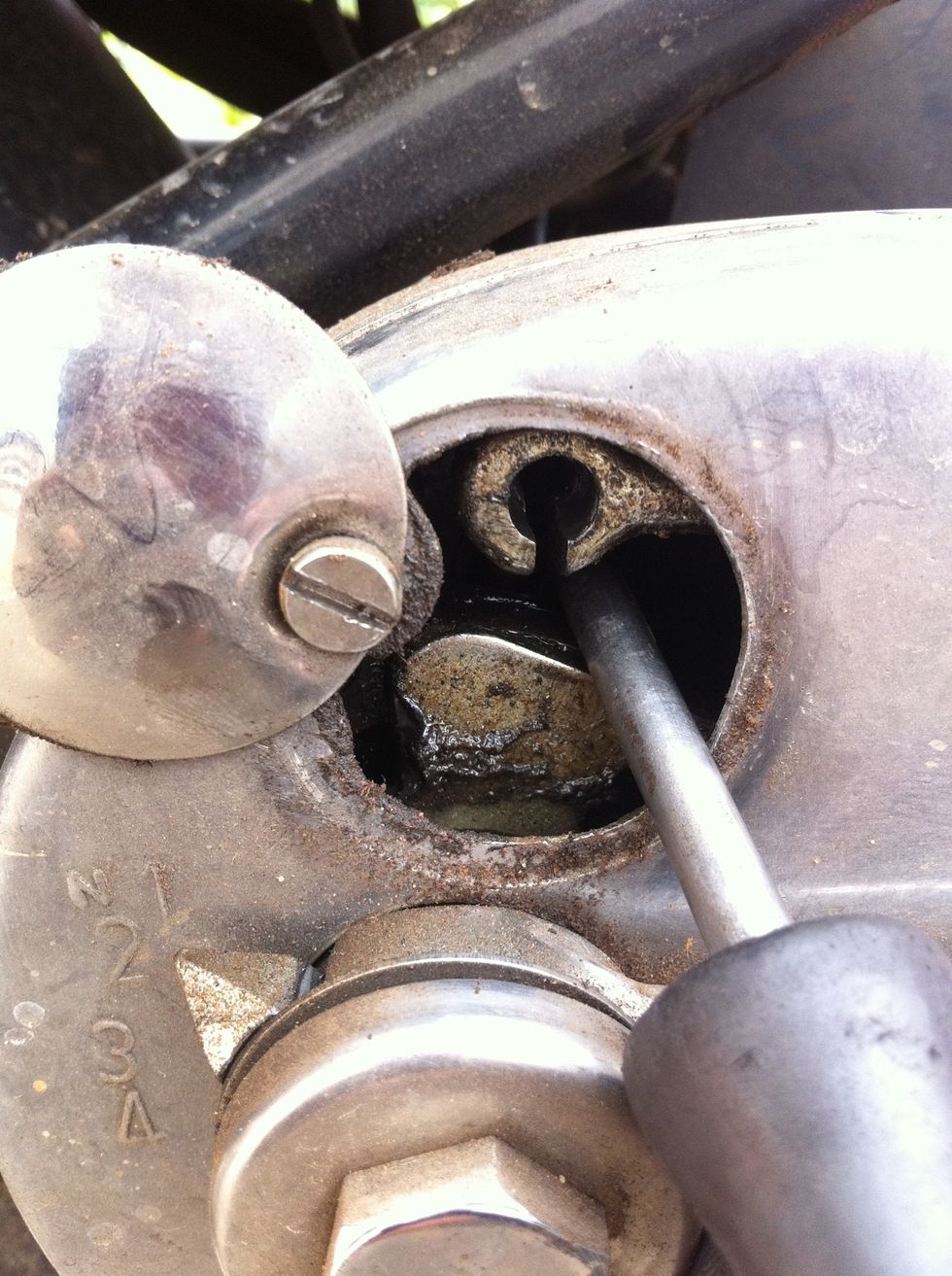
Use a screw driver and push the cable end seating out
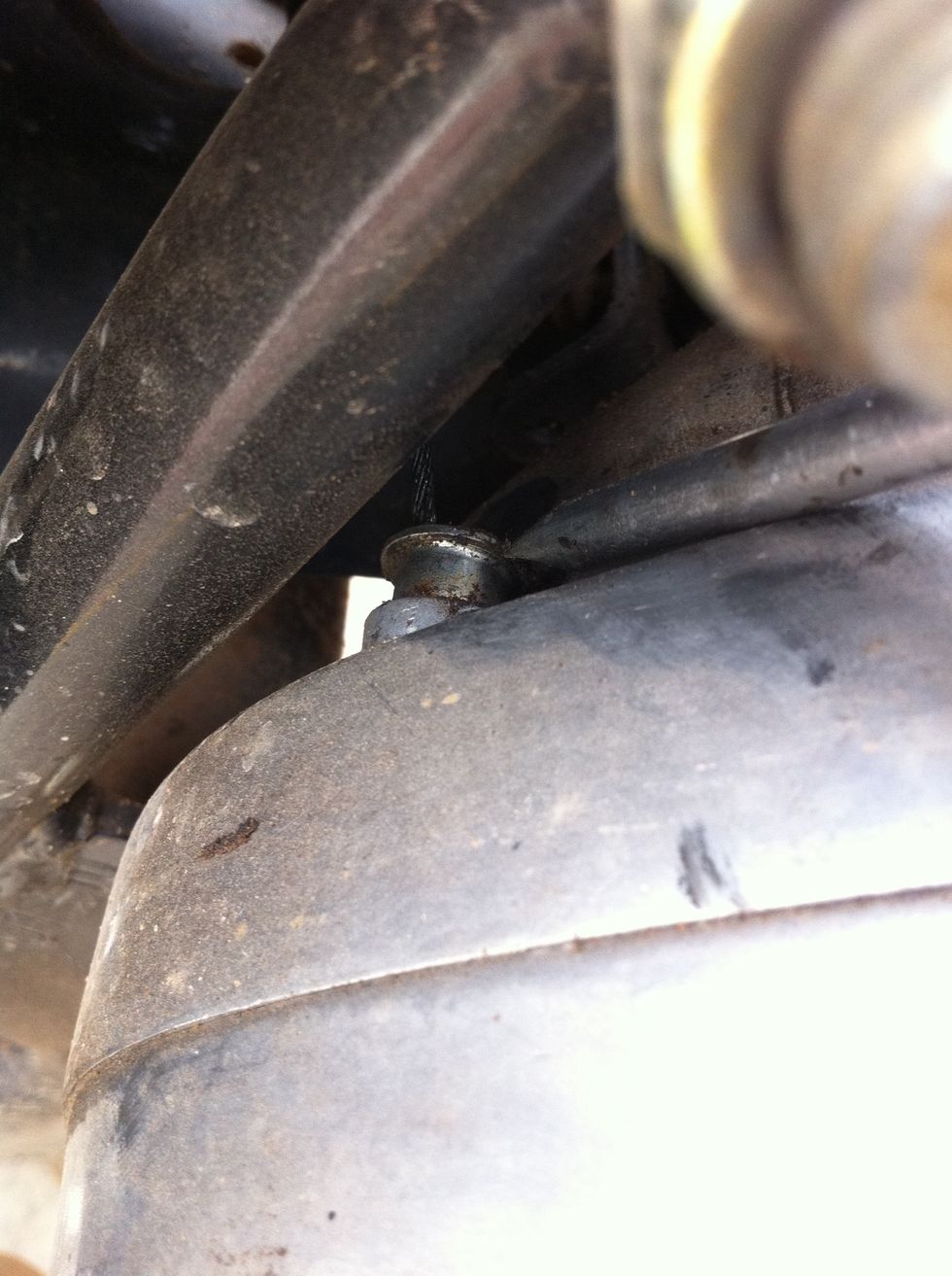
The seating has popped out
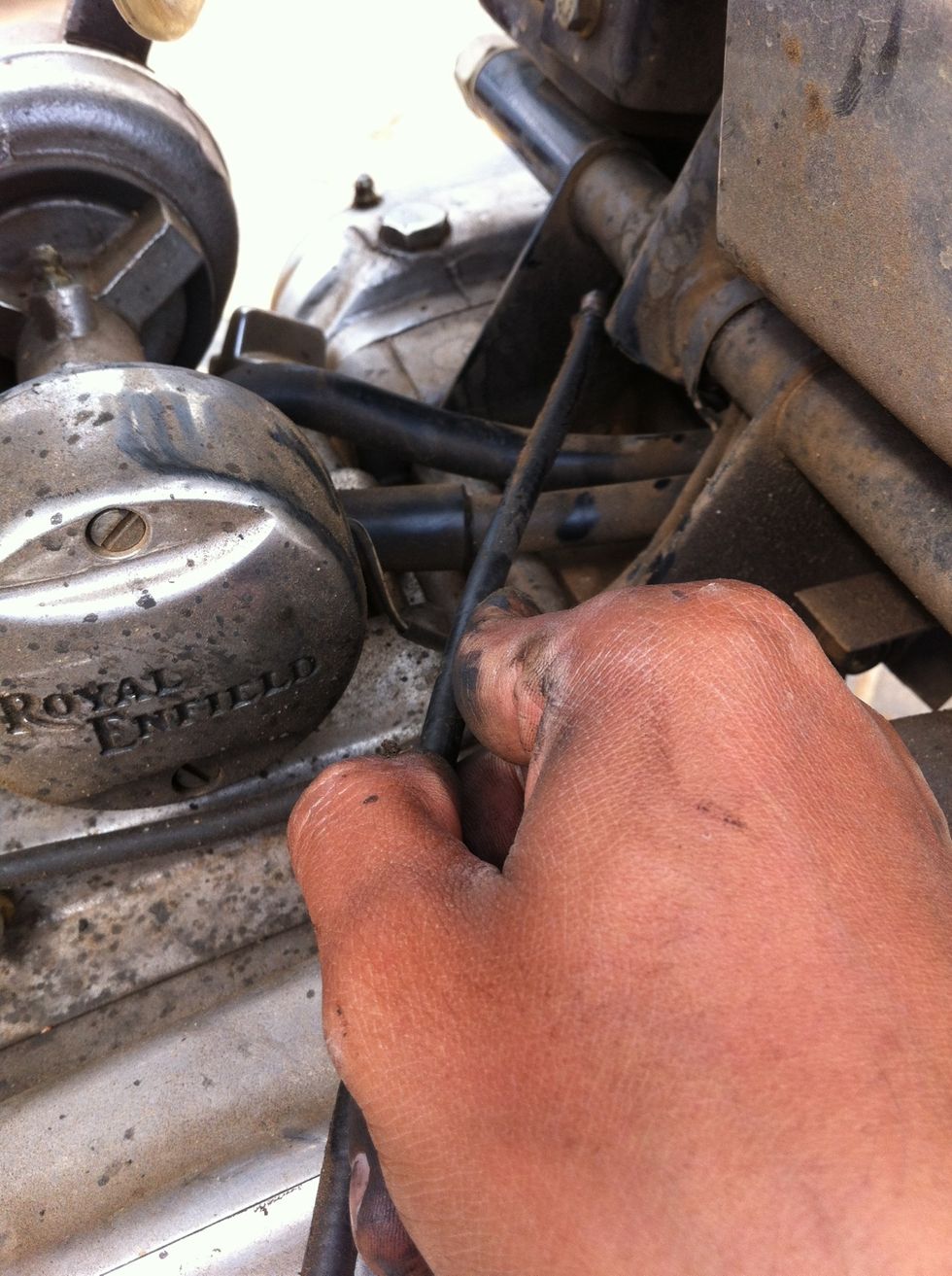
Pull the cable slowly out
Unpack a new clutch cable and if you prefer drip oil through for longevity of the cable
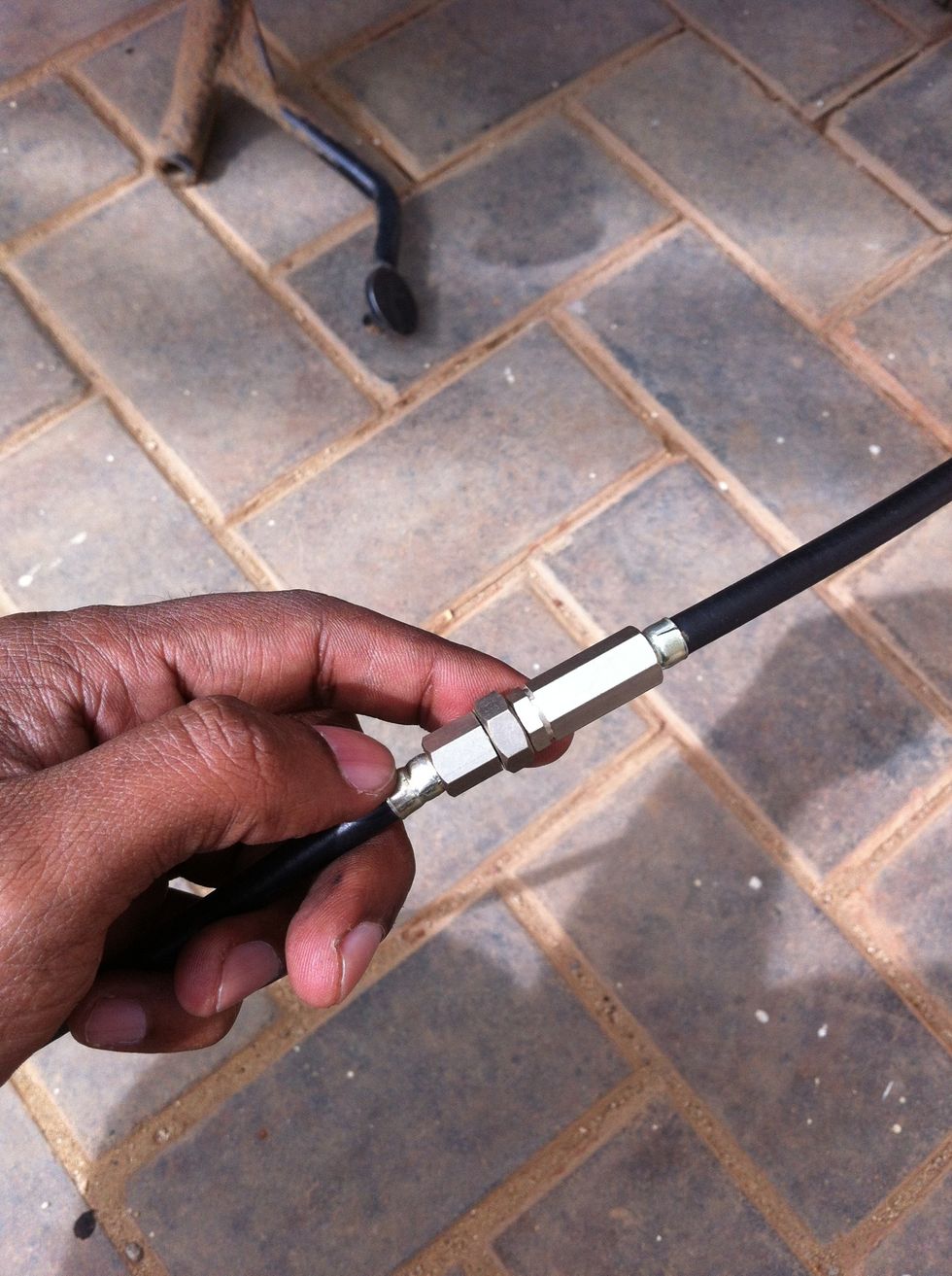
The new cable's length adjuster should be tightened so the least cover length is achieved
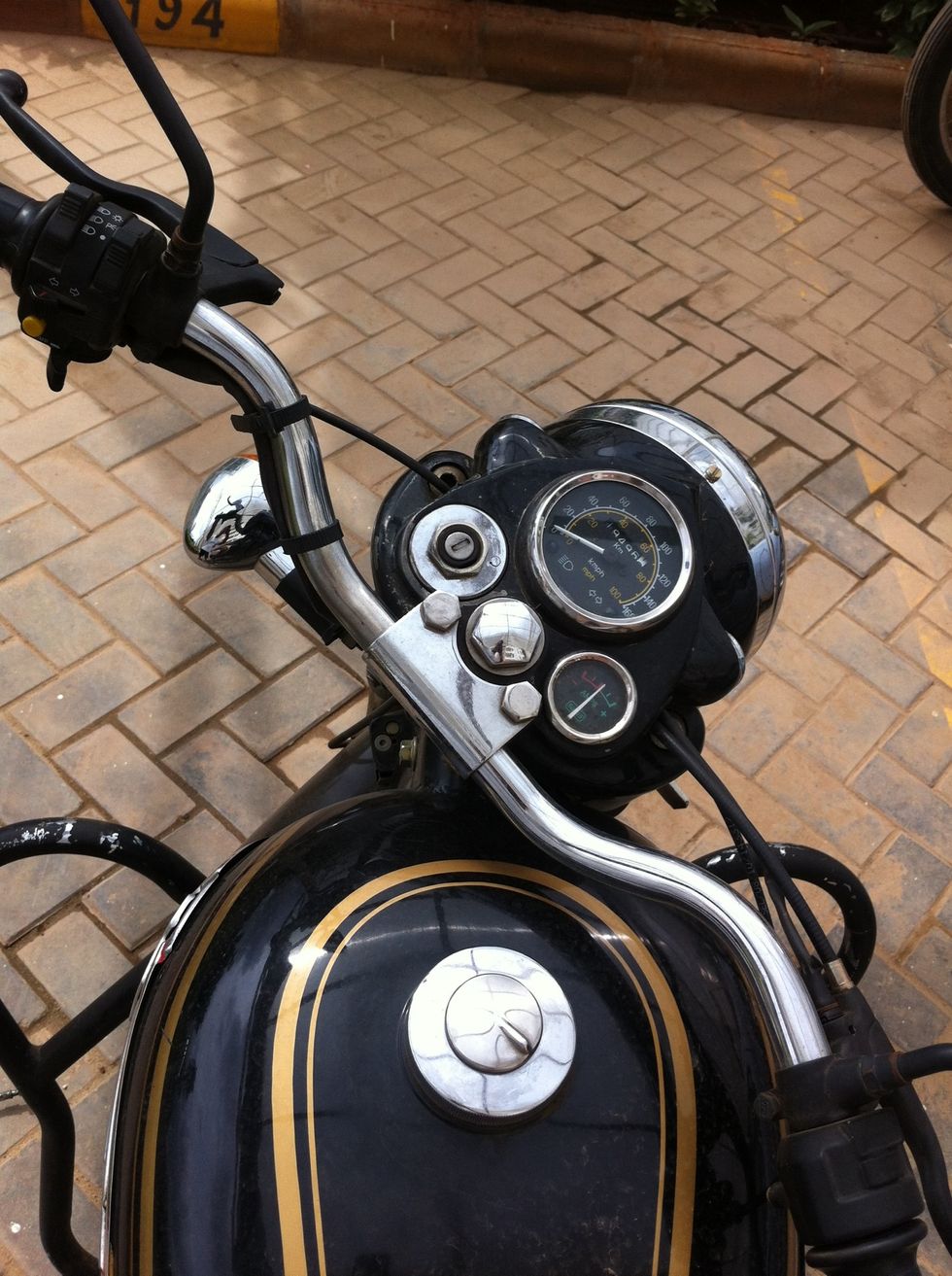
Rotate the steering stem to the right
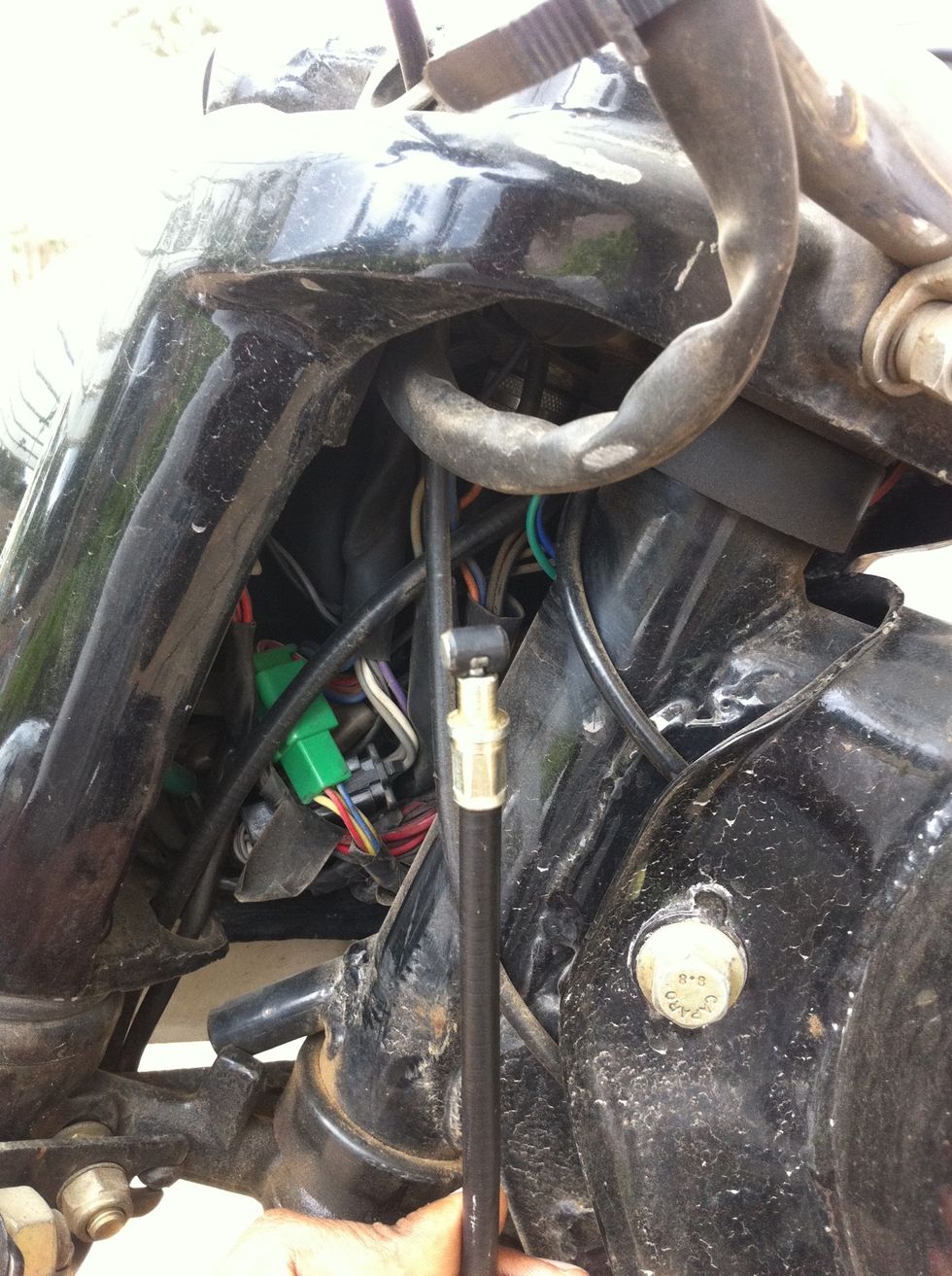
Route the cable through the headlamp casing
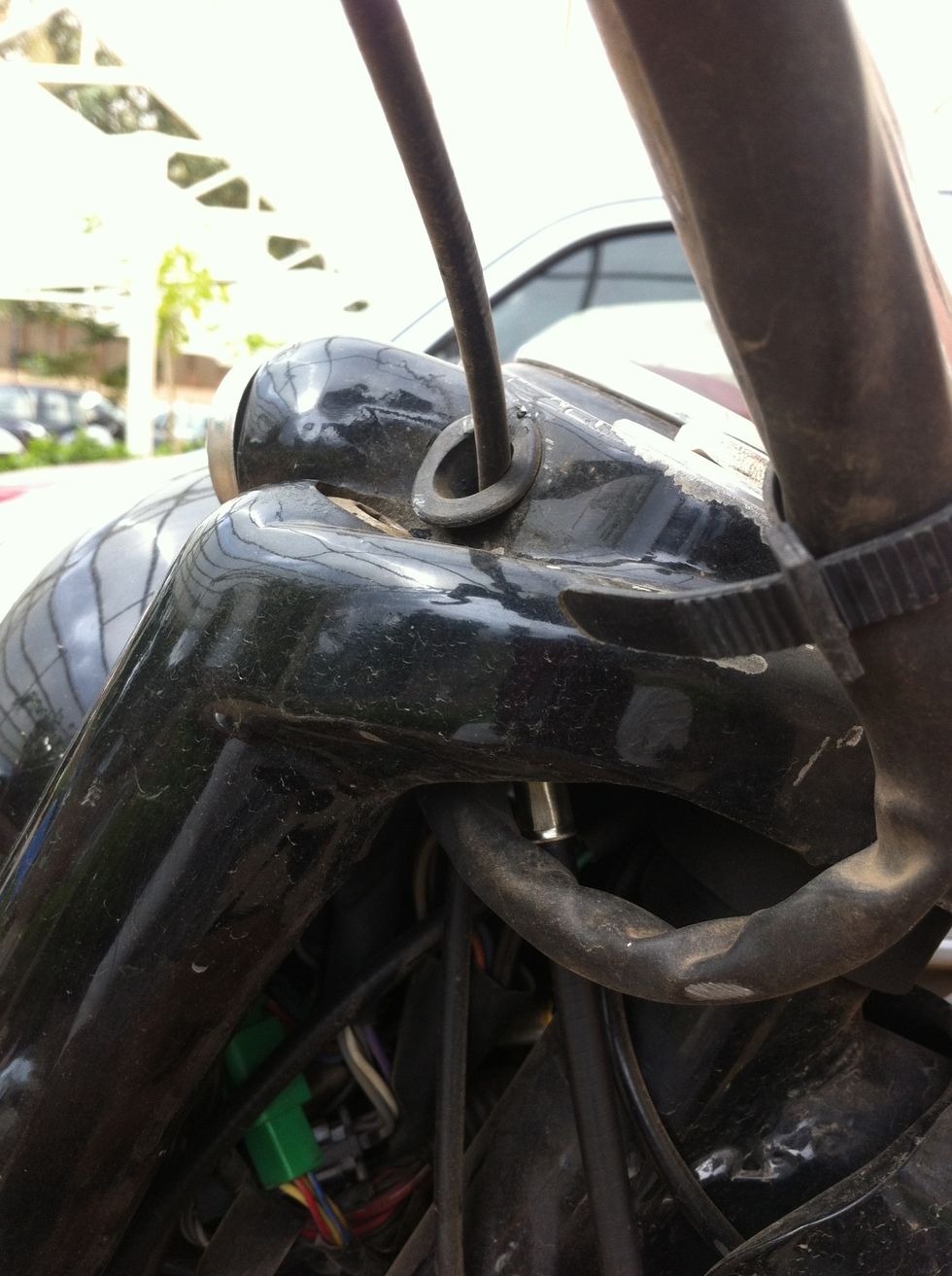
The cable end should come out of the hole in the headlamp casing side
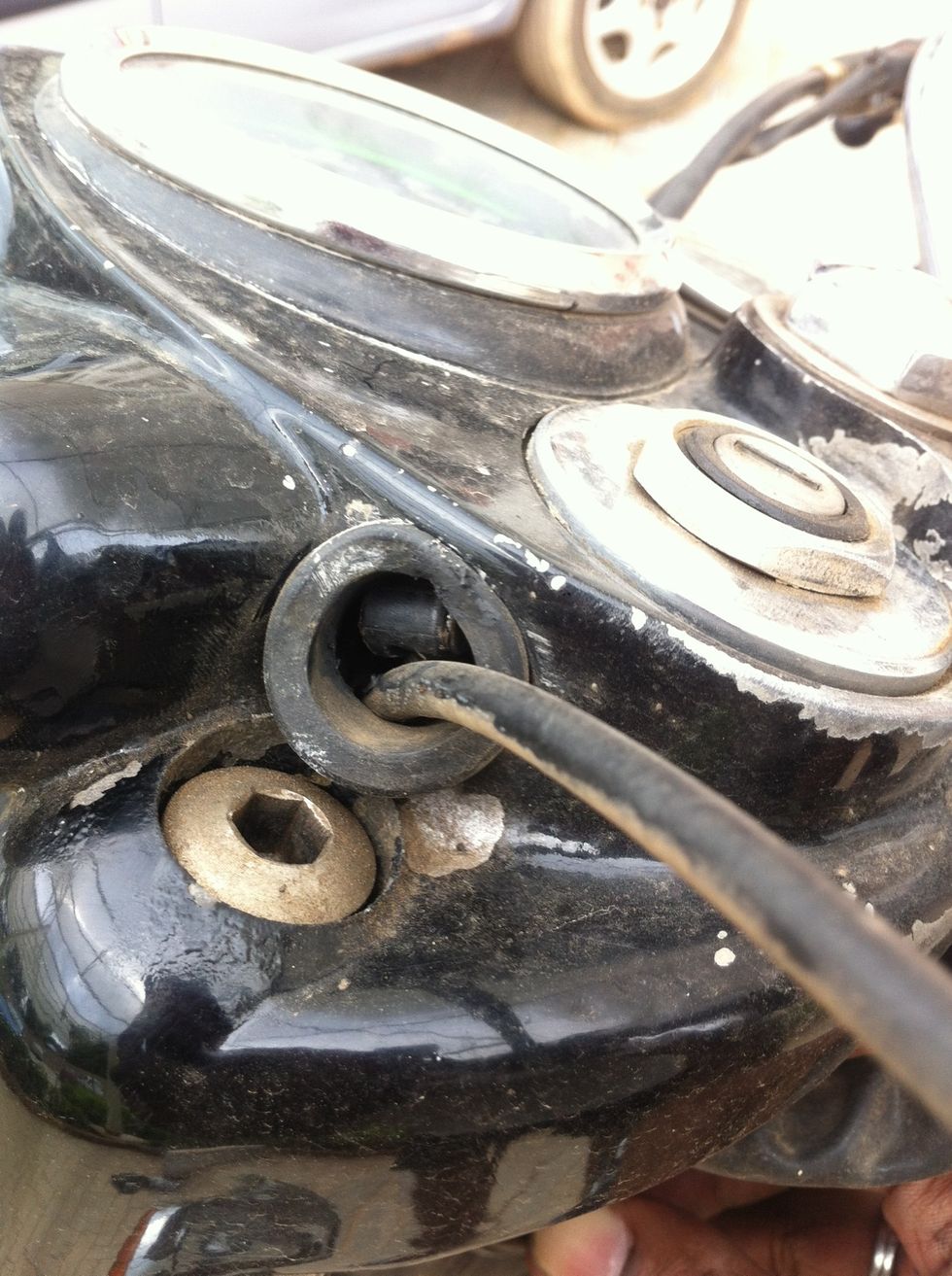
If you don't have assistance, using a nose plier to pull the end might be a good idea as shown in next step
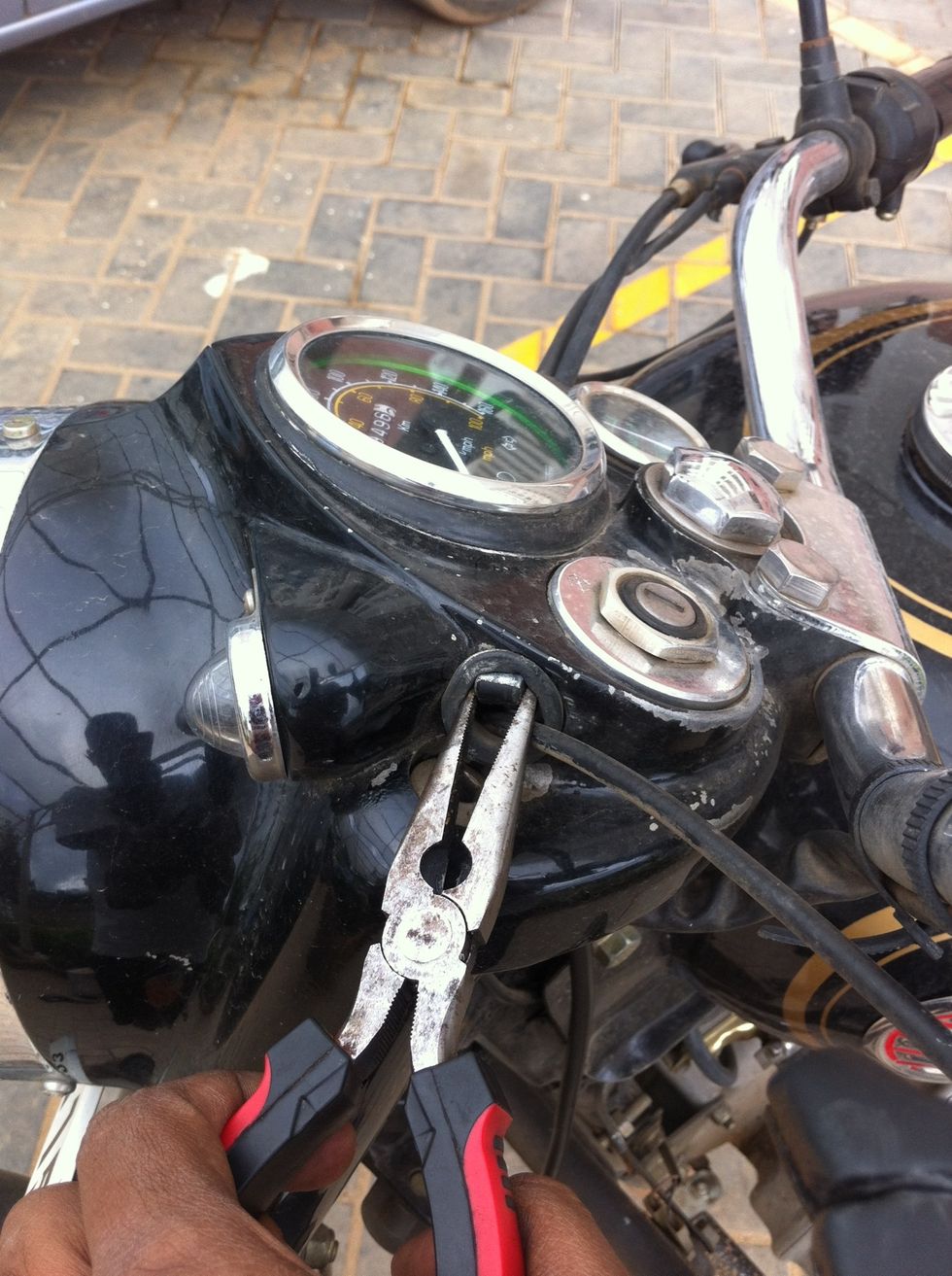
Pull the cable end using a nose plier
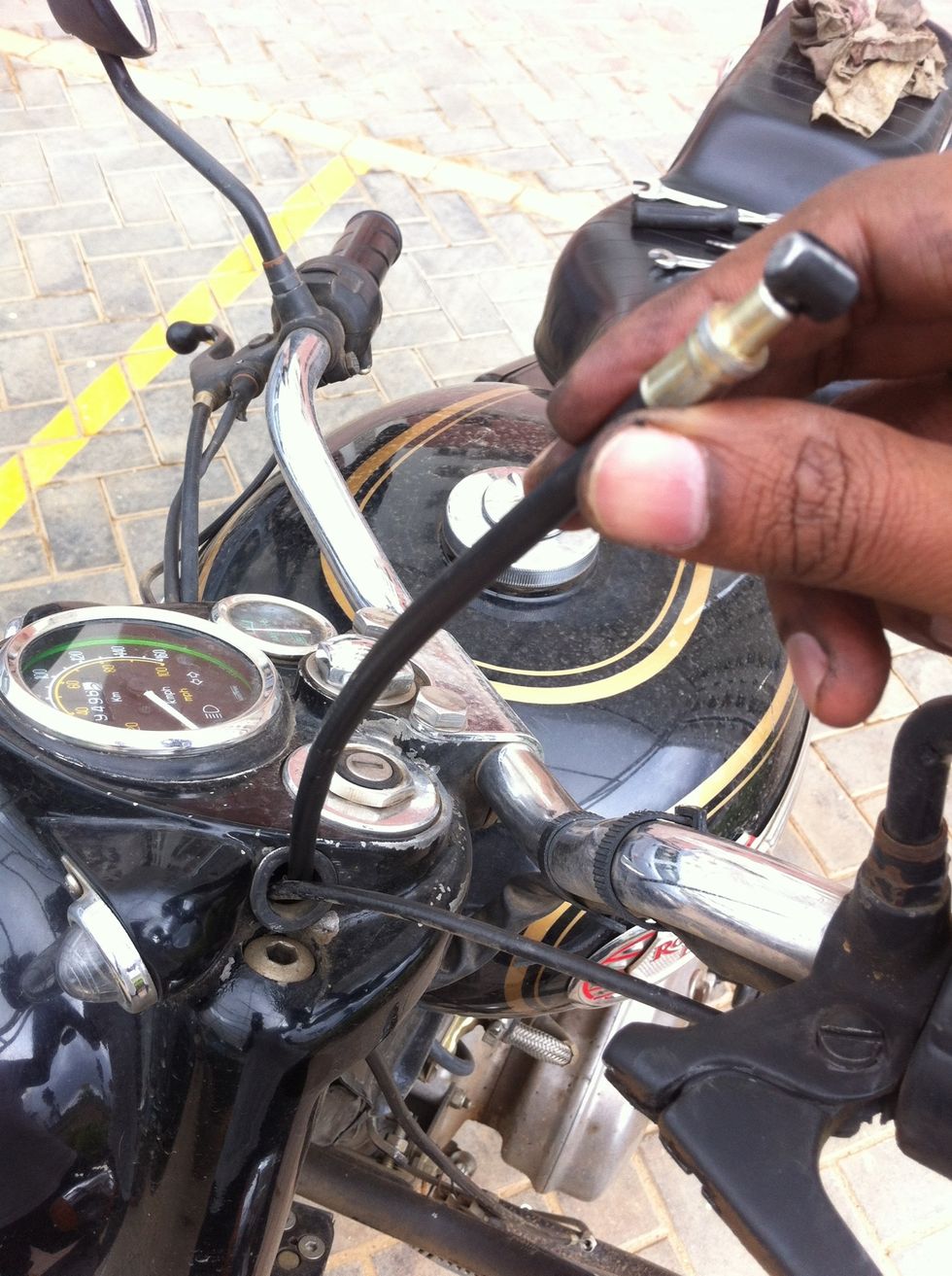
Check for cable free movement
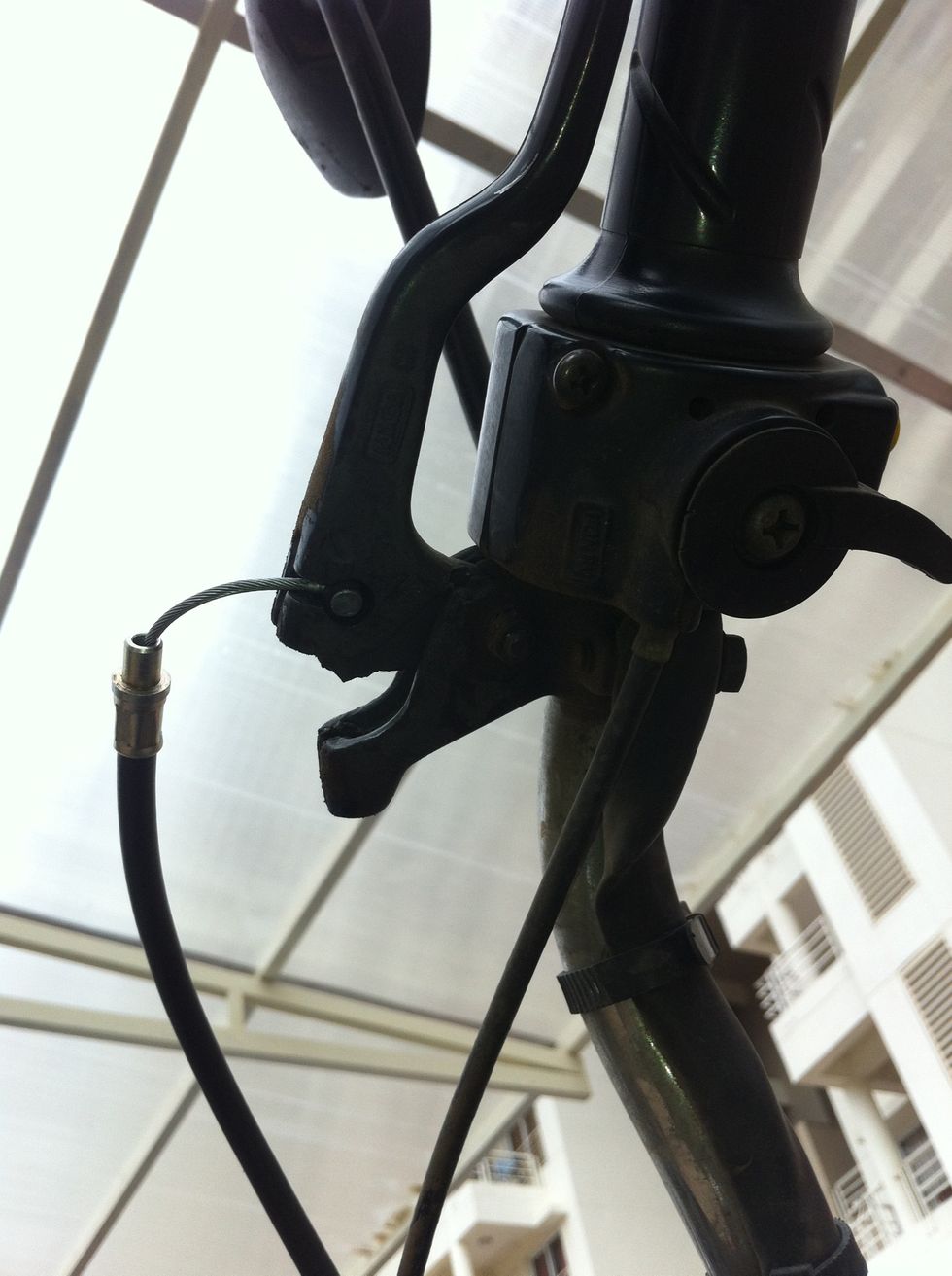
Hook the cable end to the hand lever
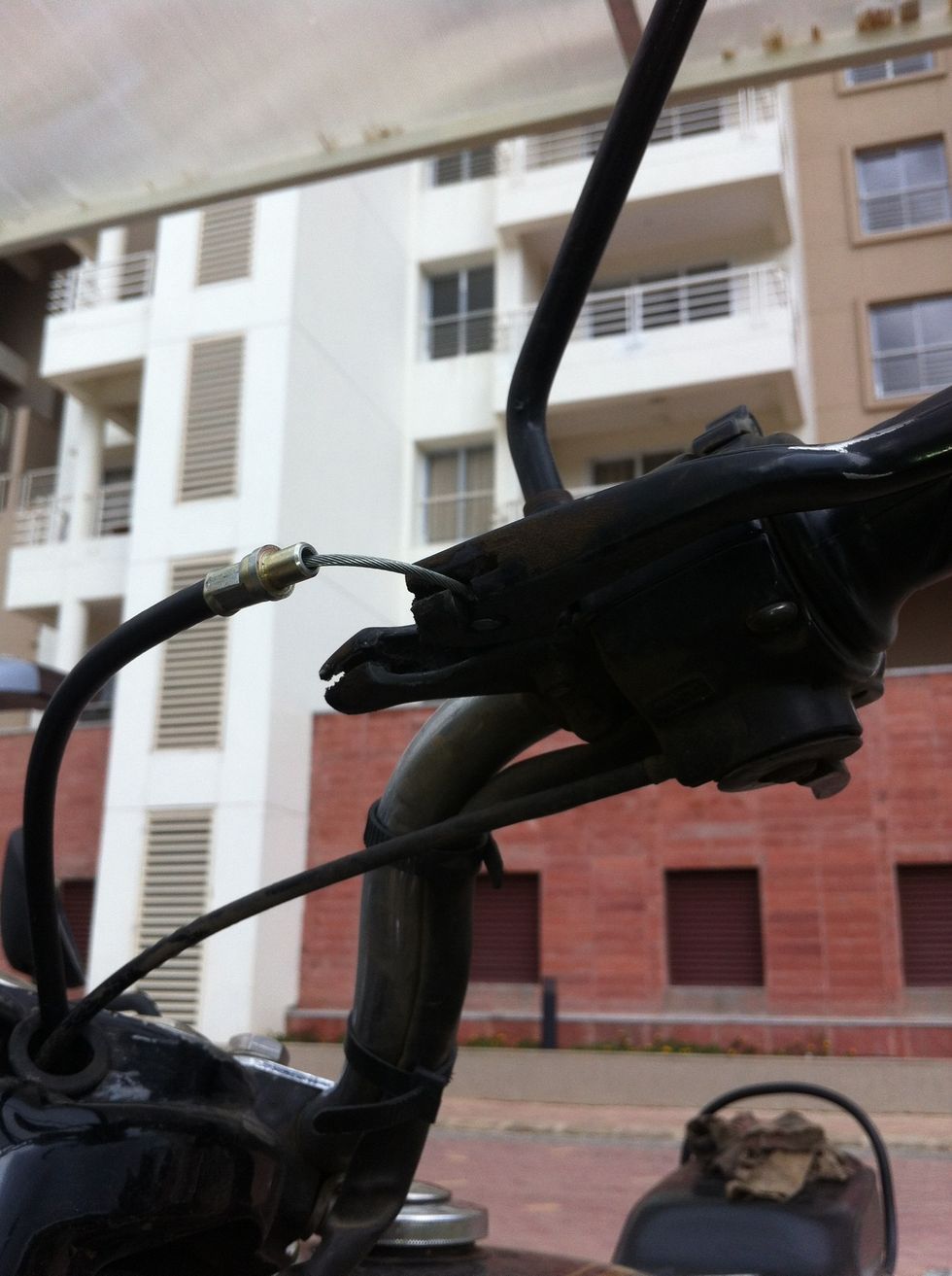
Guide the cable through the slots
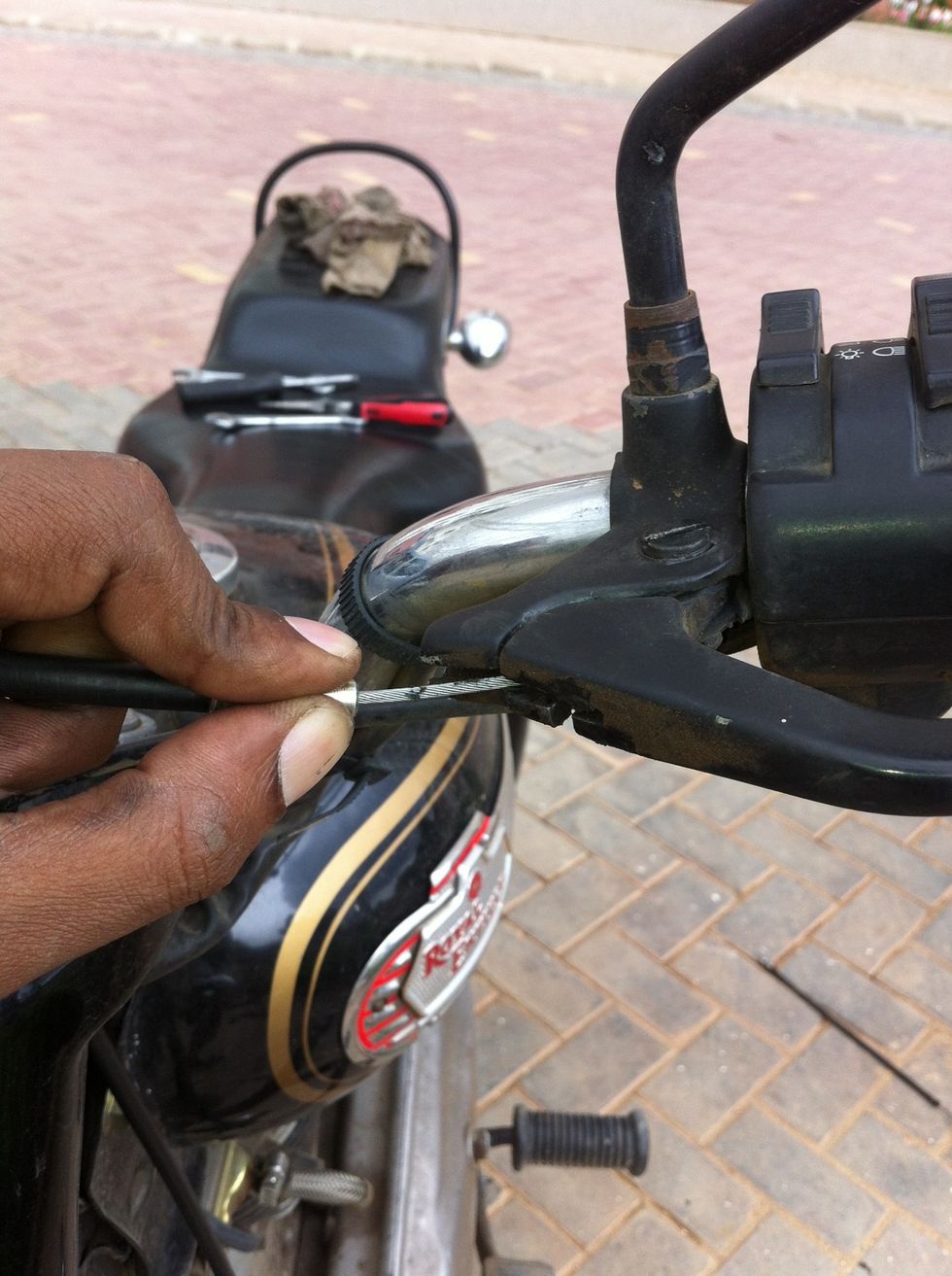
Hold the seating and guide the cable through the slots
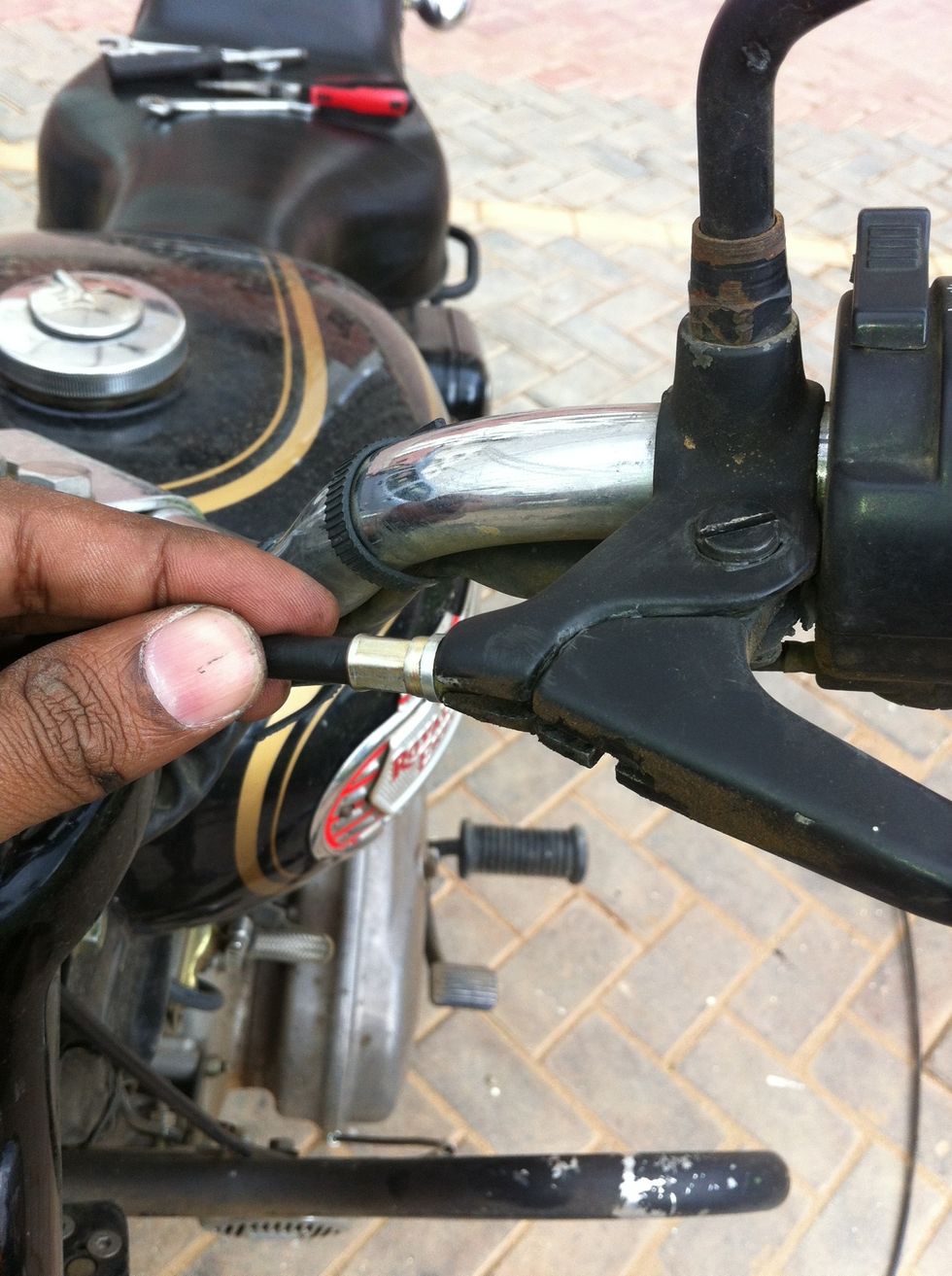
Release the seating sleeve into the lever end
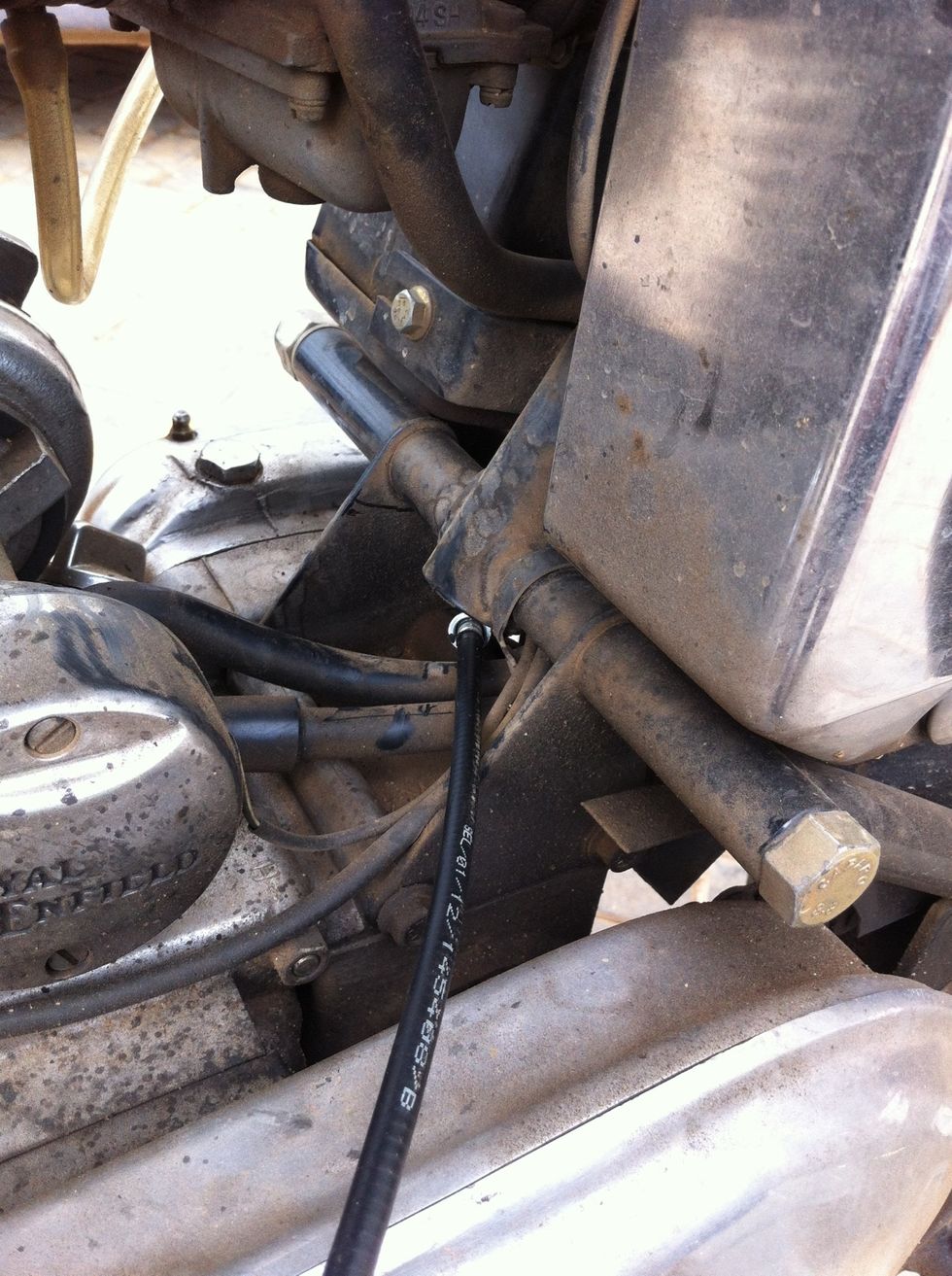
Now guide the cable's other end to the rear of the gearbox
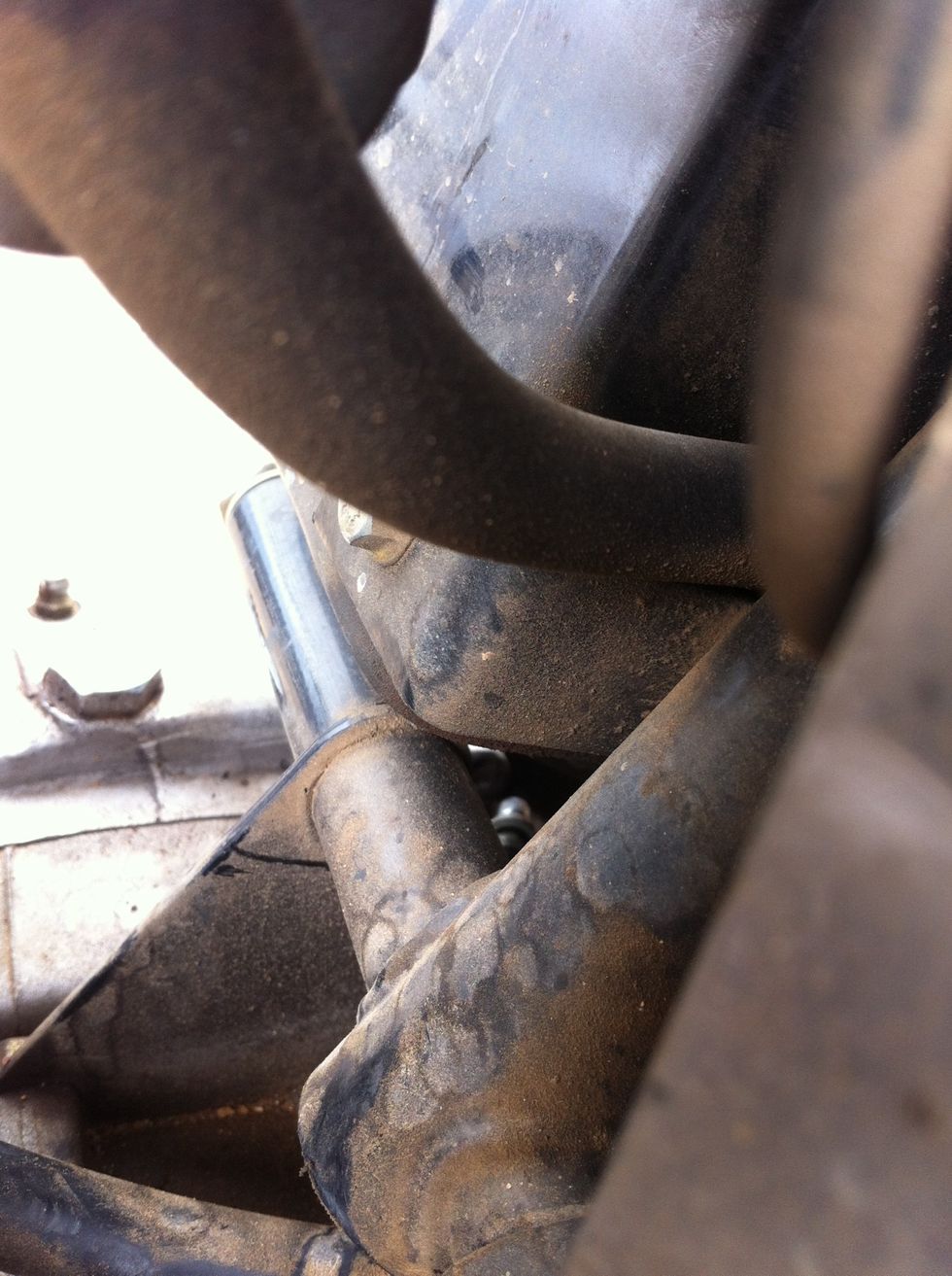
Passing the cable through the hole might be slightly tricky to understand from this photo
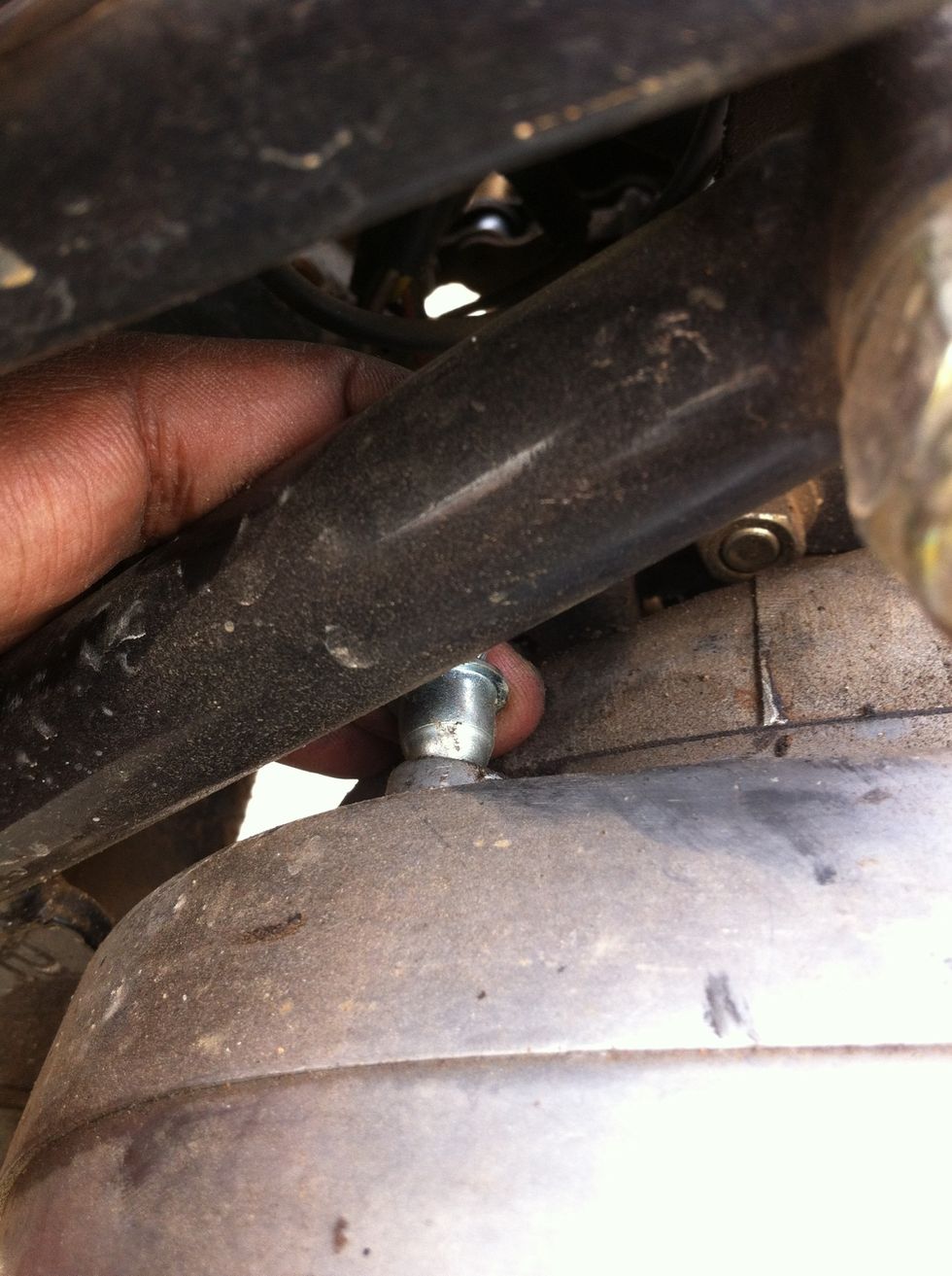
Use your finger to guide the seating into place
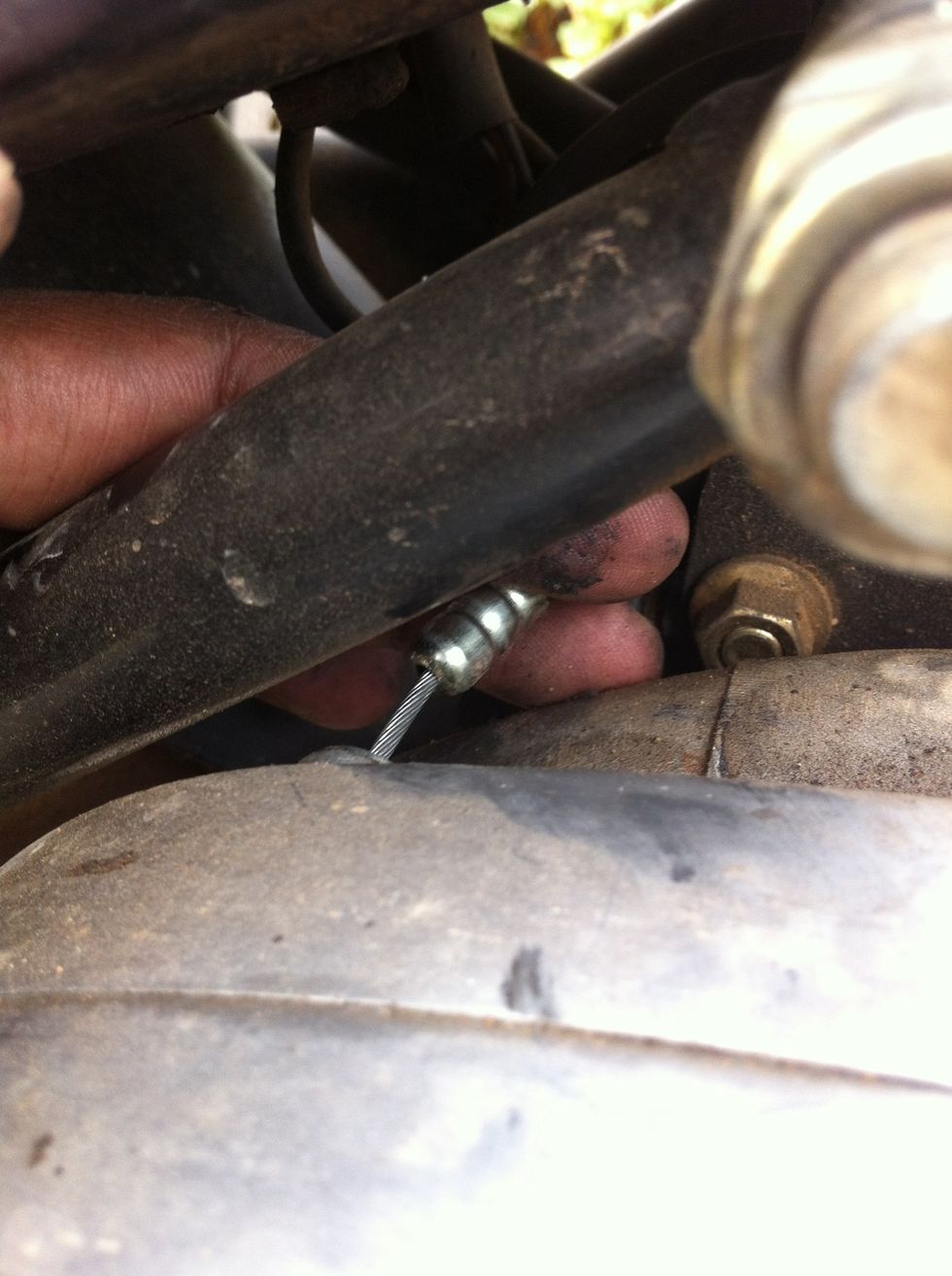
Next using your finger guide the cable to get seated in the sleeve
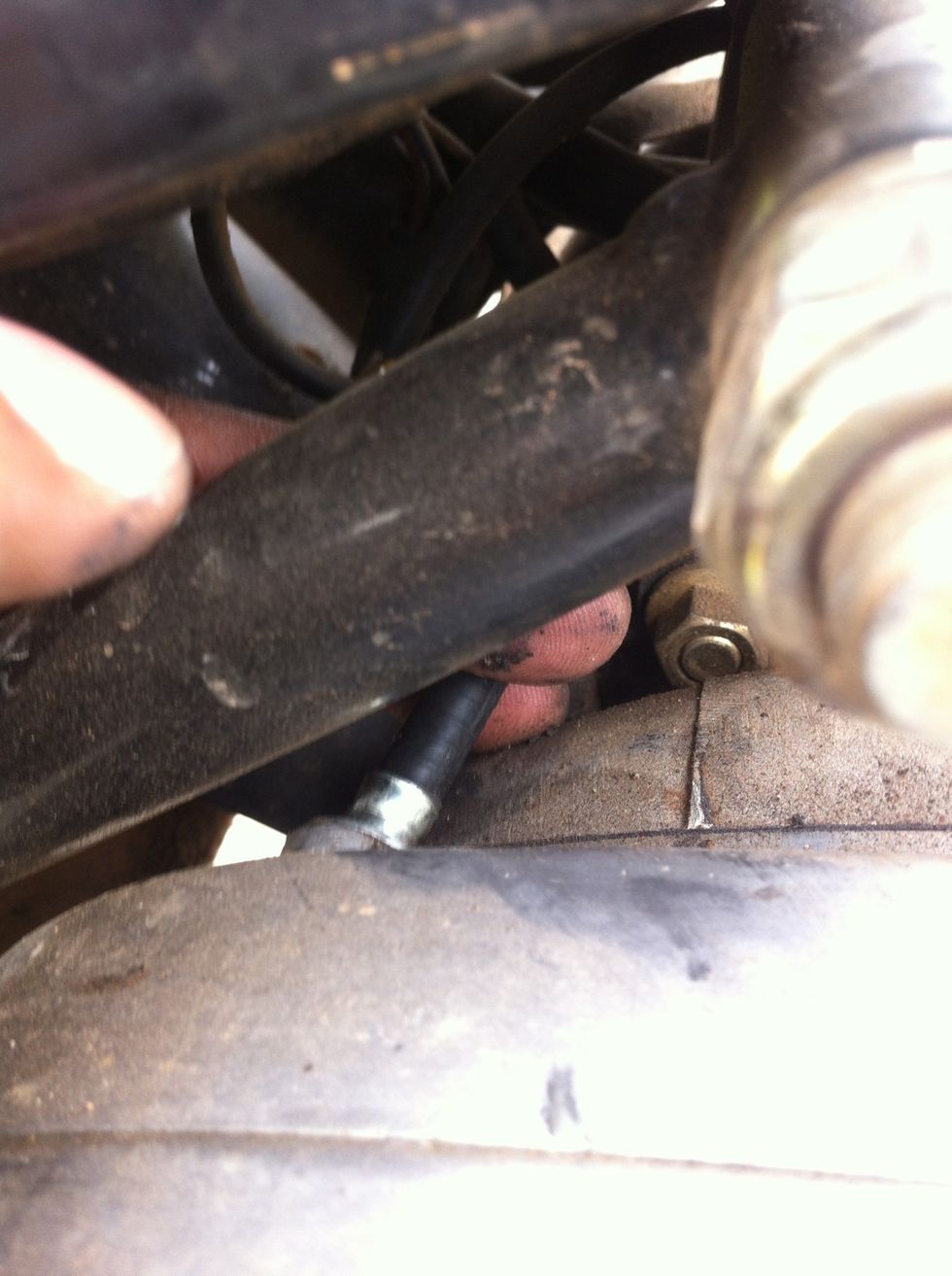
Keep the cable pressed
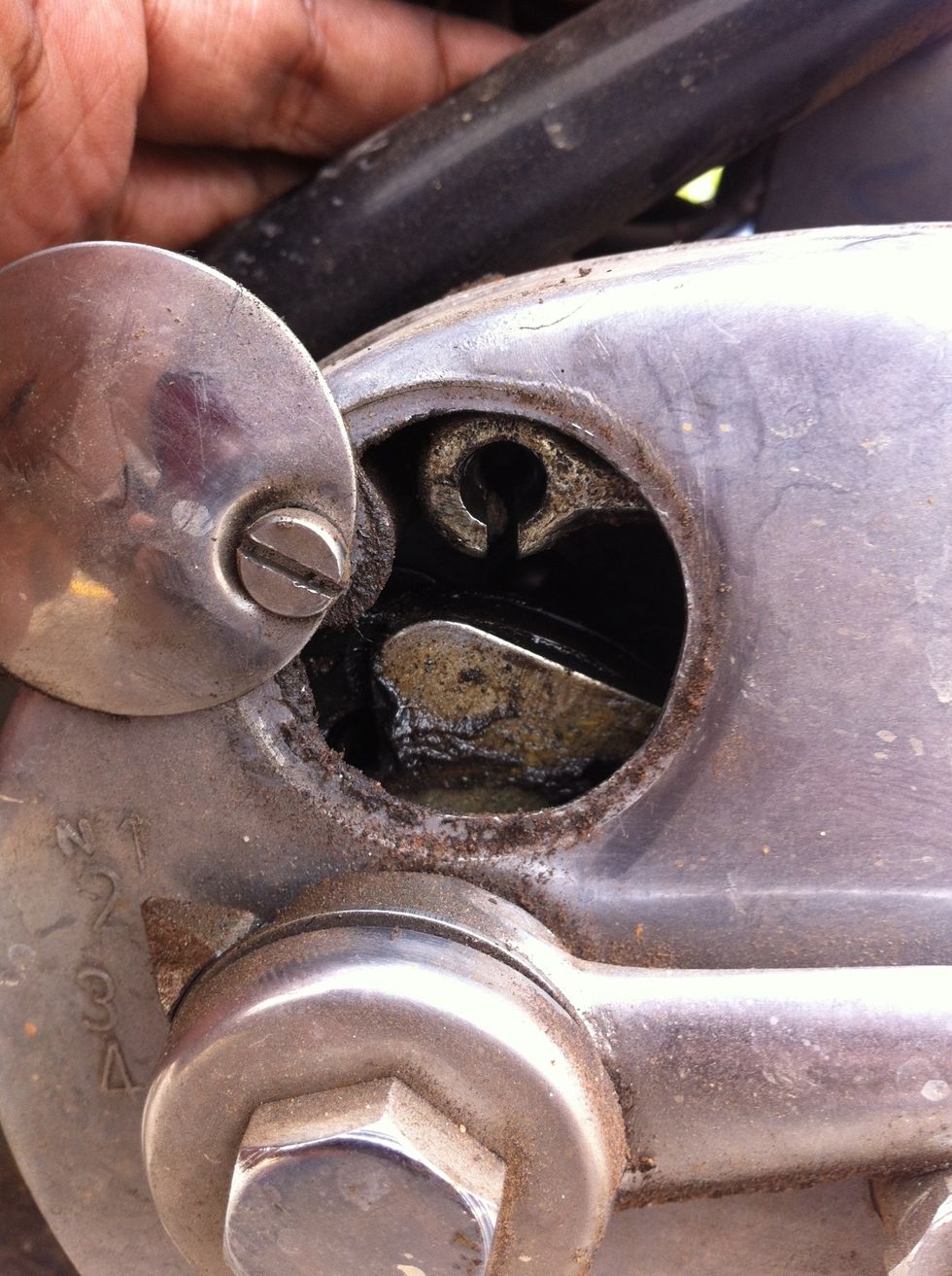
Use a nose plier and pull the cable end into the hook handle
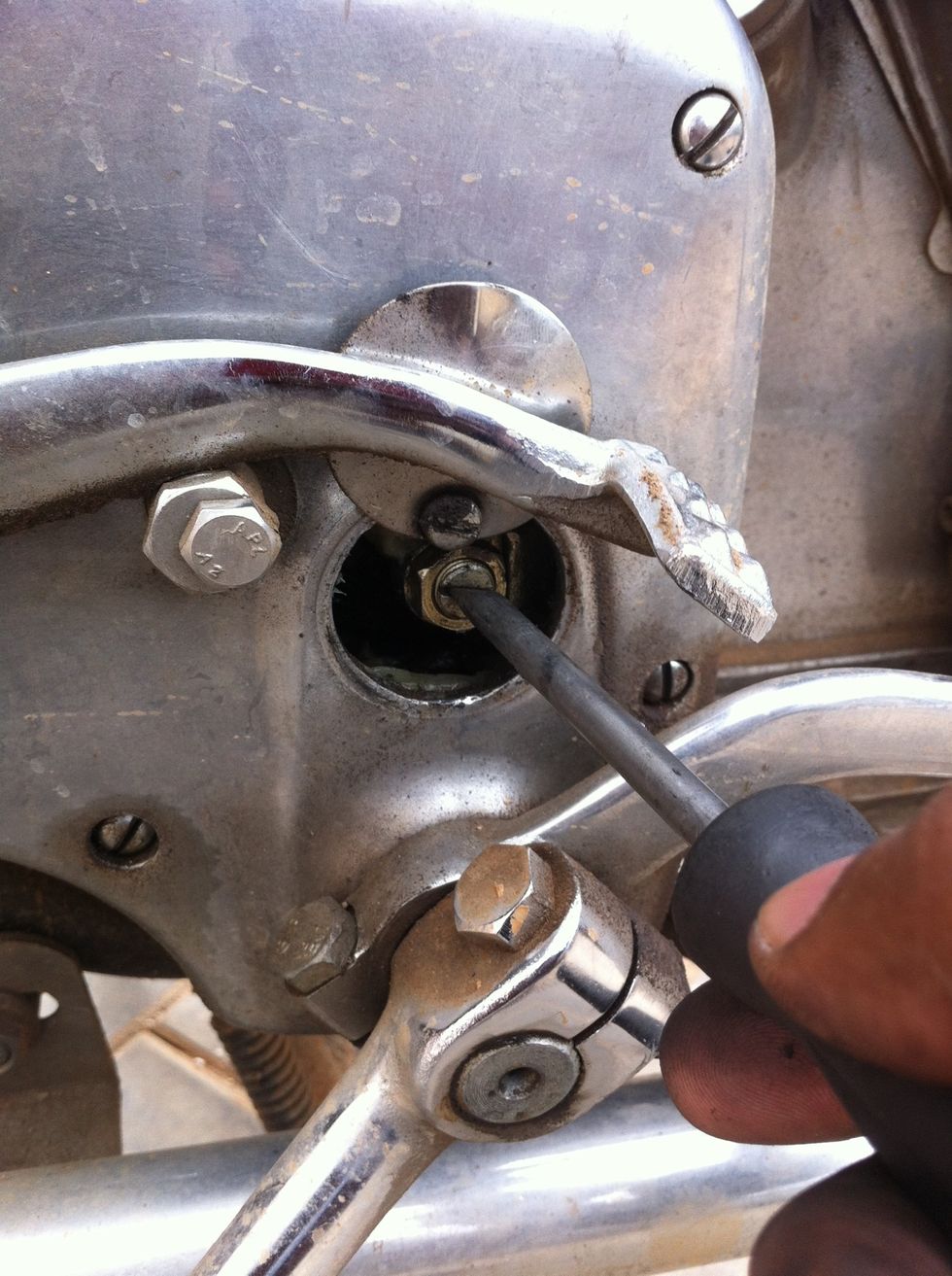
Now tighten the hook handle so cable tension as per your choice is achieved
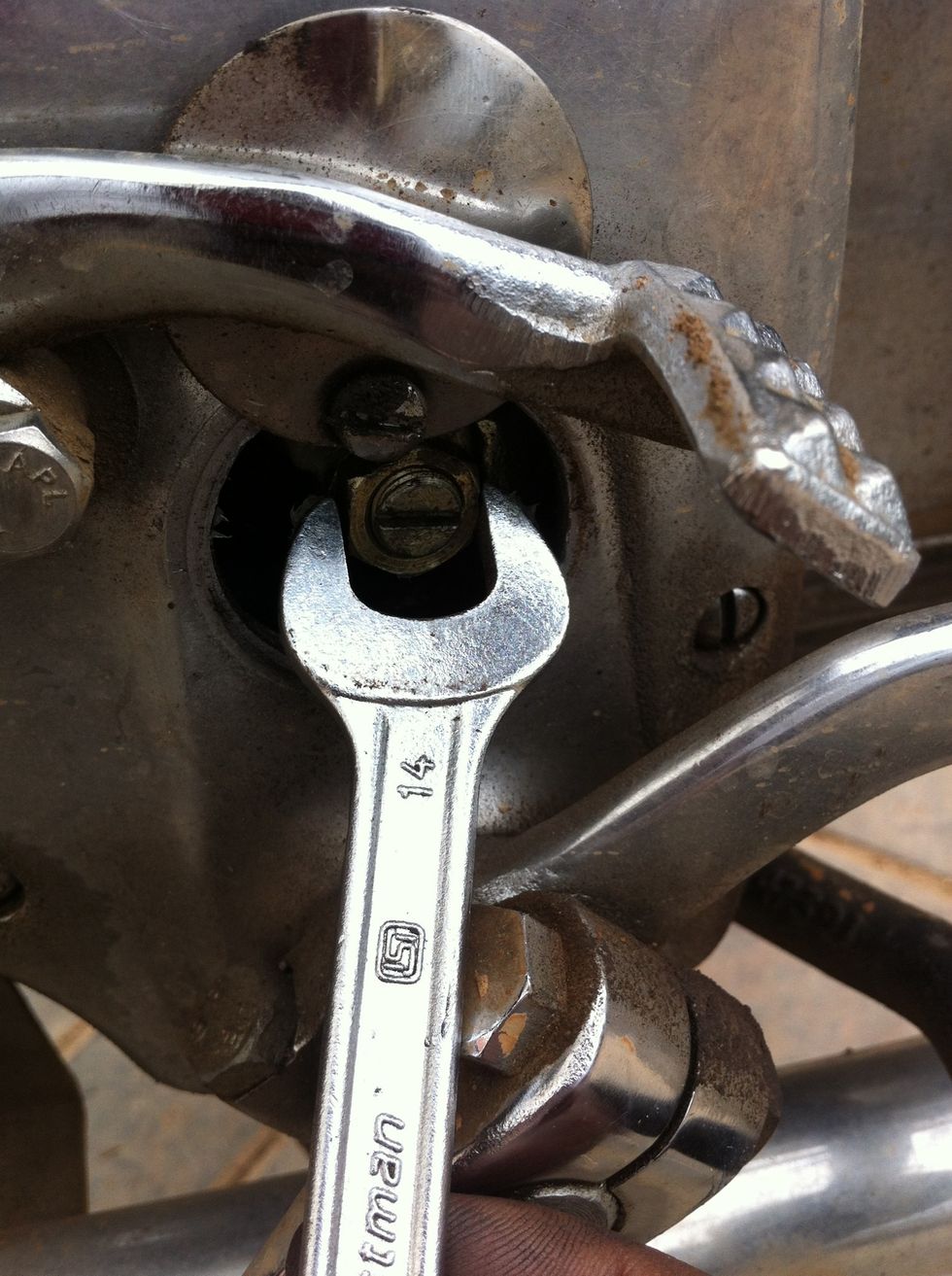
After you achieve the required tension tighten the lock nut by turning it clockwise
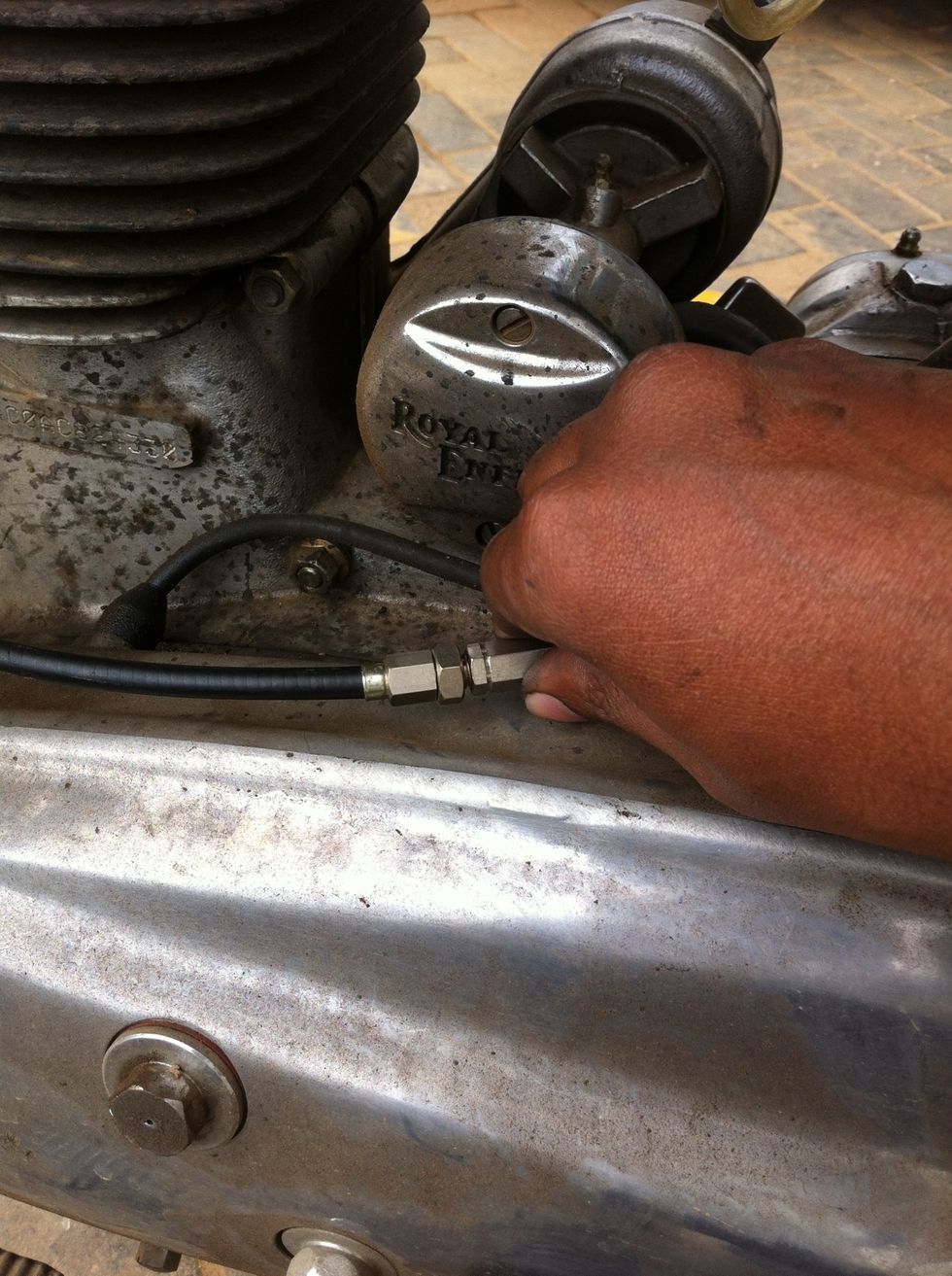
Now unscrew the length adjuster to get the maximum cable length
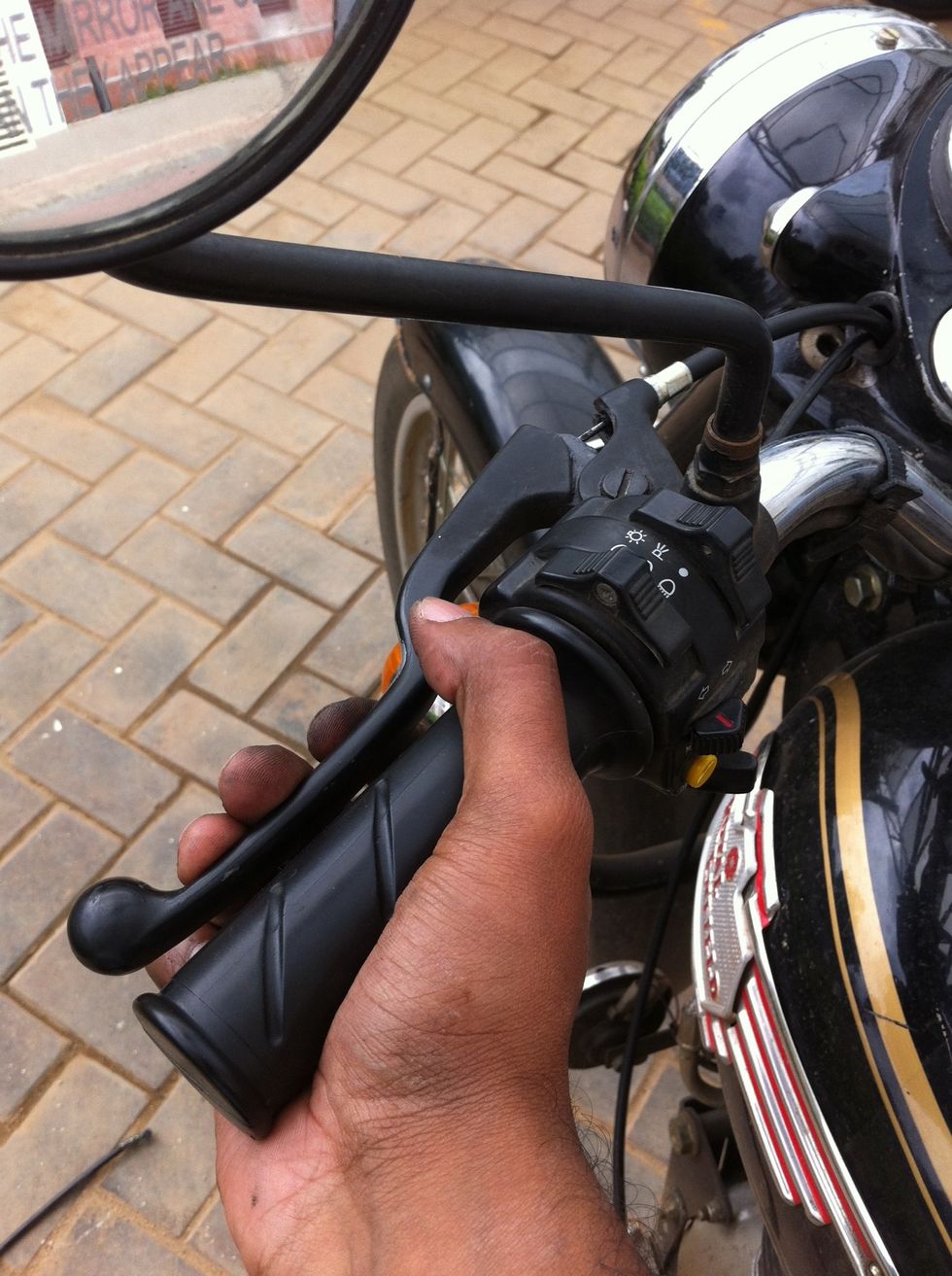
Check the tension and try to see if you have compression in engine
Close the cable access holes in the gear box. Get the kicker out from the locked position under the exhaust by repeating the steps in reverse from steps 3 to 6
You will need to adjust the cable tension as per your riding style. Now wear a helmet and go for a test ride.