
How to blur out surrounding apps and highlight app wanted

Blur Out Surrounding Apps and Highlight App Wanted

25
STEPS
TOOLS

Snap a picture of your springboard with both home and power buttons pressed simultaneously
Open Instagram

Open Instagram

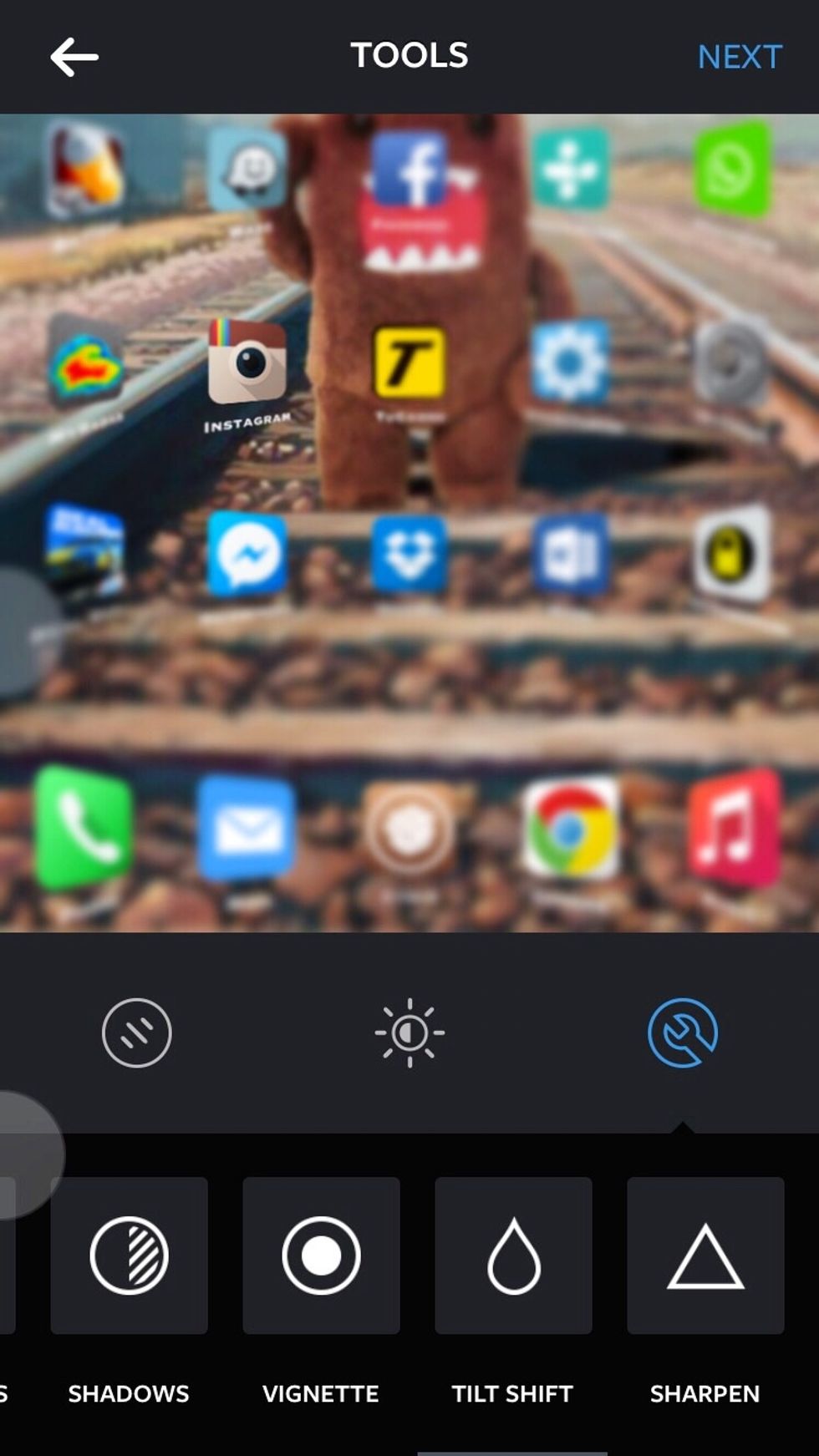
Select middle button located at the bottom then click on wrench icon

Select middle button located at the bottom then click on wrench icon

Scroll right until you see Tilt Shift press on radial icon adjust size of circle by using two fingers
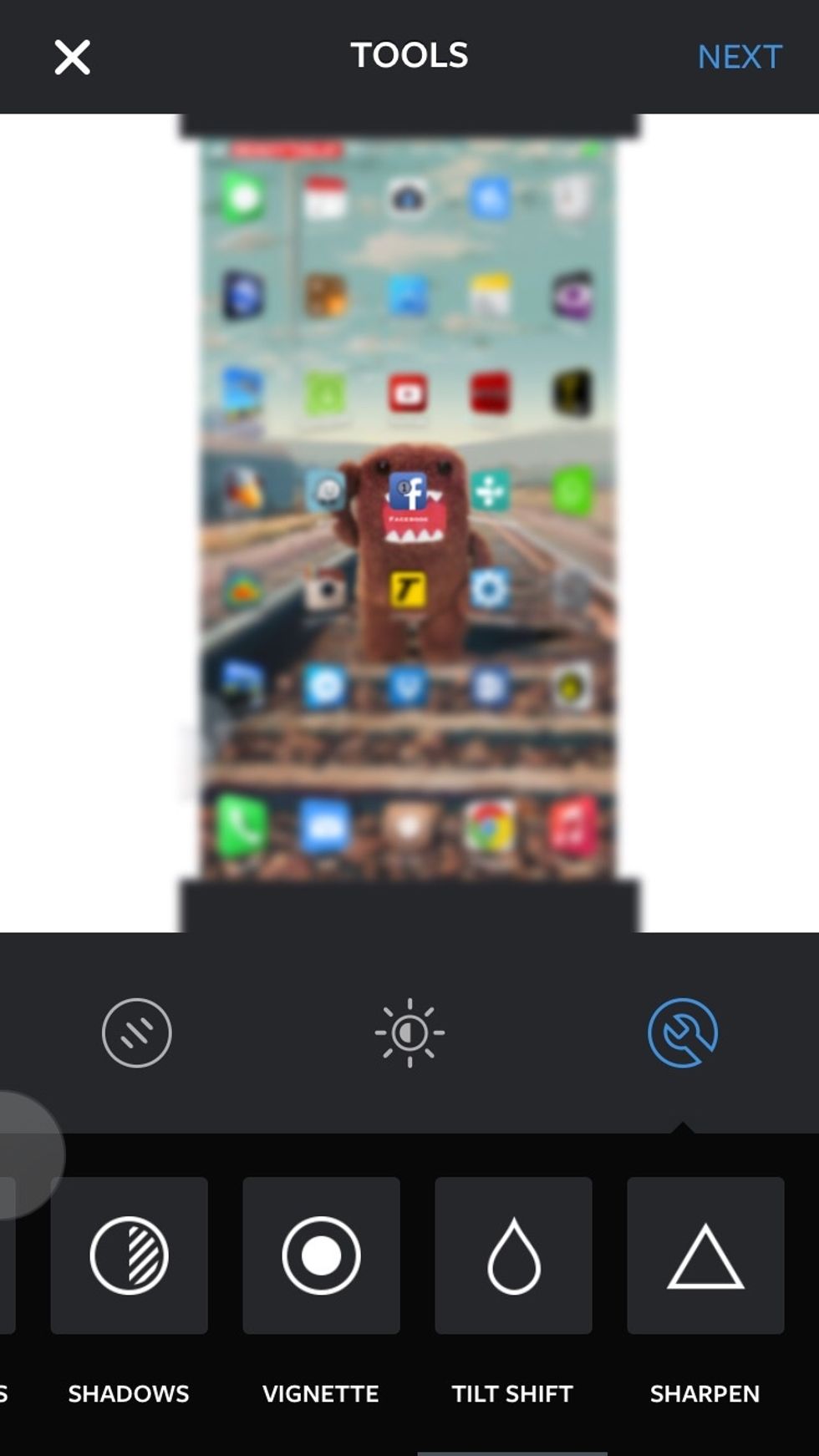
Scroll right until you see Tilt Shift press on radial icon adjust size of circle by using two fingers

Done!

Done!

  • Iphone
  • Ipod
  • Instagram