
The Conversation (0)
Sign Up
This is a response to a request which asks for a way to become completely dependent on iPhone/iPad with apps. Keep in mind some of these will require wifi and I tried to include as many free services!
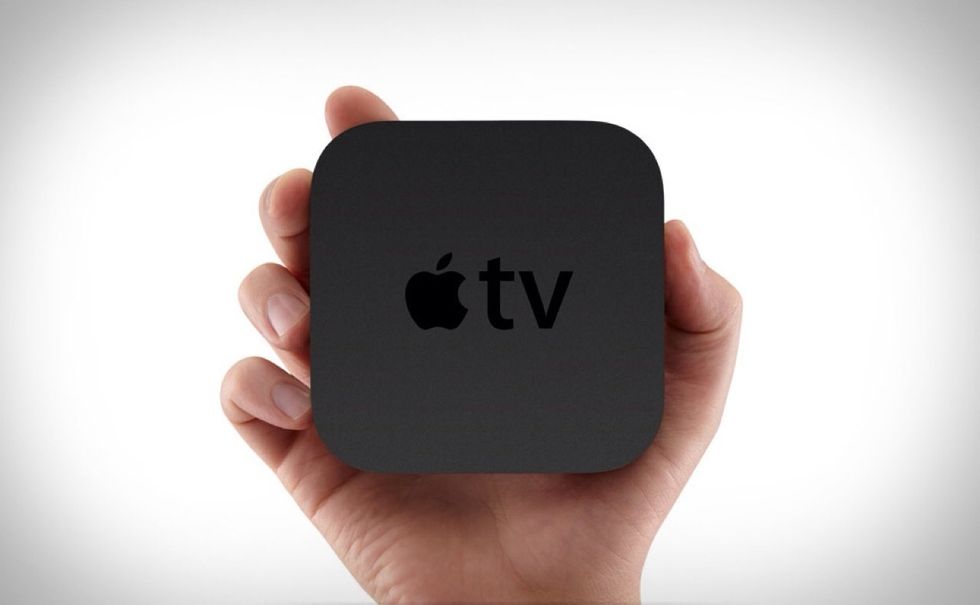
Before I start, the request details getting rid of TV bills, so to start, I recommend an Apple TV. This will allow you to AirPlay anything from your iOS device onto a TV. Ill making a guide on AirPlay
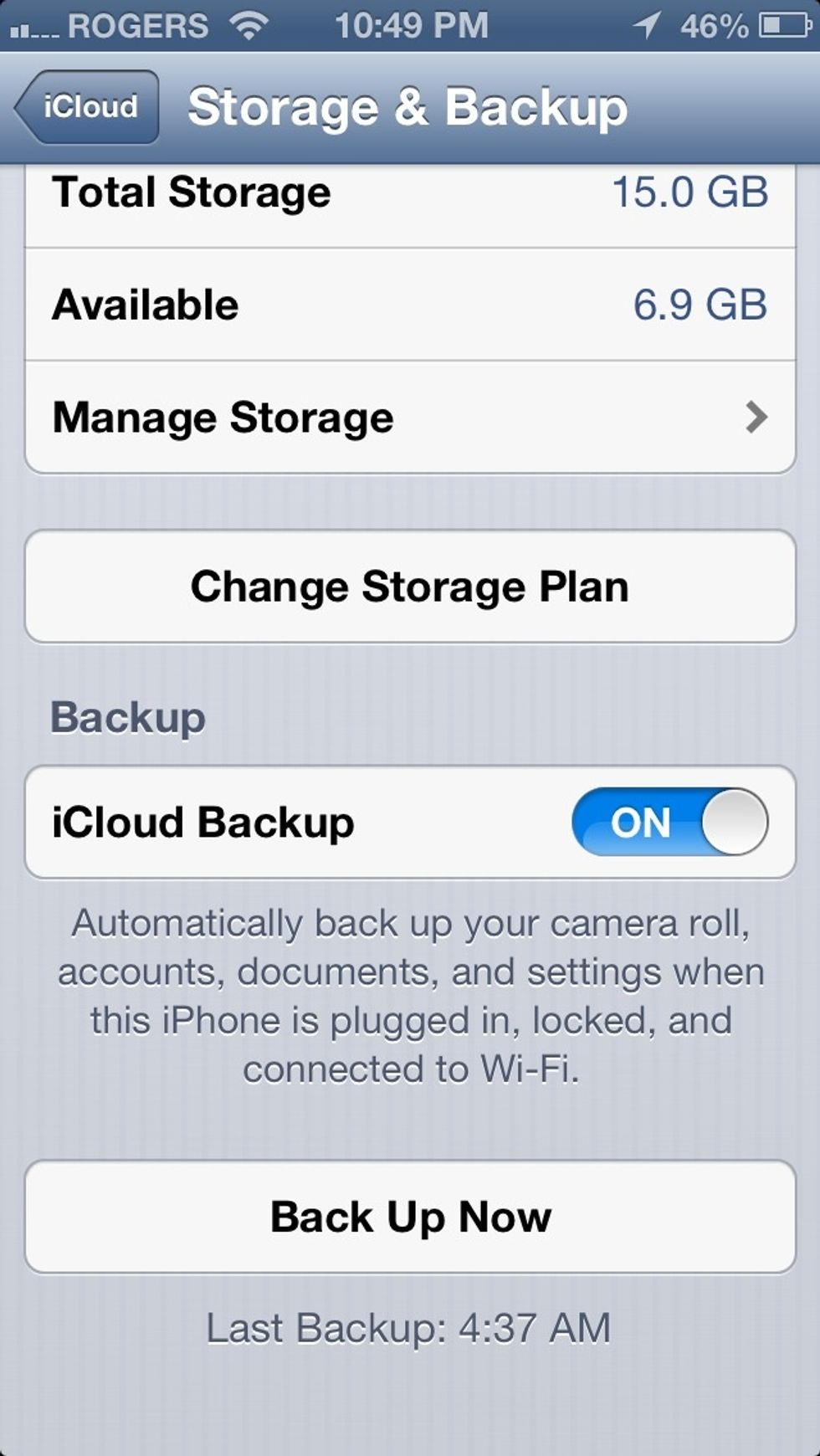
Didn't completely understand the request for backups, but your iOS device can back up itself using iCloud
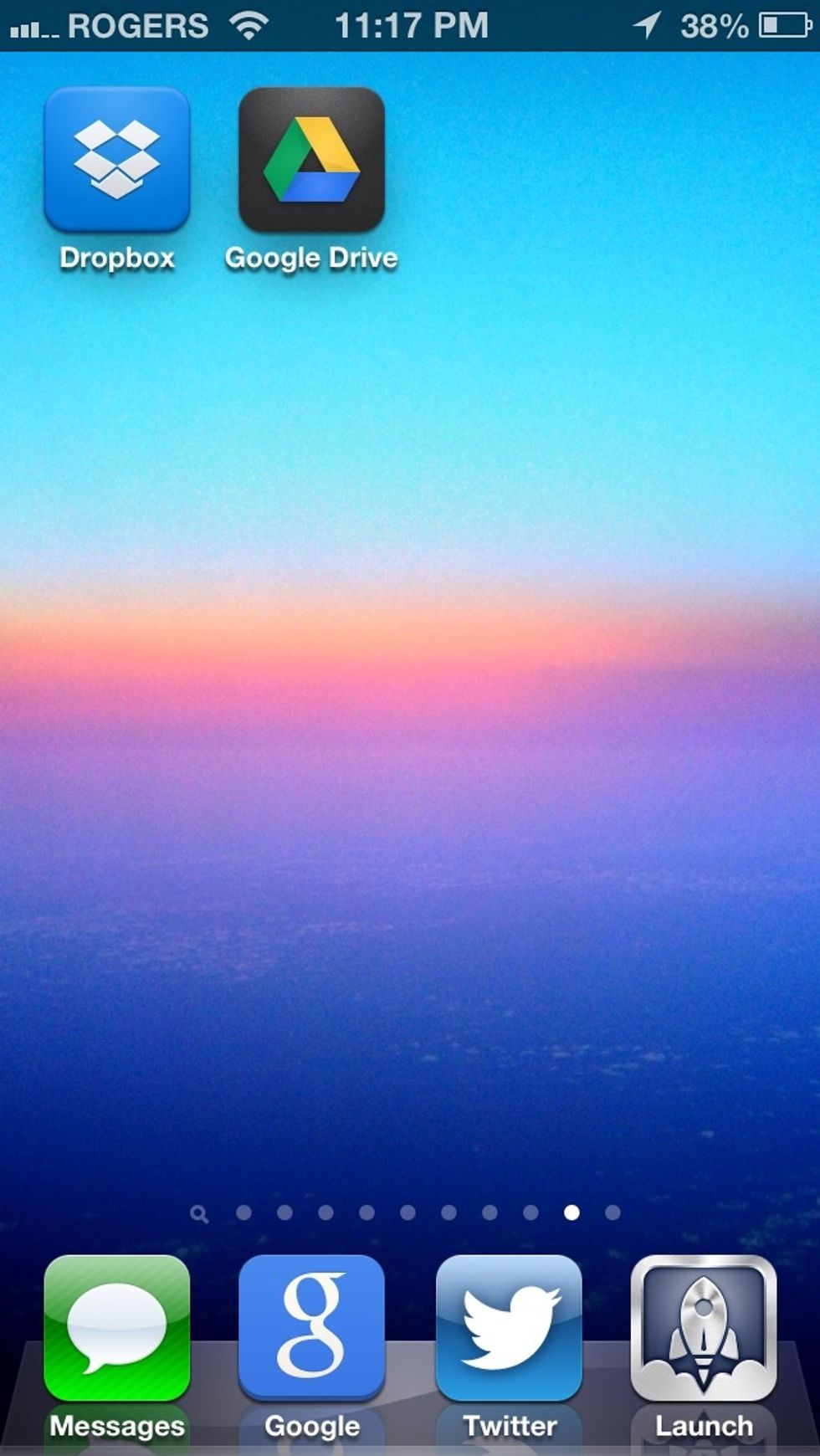
If you are looking for backup of files, Dropbox or google drive are great choices. They sync files in the cloud and google drive will give you 15gb shared over you google account!
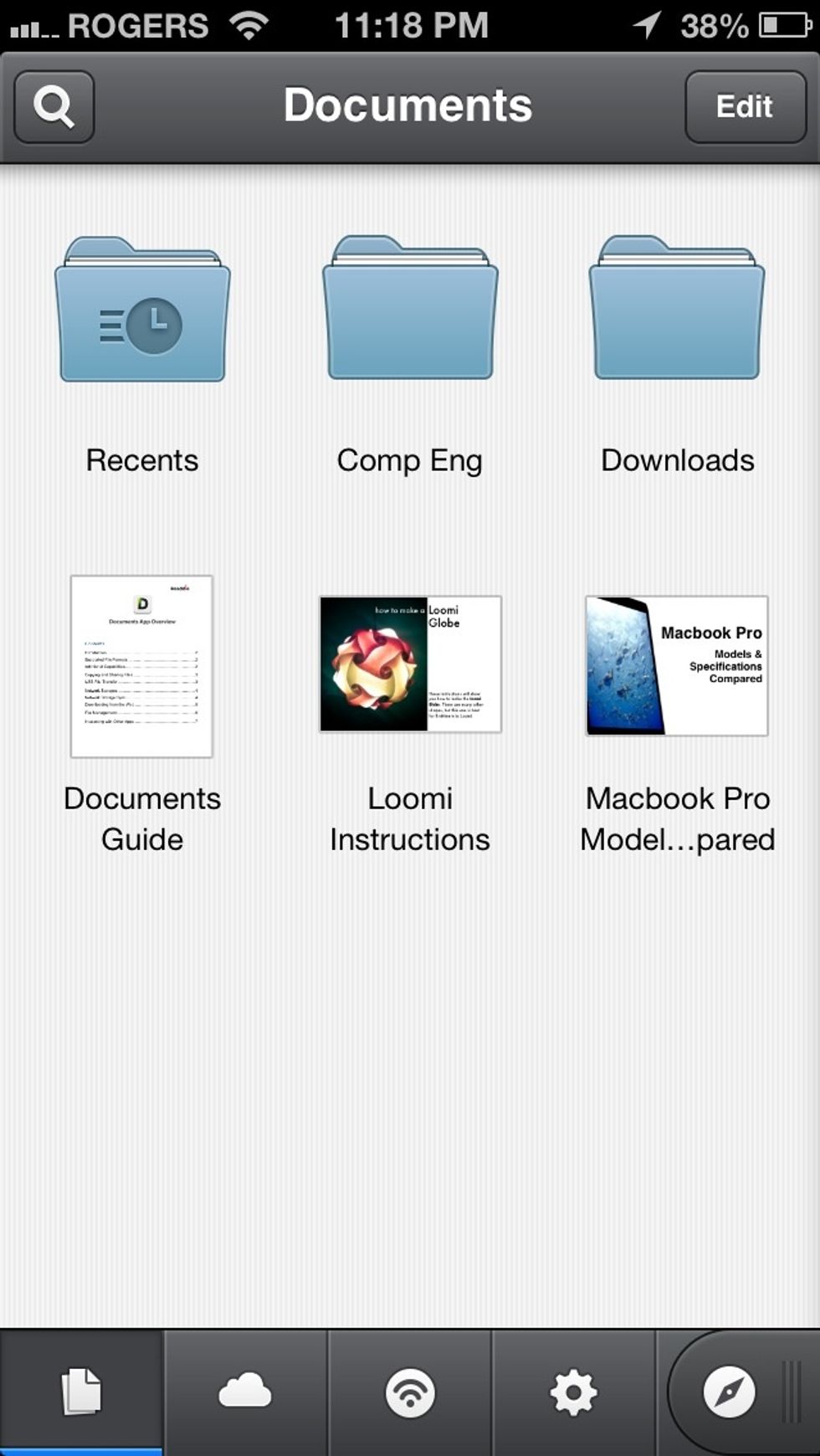
A great app for managing files locally is Documents which I covered in an earlier guide. This app is basically like a computer, it will store document, photos, music etc.
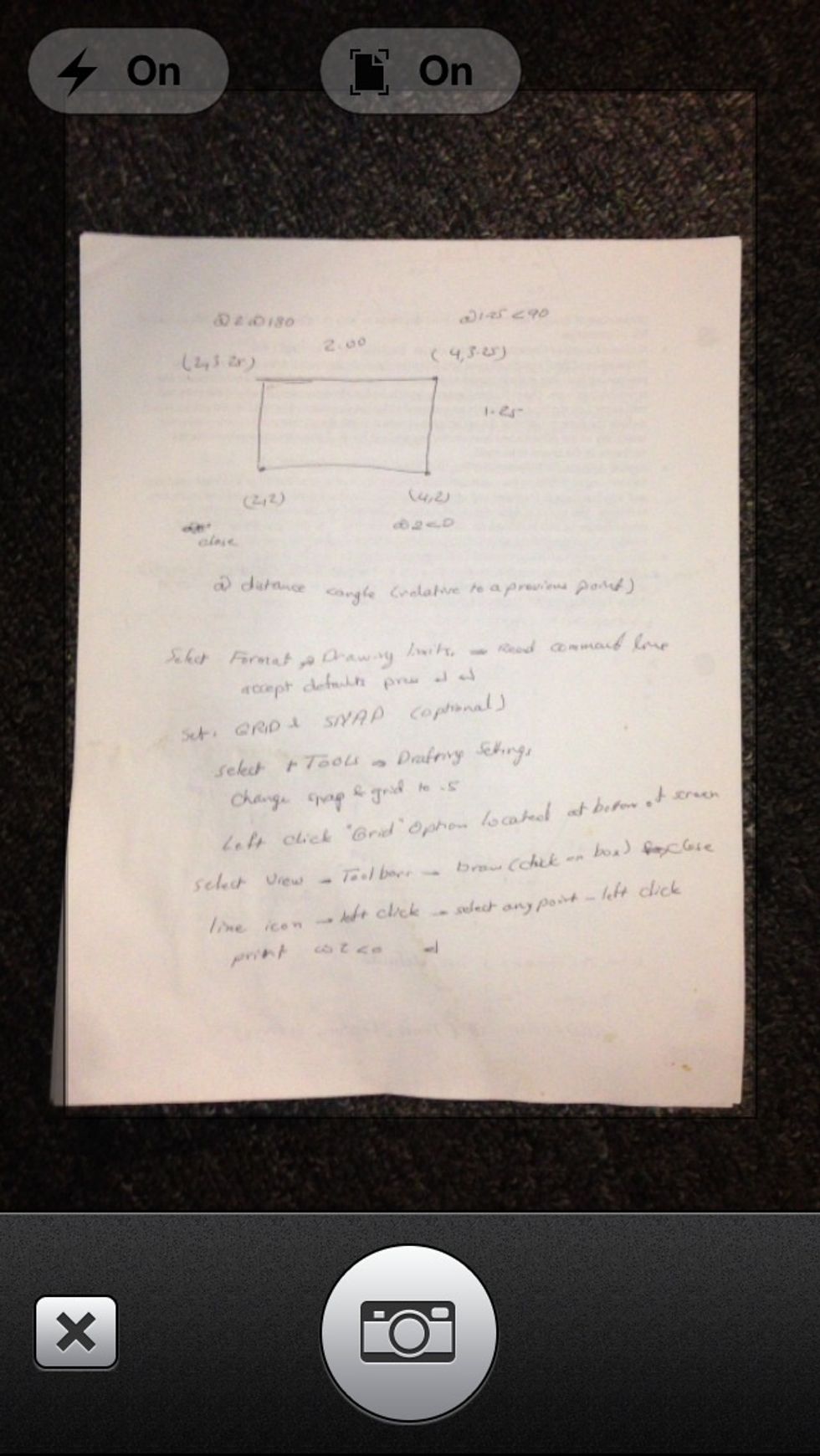
Next is Evernote with its ability to mimic a scanner for documents! (Best document I could find laying around)
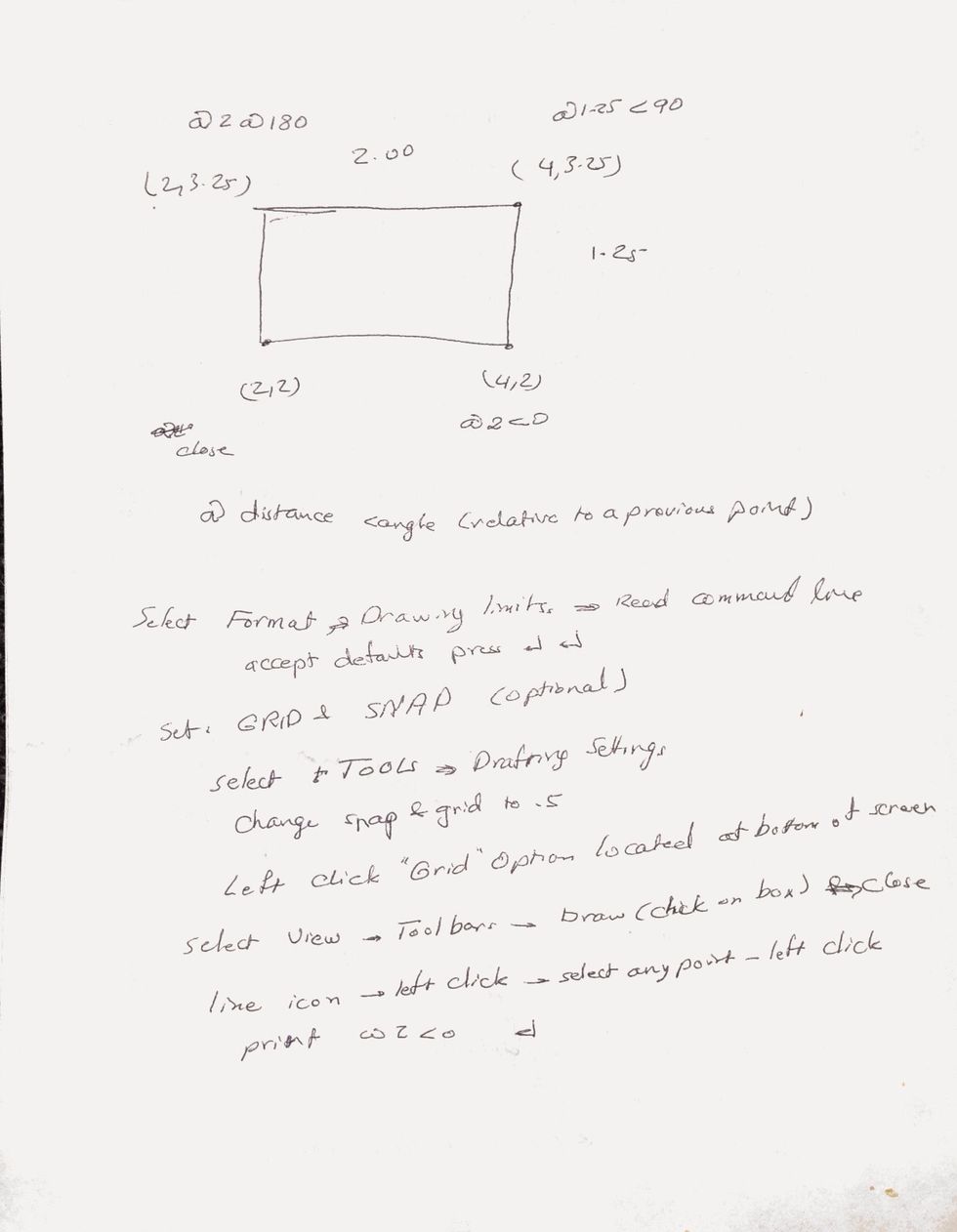
Here is the end result, looks like a really scan!
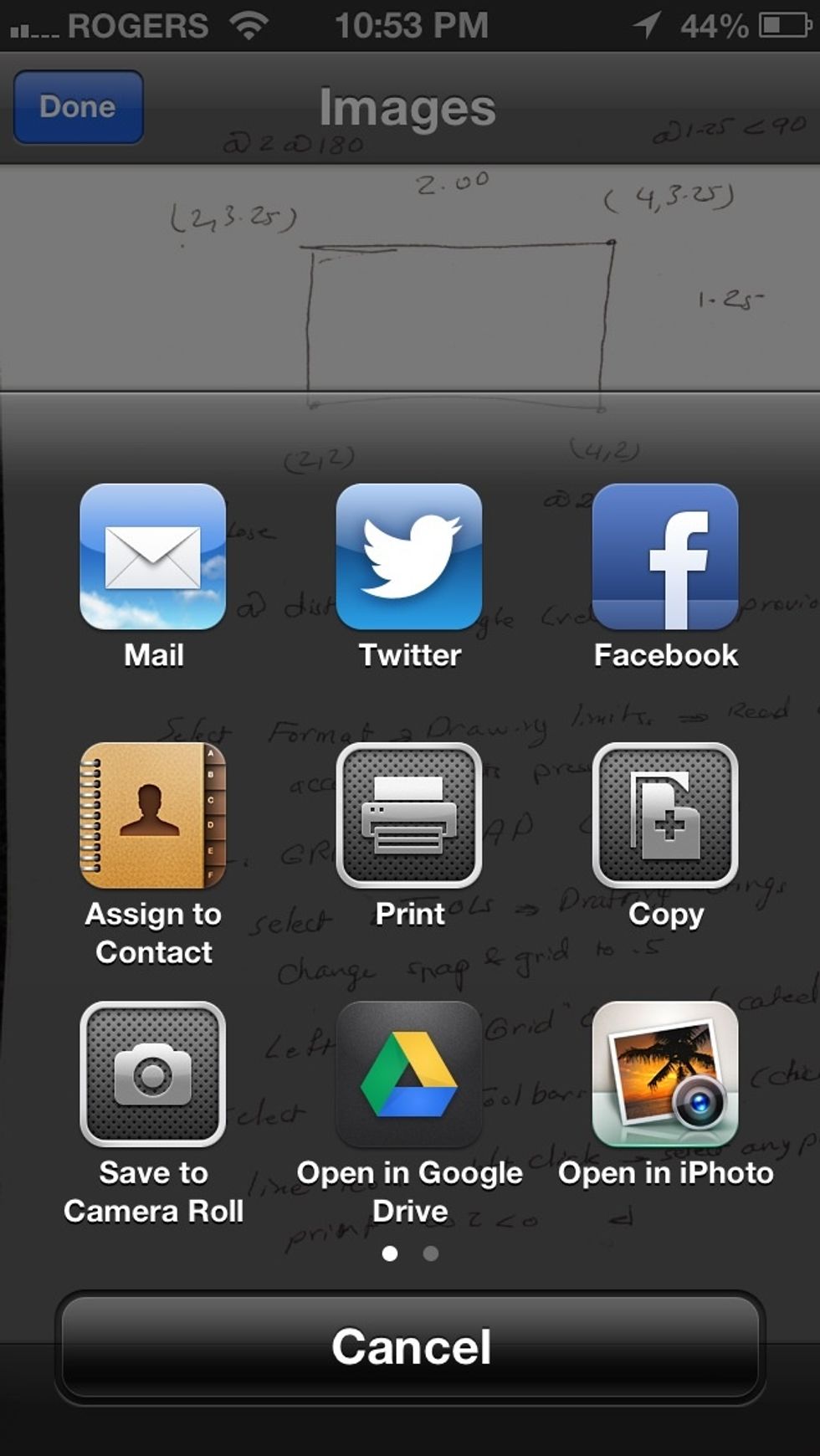
Also, Evernote and many other apps allow you to print very easily (wirelessly only)
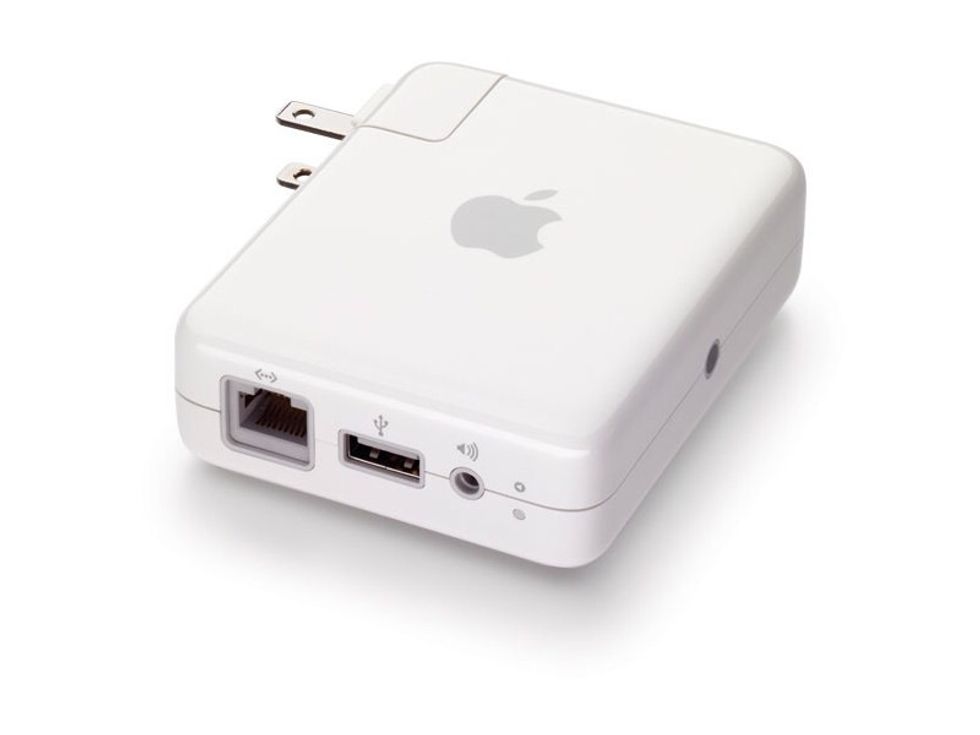
If you don't want to invest in a wireless printer, you can buy an airport express and connect your printer via USB. Also you can connect speakers and everything will work wireless with your iOS device
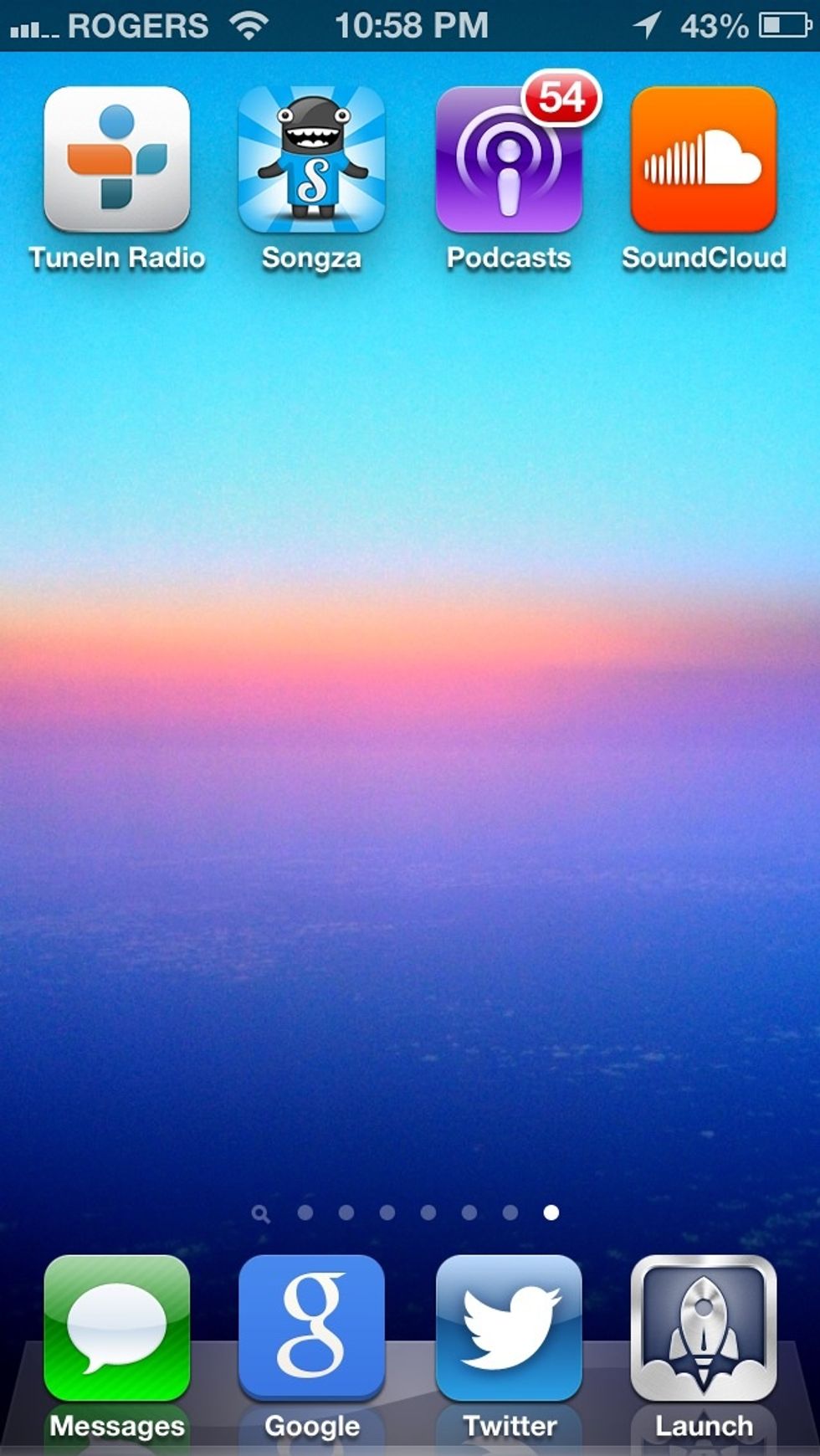
Here's a few great free music streaming apps (I'm in Canada, your country might also have Spotify and Pandora) also, iOS 7 will be adding iTunes Radio in US only to start
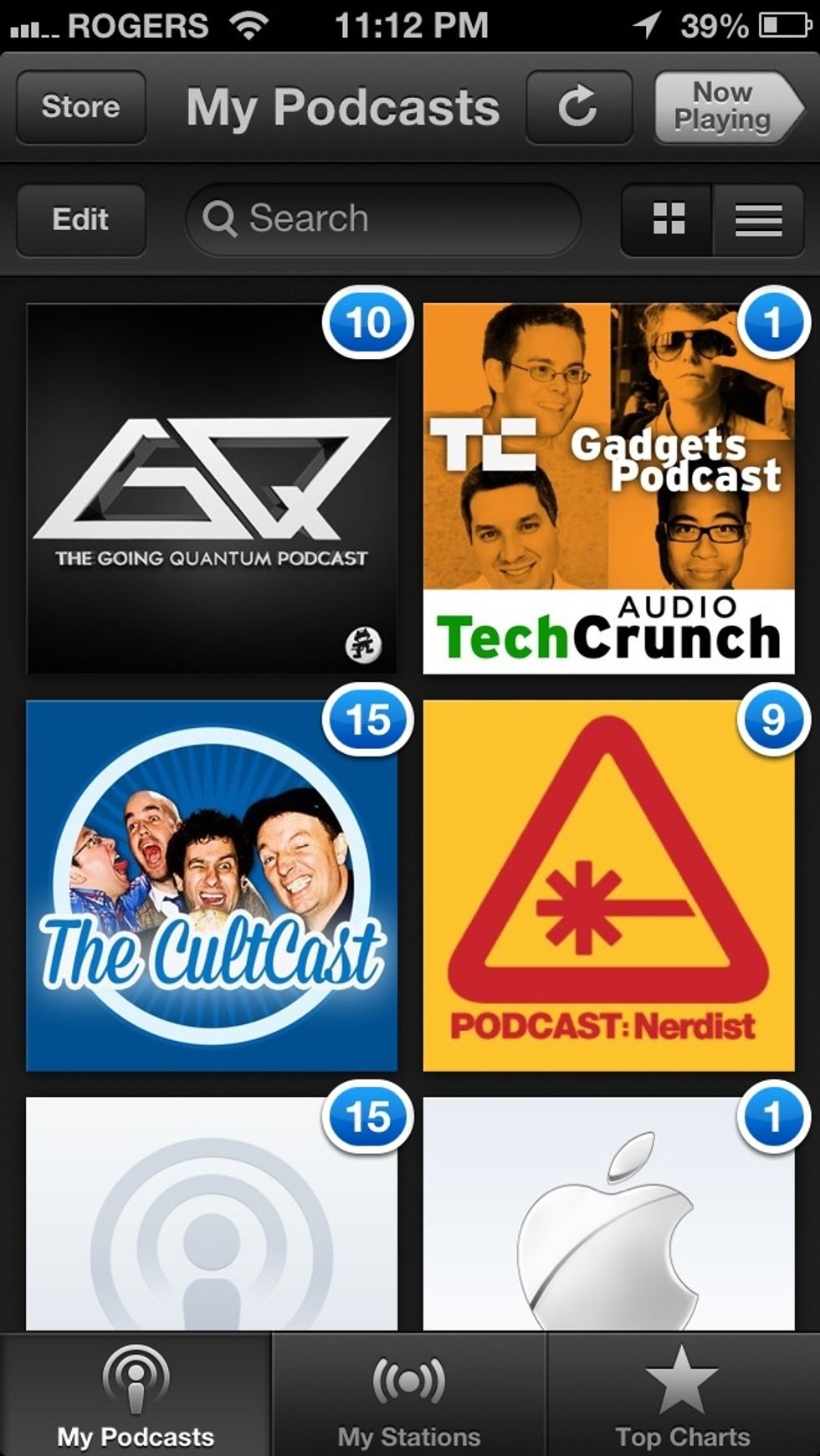
This brings me to podcasts which is an awesome replacement to radio. It is basically radio on demand and I love using it. Tunein radio allows you to listen to local radio stations also!
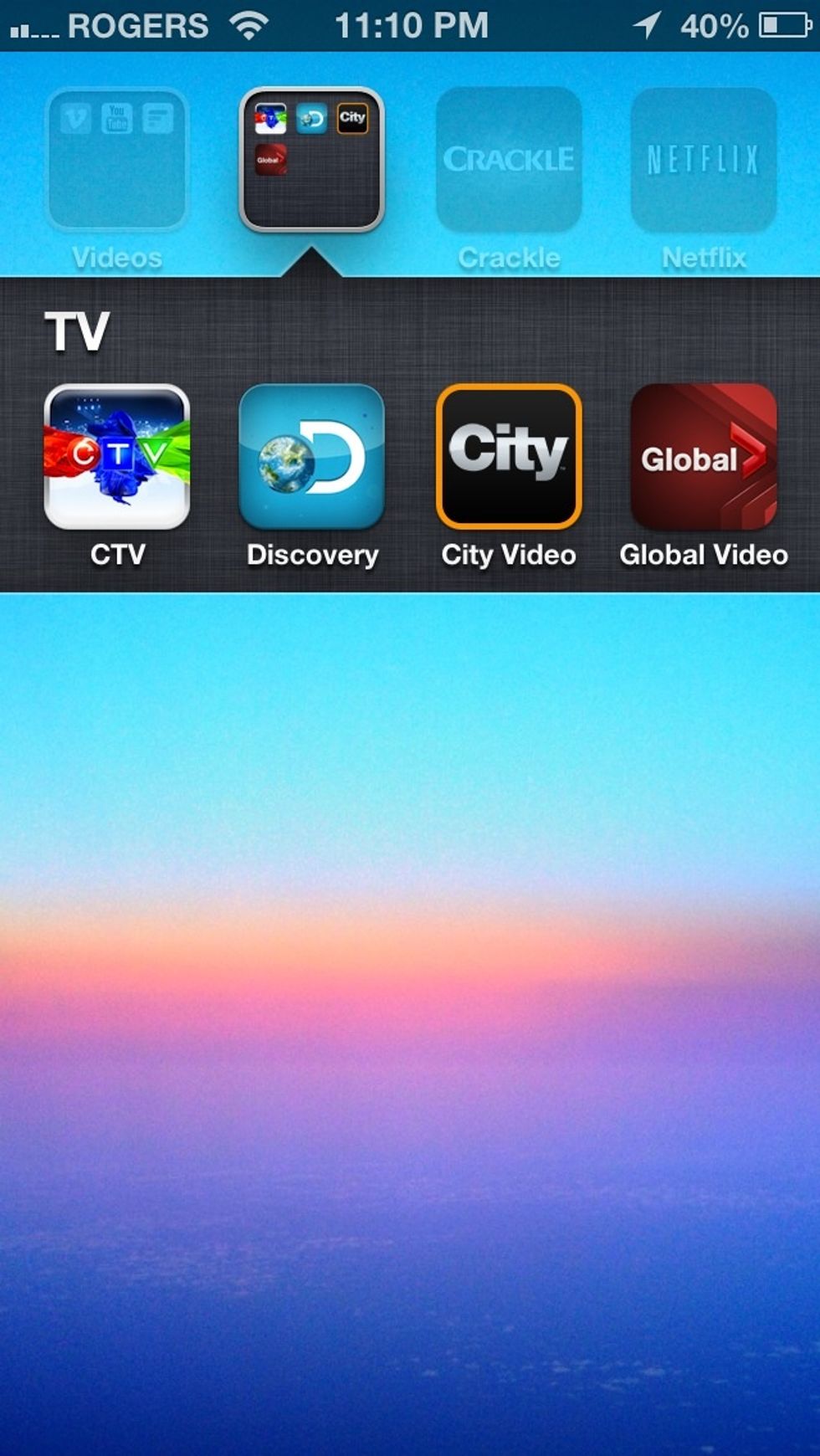
When it comes to TV, these are Canadian channels that have apps which give you access to all their shows and they update right after airing, free!
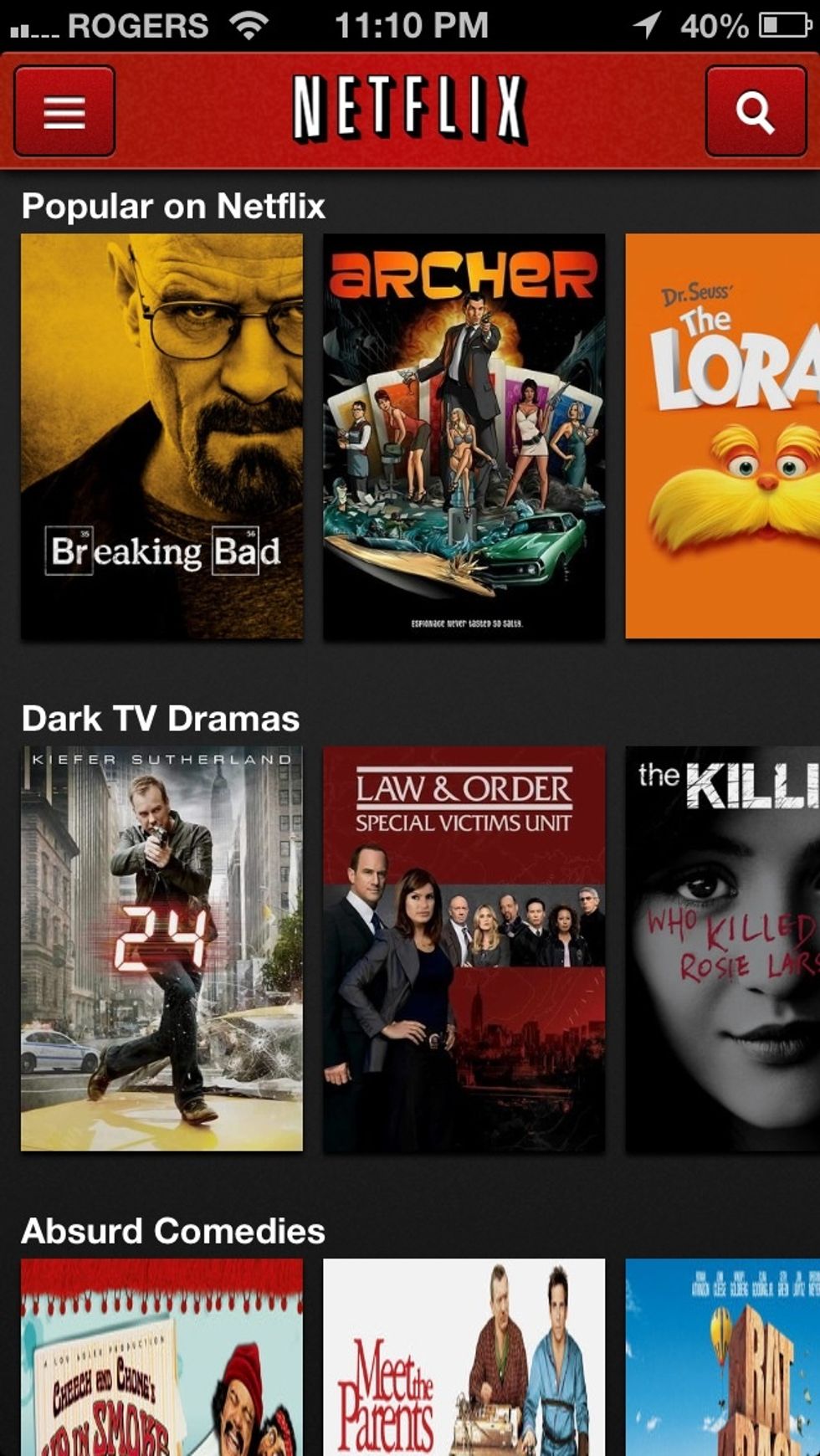
Of course, there's Netflix for $8/month (had to mention it) great for movies and TV shows (Hulu is another option. There's also crackle which is free, but has a much weaker selection)
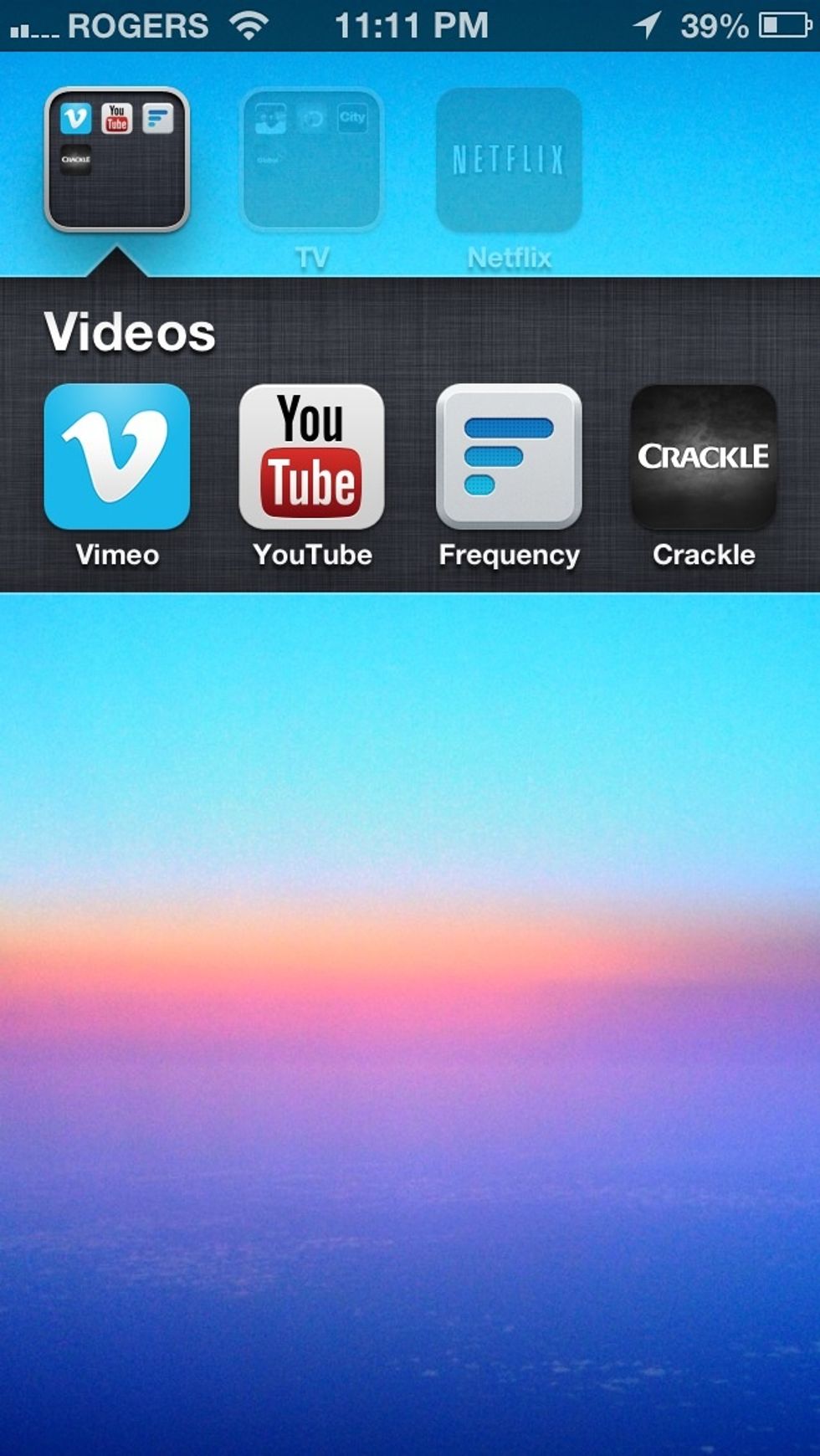
Then of course, there's YouTube and Vimeo for great free videos, there's also frequency which pulls web videos from multiple sources. (There's crackle.) Check entertainment in AppStore for more.
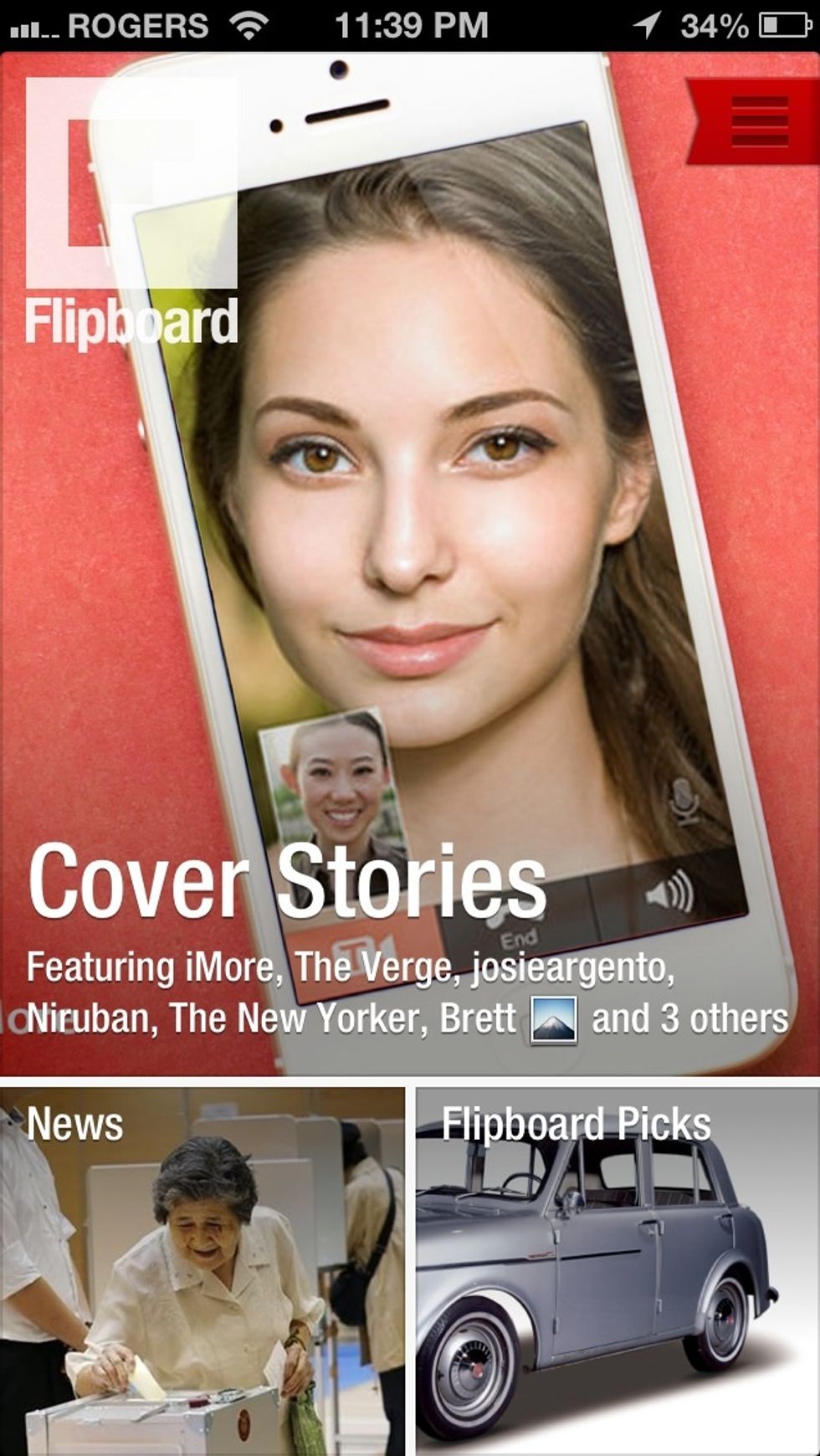
If you want news (CNN, Reuters etc. apps available) try flipboard which is an amazing reader app (there's feedly also)

Also there's wibitz which takes a very interesting take on news. It basically reads you the top news and it presents it very well visually also!
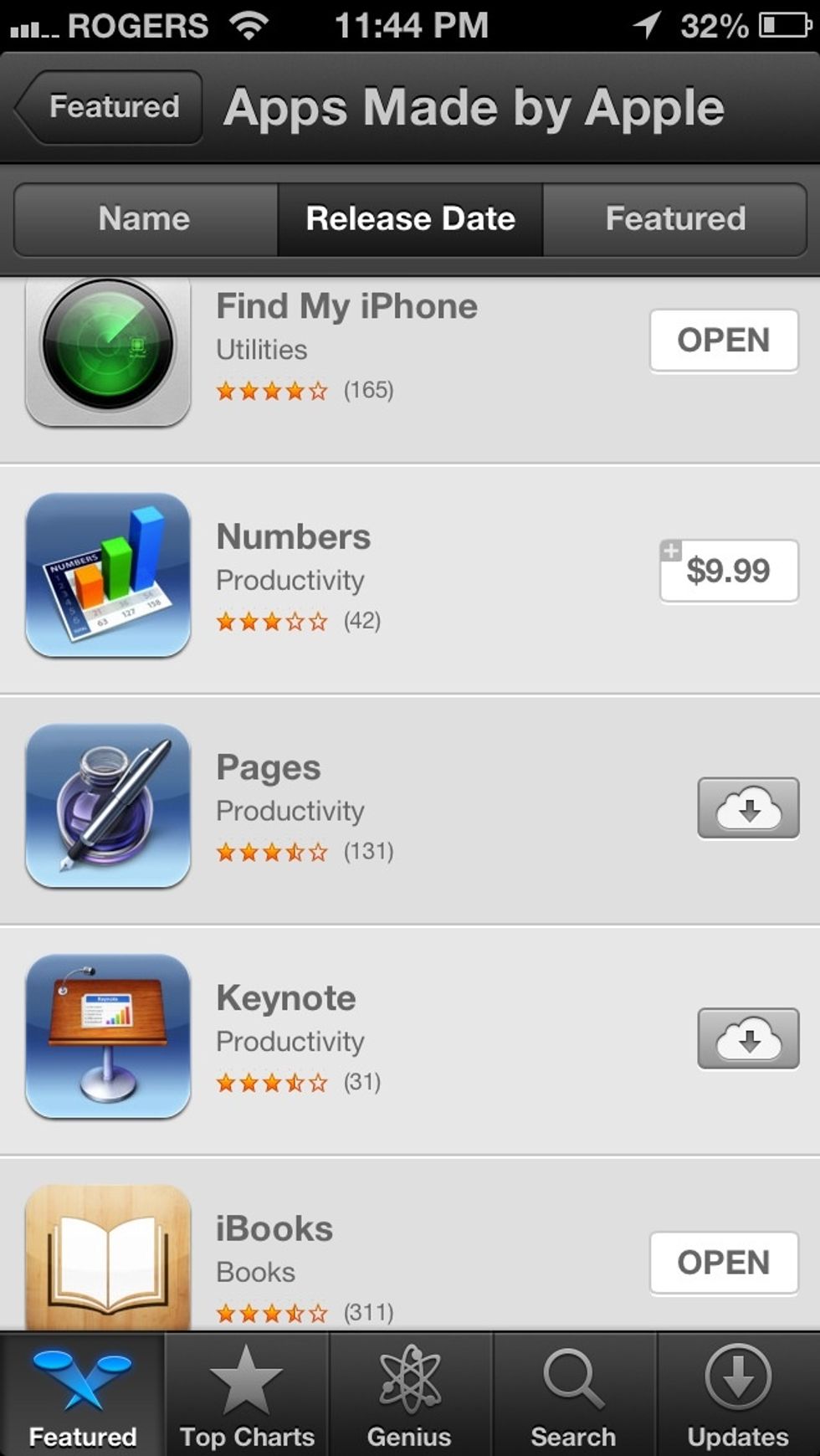
If you want to make documents, iWork (pages, numbers and keynote) is the best on the AppStore. Google drive can make documents also completely free (no PowerPoint alternative however)
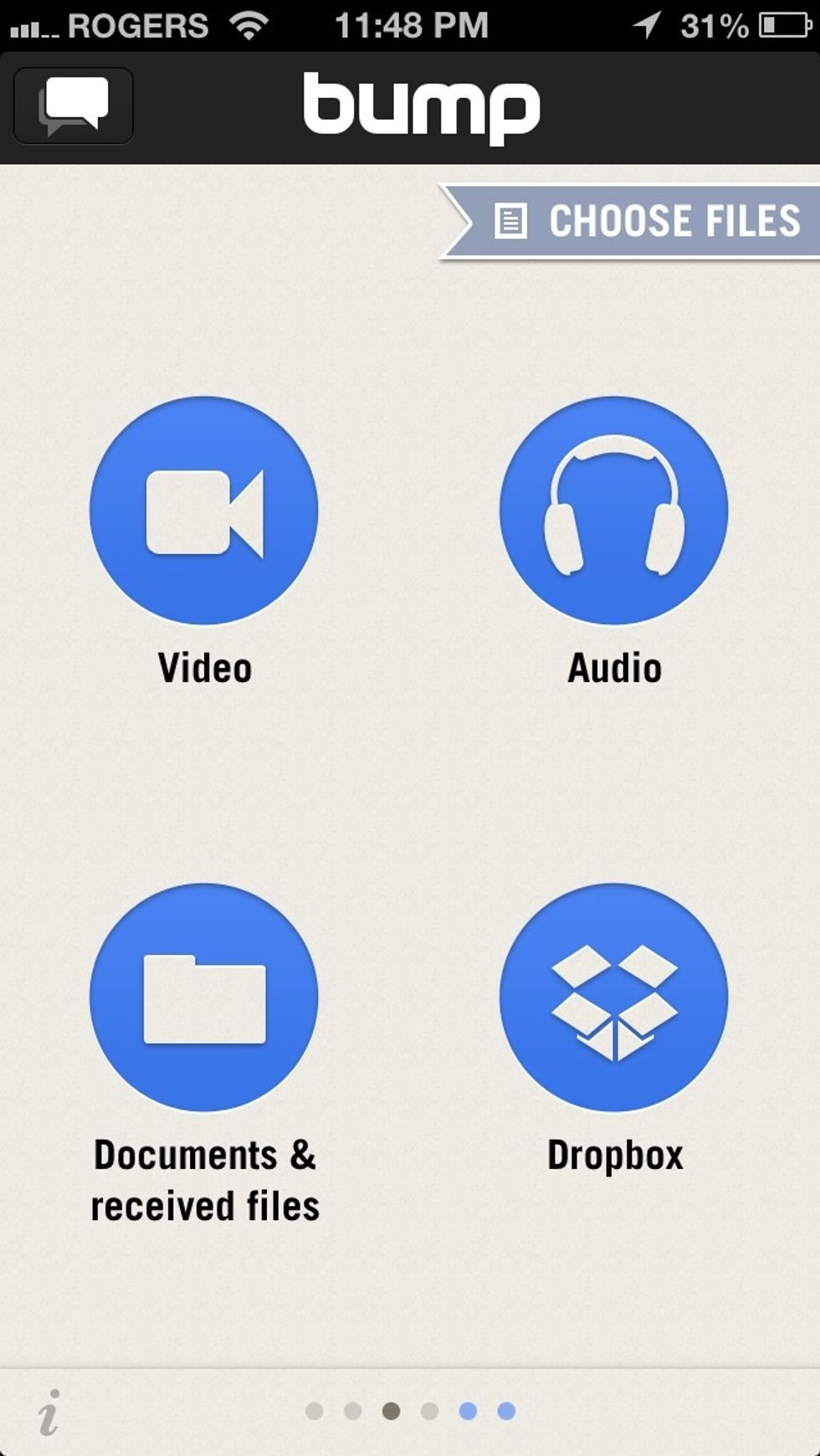
If you want quick and easy sharing of photos, files etc. between your iOS devices, bumb is a great choice (iOS 7 will be adding airdrop which will replace some of these functions)
I really hope the best of luck for anyone who tries this. If you want to see more app alternatives that I didn't cover, leave a comment and I will answer!

Please support us so we can keep doing what we do by following us on twitter @AskSUAPP or visiting http://www.suapps.blogspot.com it's greatly appreciated!