
The Conversation (0)
Sign Up
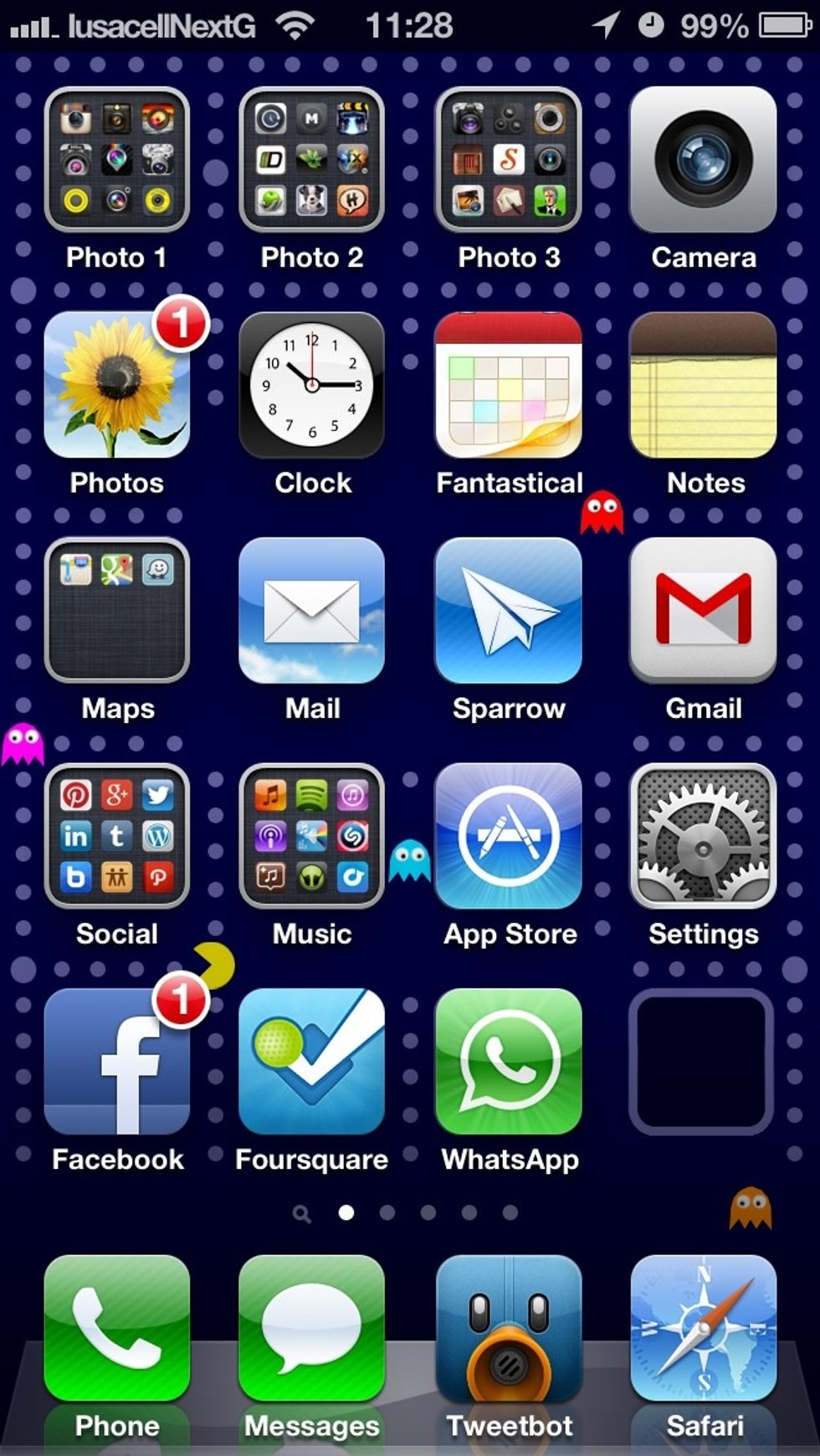
Tap on the 'Settings' app on your home screen.
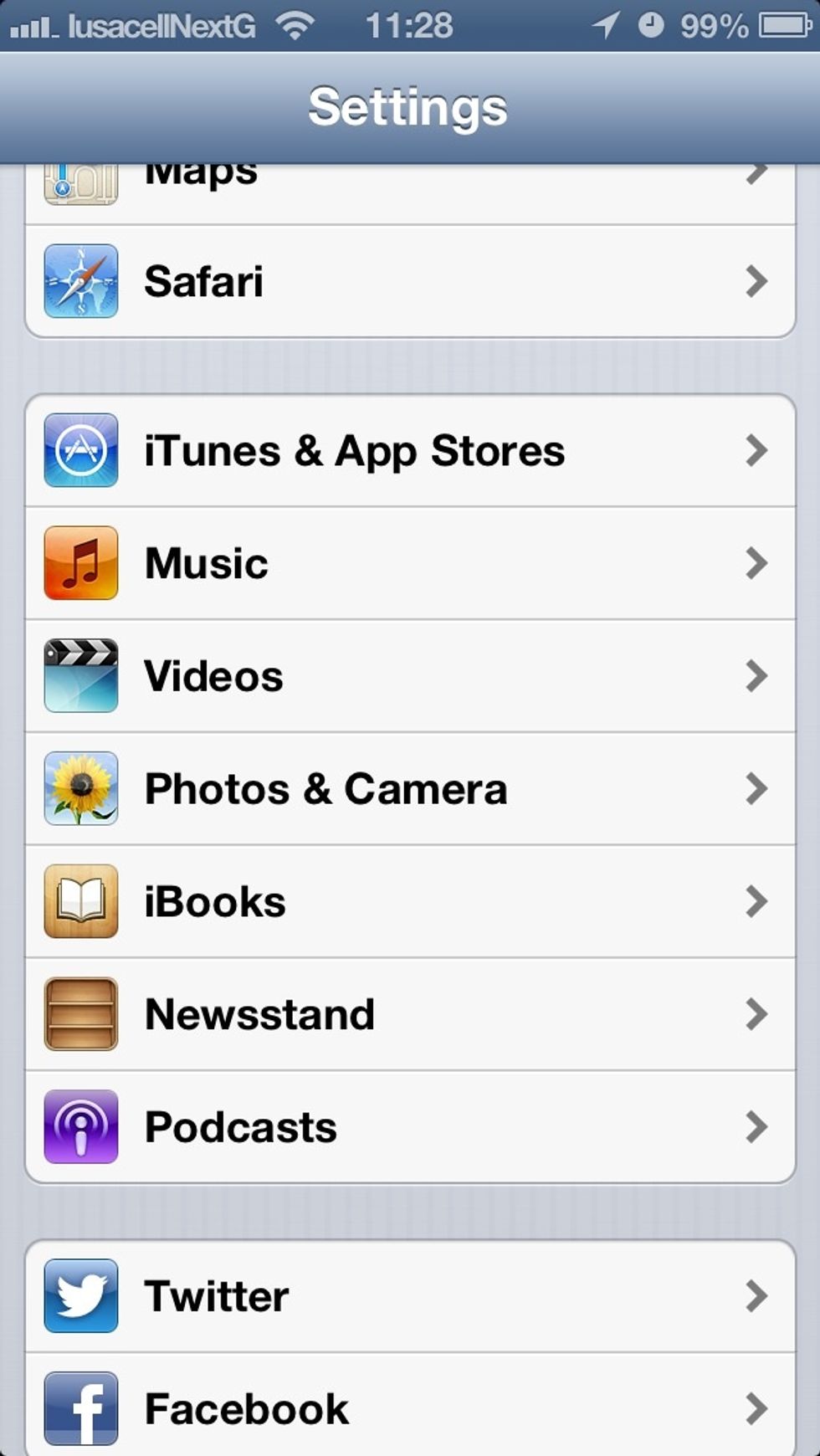
Scroll down to the 'iTunes & App Stores' menu item on the first settings menu screen.
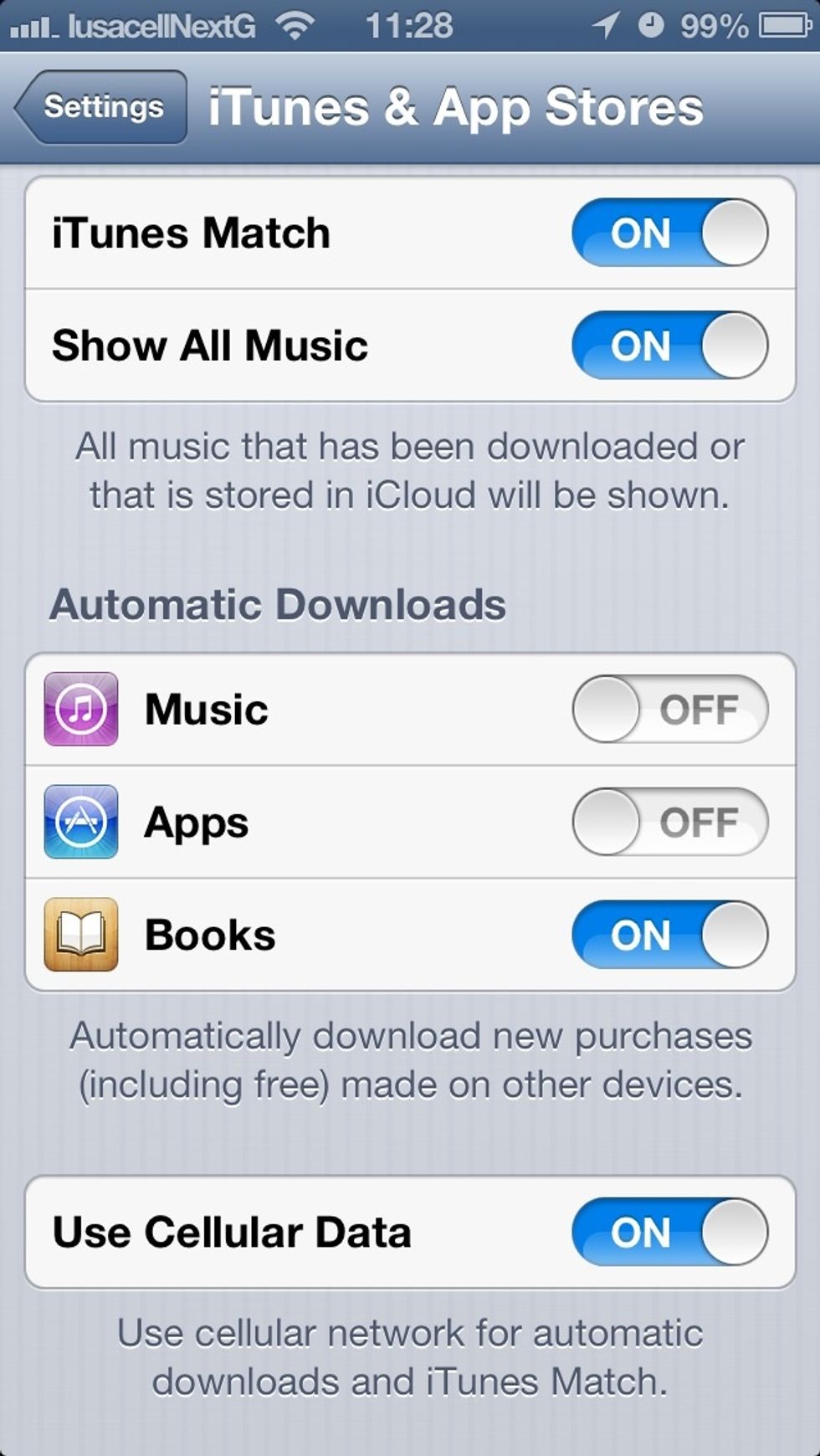
Scroll down to 'Automatic Downloads,', and slide 'Apps' option to'ON.' If you want to allow automatic downloads to happen through cellular data (careful with data caps) slide the last option to ON.