How to add bokehs to photos with bokehbooth on iphone

Add Bokehs to Photos With Bokehbooth on iPhone

53
STEPS
TOOLS

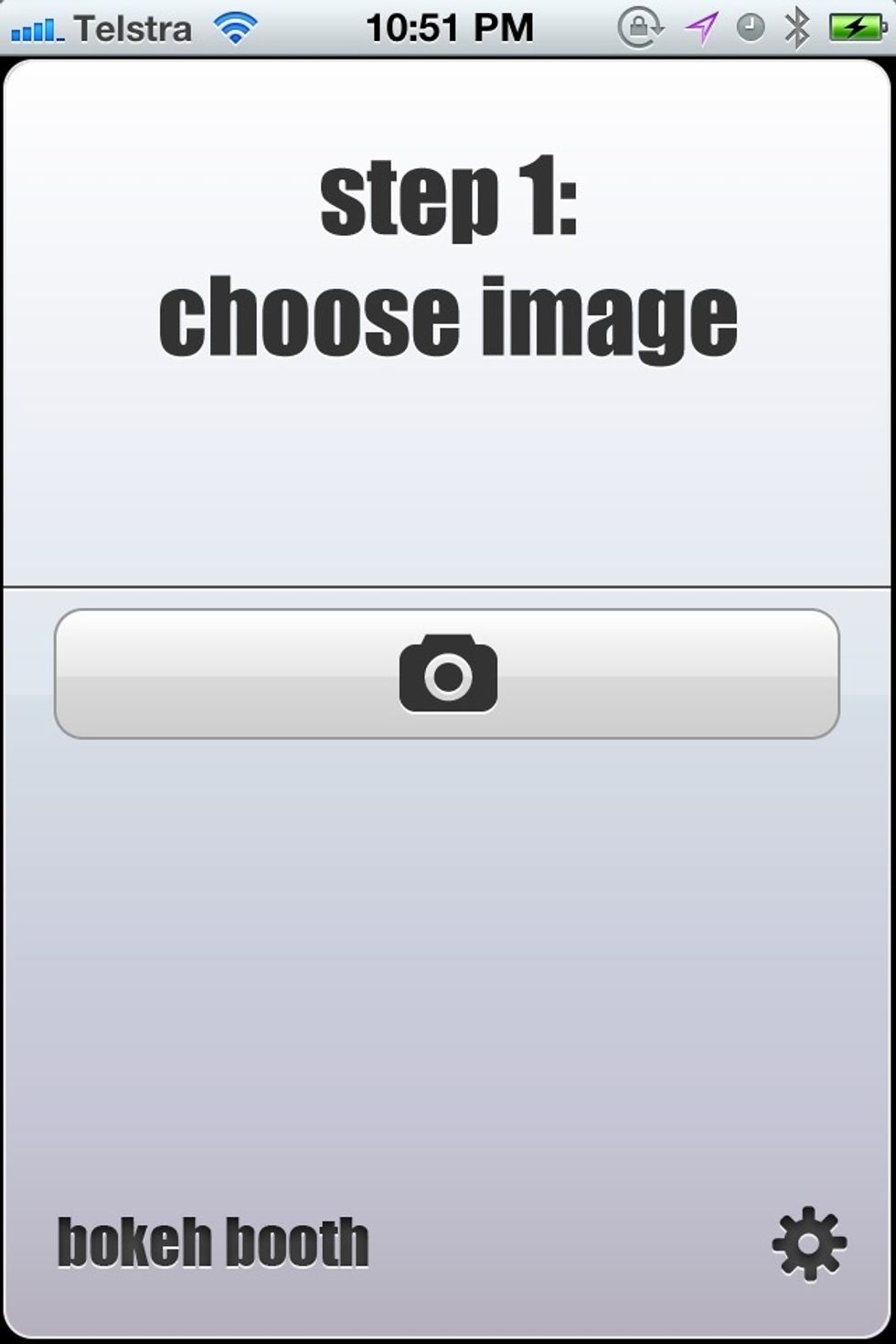
Start the app and hit the big button to pick a photo

Start the app and hit the big button to pick a photo

Slide the glowing icon left or right to select a bokeh shape
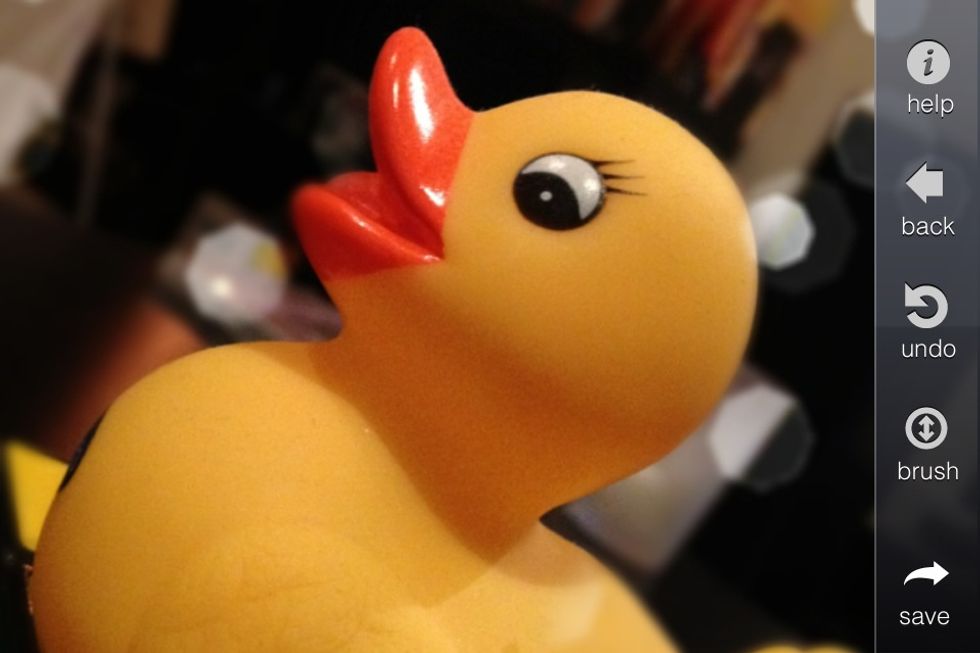
Slide the glowing icon left or right to select a bokeh shape

Draw with your finger to erase the effect from the foreground

Draw with your finger to erase the effect from the foreground

You're done! There's more options you can play with but I'll leave them for another guide!

The creator of this guide has not included tools