
The Conversation (0)
Sign Up
This guide is access the Self View option in Telepresence. It requires that you NOT be in a TelePresence Call.
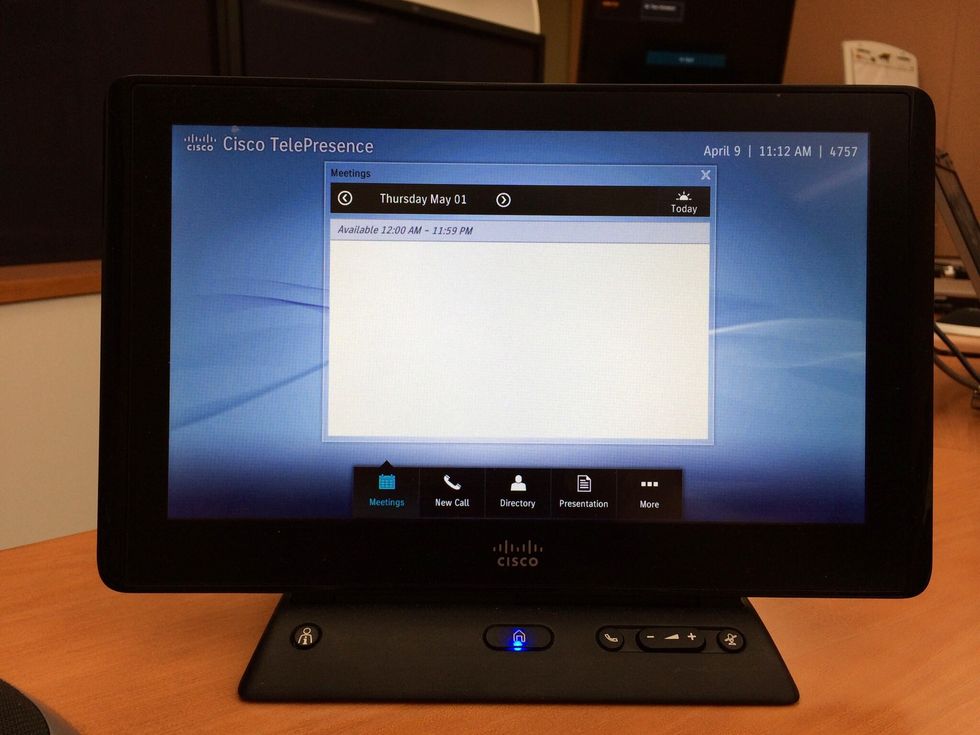
On the TOUCH PANEL, tap the MORE BUTTON.
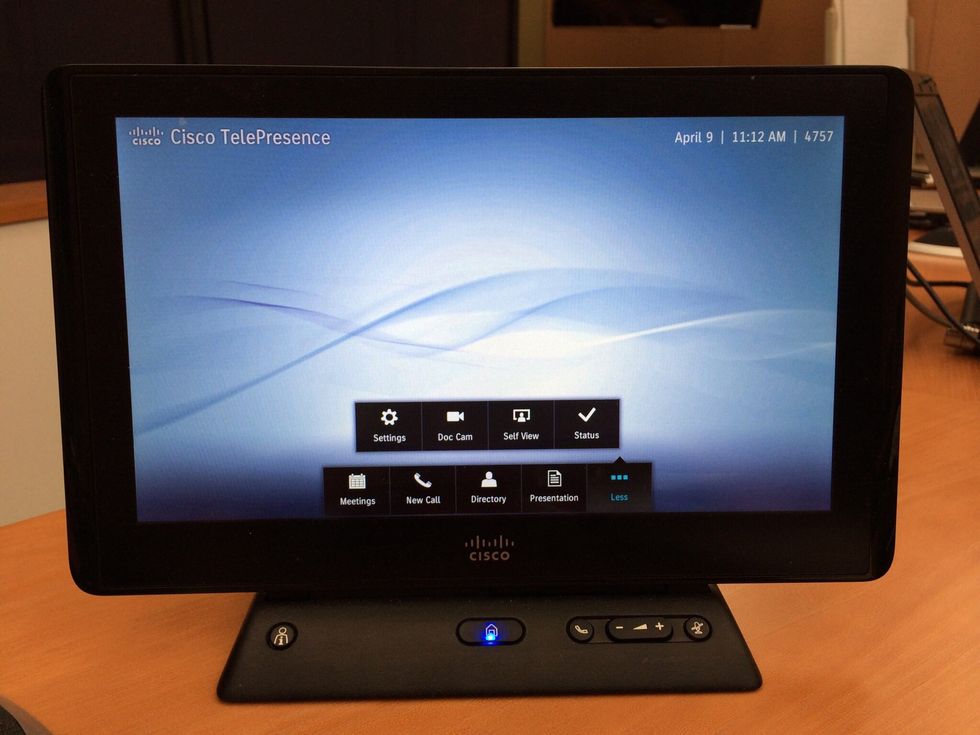
Tap SELF VIEW.
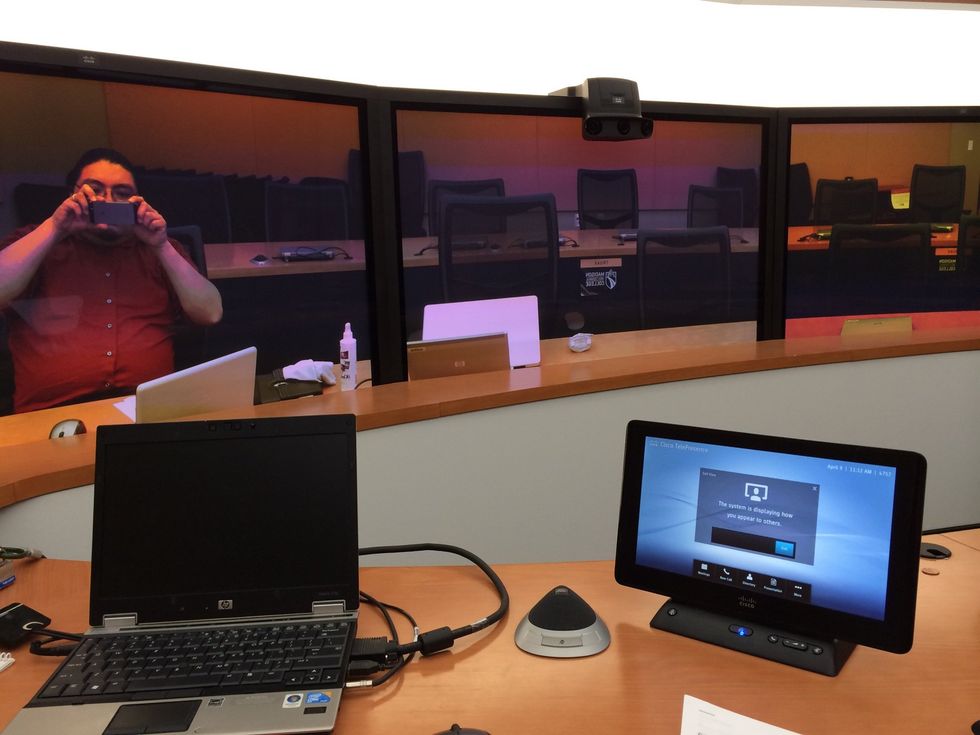
You should see yourself on the Screen. It may automatically disconnect you after 10 seconds.
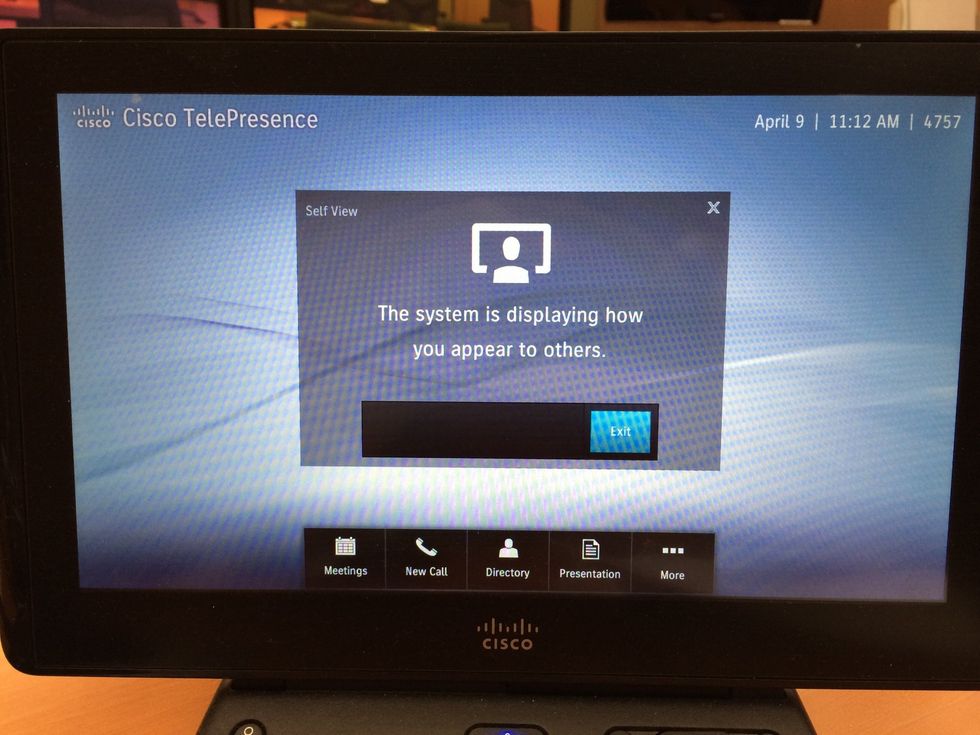
If you want to disconnect immediately, go to the TOUCH PANEL and tap EXIT.